






HitPaw VikPea Crack: Is It Safe or Worth the Risk?
Summary
Searching for "HitPaw VikPea Crack" may seem like a way to get premium AI video enhancement for free, but cracked versions come with serious security, stability, and legal risks. This article explains why cracked VikPea is unsafe, compares it with the official version, and shows how to get the full, legitimate software at a discounted price.
The demand for high-quality video content is skyrocketing. Whether you're a content creator, a filmmaker restoring old family footage, or a marketer, tools that can magically transform low-resolution, blurry, or faded videos are essential. One of the leading contenders in this space is HitPaw VikPea (previously known as HitPaw Video Enhancer).
This post will explore what HitPaw VikPea offers, contrast the official version with the tempting but dangerous "crack" alternatives, and show you how to get the full, safe version with an exclusive discount.
Note: HitPaw VikPea is the new name of HitPaw Video Enhancer. Many users still search for "HitPaw Video Enhancer crack" because it was the previous version of the software.
Part 1. What is HitPaw VikPea?
HitPaw VikPea is an advanced AI-driven video enhancement and repair software designed to automatically improve video quality, upscale resolution, and bring old or damaged footage back to life. It leverages cutting-edge Artificial Intelligence to analyze and process videos frame by frame, achieving results that manual editing often cannot match.Here are the remarkable features and functions:
1. AI Video Enhancement
Summary: Uses specialized AI models to upscale videos to 4K or 8K while restoring sharpness and reducing noise.
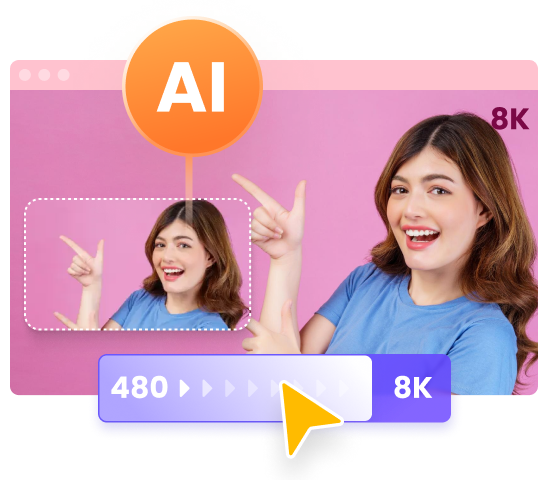
At its heart, VikPea uses various specialized AI models to upscale videos from low resolutions (like 480p or 720p) up to pristine 4K or even 8K. It intelligently restores details, removes noise, and sharpens images, making blurry videos look crisp and professional. Different models are available for different content types (e.g., General Restoration Model, Animation Model, UHD Model, Portrait Model, etc.).

2. AI Colorist (New Feature)
Summary: Automatically colorizes black-and-white or faded videos with frame-consistent, natural-looking colors.
The AI Colorist is an advanced, AI-driven colorization model. It analyzes every frame of a video, applying precise, regional color correction and grading. This is especially revolutionary for black-and-white or faded footage, injecting new, lifelike colors while maintaining smooth transitions, color consistency across consecutive frames, and the authentic, original feel of the footage.
3. Video Repair
Summary: Fixes corrupted or unplayable video files and restores smooth playback.
VikPea also comes with a Video Repair feature that fixes broken, corrupted, or unplayable files. Whether caused by transfer errors or damage, the AI algorithm restores the playback structure, ensuring a smooth, viewable result.
4. Video Background Removal and Replacement
Summary: Removes or replaces video backgrounds using AI segmentation without green screens.
HitPaw VikPea's intelligent AI-powered the background manipulation tool simplifies the process of removing or replacing video backgrounds. This is ideal for uploading professional content, a virtual presentation, or social media posts.
5. AI Video Generator
Summary: Creates high-quality AI-generated videos from text, images, or prompts.
HitPaw VikPea makes it easy for anyone to turn ideas into engaging visual content. By combining intuitive controls with powerful AI video generation models, it allows you to create smooth, high quality AI generated videos from text, images, or creative prompts. Whether you are producing short clips for social platforms, experimenting with concepts, or enhancing existing visuals, it delivers fast, polished results with minimal effort.
Other Key Highlights
- Supports a wide variety of input/output formats.
- Split-Screen Real-Time Preview allows for instant comparison of the original and enhanced result.
- Batch processing capability for enhancing multiple videos simultaneously.
- Cloud Export functionality for faster and more efficient rendering.
Part 2. The Comparison Between VikPea Official & Crack
The key difference between the official and cracked versions of HitPaw VikPea lies in security, feature availability, system stability, and legal compliance.
| Feature | HitPaw VikPea Official | HitPaw VikPea Crack/Pirated |
|---|---|---|
| Security & Safety | 100% Safe: Virus-free, no malware, no spyware. | High Risk: Often bundled with viruses, ransomware, or keyloggers. |
| Functionality | Full Features: All AI models, updates, and cloud services included. | Limited/Unstable: Often crashes, features are disabled, or output is watermarked. |
| Updates & Support | Free Lifetime Updates & dedicated Technical Support. | None: Cannot be updated; risks being blocked by the developer. |
| Ethics & Legality | Legal & Ethical: Supports the developers' work. | Illegal & Unethical: Copyright infringement. |
| Performance | Runs smoothly with cloud acceleration. | May compromise your PC's performance. |
Note: While cracked versions may seem “free,” they come with significant trade-offs in terms of security, stability, and legal risk.
Part 3. Is HitPaw VikPea Full Crack Safe to Download?
No, HitPaw VikPea crack is not safe. Cracked versions often contain malware, lack updates and support, risk data loss, and violate software copyright laws.
1. Damage to Computer
Cracked installation packages frequently include hidden malware or viruses. These malicious programs may interfere with your system's security, steal important data or permanently harm your device. The risks greatly surpass the savings associated with utilizing illegal software.
2. No customer support
Users of cracked versions are not protected by customer service. If you experience technical challenges, bugs or require assistance, you will not have access to official help channels, leaving you trapped with unresolved issues.
3. Risk of Data Loss
Cracked software may malfunction or corrupt files that may result in data loss. such versions may include secret backdoors that allow hackers to access your personal data, putting your information and privacy at serious danger.
4. Unable to Enjoy Updated Versions
Cracked versions do not receive upgrades, resulting in out-of-date functionality and possibly security issues. Official versions provide you with the most recent changes, bug fixes and performance improvements, ensuring that the product remains dependable and efficient.
5. Ethical concerns
Using cracked software interferes with developers' attempts to create high-quality products. It also harms the industry by discouraging innovation and fair compensation, rendering it an unethical decision.
In short, cracked versions of HitPaw VikPea expose users to malware, data loss, system instability, and legal consequences.
HitPaw VikPea Download Link from Official Website:




Part 4. HitPaw VikPea Pricing: Get HitPaw VikPea Full Version with Exclusive Coupon
The best and safest way to experience the full power of HitPaw VikPea is by purchasing the official license. HitPaw frequently runs official promotions for major holidays like Anniversary, Back-to-School, Halloween, Black Friday, and Christmas/New Year.
You can always monitor the official promotion page for the latest deals. Also, you can use this exclusive coupon code below to get 20% off the Annual or Lifetime License right now.
Coupon Code: HP-AI-20
How to Use Your Discount Code:
-
Go to the official HitPaw VikPea purchase page and choose either the Yearly or Lifetime license.
Click the "Apply Now" button to apply the 20% off coupon. You’ll instantly see the 20% discount applied.
Click "Buy Now" button for your chosen plan.
In the shopping cart, ensure the total price has been successfully reduced by 20% before you proceed with the payment.
Part 5. How to Use VikPea to Upscale Videos
Once you have the secure, official version of HitPaw VikPea, the process of enhancing your videos is incredibly straightforward.
Here’s how to upscale and enhance videos using the official HitPaw VikPea in six simple steps.
Step 1: Download and Install the Official Version
Visit the official HitPaw website, download the latest version of VikPea, and follow the on-screen instructions to install the application securely on your Windows or Mac computer.
Step 2: Launch Software and Import Original File
Open HitPaw VikPea and choose Video Enhancer. Click the button to import your video file directly into the application window.
Step 3: Select the Appropriate AI Enhancement Model
This is the most critical step. VikPea offers multiple AI models, each optimized for specific content:
- General Restoration Model: Best for standard footage, landscapes, and daily videos, focusing on noise reduction and clarity.
- Portrait Model: Specifically designed to enhance facial details, smooth skin, and sharpen features in videos containing people.
- Animation Model: Perfect for upscaling anime, cartoons, and other animated content while preserving the sharp lines and color gradients unique to animation.
- AI Colorist: Use this to bring color back to black-and-white or faded vintage videos.
Step 4: Configure Output Settings
Before exporting, customize your output specifications. You can set the Resolution (e.g., from 480p to 4K), adjust the Frame Rate, change the Bit Rate, and select the desired Format (e.g., MP4, MOV).
Step 5: Use the Split-Screen Preview
To ensure the settings and AI model are achieving the desired result, click the "Preview" button. The software will render a short section of the video, allowing you to instantly compare the "Original" and "Enhanced" versions side-by-side using the movable split-screen line.
Step 6: Export the Enhanced Video
Once you are satisfied with the preview, click the "Export" button. The software will begin the full rendering process, utilizing your GPU acceleration and cloud services for fast and high-quality export.
Part 6. FAQs
1. Is HitPaw VikPea crack safe to use?
HitPaw VikPea crack versions found on third-party sites often contain modified installation files that may include malware, adware, or hidden scripts. These versions also bypass official updates and security patches. For safety and stable performance, it is recommended to download the official version from the HitPaw website.
2. Is HitPaw VikPea free to use?
HitPaw VikPea offers a free trial that allows users to test its AI video enhancement features before purchasing a license. The trial version lets you preview enhanced videos, while the full version unlocks complete export functions and additional AI models.
3. Is HitPaw VikPea the same as HitPaw Video Enhancer?
Yes. HitPaw VikPea is the new name of HitPaw Video Enhancer. The software was officially rebranded but still provides the same AI video enhancement features such as video upscaling, restoration, and quality improvement.
Conclusion
Using a HitPaw VikPea crack is not worth the risk due to security threats, unstable performance, and legal issues, while the official version offers a safe, reliable, and fully featured AI video enhancement experience. While searching for "HitPaw VikPea Crack" might seem tempting, it’s not worth the risks. Cracked versions are unstable, unsafe, and illegal. The official HitPaw VikPea offers full AI-powered enhancement, secure updates, and professional support—everything you need to restore, colorize, and upscale videos effortlessly.
Use the exclusive code HP-AI-20 for a 20% discount and enjoy all features safely and legitimately.
Try the official version today and experience how AI transforms your videos into masterpieces.
 HitPaw Edimakor
 HitPaw FotorPea
 HitPaw Univd (Video Converter)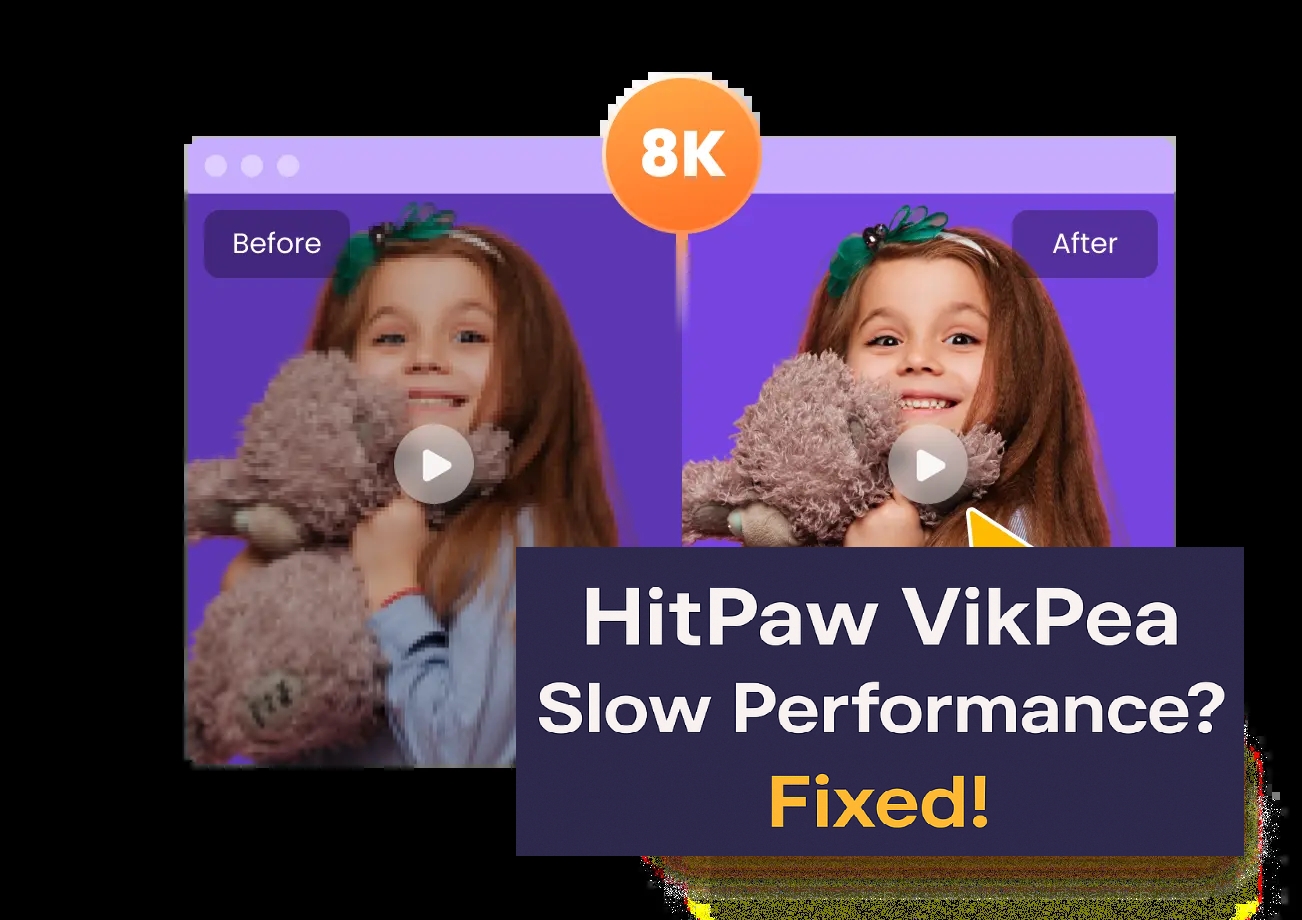

Share this article:
Select the product rating:
Daniel Walker
Editor-in-Chief
This post was written by Editor Daniel Walker whose passion lies in bridging the gap between cutting-edge technology and everyday creativity. The content he created inspires the audience to embrace digital tools confidently.
View all ArticlesLeave a Comment
Create your review for HitPaw articles