





Enhance AI Game Trailers & Upscale Cinematics
Struggling with blurry textures, motion jitter, or low resolution in your AI-generated game footage? HitPaw VikPea helps game creators, trailer directors, and virtual world designers fix low-detail renders, smooth fast-action sequences, and upscale AI game cinematics to crystal-clear 4K. Turn raw AI renders into broadcast-ready game trailers instantly.


Fix Textures, Smooth Motion, and Upscale AI Game Videos Effortlessly

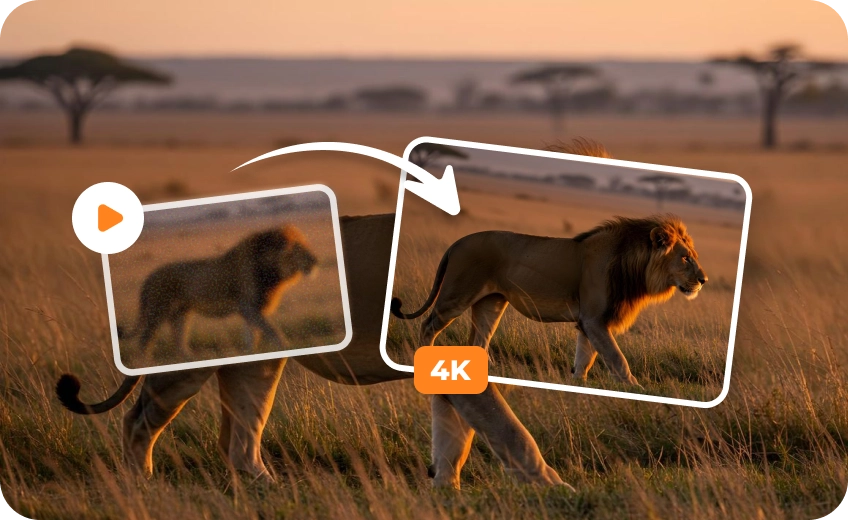
4K Resolution Upscaling for Game Trailers
Low-resolution AI-generated footage may lack the clarity needed for large-screen previews, promotional videos, and creative portfolios. VikPea upscales suitable game videos to 1080P & 4K, helping refine edges and preserve visible scene details for a sharper, more polished presentation.
AI Texture Sharpening & Detail Restoration
AI-generated game scenes can contain blurry backgrounds, soft textures, and indistinct surface details. VikPea AI video enhancement helps restore visible details in rock formations, character armor, foliage, and architectural elements, making virtual environments look clearer and more defined without excessive sharpening.
Smart Motion Interpolation for Smoother Game Cinematics
Fast camera pans, character movements, and action-heavy scenes in AI-generated videos can look choppy when the frame rate is low. VikPea's AI frame interpolation generates intermediate frames to improve motion smoothness, with output frame rates of up to 60 FPS or 120 FPS.
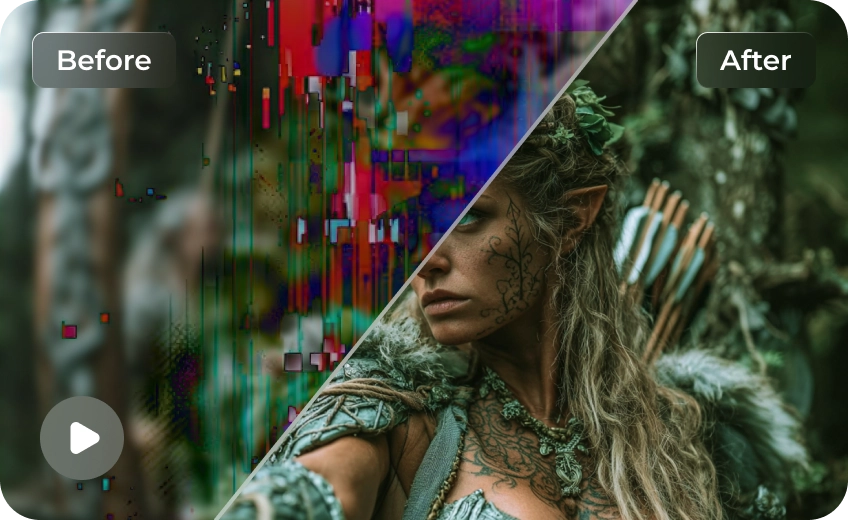
AI Denoiser & Artifact Removal for Clean Game Renders
Eliminate flickering artifact lines, compression grain, and visual noise generated during AI video rendering. VikPea cleans up scene transitions and dynamic lighting effects, ensuring your virtual world cinematics look polished, realistic, and commercially viable.

Multi-Format Support

Batch Processing

Real-Time Preview

Local Perfomance
Tailored AI Video Enhancement for Every Game Creator
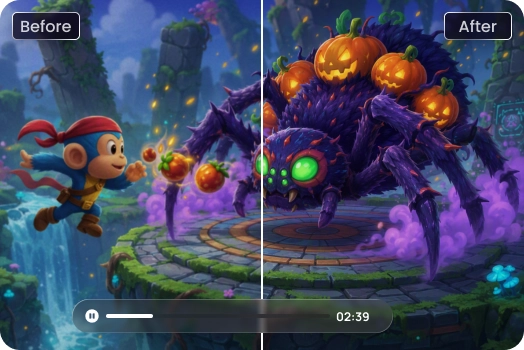
AI Game Content Creators
Sharpen blurry textures in AI-generated gaming clips to create high-impact, crystal-clear teasers for social media and streaming platforms.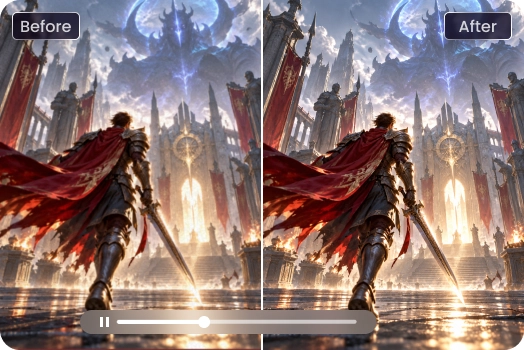
Game Trailer Producers
Eliminate motion stutter in fast-action sequences and upscale raw AI renders to smooth, broadcast-ready 4K promotional trailers for Steam.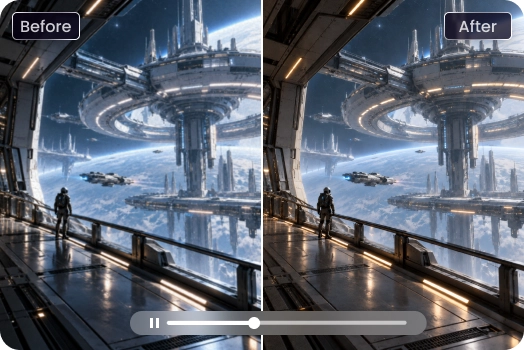
Virtual World Creators
Clean up render noise and bring out vibrant environmental details in virtual world flythroughs to showcase immersive digital spaces.Cost Breakdown: Native 4K vs. Low-Res + HitPaw Upscaling
Want to save up to 75% on 4K video costs? Instead of rendering resource-heavy footage directly in 4K, smart creators are shifting to a high-efficiency workflow: generating content at a lower resolution and upscaling it using the HitPaw VikPea. Here is how the two approaches stack up in terms of cost, speed, and efficiency.
| Model Name | 720p/min($) | 1080p/min($) | 4k/min($) |
|---|---|---|---|
| Kling 3.0 Omni | $7.56 | $10.08 | $25.20 |
| Seedance 2.5 | $13.56 | $33.55 | Not Supported |
| Veo 3.1 Standard | $24.00 | $24.00 | $36.00 |
| Runway Gen-4.5 | $7.20 | Not Supported | Not Supported |
| Vidu Q4 Preview | $5.70 | $7.20 | $23.40 |
| Wan 3.0 Video | $4.95 | $9.90 | Not Supported |
| Grok Imagine Video 1.5 | $8.40 | $15.00 | Not Supported |
| PixVerse V6 | $3.60 | $6.90 | Not Supported |
| Luma Ray3.2 | $5.40 | $21.60 | Not Supported |
| VikPea Plan | Monthly Plan | Yearly Plan | Perpetual Plan |
|---|---|---|---|
| Cost of 4K Upscaling | about $1.43/Day | about $0.27/Day | <$0.02/Day |
What Users Say about HitPaw VikPea AI Game Enhancer

Lead Indie Game Developer

"Generating cinematic teasers with AI saved us weeks, but the blurred ground textures ruined the immersion. VikPea restored the fine details on character gear and rock surfaces."

Game Marketing Producer
"Fast-action combat scenes generated by our AI tools always suffered from severe motion jitter. VikPea’s frame interpolation smoothed out our 60FPS trailer montages seamlessly."

Metaverse World Designer
"I use AI video tools to showcase large-scale virtual cities, but standard outputs lack sharpness when viewed full screen. VikPea upscaled my virtual flythroughs to crisp 4K."
How to Enhance AI Game Videos in 3 Easy Steps
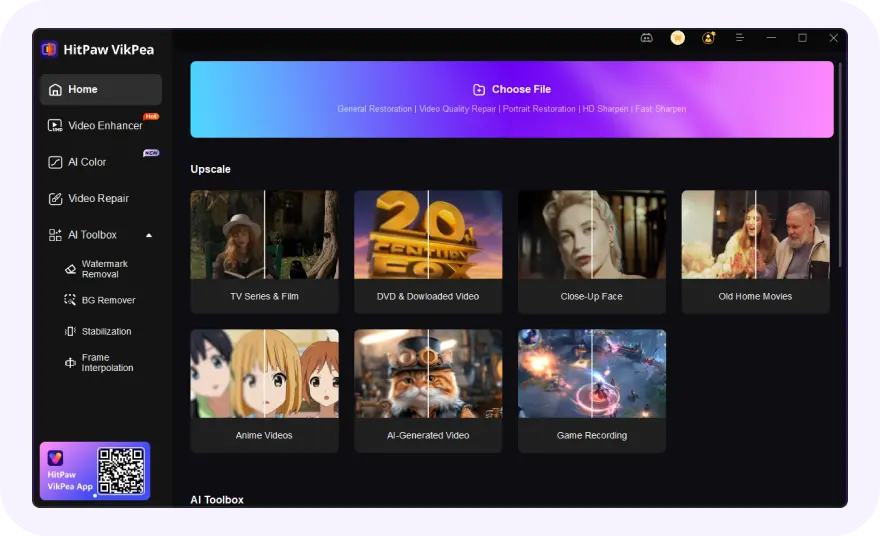
Upload Your AI Game Video
Import your AI-generated game footage, virtual world flythrough, or raw cutscene render directly into VikPea.
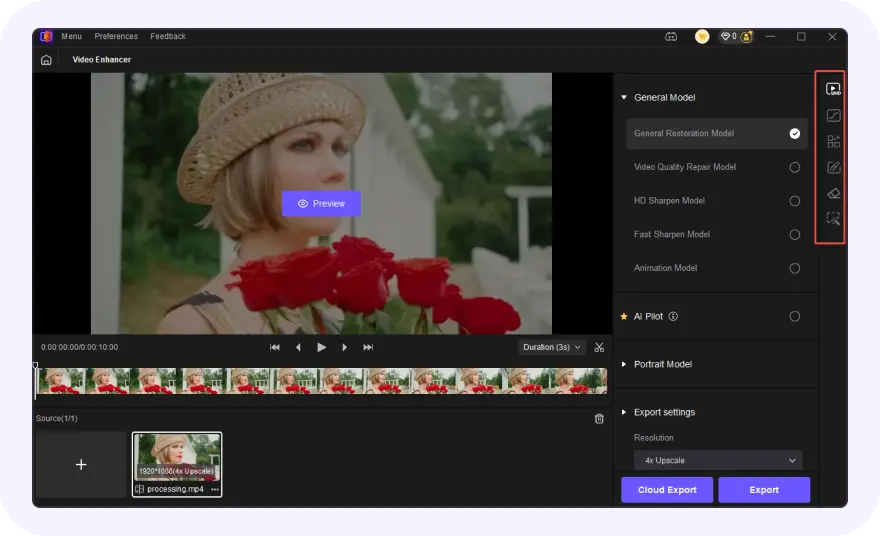
Choose an AI Enhancement Model
Choose specialized AI models for game texture sharpening or frame interpolation, then set your output resolution up to 4K.
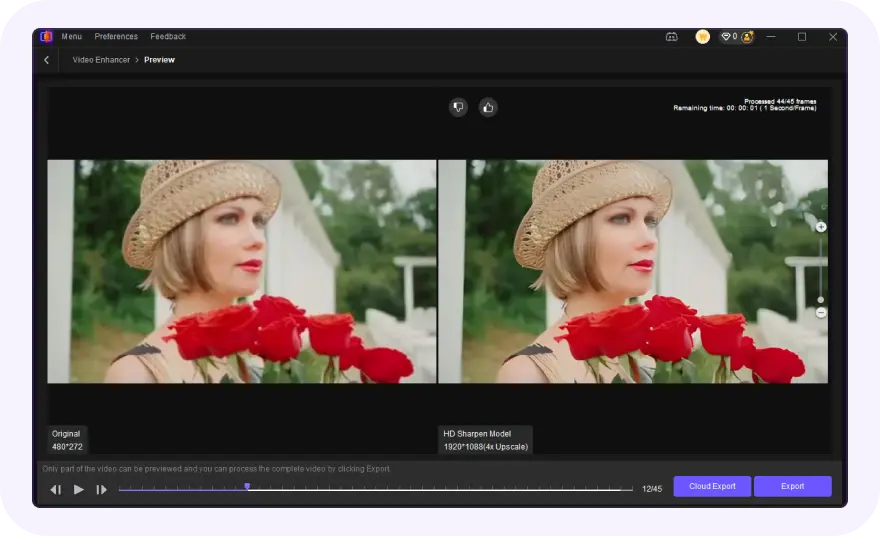
Preview and Export High-Quality Game Footage
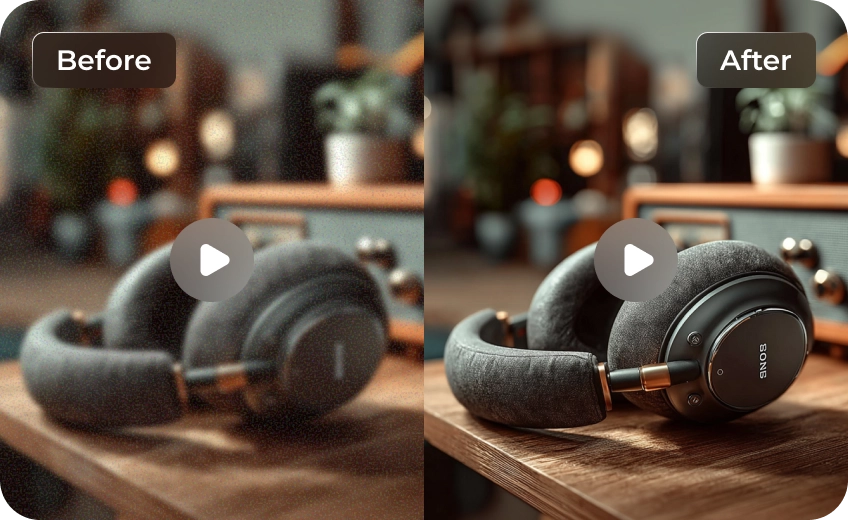
Preview the before-and-after contrast in real time, then export your video for game presentations, trailers, or online sharing.
Discover More Video Tools with HitPaw VikPea
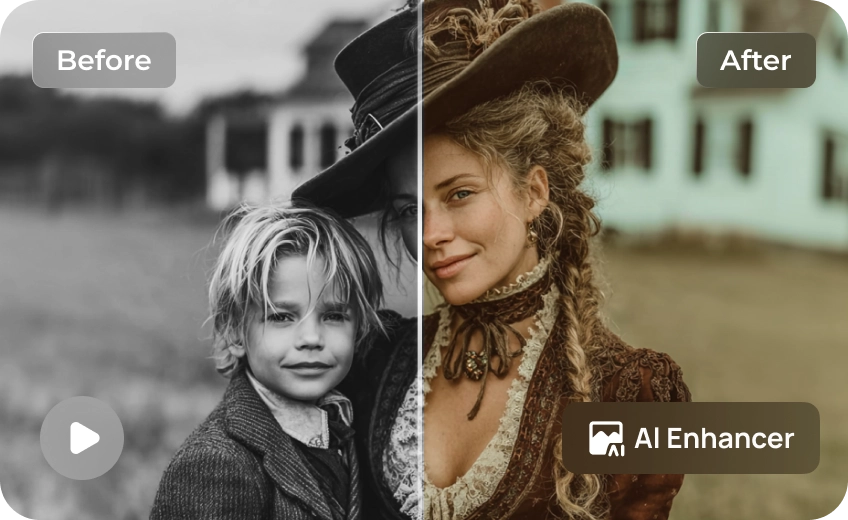
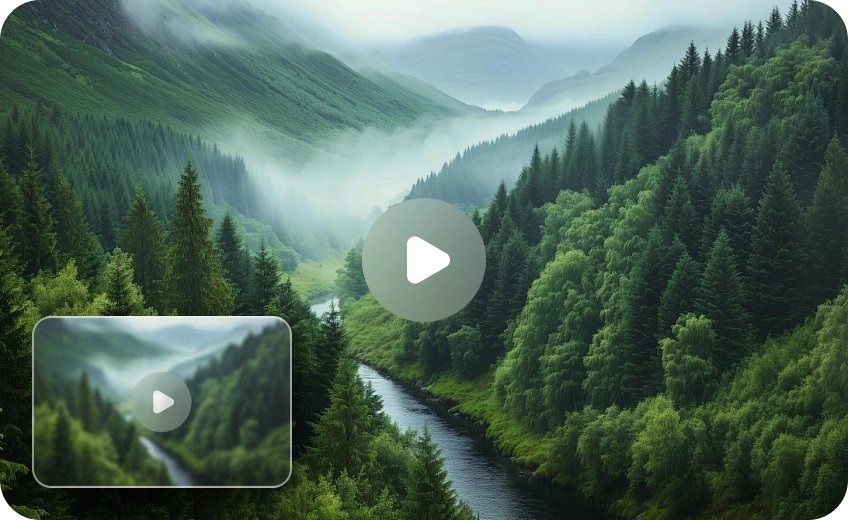
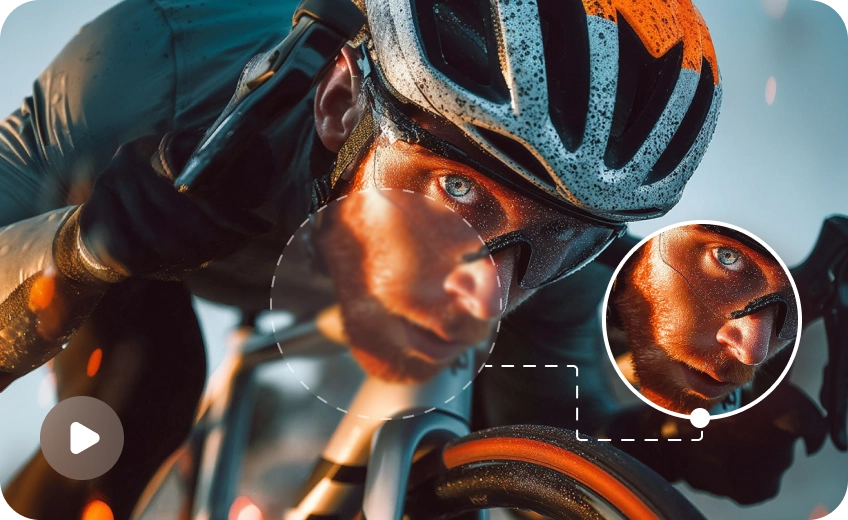
FAQs About AI Game Video Enhancement
No. Unlike traditional upscalers, VikPea uses deep-learning models trained on visual assets to intelligentally reconstruct sharp textures, surface grain, and edge clarity specifically tuned for 3D and gaming visuals.
Most AI video generation models optimize for speed and frame coherence rather than high-resolution detail. This frequently results in compressed textures, blurry environmental backgrounds, and lost fine details in complex game scenes.
AI generators synthesize videos frame-by-frame or at lower native frame rates (often 15–24 FPS). During fast camera pans or high-speed action, the AI struggles to predict continuous motion, leading to stuttering, ghosting, and choppy playback.
Yes. VikPea uses advanced motion-aware frame interpolation to calculate vector movement between frames, converting stuttery AI clips into fluid 60FPS or higher videos without visual distortion.
Tips & Tricks for VikPea AI Game Video Enhancer
 HitPaw VikPea
