





Turn Blurry Kling 4.0 Clips into Crystal-Clear 4K Masterpieces
Enhance your Kling 4.0 videos with HitPaw VikPea. Fix blurry faces, soft textures, low resolution, and compression artifacts with AI-powered video enhancement. Upscale Kling AI videos to 4K, restore fine details, and create sharper, clearer visuals for social media, marketing, and creative projects.


Upgrade Your Kling AI 4.0 Clips with AI-Powered Precision
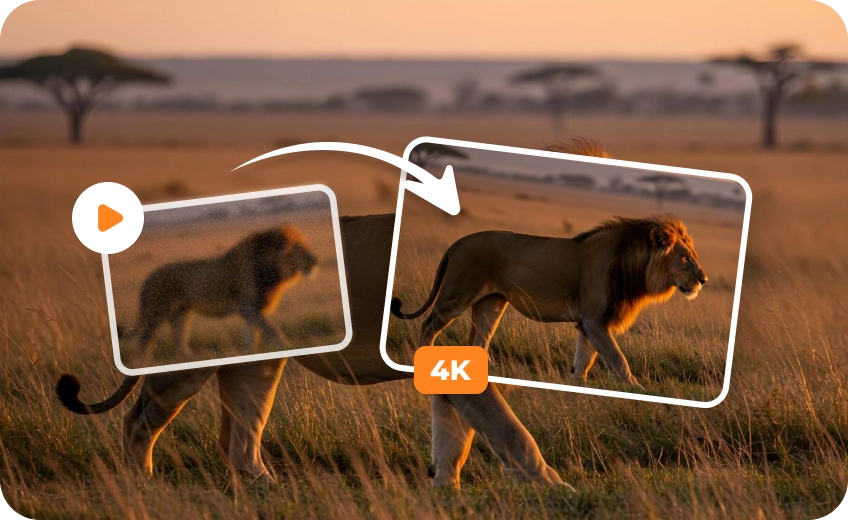
Scale 720p Kling Videos to Crisp 4K Resolution
Stop letting low-resolution AI videos ruin your project visuals. Seamlessly upscale Kling AI videos to 4K without artificial stretching, reconstructing sharp edges and crisp clarity for commercial displays, YouTube, and high-res social feeds.

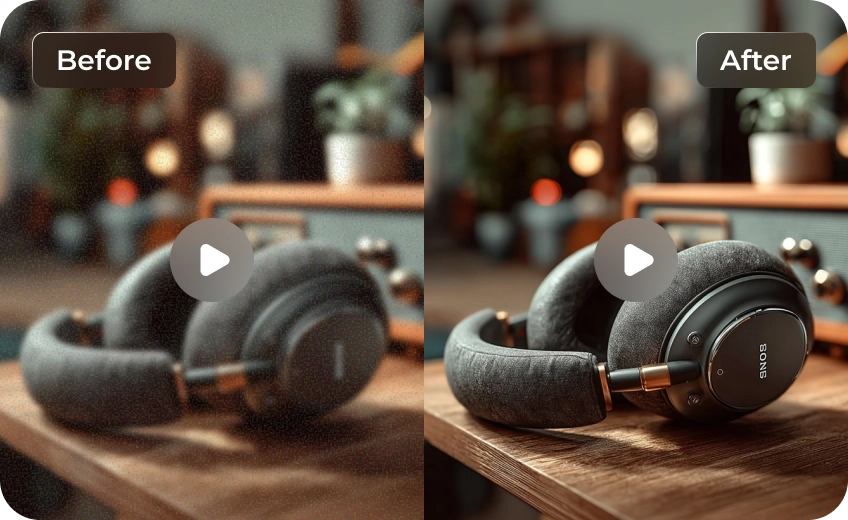
Reclaim Intricate Textures and Fine Environmental Details
Eliminate smudging, blurry vegetation, and soft textures in raw Kling 4.0 renders. Advanced AI video quality enhancement algorithms rebuild lifelike fabric threads, individual hair strands, leaves, and product surfaces with pinpoint accuracy.
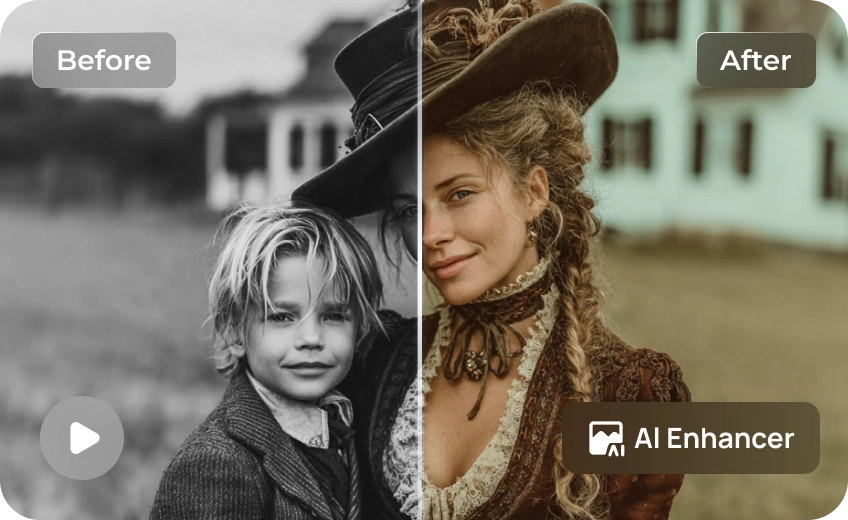
Restore Lifelike Facial Features and Natural Skin Textures
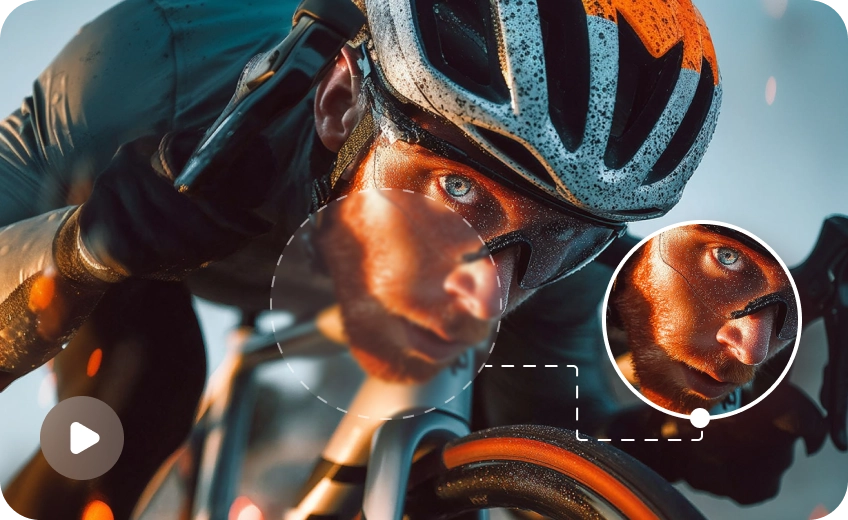
Fix plasticky skin and blurry eyes instantly. VikPea sharpens eye details, lips, and facial contours in AI shorts while maintaining temporal consistency and natural skin tone across consecutive frames without unnatural over-smoothing.
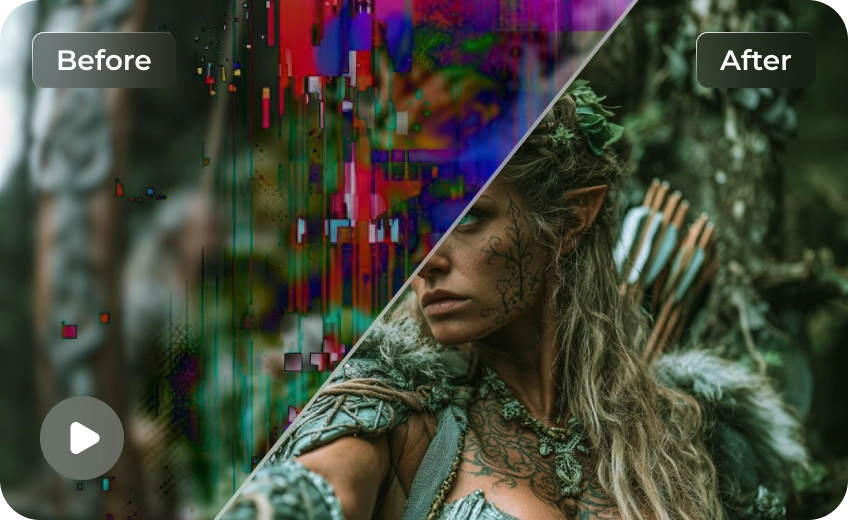
Eliminate Compression Artifacts and Visual Noise Distortion
Clean up unsightly color banding, digital grain, and blocky encoding artifacts. Precision denoising restores clean gradients in low-light Kling renders, preserving genuine video texture while eliminating low-bitrate flaws across your footage.

Multi-Format Support

Batch Processing

Real-Time Preview

Local Perfomance
Use Cases for HitPaw VikPea Kling 4.0 Video Upscaler
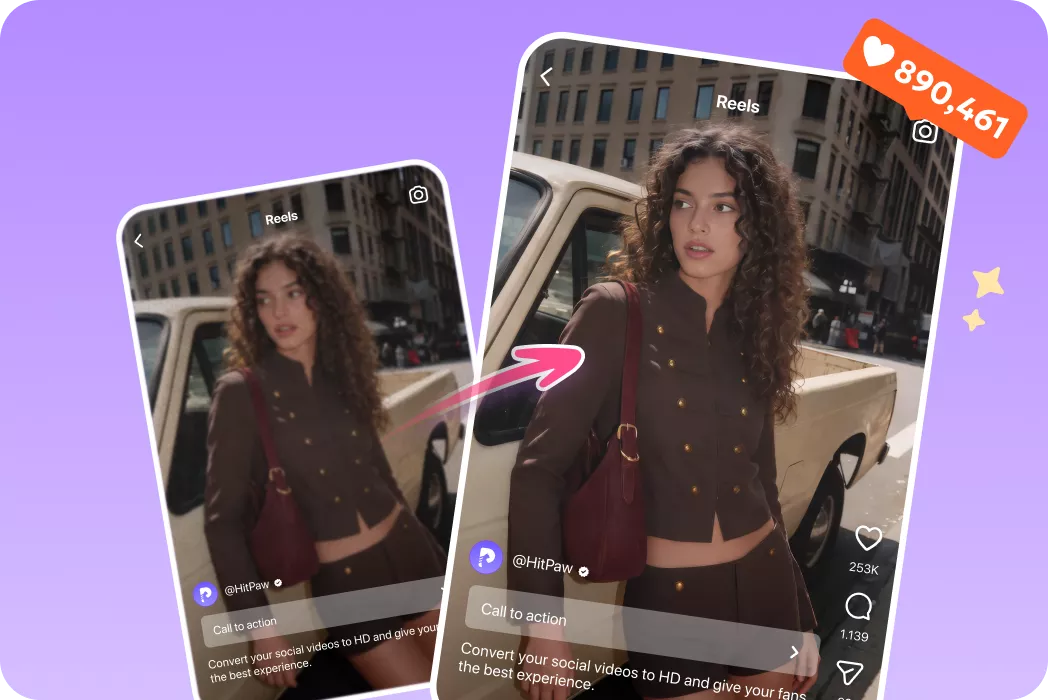
Content Creators
Sharpen soft Kling 4.0 renders for vibrant, high-converting social media feeds.
E-Commerce Marketers
Enhance AI product promo videos with ultra-clear textures and details.What Users Say about VikPea Kling 4.0 Video Upscaler

Marcus V., AI Video Creator

"My 720p Kling 4.0 clips looked soft on full screen. HitPaw VikPea upscaled them to 4K with unbelievable detail restoration. The hair and fabric textures now look completely real."

Elena R., Social Media Specialist
"Most AI enhancers over-smooth skin until it looks like plastic. VikPea fixed blurry eyes and facial features while preserving natural skin grain across every frame."

David L., Video Marketing Director
"I use Kling 4.0 for digital ads, but compression noise was always an issue. VikPea removed the blocky artifacts and delivered clean, broadcast-ready 4K renders in minutes."

Sophia T., Motion Designer
"I needed to fix blurry AI videos for a client presentation. VikPea handled batch upscaling effortlessly and restored ultra-fine details I thought were permanently lost."
How to Enhance/Upscale Kling 4.0 AI Videos to 8K/4K in 3 Easy Steps
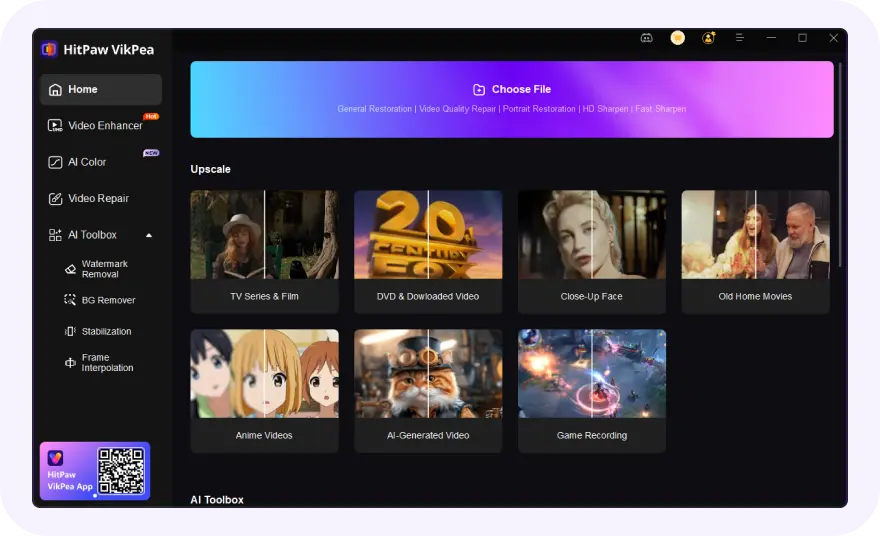
Import Kling 4.0 AI Video(s)
Select and upload your blurry or low-resolution Kling 4.0 AI video(s).
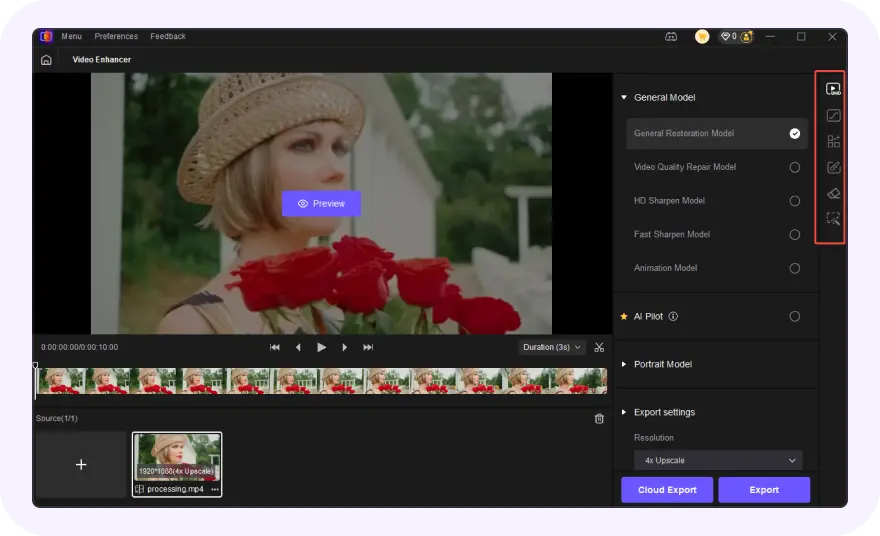
Select AI Model and Preview
Choose an AI model, set resolution and convert to Kling 4.0 AI video(s) to 4k/8K.
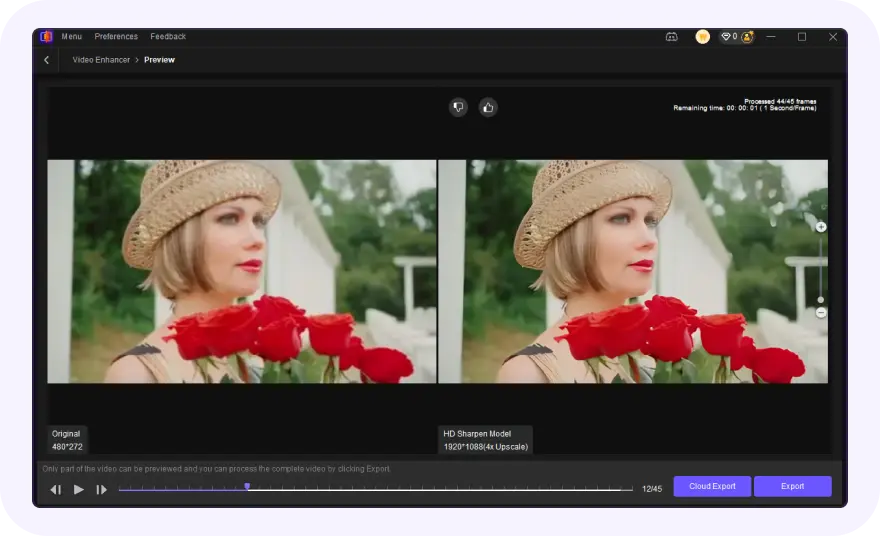
Export Upscaled Kling 4.0 AI Video
Preview the AI-enhanced effect and export your polished Kling 4.0 AI videos.
Discover More Video Tools with HitPaw VikPea

FAQs About HitPaw VikPea Kling 4.0 Video Upscaler
Yes. HitPaw VikPea supports AI video upscaling to higher resolutions, including 4K. You can use it to enhance compatible Kling AI footage, reconstruct visual details, and improve clarity. The final result depends on the source resolution, compression, and the enhancement model you choose.
Yes. HitPaw VikPea features dedicated face enhancement models that restore fine details in eyes, eyebrows, skin textures, and lips. It prevents plastic-looking artifacts while keeping facial features consistent across all video frames.
Generative AI models often produce outputs with soft edges, low resolutions (such as 720p), and subtle rendering artifacts. HitPaw VikPea acts as a dedicated AI video upscaler, filling in missing pixels and refining texture details automatically.
Absolutely. VikPea intelligently identifies and eliminates blocky compression noise, grain, and color banding commonly found in AI video downloads. It restores crisp visual clarity without erasing genuine image details or creating halo effects around edges.
Yes. Video enhancement can improve more than resolution. Depending on the source footage and available models, HitPaw VikPea can help refine details, reduce noise, improve sharpness, and restore visual clarity. It cannot guarantee the removal of every artifact or correction of AI-generated structural errors.
Tips & Tricks for VikPea Kling 4.0 AI Videos Upscaler
- 7 Best AI Video Enhancer Free No Watermark No Sign Up
- Kling 4.0 Flash Review: Features, Performance & Results
- 10 Best Video Enhancer to Restore Blurry, Noisy or Old Videos
- Best AI Video Decompression: How to Decompress Videos with AI
- Upscale AI Generated Video: Turn Blurry Clips into Stunning HD and 4K Quality
 HitPaw VikPea
