





Best AI Video Upscaler for 4K/8K Enhancement
Upscale low-resolution, blurry, or compressed footage to 1080p, 2K, 4K, or 8K with HitPaw VikPea AI Video Upscaler. Advanced AI models reconstruct details, sharpen edges, reduce noise, and improve overall video clarity.
Whether you want to upscale old videos, restore VHS footage, enhance AI-generated clips, or prepare YouTube, social media, gaming, and filmmaking content for high-resolution displays, VikPea makes AI video upscaling simple and efficient.


Powerful AI Video Upscaling for Sharper, Higher-Resolution Videos

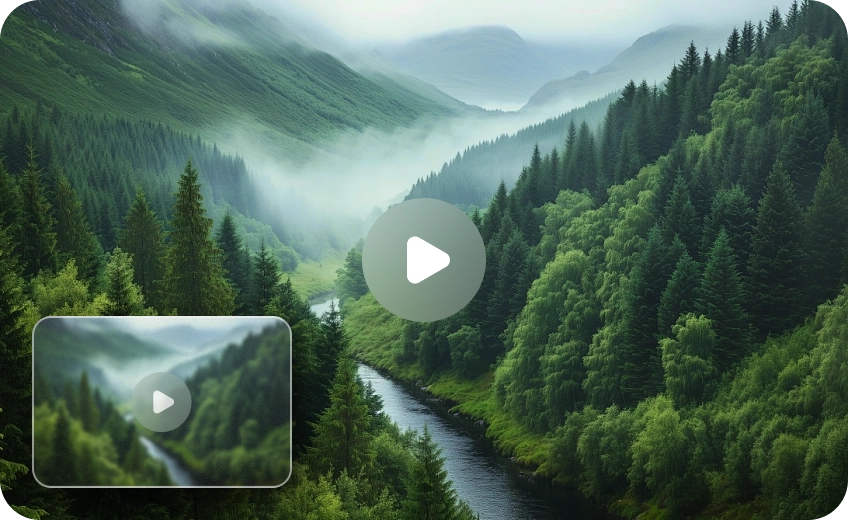
Upscale Video to 1080P, 4K, or 8K Without Losing Quality
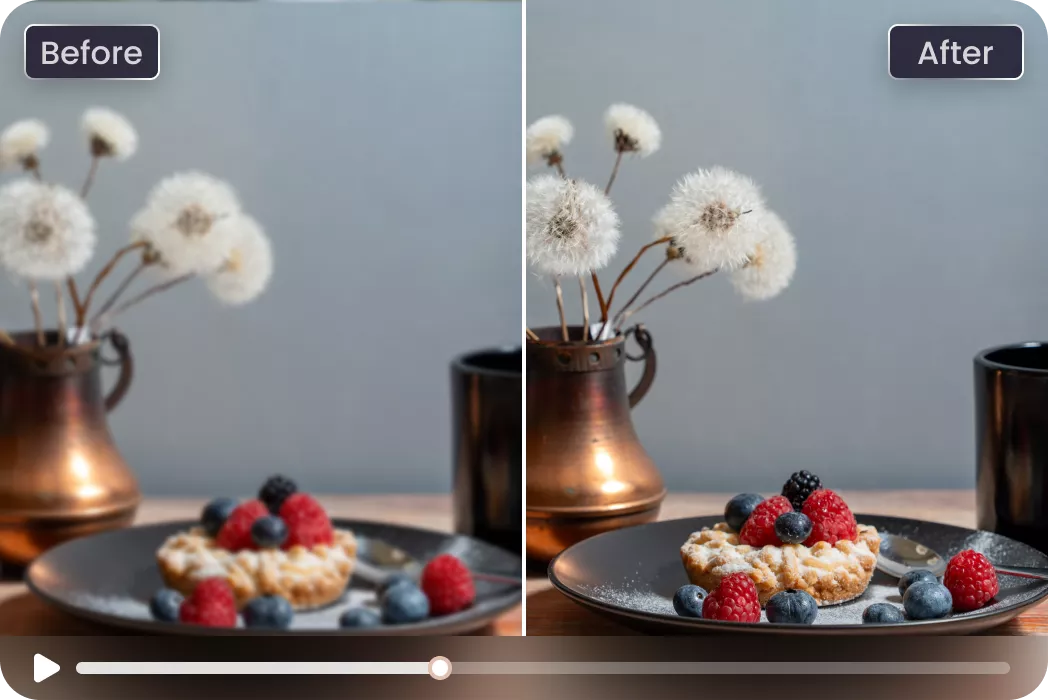
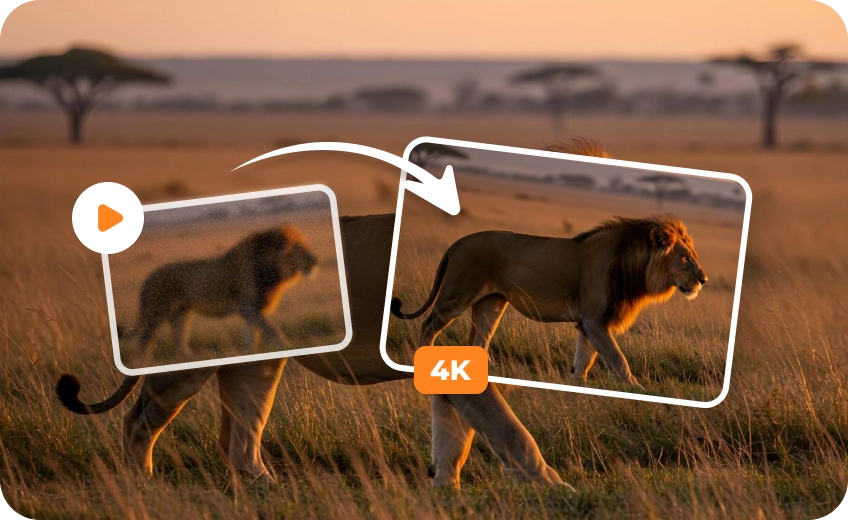
Increase video resolution with AI-powered upscaling. VikPea analyzes frames and reconstructs missing visual details to turn SD and low-resolution footage into clearer 1080p, 2K, 4K, or 8K video. Upscale 720p or 1080p footage for larger screens, YouTube, social media, and professional projects.
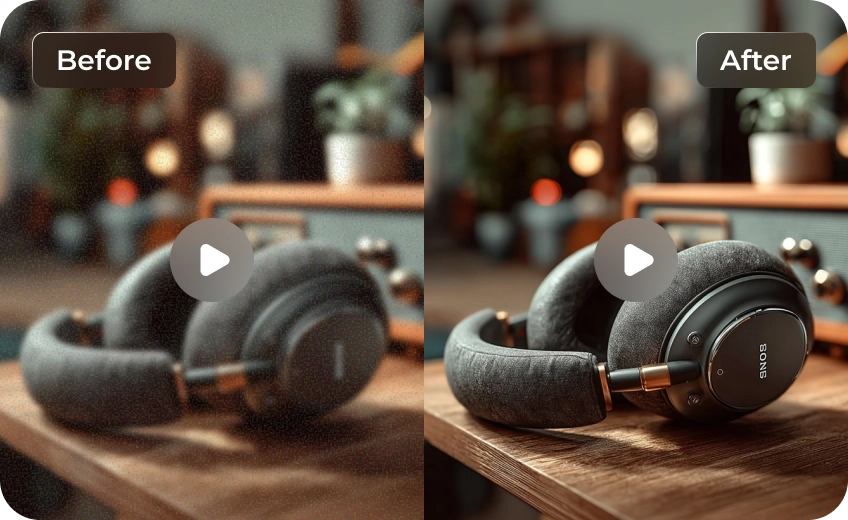
Deblur Video and Restore Fine Details
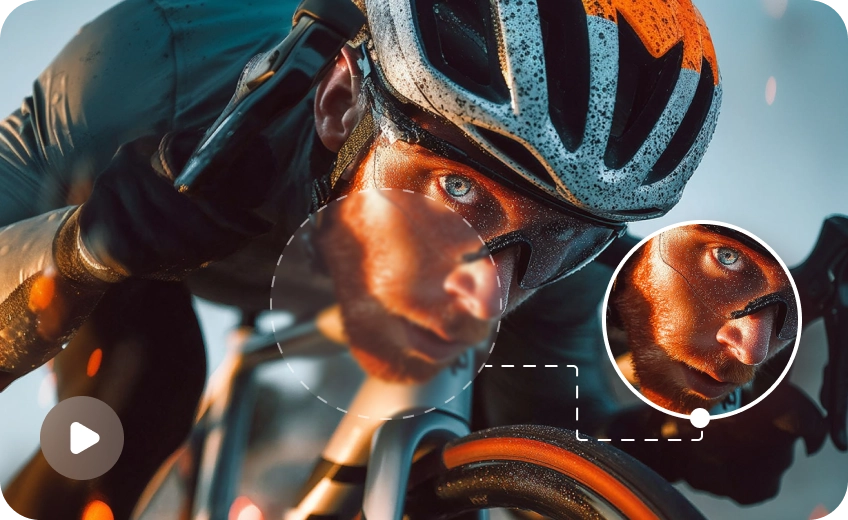
Go beyond basic video resizing. VikPea AI video upscaling technology helps reduce blur, sharpen soft footage, and recover clearer textures from compressed or low-quality clips. It can also improve facial details, edges, and fine textures for a more natural and polished result.
Enhance Old, AI-Generated, and Low-Resolution Videos
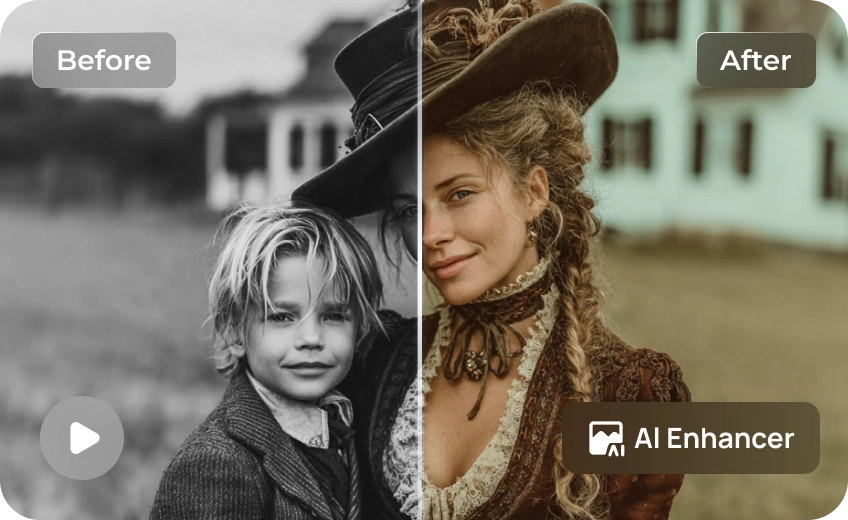
Enhance a wide range of footage, from grainy VHS recordings and old home movies to compressed mobile clips and AI-generated videos. VikPea supports different AI enhancement models to help improve anime, gaming footage, screen recordings, and other low-resolution videos.
Prepare High-Resolution Videos for Social Media and Professional Projects
Give your videos a cleaner, sharper look before publishing or presenting them. Upscale footage locally for YouTube, TikTok, marketing campaigns, digital displays, filmmaking, and creative projects while preserving more visual detail at higher resolutions.

Multi-Format Support

Batch Processing

Real-Time Preview

Local Perfomance
Use Cases for AI Video Upscaling Software
Companies & Brands
Improve older or low-resolution marketing assets for websites, digital displays, presentations, and campaigns.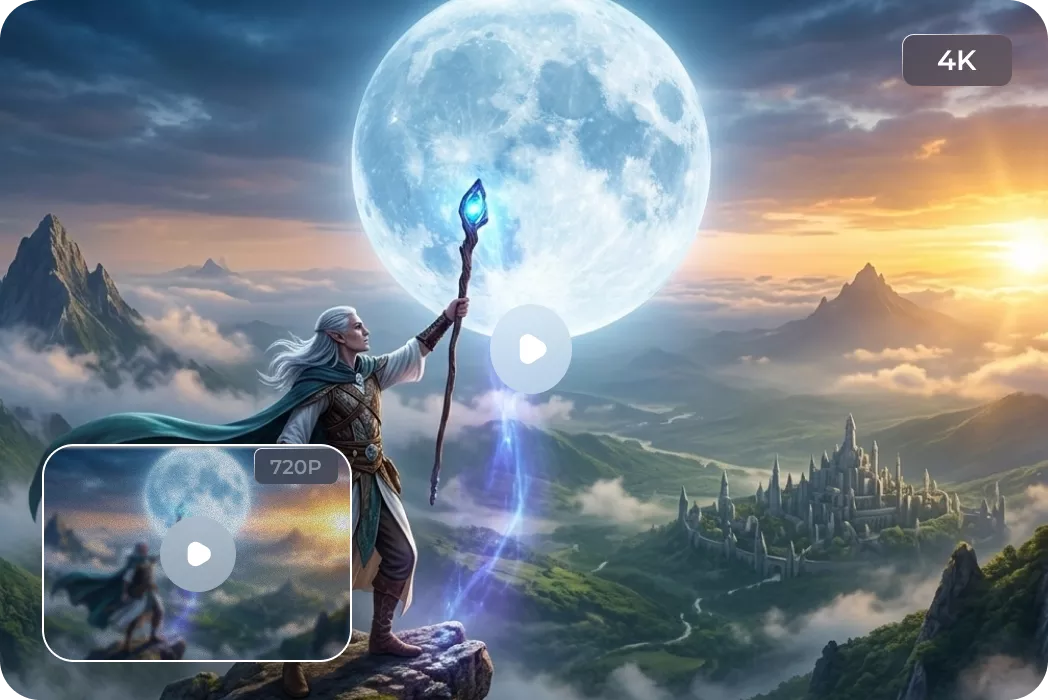
Gamers & Streamers
Upscale gameplay recordings and streaming clips to improve details before sharing highlights and content online.What Users Say about HitPaw AI Video Resolution Upscaler

Professional Cinematographer

"As a professional editor, HitPaw VikPea is the best AI video upscaler I’ve used. It helped me restore grainy 8mm footage and create clearer 4K versions of archival videos."

Creative Director
"I love being able to upscale video locally. It keeps my unreleased commercial projects 100% private and secure while delivering lightning-fast results on my workstation."

Travel Vlogger
"This AI video resolution upscaler saved my low-light drone footage. It removed the digital noise and reconstructed fine details that I thought were lost forever."

Digital Archivist
"The most intuitive AI video upscaling software for non-techies. I successfully transformed decades of blurry family VHS tapes into sharp 1080p videos for our reunion."
How to Upscale Videos with AI in 3 Easy Steps
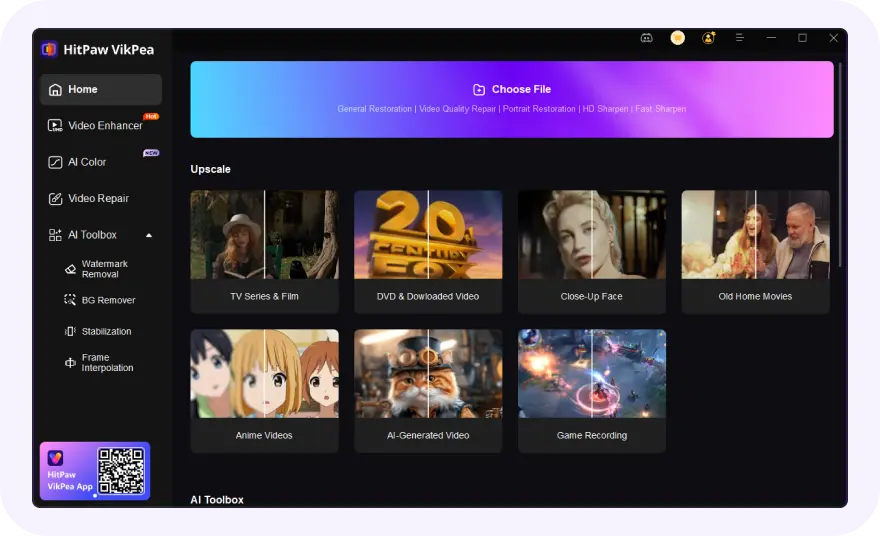
Import Your Video Files
Import your blurry, old, compressed, or low-resolution video into VikPea.
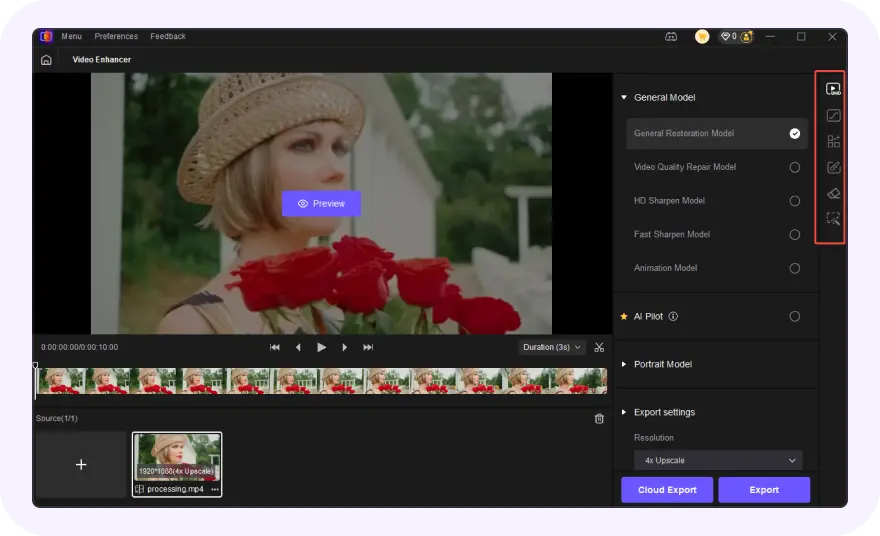
Choose an AI Model and Resolution
Select an AI model and choose the target resolution, such as 1080p, 2K, 4K, or 8K.
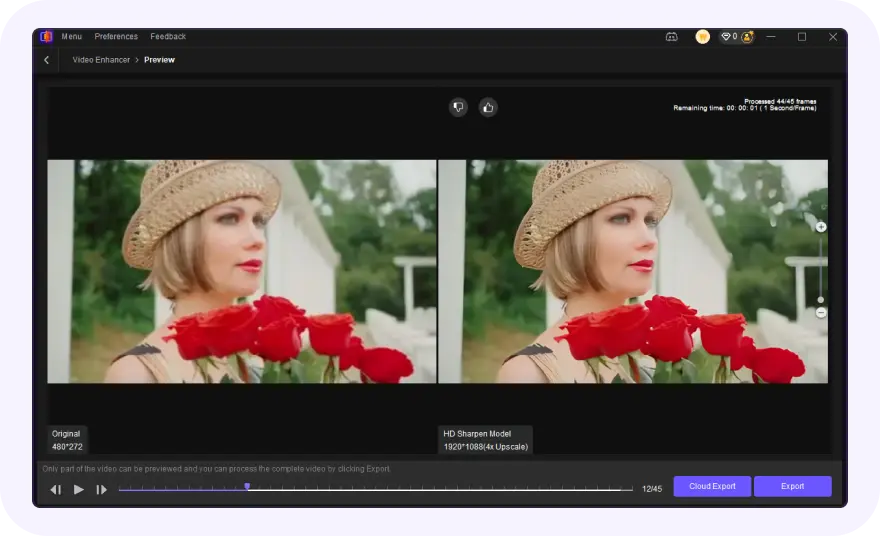
Export Upscaled Video
Preview the AI-enhanced effect and export your polished videos.
Discover More Video Tools with HitPaw VikPea
FAQs About HitPaw VikPea Video Upscaler AI
The best AI video upscaler should improve resolution, sharpen details, and preserve natural video quality. HitPaw VikPea is widely used for AI video enhancement because it supports local processing, multiple AI models, and high quality 8K/4K video upscaling.
Yes. AI video upscaling software can convert low resolution footage into clearer 4K videos. HitPaw VikPea uses intelligent enhancement models to improve textures, sharpen edges, reduce blur, and create more detailed high resolution output automatically.
AI video upscale technology improves perceived video quality by enhancing resolution, sharpness, texture clarity, and motion details. Advanced AI models can also reduce noise and restore visual elements that appear blurry or compressed in low quality footage.
Many AI video upscaling tools provide free trials or limited exports. HitPaw VikPea allows users to test AI enhancement features before upgrading, making it easier to experience professional AI video upscaling software without immediate commitment.
Video upscaling focuses on increasing resolution (e.g., 1080p to 4K). Video enhancement is broader, involving color correction and stabilization. HitPaw VikPea combines both, acting as a complete video upscaler AI that enlarges and perfects your footage simultaneously.
Yes. You can use an AI video upscaler to convert supported 1080p footage to 4K. HitPaw VikPea analyzes the original frames and uses AI models to enhance details, edges, and textures while increasing the output resolution.
Yes. AI video upscaling can help improve old and VHS footage by increasing resolution, reducing noise, sharpening soft details, and improving overall clarity. HitPaw VikPea can be used to restore supported old videos and create higher-resolution versions for modern displays.
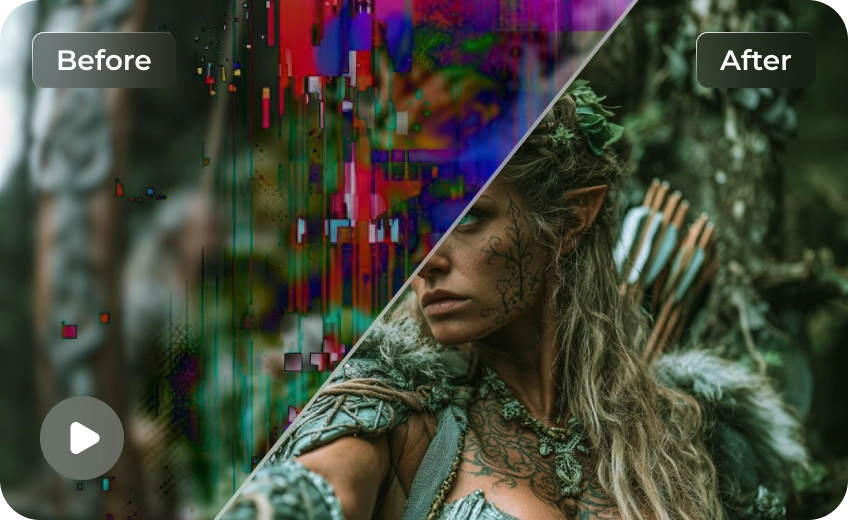
Yes. AI video upscaling can improve the resolution and visual details of AI-generated footage. HitPaw VikPea can enhance supported AI-generated videos by sharpening soft details, improving textures, and upscaling them to higher resolutions such as 4K.
Tips & Tricks for VikPea AI Video Upscaler
 HitPaw VikPea
