





AI Video Sharpener: Fix Blurry Footage and Enhance Video Quality Fast
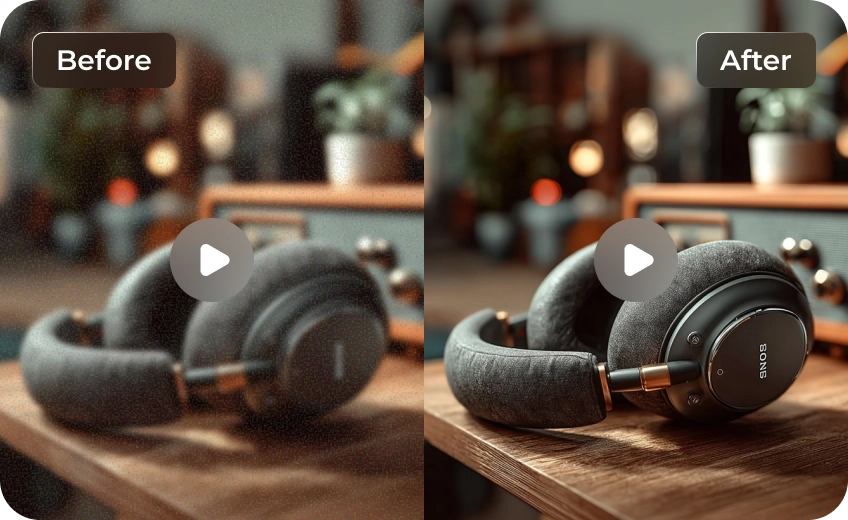
Transform blurry, soft, or compressed footage into clear, usable video with AI-powered sharpening. HitPaw VikPea uses a smart video sharpen workflow to restore detail while keeping your visuals natural. No artificial halos, no crunchy textures — just clean, professional clarity ready for editing, sharing, or archiving.


Best AI Video Sharpener for Natural, Stunning Clarity

Intelligent Denoise-First Sharpening for Cleaner Detail
Instead of simply increasing edge contrast, VikPea removes grain and compression artifacts first. This prevents noise from being amplified and creates a clean base for enhancement. The result is clearer detail, improved readability, and sharper visuals without introducing harsh artifacts.
Texture-Aware AI That Protects Skin and Surfaces
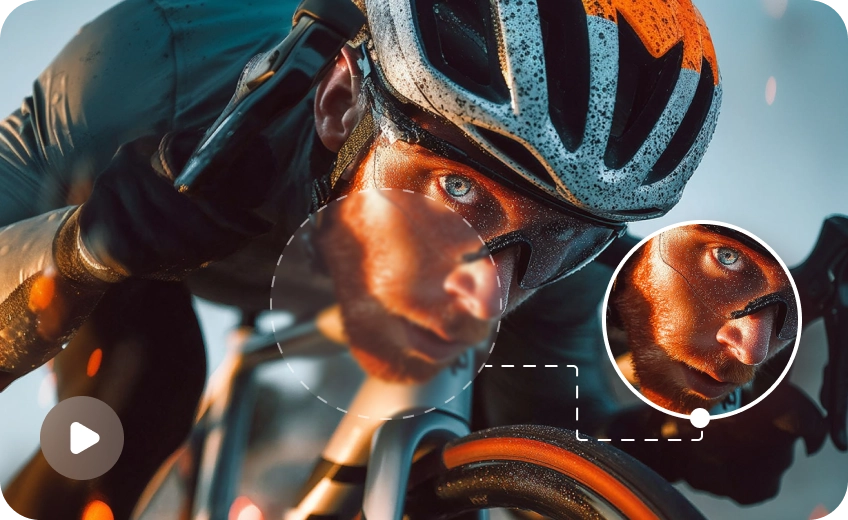
Not all areas should be sharpened equally. VikPea analyzes textures across frames and adapts sharpening strength accordingly. Skin stays smooth, backgrounds remain balanced, and important details gain clarity without creating halos or artificial sharpness.
Professional Sharpen Model for Edge Precision
The dedicated Sharpen Model focuses on edge definition and texture refinement. It enhances depth and subject separation, making key elements stand out more clearly. Use one-click optimization or manually adjust sharpen intensity for precise, professional-grade control.
Lightning-Fast, Stable, and Secure Video Processing
VikPea leverages optimized GPU acceleration with optional cloud support to process large videos smoothly. Sharpening remains fast and stable for long clips or batch jobs, while keeping all files secure and your workflow efficient.

Multi-Format Support

Batch Processing

Real-Time Preview

Local Perfomance
Use Cases for Video Sharpener
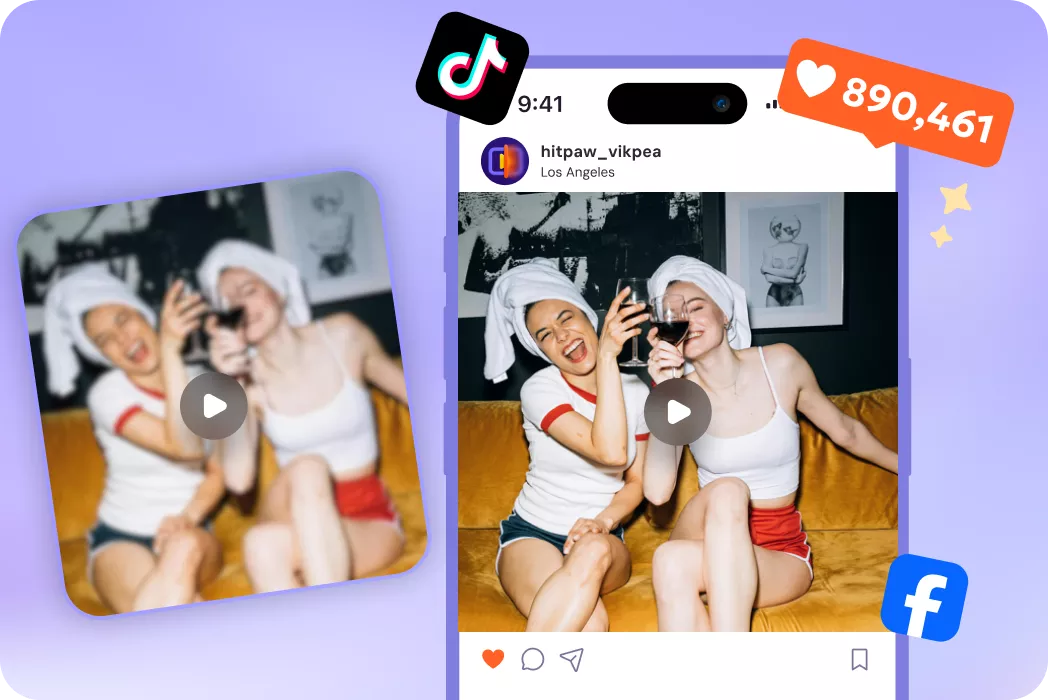
Content Creators
Sharpen compressed footage for clearer, more engaging social media uploads.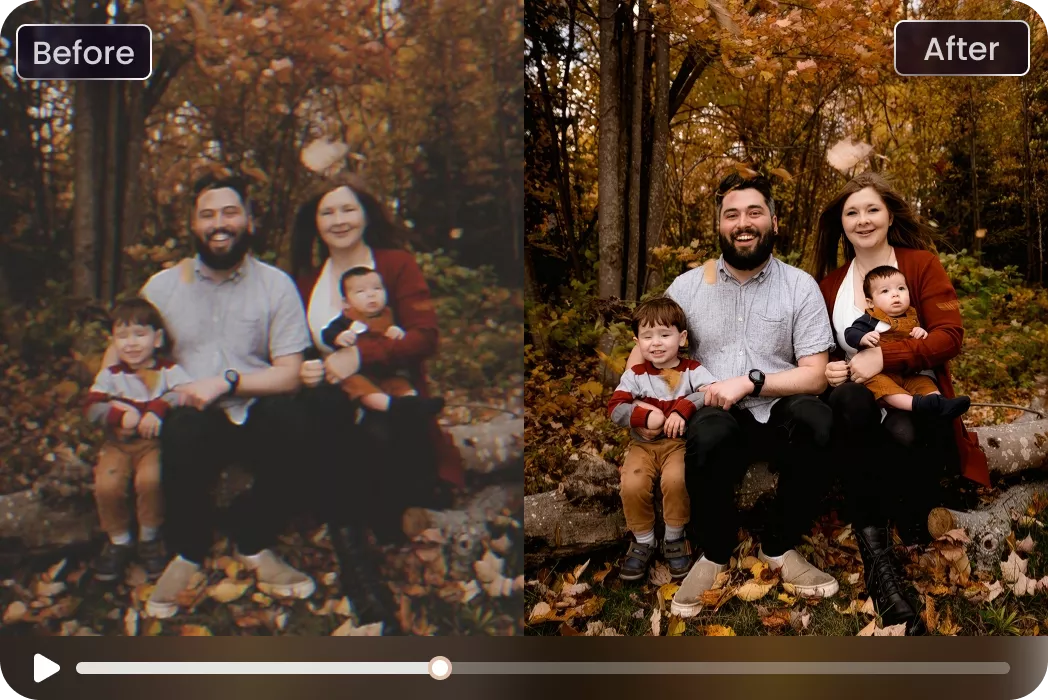
Families and Archivists
Restore old home videos and interviews so faces, dates, and text become readable again.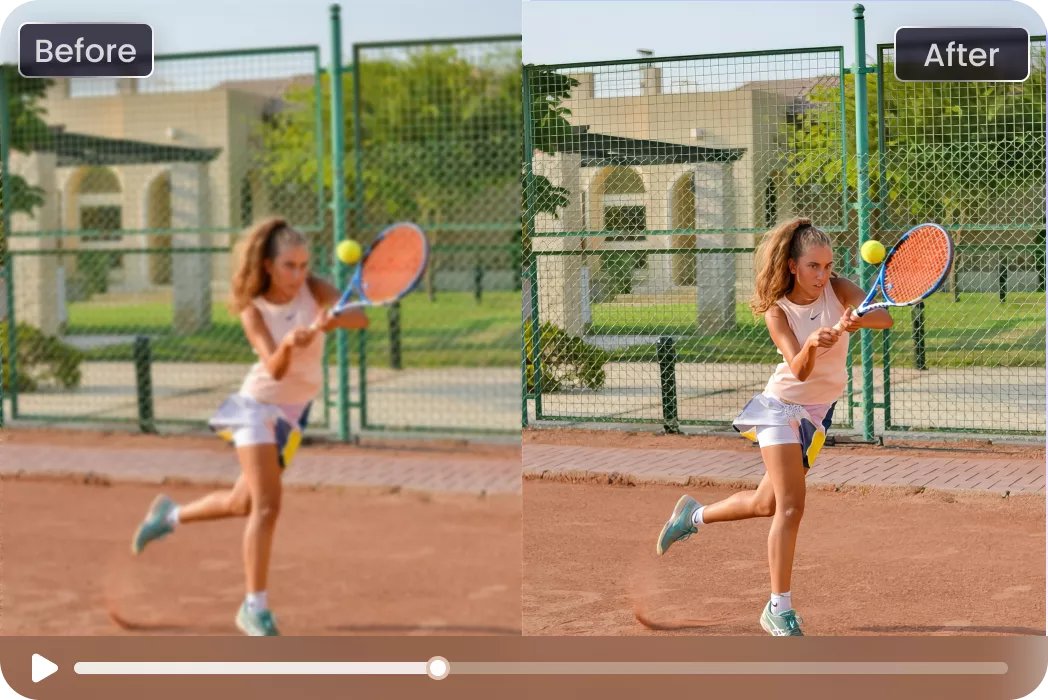
Photographers & Videographers
Recover slightly out-of-focus footage and sharpen details lost to camera shake.What Users Say about Video AI Sharpener

YouTube Content Creator

"I used it on a slightly out-of-focus event recording. After denoising and sharpening, the speaker’s face and presentation slides were noticeably clearer without looking artificial."

Social Media Manager
"We batch-processed a folder of short-form clips and saved hours of manual correction. The clarity improvement was obvious, but still natural."

Content Creator
"I pulled a 2012 interview from our archive that looked unusable. After a quick denoise + sharpen pass in VikPea, the subject’s face and the on-screen text were readable again, saved us a costly reshoot."

Social Media Manager
"We batch-processed over 200 short clips with one preset and cut our post time in half. The results look natural, not artificially crispy, exactly what our brand needs."
How to Sharpen a Video with AI in 3 Easy Steps
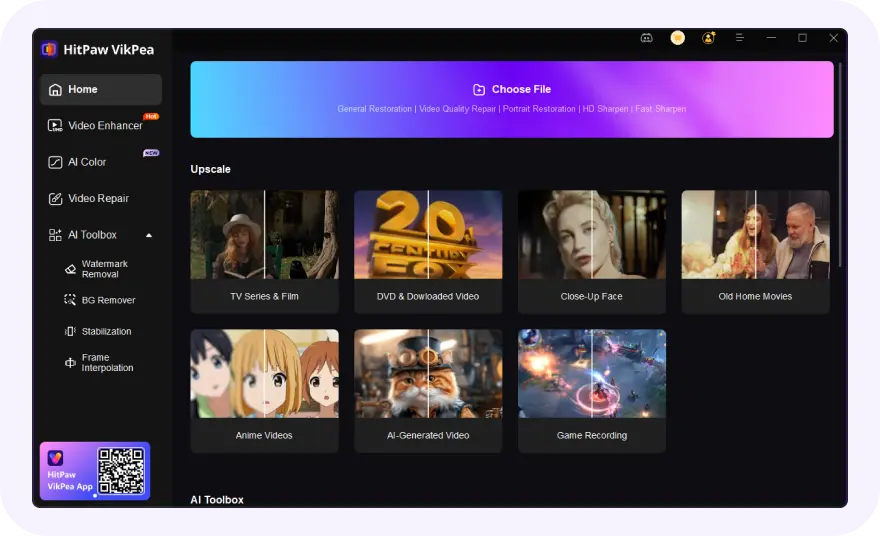
Import Your Video Files
Drag or upload video into VikPea’s Video Enhancer workspace.
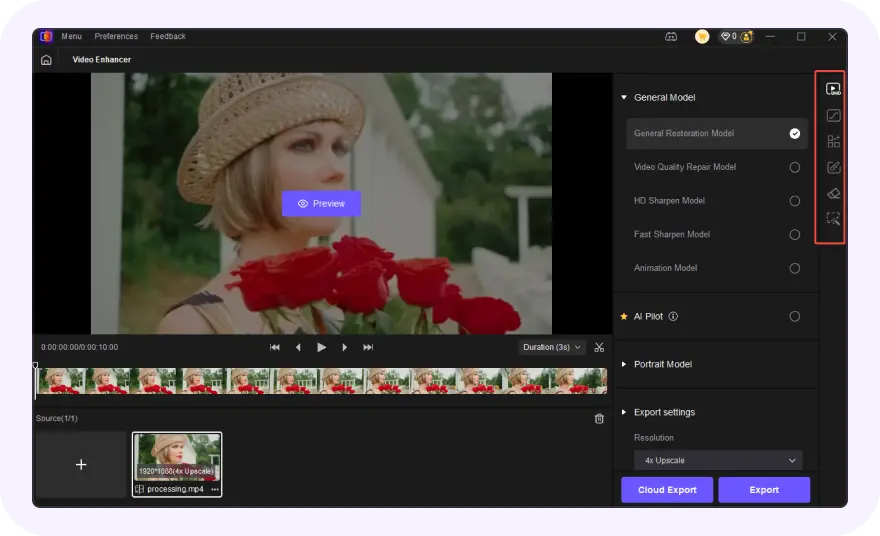
Select Sharpen Model
Choose the Sharpen Model from modules for AI sharpening.
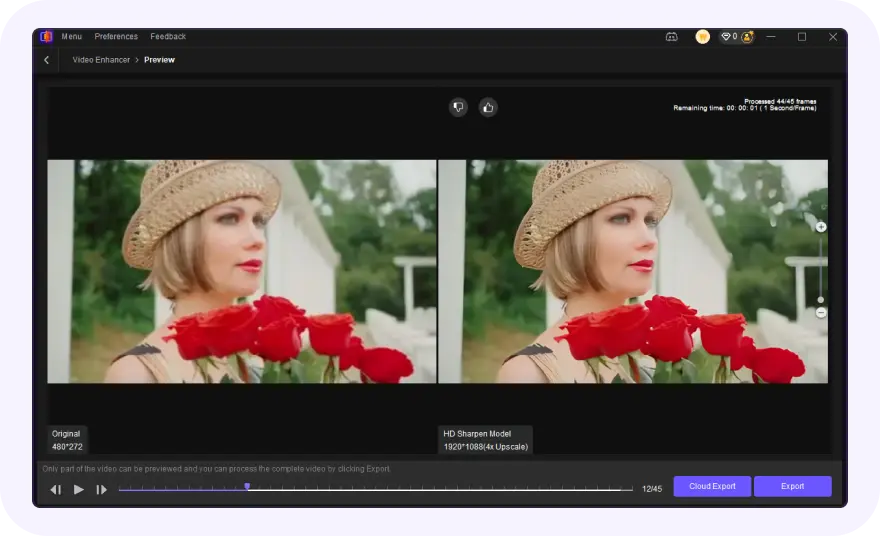
Preview & Convert
Use auto or custom mode, preview results, then export.
Discover More Video Tools with HitPaw VikPea

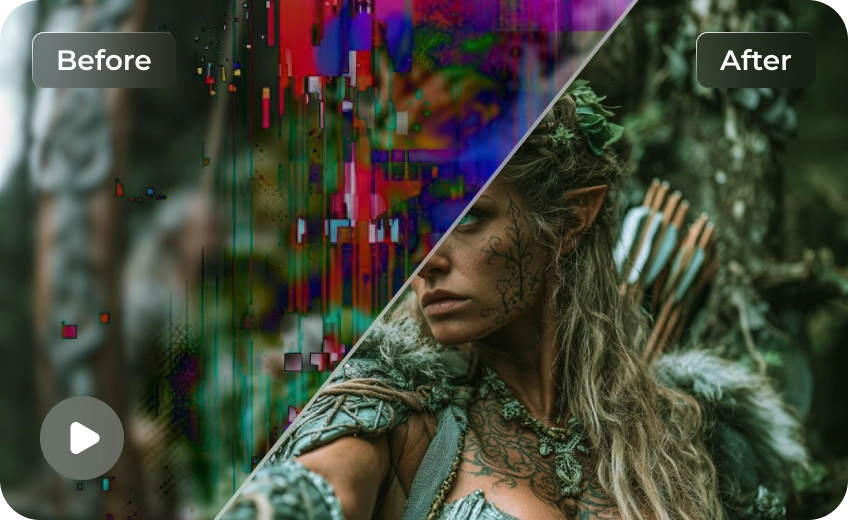
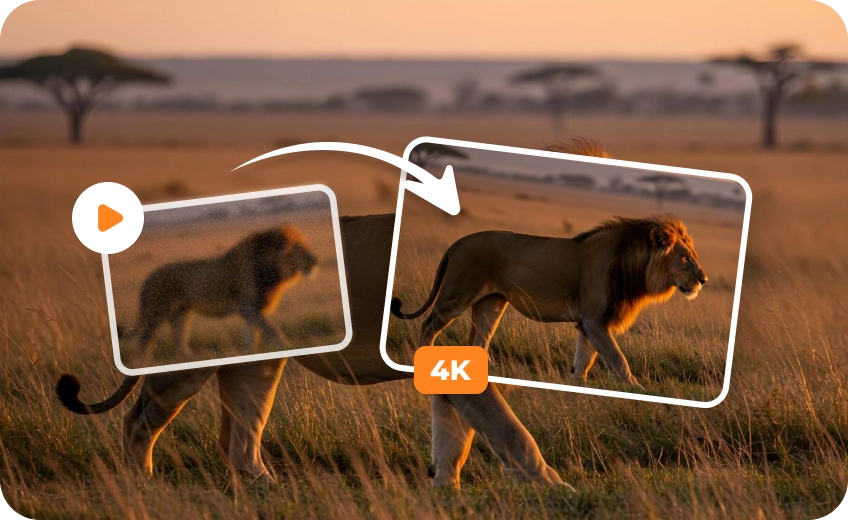

FAQs About HitPaw Video Sharpening
The best video sharpener uses AI to enhance edges, restore textures, and remove noise while keeping visuals natural. HitPaw VikPea is a top choice, offering GPU-accelerated processing, precise control, and fast results for both professional and casual video projects.
Yes, AI video sharpeners like HitPaw VikPea can enhance old, blurry, or low-resolution footage. The software analyzes frames, removes noise, and restores edge detail, making even older videos clearer, readable, and visually appealing while preserving the original look.
To increase video sharpness, import your clip into HitPaw VikPea, select the Sharpen Model, and adjust the sharpen intensity. You can use one-click auto processing for quick results or manually fine-tune to balance clarity with natural detail.
Sharpening time depends on video length, resolution, and hardware. With GPU acceleration, short clips may take seconds to minutes, while long 4K or batch videos may require longer. VikPea optimizes processing for fast, stable results without freezing your system.
Sharpening enhances existing detail, clarifying edges and textures without changing resolution. Upscaling increases video resolution, often reconstructing missing pixels. HitPaw VikPea offers both: sharpen for clearer visuals, upscale to HD, ensuring videos look crisp and professional.
Tips & Tricks for HitPaw VikPea Video Sharpener
 HitPaw VikPea
