





Best AI Video Stabilizer for Smooth Footage
Stabilize shaky videos effortlessly with HitPaw VikPea, a powerful AI video stabilizer that analyzes motion and automatically smooths unstable footage. Transform shaky clips into clear, professional-looking videos on PC and Mac without losing quality.


Turn Shaky Footage into Smooth Videos with AI

Fix Shaky Handheld Video Footage
Handheld recordings often result in unstable footage due to natural hand movement. If your recorded clips appear shaky, an AI video stabilizer like HitPaw VikPea can analyze motion and apply intelligent stabilization to smooth the footage after recording.
Stabilize Shaky Walking Videos
Videos captured while walking often look shaky when played back. With advanced AI video stabilization, HitPaw VikPea can process your recorded clips and stabilize shaky video footage automatically.
Fix Shaky Action or Sports Footage
Action or sports recordings often contain strong camera shake that ruins the viewing experience. Using professional stabilize video software, you can stabilize video footage after filming and create smoother motion in fast-moving scenes.
Stabilize Videos Without Losing Quality
Traditional stabilization tools may crop or reduce quality. Modern AI stabilize video technology allows you to stabilize shaky videos while preserving resolution, ensuring you canstabilize video without losing quality.

Multi-Format Support

Batch Processing

Real-Time Preview

One-Click 4K Export
Real-Life Scenarios to Use an AI Video Stabilizer
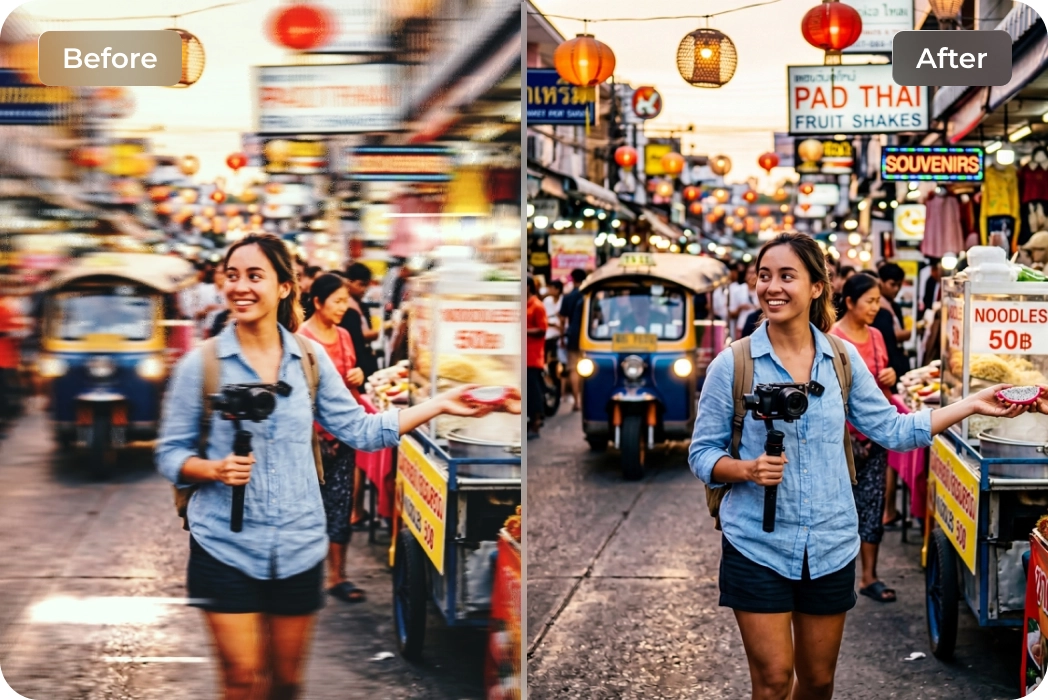
Cinematic Travel Vlogs & Snapshots
Ideal for creators on the move. Stabilize handheld clips from your latest trip, transforming shaky smartphone walk-and-talks into polished, gimbal-quality travel stories.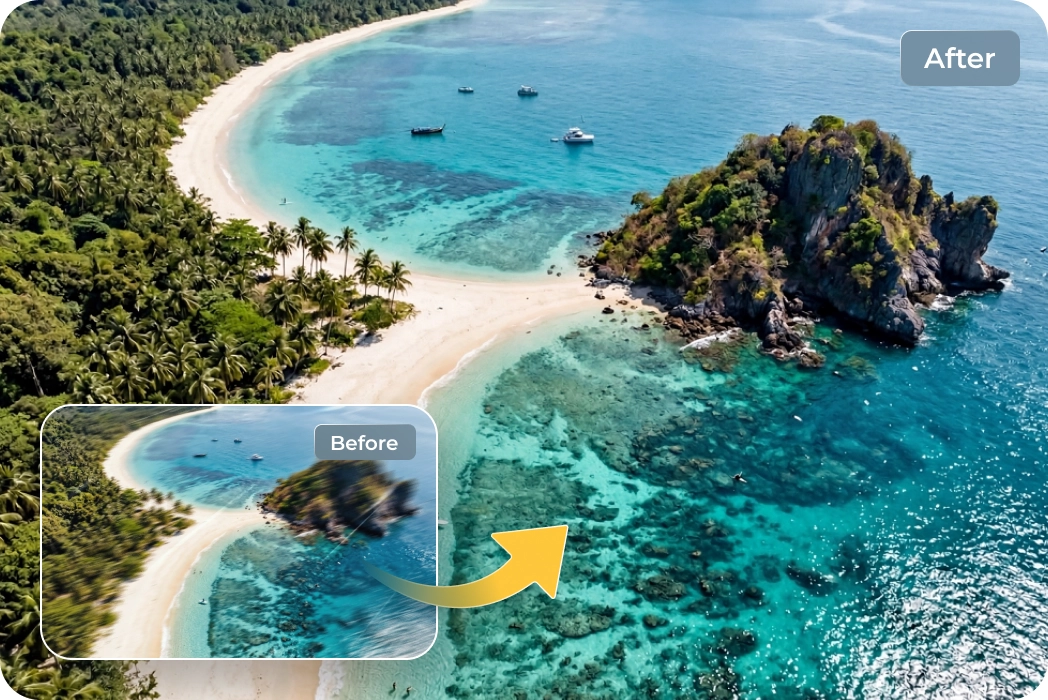
Dynamic Drone & Aerial Photography
A must-have for drone pilots. Overcome wind resistance and flight turbulence to capture breathtaking, stable aerial panoramas that look like they were shot from a crane.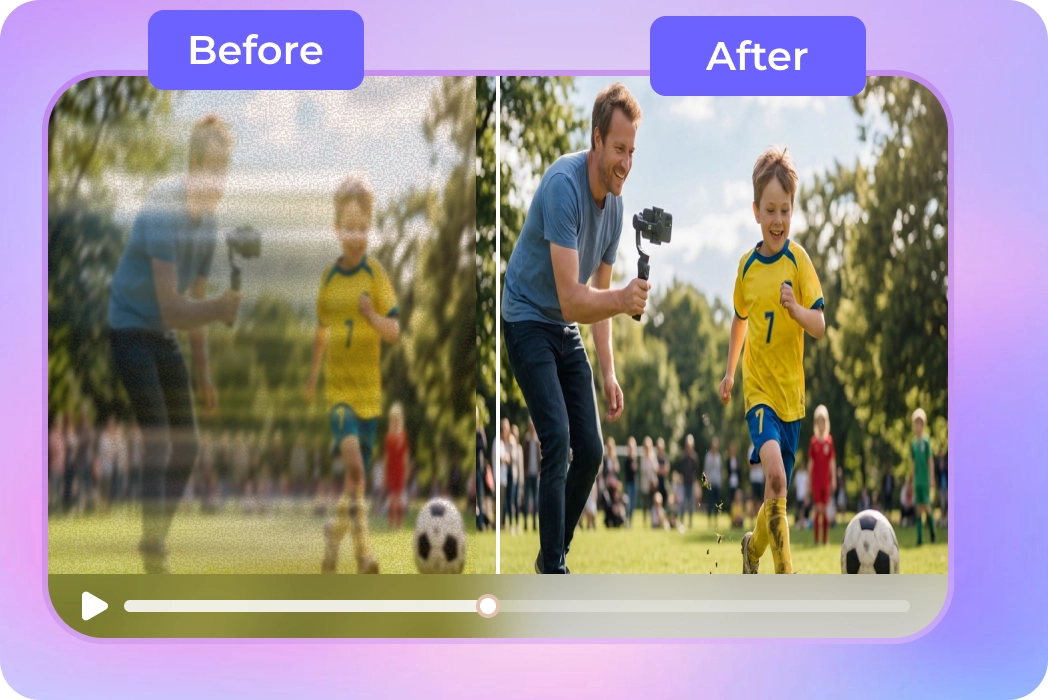
Heartwarming Family & Event Videos
Great for capturing life’s unrepeatable moments. Fix shaky footage of weddings, kids' sports, or birthday parties, ensuring your precious memories are clear and easy to watch.What Users Say about HitPaw VikPea AI Video Stabilizer

Travel Content Creator

"I shoot everything on the go. HitPaw VikPea's Video Stabilizer saved my shaky hiking videos, making them look like I used a professional gimbal the entire time."

YouTube Creator
"For YouTube content, smooth footage is important. This stabilize video software allows me to stabilize videos automatically and maintain good image quality."

Drone Hobbyist
Wind is always an issue for my mini-drone. HitPaw VikPea's stabilizer leveled my horizon and removed the jitters that post-processing usually misses."

Media Production Student
"I needed a simple way to learn how to stabilize videos on PC for school projects. HitPaw VikPea’s AI video stabilization made it easy to stabilize shaky video without complex editing skills."
How to Stabilize Video with HitPaw VikPea
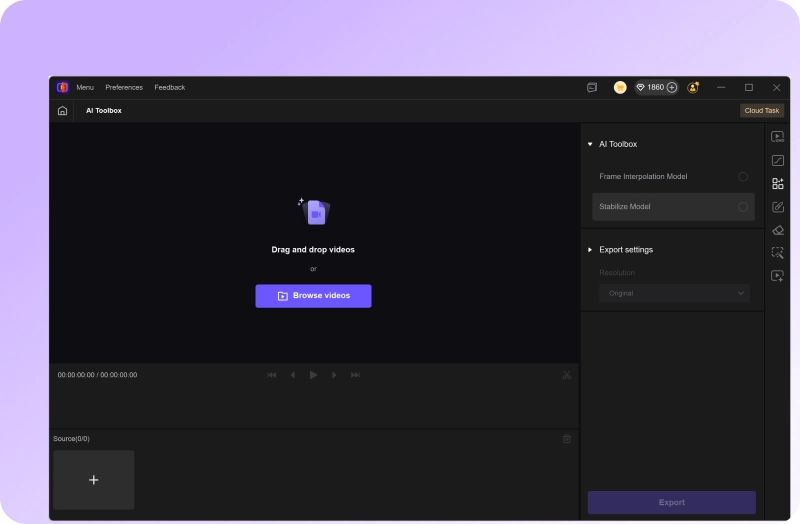
Import Shaky Video Files
Launch HitPaw VikPea and import your shaky footage into the Stabilization module.
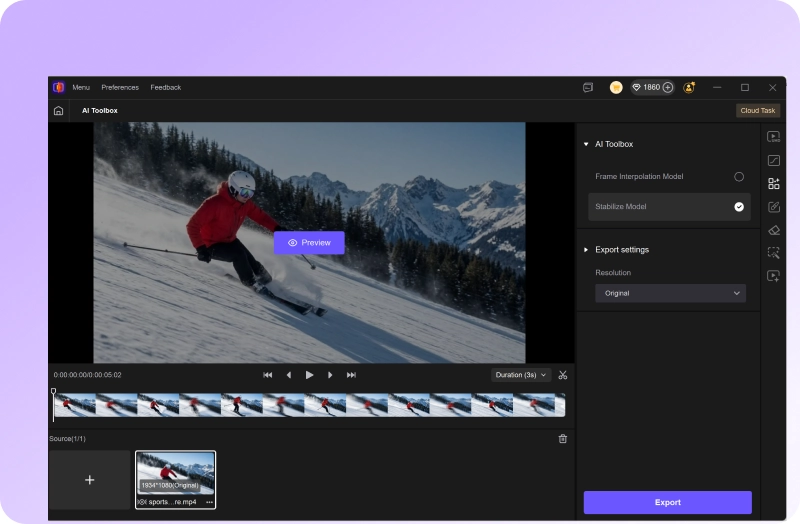
Apply the AI Stabilize Model
Select the Stabilize Model and adjust the resolution, crop settings, bit rate & format.
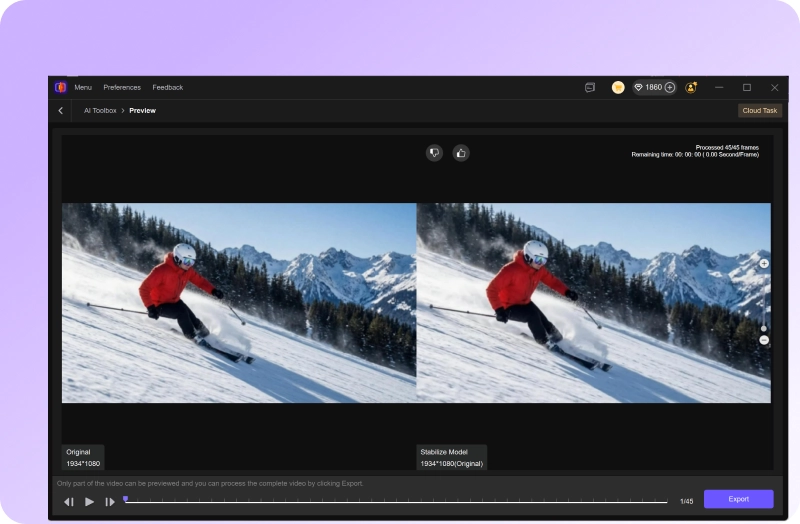
Preview & Export Smooth Video
Review the stabilized results in real-time, then export your polished, steady video.
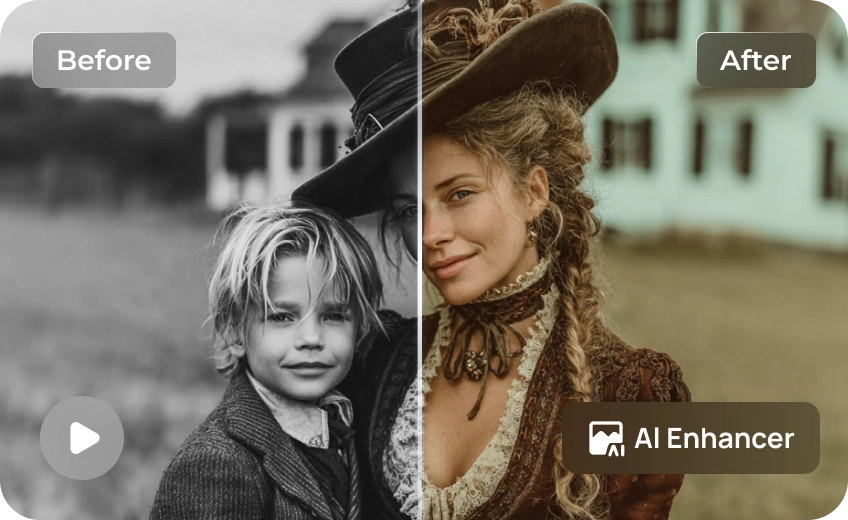
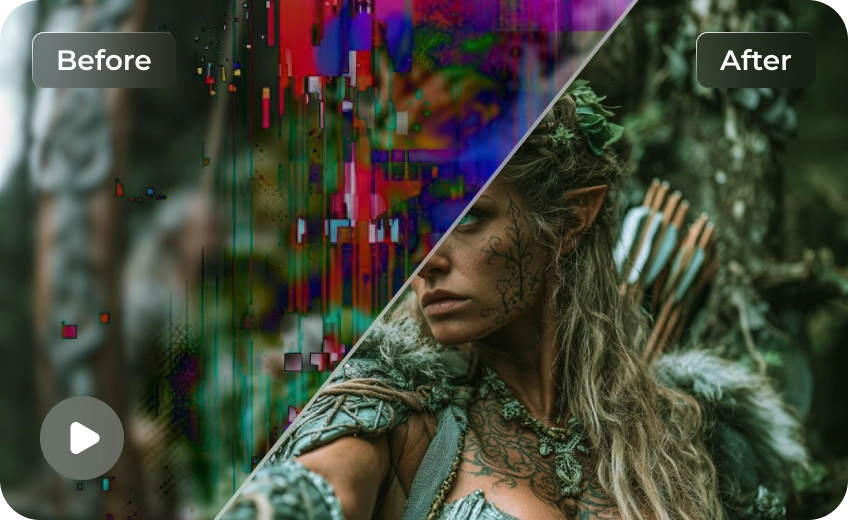
Discover More Video Tools with HitPaw VikPea
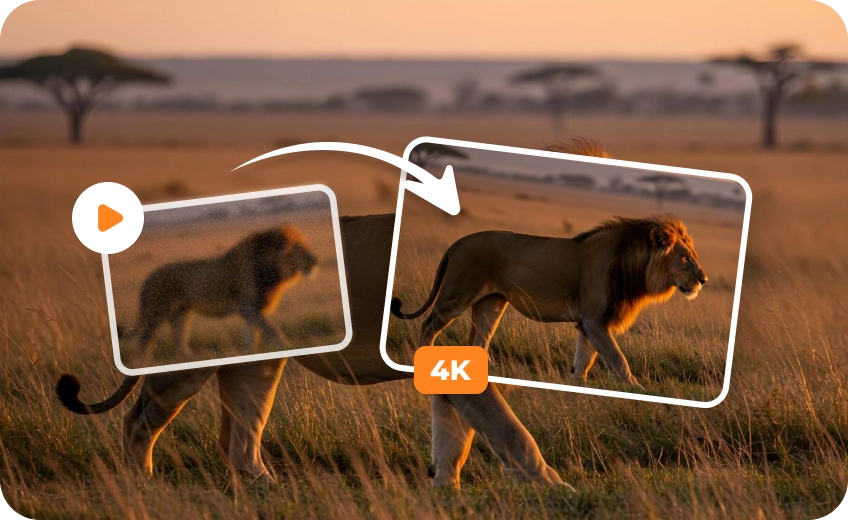
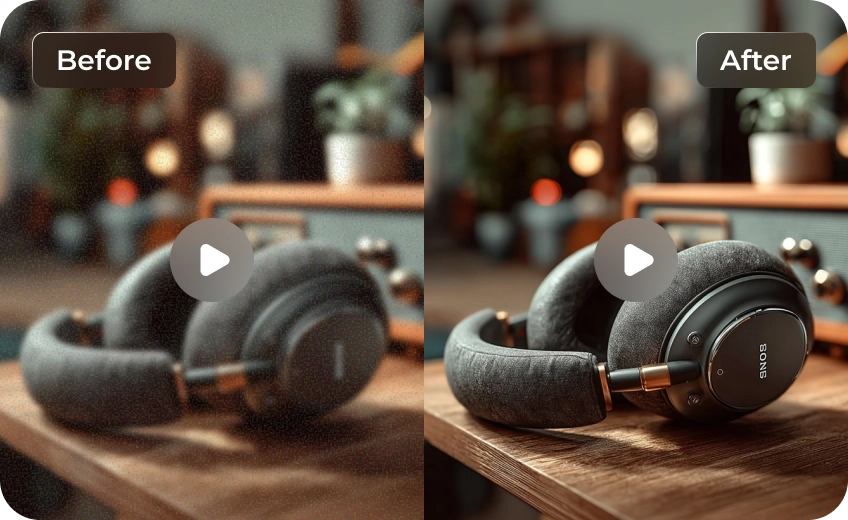
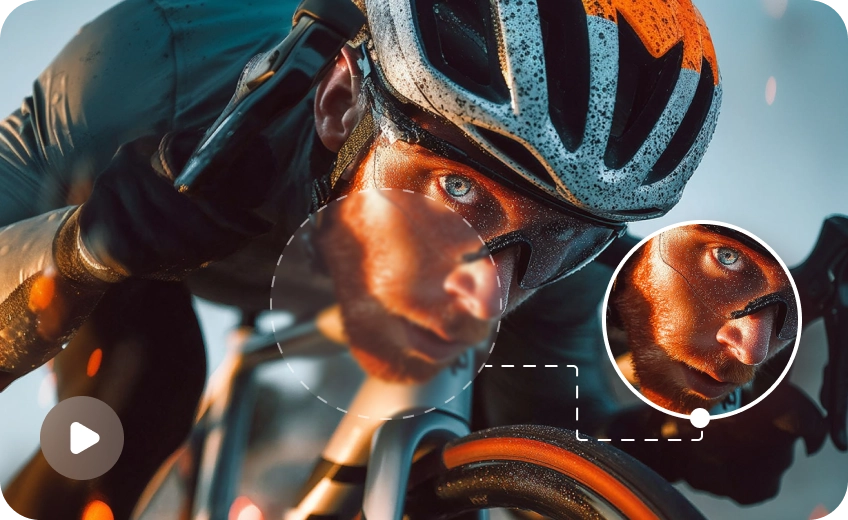
FAQs About HitPaw VikPea AI Video Stabilizer
Yes. HitPaw VikPea uses AI border estimation and Auto-Fill technology to minimize cropping during stabilization. By analyzing surrounding frames, the software preserves more of the original field of view while removing camera shake.
Yes. HitPaw VikPea is fully optimized for high-resolution processing. It can stabilize and export video files in 4K and even 8K resolution. The AI engine maintains the native pixel density of your 4K recordings, ensuring that while the shake is removed, the crisp details and professional sharpness of your footage remain intact.
Absolutely. One of the biggest advantages of HitPaw VikPea is its multi-model AI capability. You can use the Stabilize Model to fix the camera shake and then apply the AI Sharpening or Portrait Model to restore clarity to frames affected by motion blur. This combined approach ensures your final video is both steady and crystal clear.
HitPaw VikPea is a top-rated AI video stabilizer for Windows 11/10 and macOS. It provides a high-performance desktop solution to stabilize videos automatically, making it the best choice for users who need professional results on both PC and Mac without complex editing.
To stabilize video without losing quality, use an AI video stabilizer that preserves resolution while correcting motion. HitPaw VikPea performs AI stabilize videos automatically while maintaining clear details.
Tips & Tricks for HitPaw VikPea Video Stabilizer
 HitPaw VikPea
