





HD Video Conveter: Turn Videos into HD Quality With AI
Upgrade your low-quality footage to true 1080p with HD Video Converter. AI upscaling restores details, sharpens clarity, and smooths motion automatically, making it easy to convert video to HD and get clean, polished clips ready for editing, sharing, or archiving.


AI HD Upscaling That Upgrades Your Videos to True HD

Convert Any Video to Clean, Crisp HD Fast
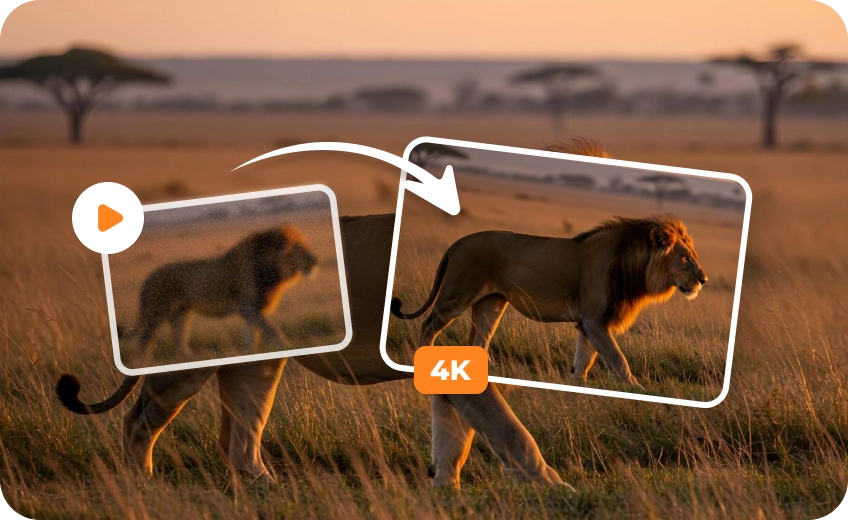
Turn your SD, low-res, or old videos into crisp HD in a flash! Get natural-looking enhancements that boost clarity without altering the original vibe, perfect for refreshing legacy footage or sprucing up social content to meet today’s high-def standards.
Enhance Every Frame with Cinematic Video Upscaling
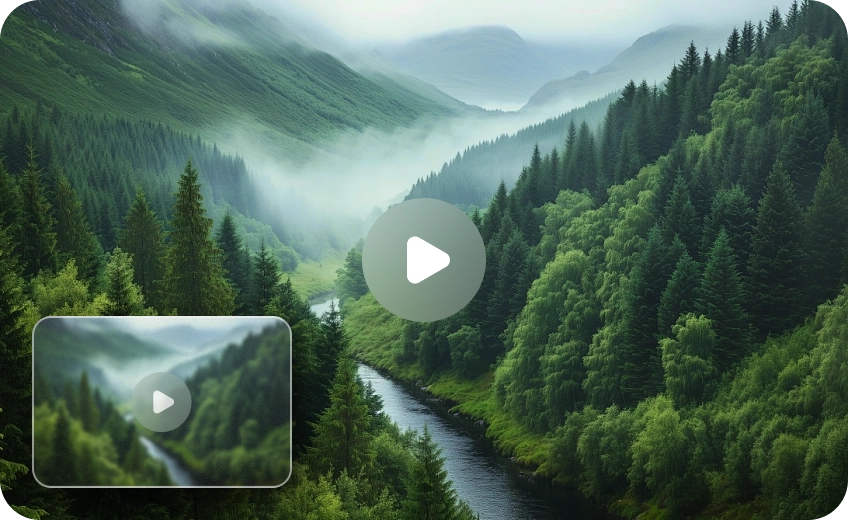
Let HD Video Converter analyze motion, edges and textures frame by frame. Instead of simple resizing, it rebuilds lost details to deliver sharper edges, readable text and fewer compression flaws. Perfect for everyday clips or legacy footage craving a polished HD finish.
Advanced AI Modes for Precise HD Video Enhancement
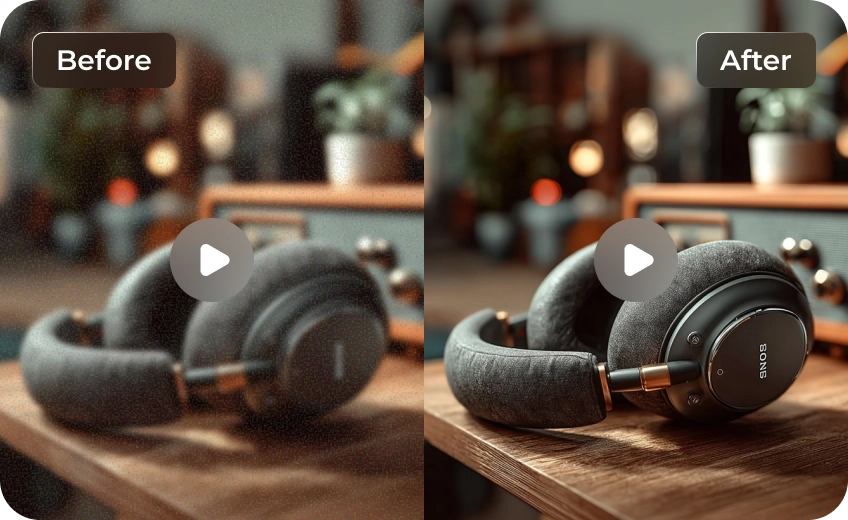
Choose targeted models like denoise, sharpening, and AI Generative enhancement to fix specific problems without over-processing. Switch models for each clip to save time and achieve cleaner, more accurate results for every scene.
Share Clear, HD-Ready Videos Across Social Platforms
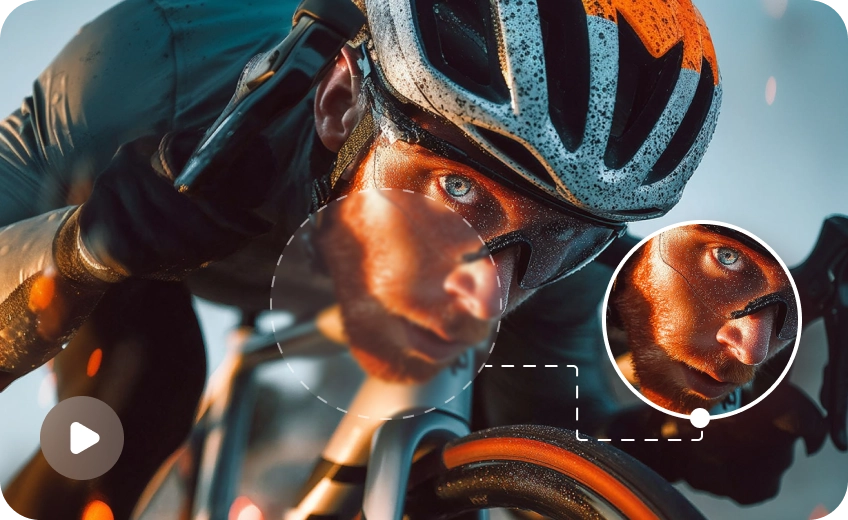
Share your enhanced clips directly across social platforms, no extra tweaks needed! Enjoy sharp visuals on mobile screens, consistent quality across every app, and professional-looking content that grabs attention and drives more engagement.

Multi-Format Support

Batch Processing

Real-Time Preview

Local Perfomance
Use Cases for Video HD Converter
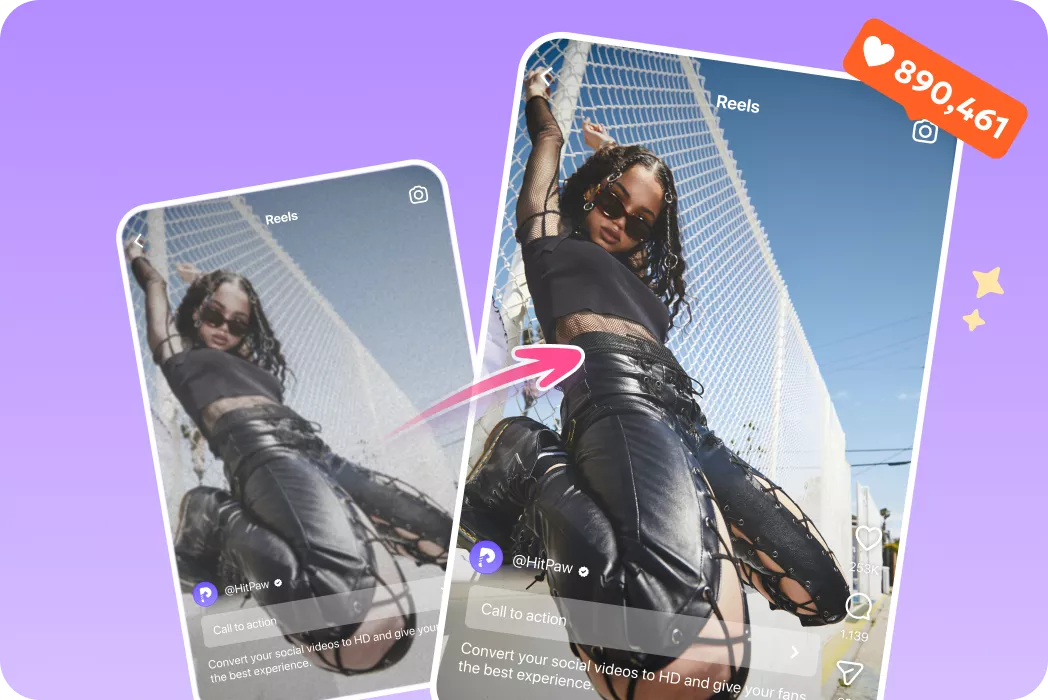
Content Creators
Upscale footage and convert video to HD for social posts, ads, and reels while keeping uploads practical.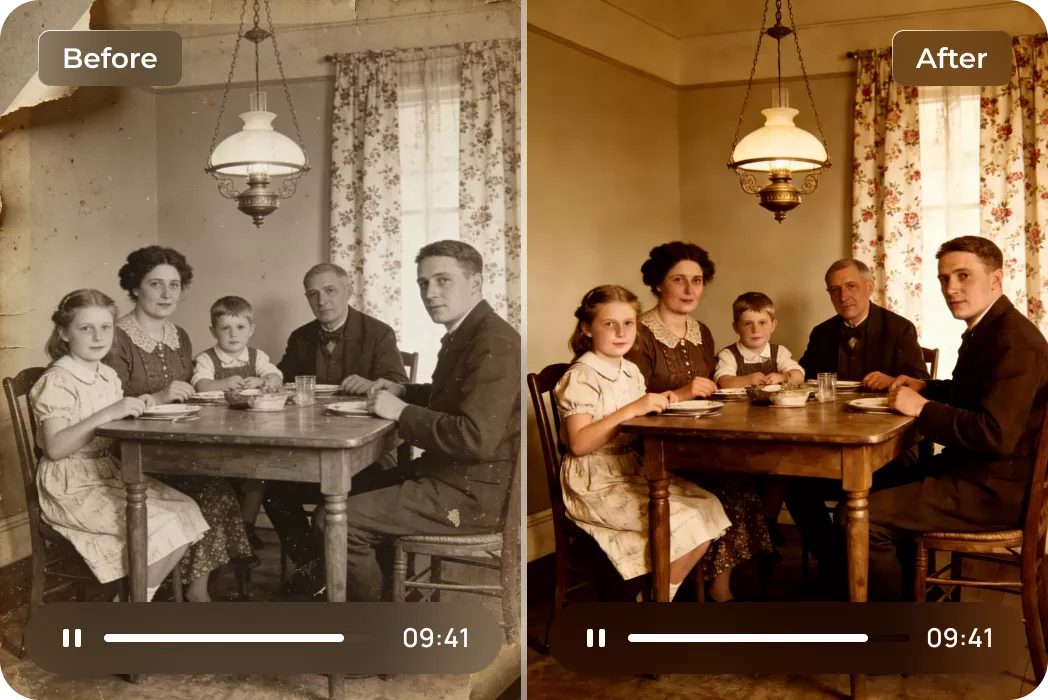
Families and Archivists
Restore old home videos and interviews so faces and moments become watchable again.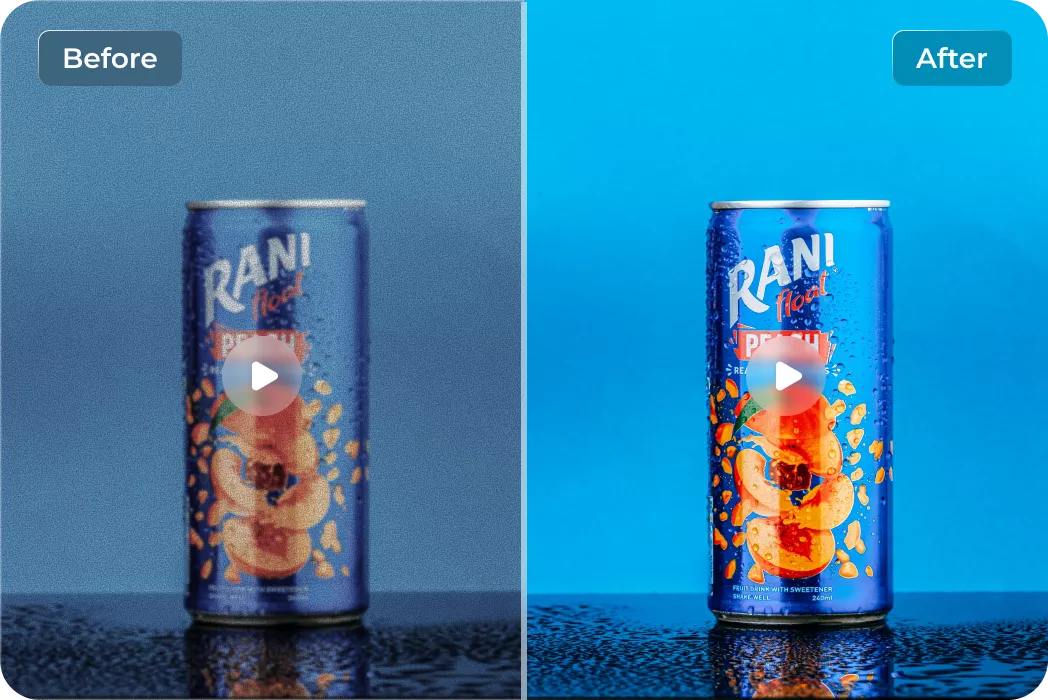
Editors and Marketers
Standardize and denoise footage before editing to speed up grading and improve consistency.What Users Say about HD Video Converter

YouTube Content Creator

"Since I started using this HD Video Converter, my old vlog clips look so much better in 1080p. The upscaling feels natural and saves me hours in post-production."

Home Video Archivist
"I restored dozens of archive tapes and family interviews with this tool. Faces and details came back clearly without looking artificial. Worth every minute I spent."

Freelance Editor
"Great balance of speed and quality. I convert client footage to HD for editing and the results are consistently sharp. Helps me deliver polished projects on time."

Social Media Manager
"I regularly convert client videos for Instagram and TikTok. The AI upscaling gives cleaner visuals that perform better on feeds, and exporting is quick and reliable."
How to Convert Video to HD in 3 Easy Steps
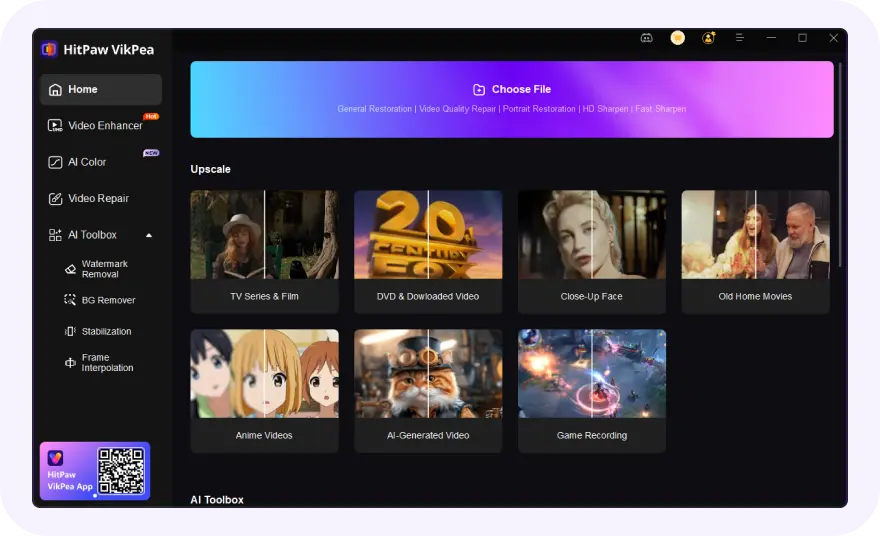
Import Your Video Files
Select and upload your blurry or low-resolution video(s).
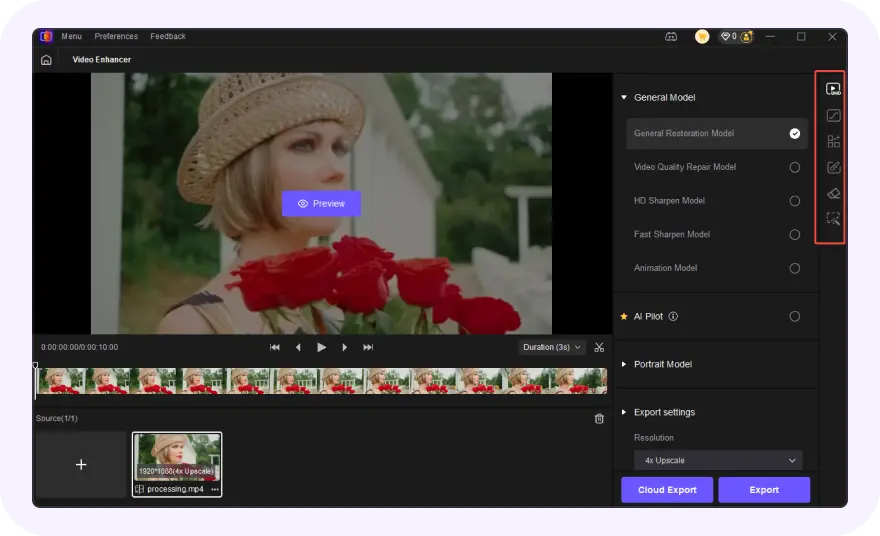
Select AI Model & HD Output
Choose an AI model, set resolution and convert to HD video.
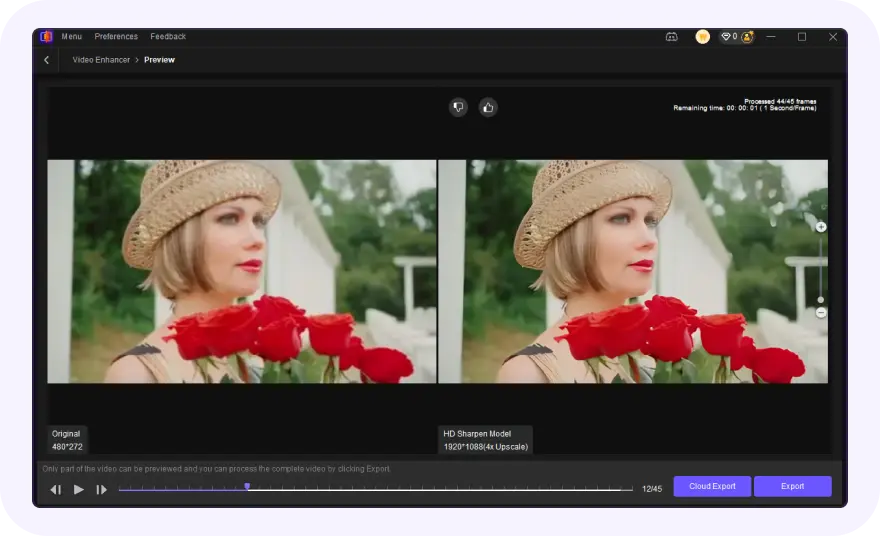
Preview & Convert
Preview the AI-enhanced effect and export your polished HD videos.
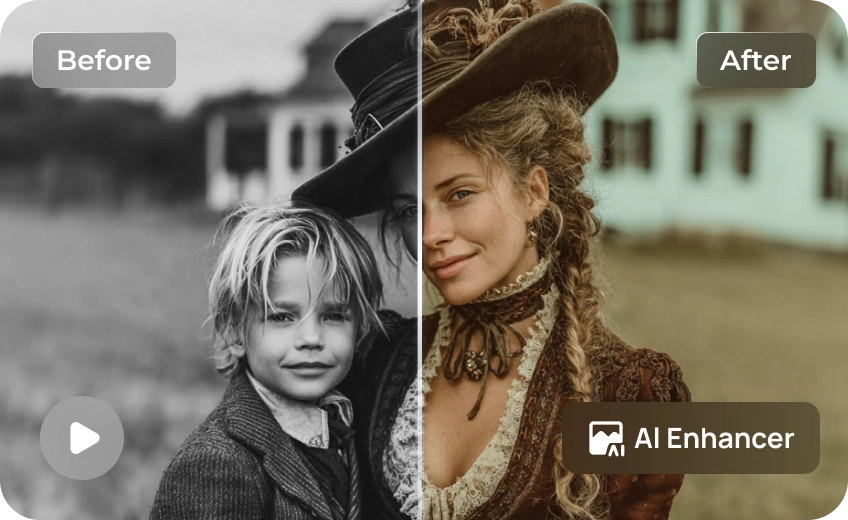
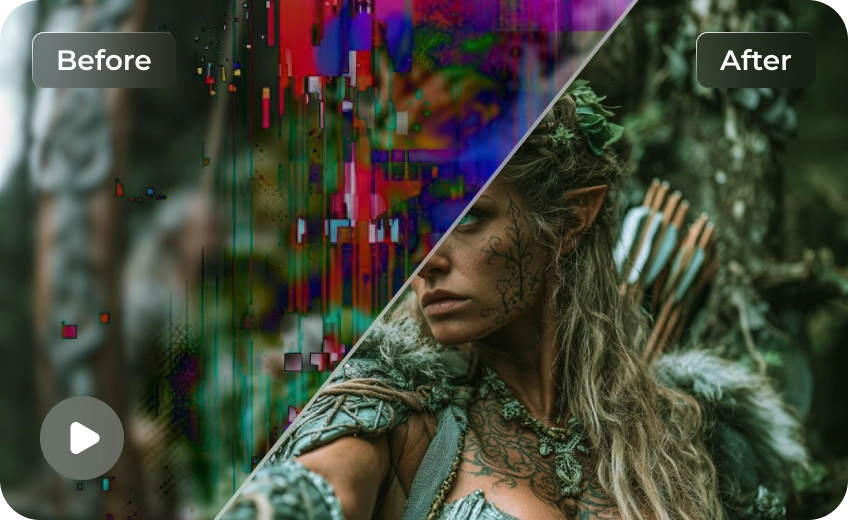
Discover More Video Tools with HitPaw VikPea
FAQs About HitPaw HD Video Converter
An AI HD video converter uses artificial intelligence to analyze each video frame and rebuild details during upscaling. Instead of simple resizing, it improves clarity, sharpness, and motion to produce natural-looking HD results from low-resolution footage.
HD video converter software upgrades video resolution to HD or higher, reduces noise, sharpens details, and improves playback quality. It helps make old, blurry, or compressed videos clearer and more suitable for modern screens and platforms.
Upload or import the video, choose an HD output resolution and AI enhancement mode, preview the result, then export. VikPea HD Video Converter automatically processes each frame to improve clarity while preserving the original look of the video.
Yes, converting to HD video usually increases file size because higher resolution contains more visual data. VikPea HD Video Converter balances quality and compression to keep files manageable while still delivering clear and sharp HD output.
HD conversion time depends on video length, resolution, and hardware performance. Short clips may finish in minutes, while longer or higher-resolution videos take more time, especially when advanced AI enhancement is applied.
Tips & Tricks for HitPaw VikPea HD Video Converter
 HitPaw VikPea
