


Launch and Upload
Launch the photo enhancer software for Mac and upload your image(s)

Enhance Videos with AI on Windows

Enhance Videos Up to 8K on Mac
Convert, Edit and Compress Videos on Windows
Convert, Edit and Compress Videos on Mac
All-in-one Video Editing Suite on Windows & Mac
Remove Unwanted Object from Videos on Windows & Mac

 HitPaw FotorPea for Mac




AI models are available in this photo quality enhancer for Mac- HitPaw FotorPea: general model, denoise model, face model, colorize model, color calibration, scratch repair, low-light model.

HitPaw FotorPea is an all-in-one Mac photo enhancer software, which can automatically enhance image quality remove noise from images, and restore old photos. It can also colorize black-and-white images and make cartoon images look clearer.

HitPaw FotorPea for Mac (previous known as HitPaw Photo Enhancer) is a multi-functional AI photo editing tool that integrates photo enhancement, object & background removal functions, AI portrait and generate AI art.

Greatly surprised by the extra AI image generation functionality. The main reasons why I bought the photo enhancer software for Mac are the powerful image enlargement and noise reduction tools, which produce pristine results.
AI-powered photo enhancer to enlarge photos losslessly and remove noise.


 Photo Unblur
 AI Enlarge to 8K/16K
 Old Photo Restoration
 Batch Processing

The Mac photo enhancer comes with 9 AI models to improve photo quality and fix photo issues within a few seconds.


Choose the AI face model to smooth your portraits naturally. With such an AI photo enhancer for Mac, say goodbye to blemishes or wrinkles on self-portraits or group photos when traveling.
Upgraded D-D color model designs to colorize old family photos. Instead of simply adding color to images, the photo enhancer for Mac works on intelligently matching with the suitable color for old photos and making it natural.
The noise reduction model especially is used for depixelating photos or upscaling anime photos. The technology suits high-ISO and low-light photos, including night-view photos or underexposed photos.
Take HitPaw AI to remove blur from photos, including blurred parts of pictures or blurry text on screenshots. The AI photo enhancer software is available to handle blurred text on websites, screenshots, or letter writings.


Remove Blemishes from Portraits
Choose the AI face model to smooth your portraits naturally. With such an AI photo enhancer for Mac, say goodbye to blemishes or wrinkles on self-portraits or group photos when traveling.


Make Black and White Photos Vivid
Upgraded D-D color model designs to colorize old family photos. Instead of simply adding color to images, the photo enhancer for Mac works on intelligently matching with the suitable color for old photos and making it natural.


Reduce Noise in Photos with Ease
The noise reduction model especially is used for depixelating photos or upscaling anime photos. The technology suits high-ISO and low-light photos, including night-view photos or underexposed photos.


Unblur Text on Image to Clarify
Take HitPaw AI to remove blur from photos, including blurred parts of pictures or blurry text on screenshots. The AI photo enhancer software is available to handle blurred text on websites, screenshots, or letter writings.

Before: Grainy Concert Photos by Phone
After: Denoise Model by HitPaw FotorPea for Mac
Photo Story: I finally got to see the concert. When I emerged in the music world, I took a photo to record the memorable moment.
Before: Grainy Concert Photos by Phone
After: Denoise Model by HitPaw FotorPea for Mac
Photo Story: I finally got to see the concert. When I emerged in the music world, I took a photo to record the memorable moment.

Before: Blurred Product Photo
After: General Model by HitPaw FotorPea for Mac
Photo Story: I need to display those product photos to my customers. Fortunately, HitPaw helps me fix the blurry image in a batch.
Before: Blurred Product Photo
After: General Model by HitPaw FotorPea for Mac
Photo Story: I need to display those product photos to my customers. Fortunately, HitPaw helps me fix the blurry image in a batch.

Before: Smudged Cartoon Images
After: Animation Model by HitPaw FotorPea for Mac
Photo Story: I dreamed of being an artist. But I don't have such talents. I try to generate the painting art with AI, which usually lacks some details.
Before: Smudged Cartoon Images
After: Animation Model by HitPaw FotorPea for Mac
Photo Story: I dreamed of being an artist. But I don't have such talents. I try to generate the painting art with AI, which usually lacks some details.

Before: Hazy Interior Design Example
After: Low-lights Model by HitPaw FotorPea for Mac
Photo Story: I was an interior designer. When I try to show my design examples to employers, I usually take a screenshot for reference.
Before: Hazy Interior Design Example
After: Low-lights Model by HitPaw FotorPea for Mac
Photo Story: I was an interior designer. When I try to show my design examples to employers, I usually take a screenshot for reference.

Before: Fuzzy Memes from the Internet
After: Face Sharpen Model by HitPaw FotorPea for Mac
Photo Story: I like to share memes to show my expression when chatting with friends. But usually, most memes lack clarity when being transformed on the internet.
Before: Fuzzy Memes from the Internet
After: Face Sharpen Model by HitPaw FotorPea for Mac
Photo Story: I like to share memes to show my expression when chatting with friends. But usually, most memes lack clarity when being transformed on the internet.

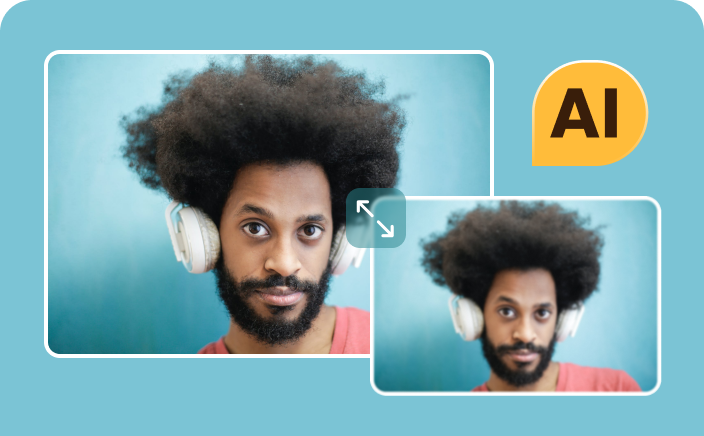
Resize photos with losing quality
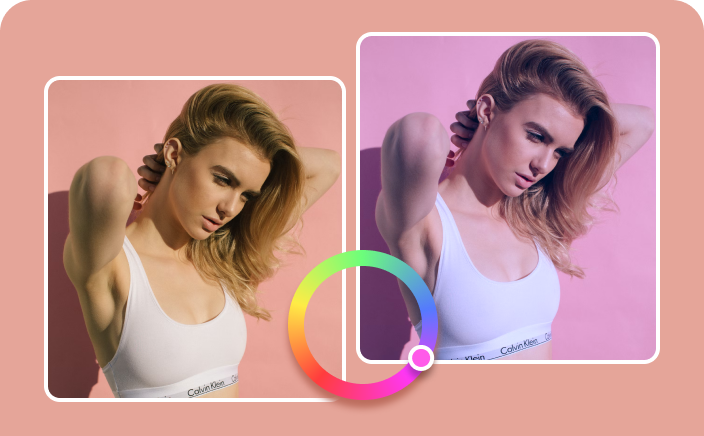
Fix photo on color and clarity
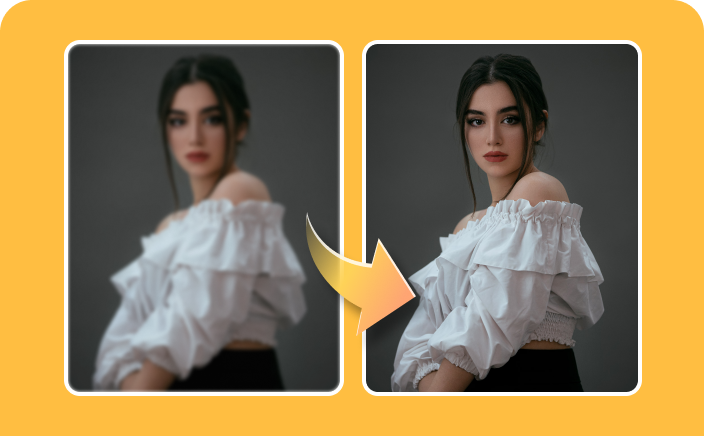
Sharpen blurry details on photos
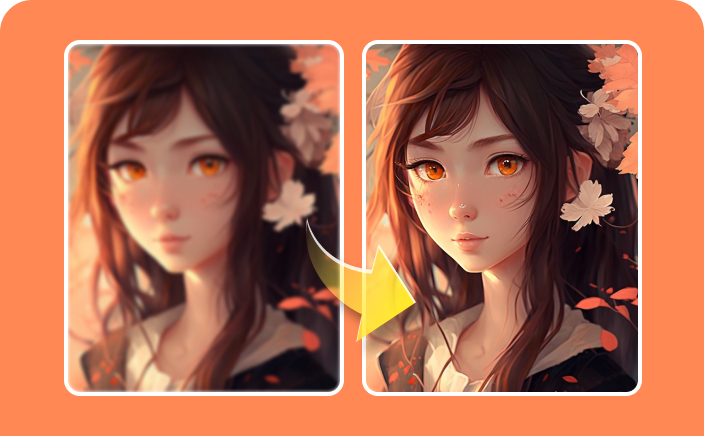
Upscale Waifu images with details

Launch and Upload
Launch the photo enhancer software for Mac and upload your image(s)

Select AI Model
Choose one AI model based on image type to get a better effect

Preview and Export
Preview the effect and export the upscaled image to Mac
HitPaw FotorPea (formerly HitPaw Photo Enhancer) is the best Mac photo enhancer for its ability to upscale images to 16K with 8X magnification while preserving intricate details like hair and skin textures in one click.
HitPaw FotorPea for Mac, as a photo enhancer, typically offers tools for basic photo enhancements such as retouching the face, adjusting brightness, noise reduction or color correction. You can use the tool to enhance special-typed photos.
Open HitPaw FotorPea for Mac and drag & drop the photo or click on "Choose Files" to import your photo in the menu of AI Enhancer.
Select a suitable AI model and the output resolution that you want to upscale your photo.
Click on "Preview" to preview the enhanced result.
If you're satisfied, click on "Export" to save this high-quality image.
HitPaw FotorPea for Mac stands out among other software for photo enhancement due to several distinct features and AI processing technology. The fast speed makes it easier to deal with multiple photos. And except for enhancing photo quality, HitPaw FotorPea for Mac allows users to try out more AI generation or remover features.
Yes. HitPaw Photo Enhancer (now renamed HitPaw FotorPea) is safe to use when downloaded from the official website. The software runs as intended for photo enhancement and does not include malicious code or hidden threats.
Ready to Start with
Available on Windows, MacOs, iOS, Android and web. Get HitPaw FotorPea and access more features.





 Enhance with AI, generate with Nano Banana Pro


What People Say About HitPaw FotorPea for Mac
An surprsing fast and easy Mac photo enhancement software you should have.
It's super fast to process a photo, which only takes half of a minute to get it done on my Mac. What makes me like most is that it is very easy to use and you can check the effect before exporting.
Simone in New York
The mac photo enhancer software is the only one that I give 5 stars.
Ihad a lot of video conferences because of coronavirus disease. In fact, it is very boring and a lot of those who participate in the meeting cannot focus on you. It had a big change.
Nickey in Mexico City
All I have to do is upload my photo.
Because this Mac photo enhancer is AI-powered, all I have to do is upload my photo and wait a few seconds for the upgraded version to appear. It will soon enhance and upscale your pictures making the resolution better of your photo.
Zach in California