



Landscape Photo Enhancer for Clearer, Sharper Views
Turn your favorite landscape photos into stunning visuals with HitPaw FotorPea. Refine natural textures, reduce noise, and upscale low-resolution pictures for travel albums, large-screen displays, and landscape wallpapers.



Sharpen, Denoise, and Restore Your Landscape Pictures
Bring Blurry Landscape Photos into Focus
Stunning scenery, disappointing photos? Blurry peaks and muddy details can take the magic out of your favorite views. HitPaw's landscape photo enhancer sharpens blurry landscape photos and brings out natural details, helping anyone turn everyday shots into stunning, professional-looking landscape photos.
Make Every Landscape Detail Stand Out
From delicate leaf veins to intricate petal textures, the smallest details make a difference. With HitPaw FotorPea, you can enhance landscape photos to reveal finer textures while keeping them true to life, without the harsh edges or artificial look of over-sharpening.
Remove Noise for Cleaner Landscape Photos
Low light and high ISO can leave landscape photos with unwanted noise. Before sharing your work on photography platforms or adding them to your portfolio, use our landscape photo enhancer tool to reduce noise while preserving natural details. Ideal for landscape photographers and travel bloggers who want more polished images.
Turn Hazy Landscape Views into Vivid Scenes
Do distant mountains look faded or your landscape shots feel flat and lifeless? Simply describe the result you want to HitPaw FotorPea's AI Agent to reduce haze, restore contrast, and bring out the depth of your scenery, no complex adjustments needed.

Landscape Image Enhancer

Multi-Format Support

Batch Processing

Local Perfomance
AI Landscape Photo Editing for Every Outdoor Vision
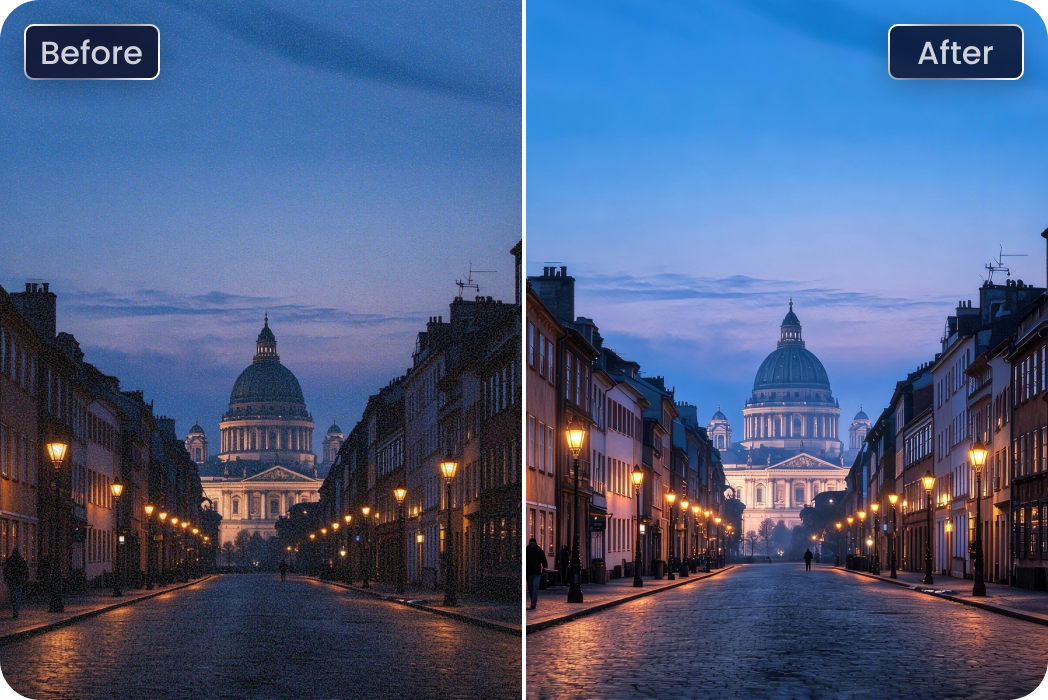
Travel Photographers & Explorers
Early morning streets, sunset views, and dimly lit landmarks don't always turn out as expected. Brighten shadows and lift overall exposure with HitPaw FotorPea while keeping the atmosphere of your travel shots.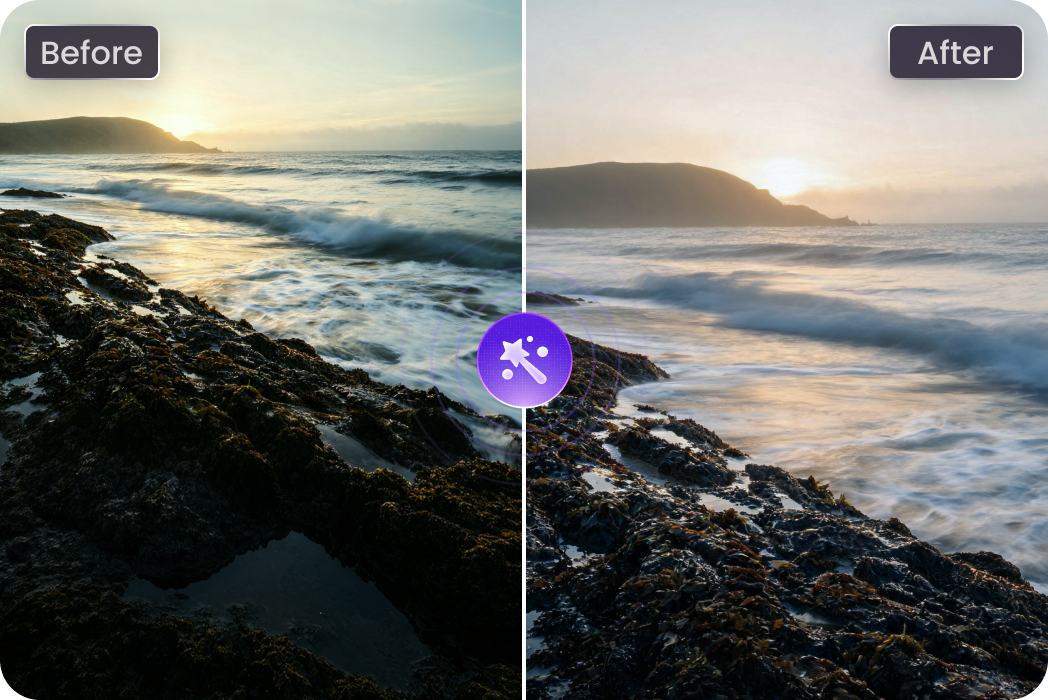
Landscape Photography Enthusiasts
Great composition can change the whole feel of a photo. Pro Look automatically analyzes your landscape and refines its composition with professional photography techniques, helping your shots look more thoughtfully framed.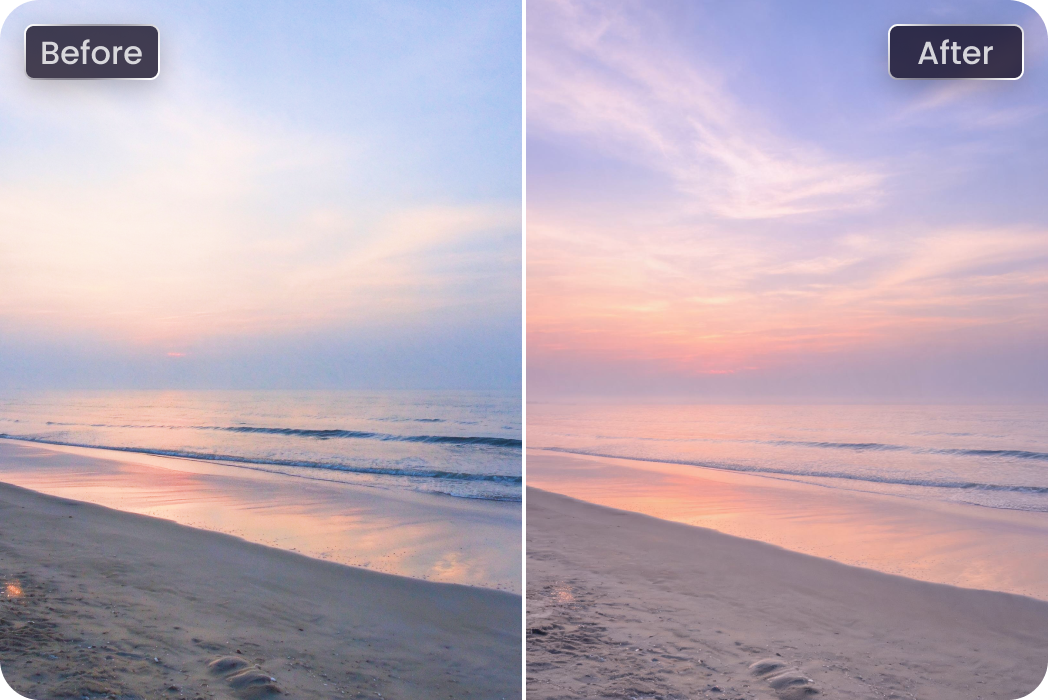
Travel Bloggers & Content Creators
Blue skies or dramatic sunsets can give a familiar view a whole new mood. Swap dull skies for a backdrop that better fits your vision and create more eye-catching landscape content for your audience.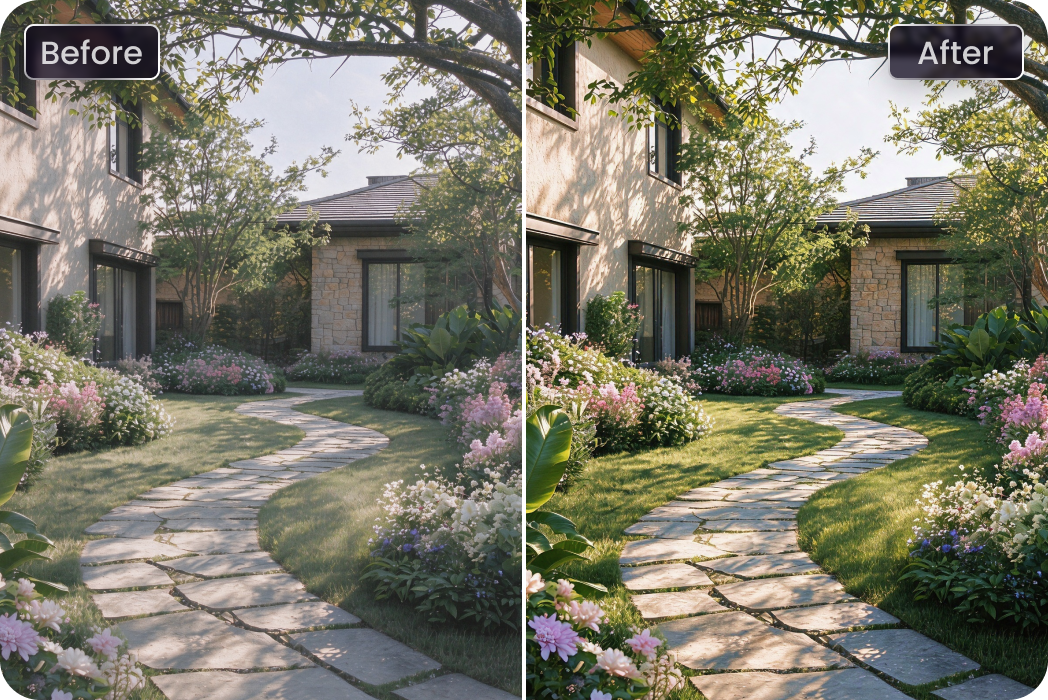
Real Estate & Outdoor Marketers
From property listings to tourism campaigns, outdoor visuals need to make a strong first impression. Use a landscape photo enhancer to fine-tune colors and tones, making scenery look more inviting and ready to share.Users Review: HitPaw FotorPea Landscape Photo Enhancer

Travel Photographer @wandering.frames

"Some of my favorite travel shots were taken just before sunrise, so they came out darker than I remembered. FotorPea's landscape photo enhancer helps lift the shadows without washing out the mood. It’s a handy fix before I share my landscape photos."

Photography Hobbyist @framesbyalex
"I usually know what I want a photo to feel like, but getting the composition right is another story. Pro Look gives my landscape shots a more balanced feel without making the process complicated."

Travel Blogger @roamsandroutes
"Ever get back from a trip and realize the sky looks completely different in your photos? I like being able to replace a dull sky and give a landscape shot the look I had in mind. This landscape photo enhancer tool makes my travel posts feel much more engaging."

Real Estate Photographer @propertyalin
"For property listings, the outdoor shots matter just as much as the interiors. I use a landscape photo enhancer to bring out the garden, pathways, and exterior details so the whole property looks more inviting while staying true to the actual scene."

Nature Enthusiast @wildtrailasay
"I take photos on hikes all the time, but distant ridgelines can look flat when the weather turns hazy. With FotorPea’s AI Agent, I can describe the look I want and improve the sense of depth without digging through a bunch of settings."
How to Enhance Landscape Photos with HitPaw FotorPea

Upload Landscape Photo
Import a landscape photo you want to improve, from scenic views to travel snapshots.
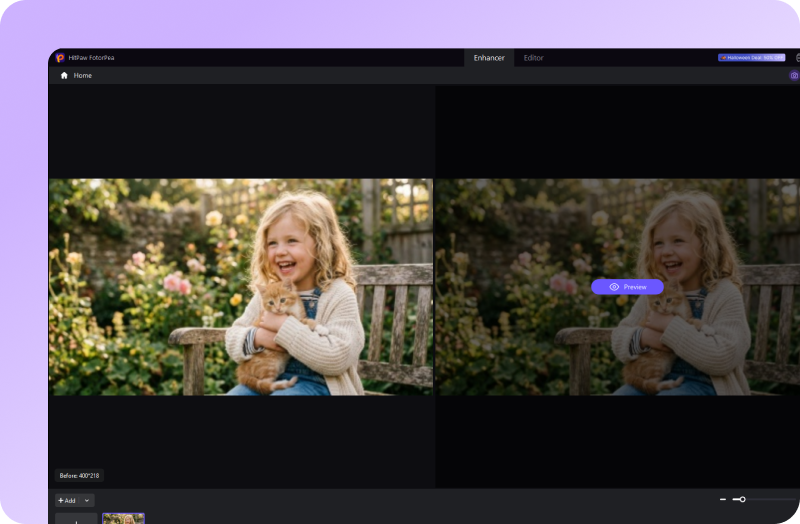
Choose AI Enhancement
Select an AI enhancement model or use AI Agent to refine your photo based on your needs.
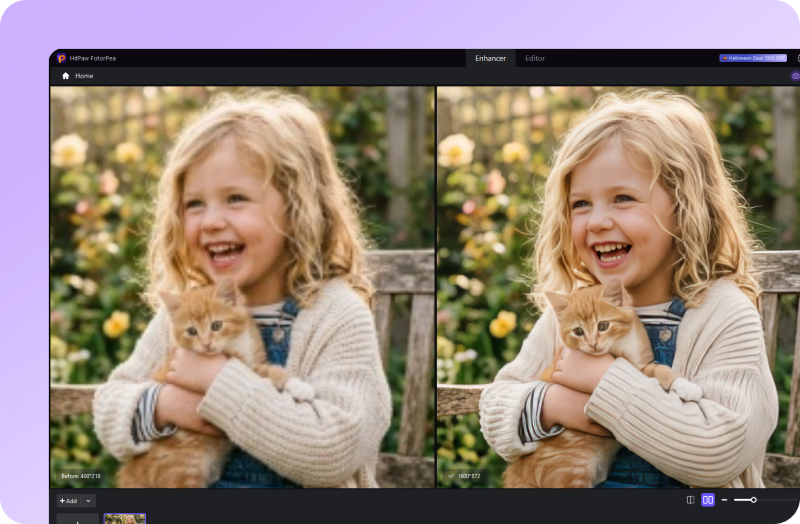
Preview and Save Photo
Check the results, then export your enhanced landscape photo with clearer details and a more natural look.
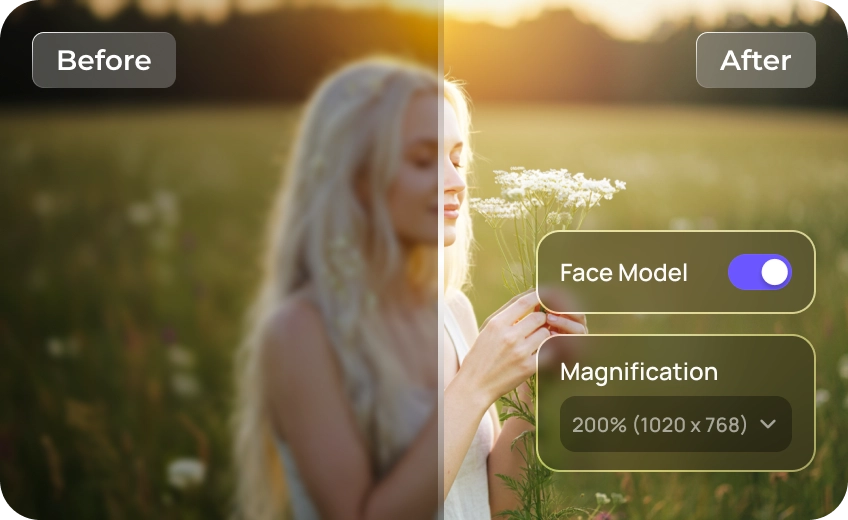
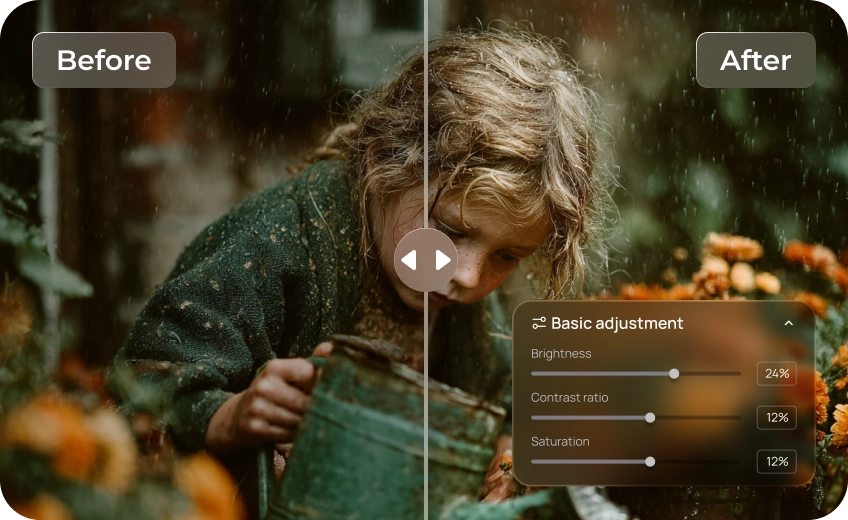
Discover More Photo Tools with HitPaw FotorPea

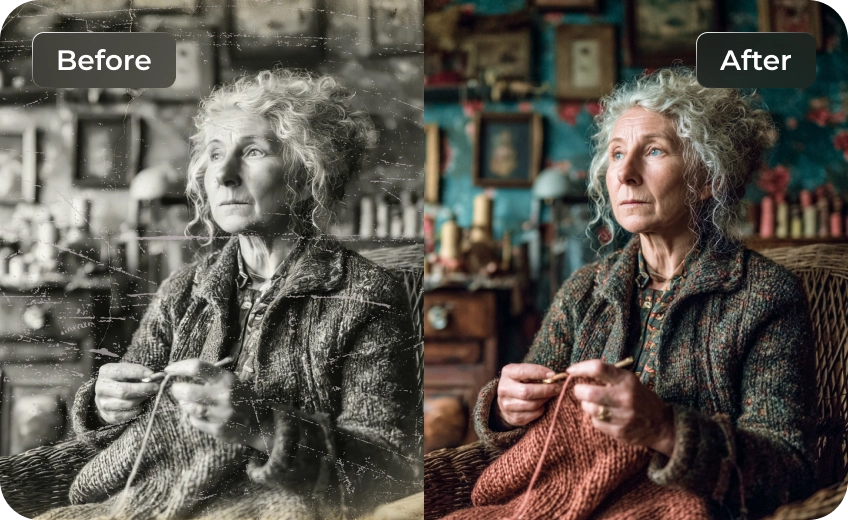
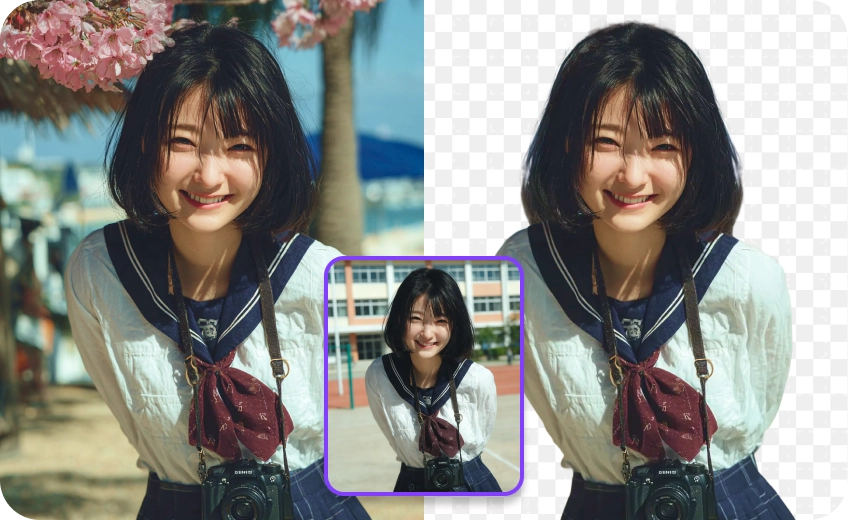
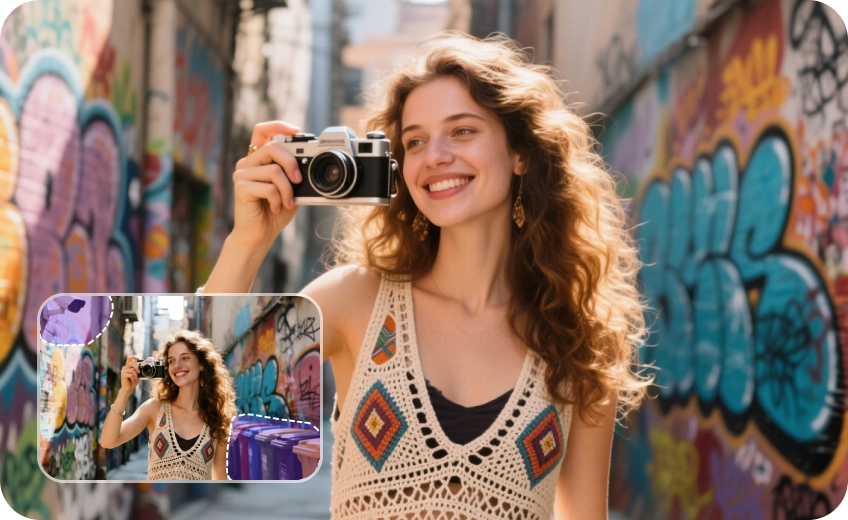
FAQs About HitPaw's Landscape Photo Enhancer
Landscape photography captures natural scenery such as mountains, forests, lakes, coastlines, and open fields. The goal is to showcase the beauty, atmosphere, and depth of a place. Well-composed landscape photos often balance light, color, and detail to create a more immersive view.
To improve blurry landscape photos, start by sharpening edges and restoring details without making textures look artificial. An AI landscape photo enhancer can help reduce blur, recover visible details, and improve landscape photo quality.
Yes. A landscape photo editor like HitPaw FotorPea with batch processing can help you enhance multiple nature photos in one workflow instead of editing each image individually. This is especially useful for travel photographers who need to process entire collections of landscape pictures while maintaining consistent image quality.
Adjust the exposure and shadows first to reveal details in dark mountains, forests, or foreground areas. Avoid increasing brightness too much, as this can wash out the sky and other highlights.
If you want a simpler approach, an AI landscape photo enhancer like HitPaw FotorPea can help brighten dark landscape photos while preserving natural-looking colors and details in one click.
You can improve a dull sky by adjusting contrast, balancing colors, or replacing an overcast sky with a more suitable background. Choose an option that matches the lighting and atmosphere of the rest of the scene for a realistic result.
Tips & Tricks for HitPaw's Landscape Photo Editor
- Top Lenses to Capture Stunning Landscape Photos in 2026
- How to Improve Fall Foliage Pictures for Better Autumn Photos
- Top 6 AI Tools to Convert Square Photo to Landscape AI Effortlessly
- Best Travel Photo Locations to Capture Stunning Views
- Forest Photography: How to Capture the Magic of Nature’s Green
 HitPaw FotorPea
