



Gemini AI Photo Enhancer: Unblur & Upscale to 8K
Give your Gemini AI creations a polished finish before sharing them on social media, using them in designs, or printing them. HitPaw's Gemini AI Photo Enhancer makes it easy to refine image quality with one click and enhance multiple photos at once.



Enhance, Sharpen, and Upscale Gemini Images with AI
Gemini AI Photo Enhancer Without Extra Prompts
Gemini makes image creation easy, but details may still need a boost. Upload your image to HitPaw's Gemini AI Photo Enhancer for one-click enhancement—no complex prompts or repeated generations. Create polished visuals for creative projects and printing.

Enhance Gemini Artwork for 4K/8K Clarity
Whether creating artistic illustrations or wallpapers, Gemini images may lack fine details and clarity, even after you upscale Gemini images. HitPaw’s Gemini AI Photo Enhancer reconstructs details and refines textures for sharper 4K/8K wallpapers and high-resolution displays.
Sharpen Gemini Images for Social Media Sharing
Your Gemini creations deserve more than blurry details and a soft, flat look. Before posting to TikTok, Instagram, Pinterest, or X, use HitPaw's Gemini enhancer to sharpen details, boost clarity, and make every image pop in the feed.
Batch Enhance Gemini Images for Product Listings
Need polished product visuals for your store? Enhancing Gemini images one by one takes time and slows down your workflow. Batch-enhance product images with HitPaw FotorPea to maintain consistent visual quality, speed up catalog preparation, and get more products ready for your store.

Gemini Image Enhancer

Multi-Format Support

Batch Processing

Local Perfomance
Gemini AI Photo Enhancer for Every Creative Workflow
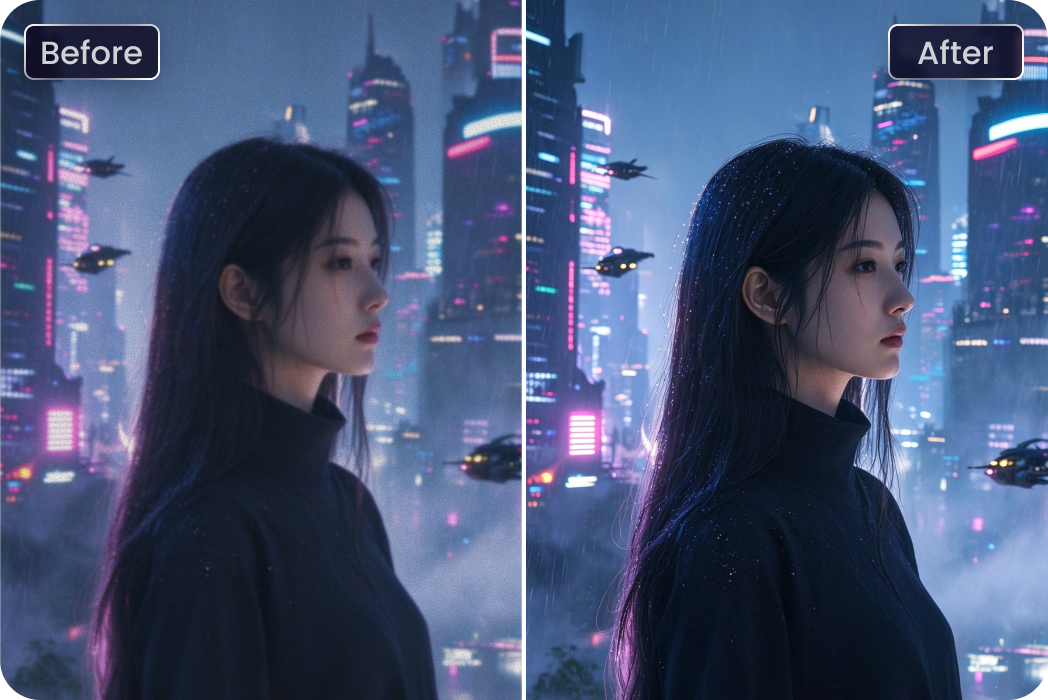
AI Short Film Creators
Creating AI short films with Gemini? Enhance character portraits and scene details with a Gemini AI photo enhancer for more polished storyboards.
YouTube & Video Creators
Blurry thumbnails can weaken your video's first impression. A Gemini enhancer sharpens faces and details for more eye-catching YouTube videos and AI Shorts.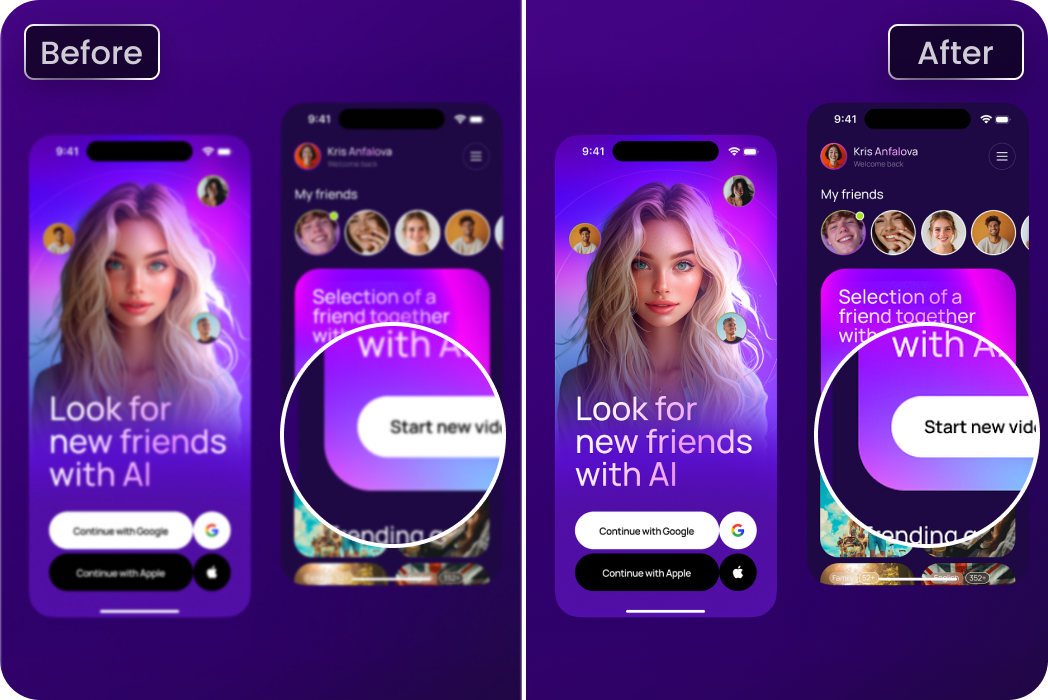
App & Web Designers
Need to increase Gemini uploaded screenshot resolution? Improve text, icons, and interface clarity for sharper mockups and more professional design presentations.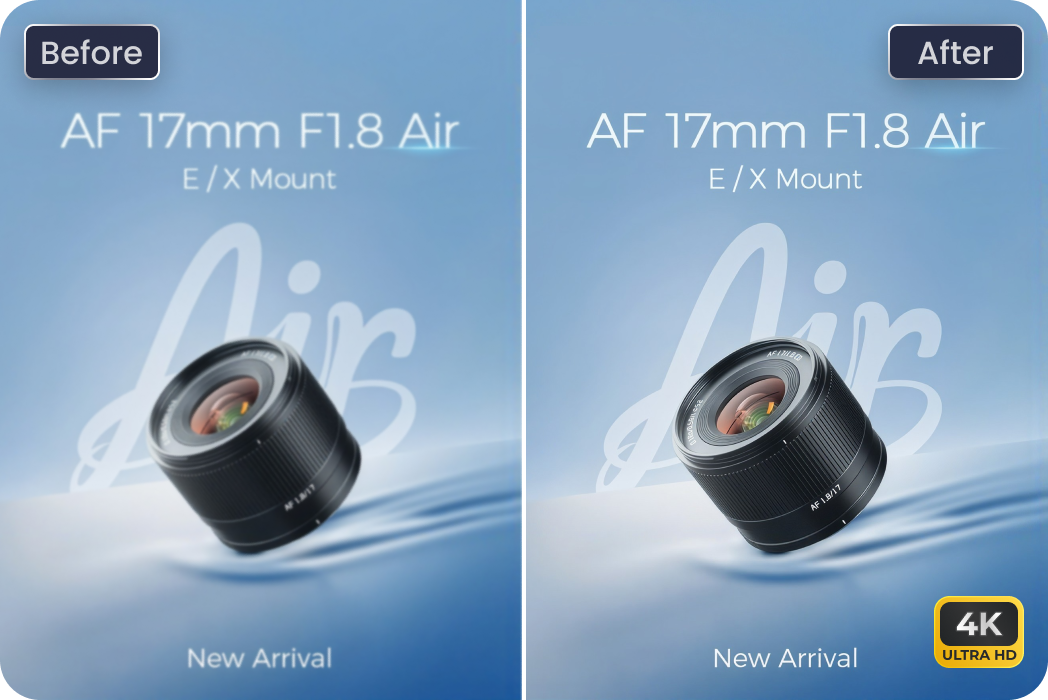
Digital Marketers & Ad Designers
Creating visuals for multiple campaigns? Batch-enhance Gemini images with HitPaw FotorPea to refine details and prepare polished marketing assets faster.Users Review: HitPaw FotorPea's Gemini AI Photo Enhancer

Digital Artist @luna.creates

"I love using Gemini for fantasy art, but the textures don’t always come out as detailed as I imagined. I tried a Gemini upscale image workflow with HitPaw FotorPea, and the extra clarity makes my artwork look much better on larger screens."

E-commerce Seller @thegoodfinds
"I create product visuals with Gemini pretty often, and editing every image individually gets old fast. Being able to batch-enhance them with HitPaw FotorPea saves me time and helps keep my product images looking clear and consistent."

AI Short Film Creator @framebyframe
"I use Gemini to create characters and scenes for my short films, but some images come out softer than I’d like. This Gemini AI photo enhancer brings out the finer details without making everything look overly sharp. It saves me from regenerating the same scene over and over."

YouTube Creator @pixelwithsam
"I've had Gemini images that looked great until I used them for thumbnails. A few details just looked blurry. This Gemini enhancer makes it easy to sharpen them before uploading, so my thumbnails look much cleaner without extra editing."

UI Designer @designwithmaya
"Some Gemini-generated app mockups look fine at first, but the text and icons get fuzzy when I zoom in. I wanted to increase Gemini uploaded screenshot resolution, and this helped make interface details clearer for my design presentations."
How to Enhance Gemini Photos with HitPaw FotorPea
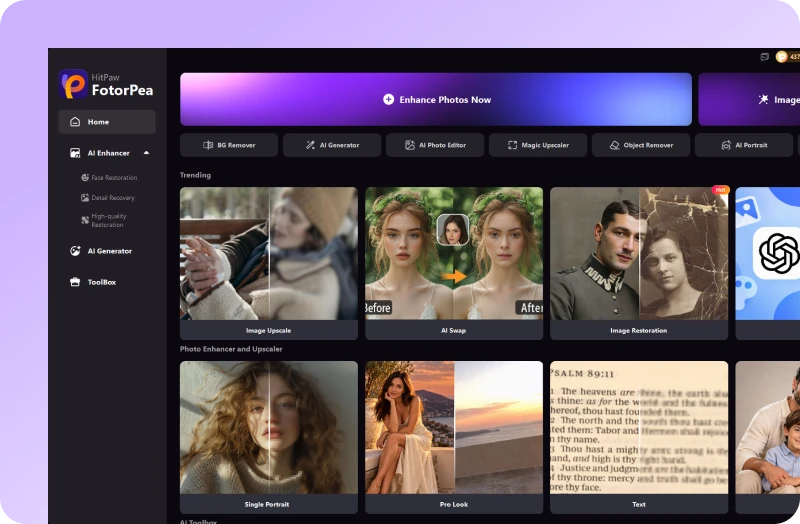
Upload Gemini Image
Upload a Gemini-generated image or screenshot you want to enhance.
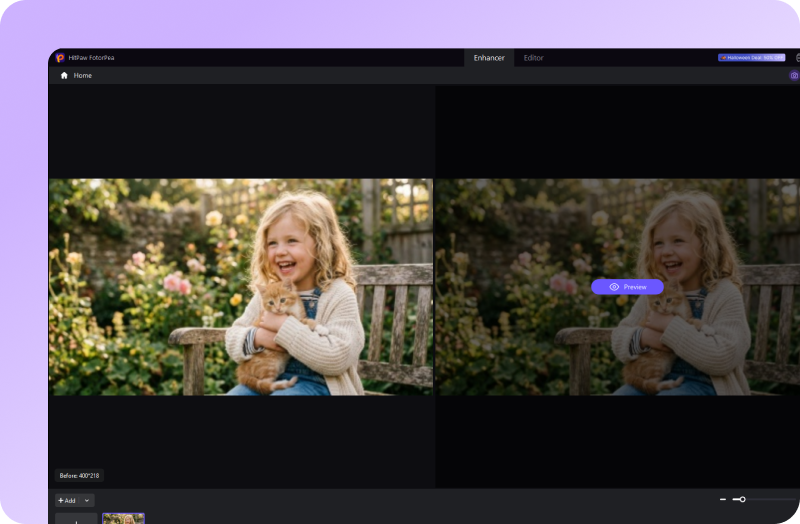
Preview AI Enhancement
Let AI automatically select the best model, then preview your enhanced Gemini photo.
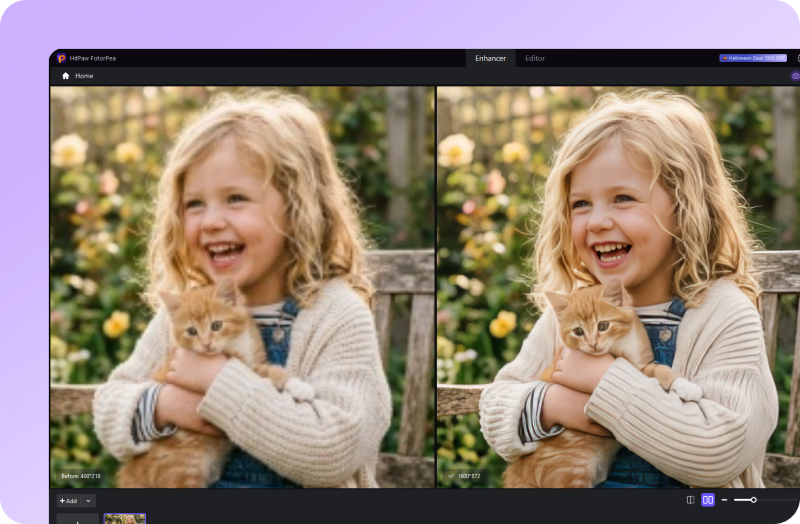
Download Enhanced Photo
Download your high-quality Gemini image, ready to share.
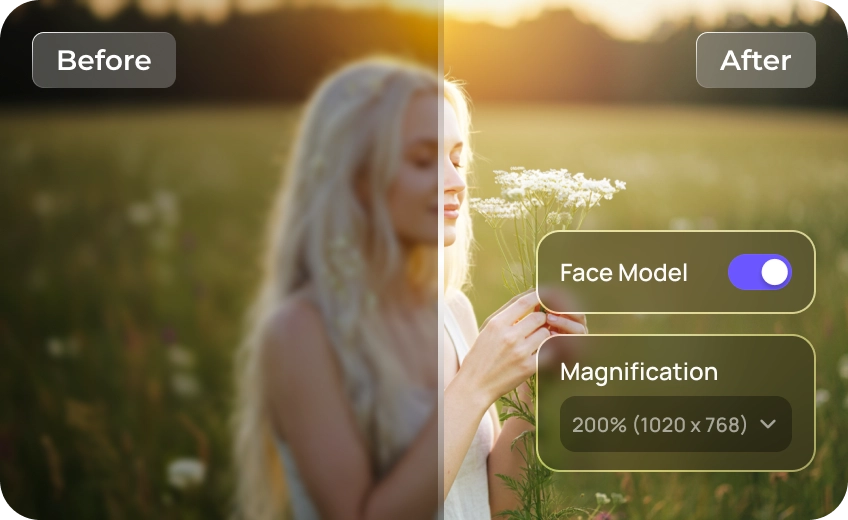
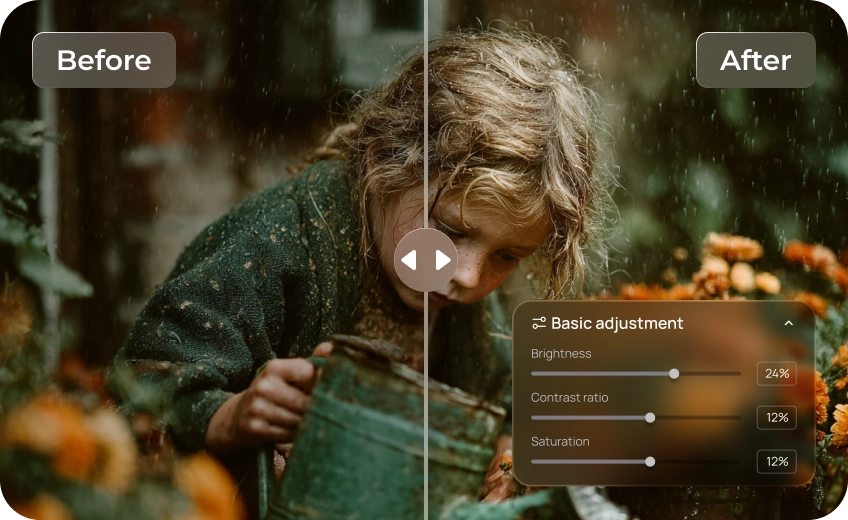
Discover More Photo Tools with HitPaw FotorPea
FAQs About HitPaw's Gemini AI Photo Enhancer
Gemini's image editing capabilities may help improve or resize images, depending on the model and features available. However, simply increasing image dimensions does not always restore fine details or produce true 4K or 8K quality.
Start with a clear prompt that describes the details, lighting, textures, and resolution you want. You can also ask Gemini to refine specific areas or regenerate the image. If the result still looks soft or lacks detail, an AI photo enhancer like HitPaw FotorPea can help sharpen edges, reduce noise, and improve overall clarity without starting from scratch.
If you don't want to experiment with prompts or regenerate an image repeatedly, download your Gemini-generated image and use HitPaw's Gemini AI photo enhancer. Upload the image, preview the enhancement, and save the improved result. This approach is especially useful when you want to refine an existing image quickly.
Blurry results can occur because of limited output resolution, fine textures that are difficult to render, compression, or details that become less defined when an image is enlarged.
Yes. HitPaw FotorPea supports batch image enhancement, helping users improve clarity and maintain a more consistent look across multiple images. This is useful for creators, designers, and online sellers who work with large image collections.
Tips & Tricks for HitPaw's Gemini Image Enhancer
- Google Gemini 3: Features, Capabilities, Pricing & How It Compares
- 10+ Best and Free Gemini AI Prompts for 4K Photos 2026
- Gemini AI Halloween Photo Prompts: Spooky Ideas You Can Try Tonight
- Nano Banana 2.1 Review: Features, Image Quality & Alternatives
- Nano Banana Upscaler: How to Get True 4K Results
 HitPaw FotorPea
Ready to Make Your Gemini Images Sharper?
