





AI Anime Video Enhancer for Sharper Visual Details
Bring your AI-generated anime and animation videos to life with HitPaw VikPea. Upscale blurry footage to 4K, sharpen delicate outlines, and recover missing details while preserving the distinctive look of anime and cartoons.
From dynamic Japanese anime scenes to colorful American cartoon adventures, enhance your animation videos with AI and turn low-quality clips into clearer, more polished visuals.


Powerful AI Anime Video Upscaler for Anime and Animation

Upscale Blurry Anime Videos to 4K with Enhanced Overall Clarity
Turn low-resolution anime clips into sharper, more detailed visuals with an AI anime video upscaler. Enhance character designs, backgrounds, and colors while restoring clarity across the entire frame, making your AI-generated animation ready for high-resolution viewing.
Make Fast-Paced Animation Action Scenes Smoother with AI Frame Interpolation
Make fast-paced anime and cartoon scenes look smoother with AI frame interpolation. Improve motion continuity in sword fights, character turns, and high-speed game cutscenes, helping creators produce more fluid action sequences from choppy animation footage.
Fix Pixelated Anime Videos and Restore Cleaner High-Resolution Animation Details
Restore cleaner visuals from pixelated, low-resolution anime and cartoon footage. HitPaw Al Anime Video Upscaler helps reduce the blocky appearance of enlarged frames while recovering more coherent character outlines, color transitions, and background details for a cleaner viewing experience.
Sharpen Anime Outlines and Recover Fine Details with the Specialized Animation Model
Give anime and cartoon videos a sharper, more polished look with VikPea's specialized Animation Model. Designed for high-quality sharpening, it helps refine character outlines, restore visible details, and refresh image quality while preserving the distinctive visual style of animation.

Multi-Format Support

Batch Processing

Real-Time Preview

Local Perfomance
Explore the Practical Cases of Animes Enhancement
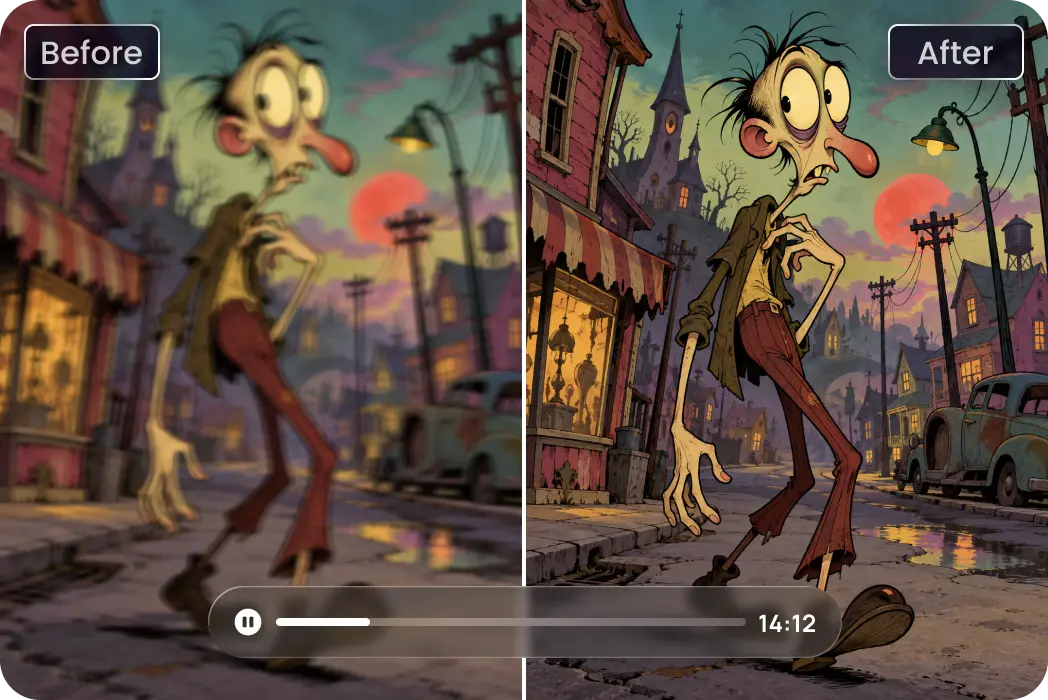
AI Anime Series Creators
Bring your AI-generated animated stories to life with sharper outlines, richer details, and cleaner visuals. Enhance quirky characters and surreal scenes for a more polished look.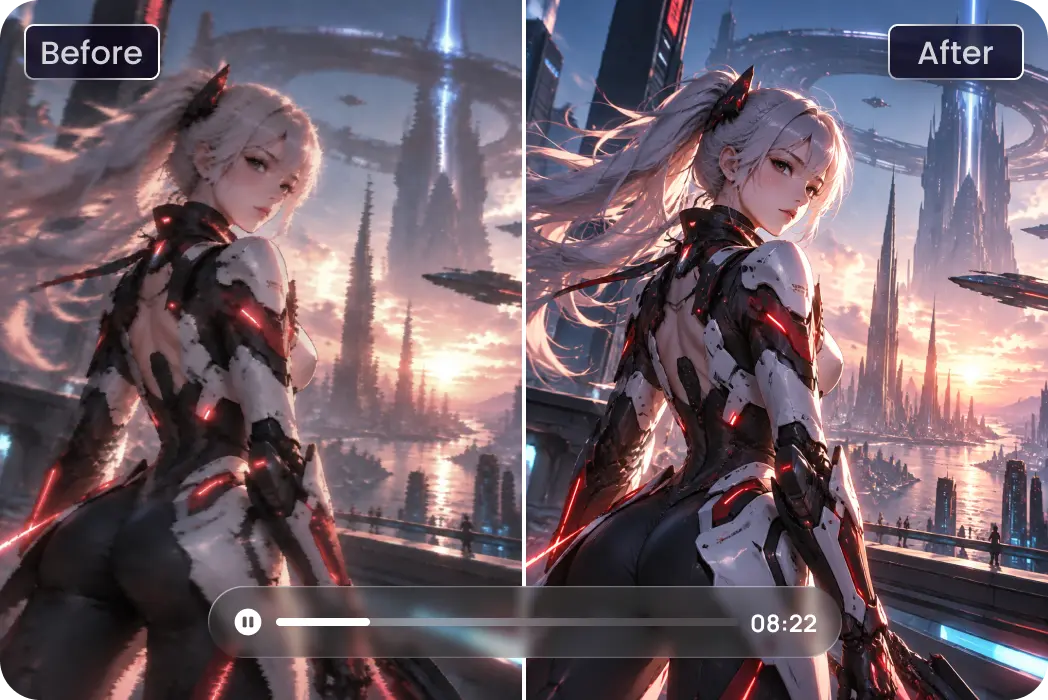
Professional 3D Animators
Refine 3D animated cutscenes with sharper edges, clearer textures, and enhanced visual details. Polish character close-ups and cinematic game sequences for a more refined finish.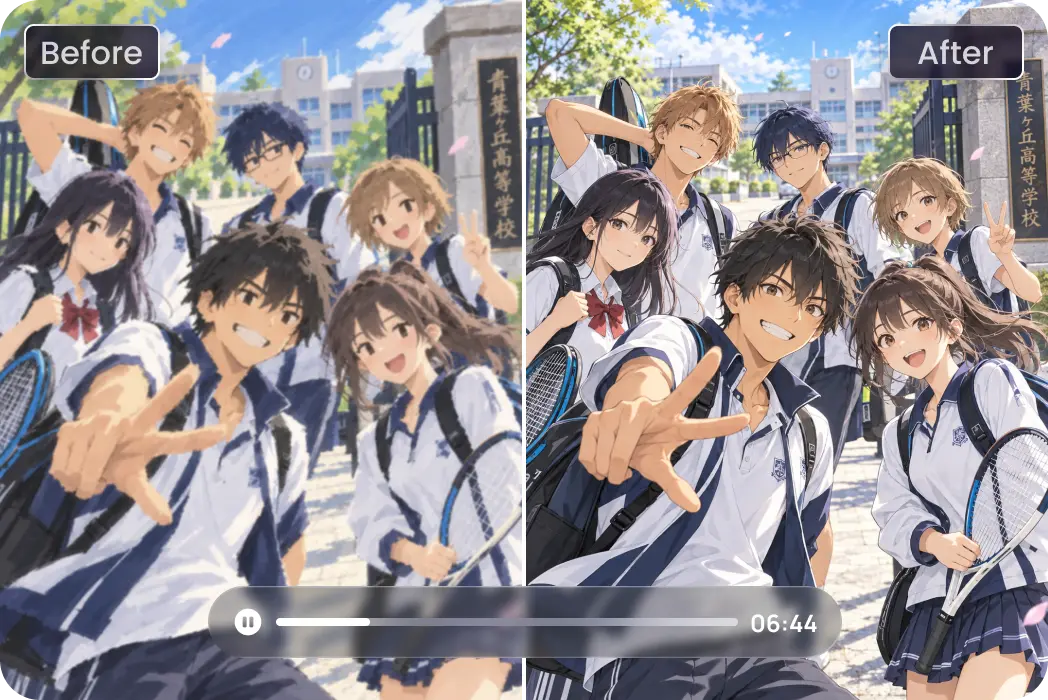
Anime Character Fans
Make your favorite anime-style characters look clearer with enhanced facial features, crisp hair strands, and refined outfit details. Bring every frame closer to the original artistic vision.Cost Breakdown: Native 4K vs. Low-Res + HitPaw Upscaling
Want to save up to 75% on 4K video costs? Instead of rendering resource-heavy footage directly in 4K, smart creators are shifting to a high-efficiency workflow: generating content at a lower resolution and upscaling it using the HitPaw VikPea. Here is how the two approaches stack up in terms of cost, speed, and efficiency.
| Model Name | 720p/min($) | 1080p/min($) | 4k/min($) |
|---|---|---|---|
| Kling 3.0 Omni | $7.56 | $10.08 | $25.20 |
| Seedance 2.5 | $13.56 | $33.55 | Not Supported |
| Veo 3.1 Standard | $24.00 | $24.00 | $36.00 |
| Runway Gen-4.5 | $7.20 | Not Supported | Not Supported |
| Vidu Q4 Preview | $5.70 | $7.20 | $23.40 |
| Wan 3.0 Video | $4.95 | $9.90 | Not Supported |
| Grok Imagine Video 1.5 | $8.40 | $15.00 | Not Supported |
| PixVerse V6 | $3.60 | $6.90 | Not Supported |
| Luma Ray3.2 | $5.40 | $21.60 | Not Supported |
| VikPea Plan | Monthly Plan | Yearly Plan | Perpetual Plan |
|---|---|---|---|
| Cost of 4K Upscaling | about $1.43/Day | about $0.27/Day | <$0.02/Day |
What Users Say About HitPaw VikPea AI Anime Video Enhancer

AI Anime Series Creator

"I create AI-generated anime episodes, and some clips look great in concept but lose clarity after generation. HitPaw VikPea AI Anime Video Enhancer helps sharpen character outlines and bring back finer details, making my scenes look much more polished before I share them."

Animation Enthusiast
"I often save animated clips in different resolutions, and some look noticeably blurry on a larger screen. VikPea does a nice job improving overall sharpness and cleaning up pixelated areas without losing the original animation style."

Professional 3D Animator
"I work with 3D character animations and cinematic cutscenes, where small details really matter. HitPaw VikPea AI Video Enhance helps refine edges and improve visual clarity, especially in character close-ups. It's a useful extra step in my video polishing workflow."

Anime Character Fan
"I'm a huge fan of anime characters, so I love collecting and sharing my favorite AI-generated scenes. VikPea makes a noticeable difference in facial details, hair strands, and outfit textures. The enhanced clips look much sharper and more enjoyable to watch."
How to Enhance AI Anime Video Quality in 3 Steps
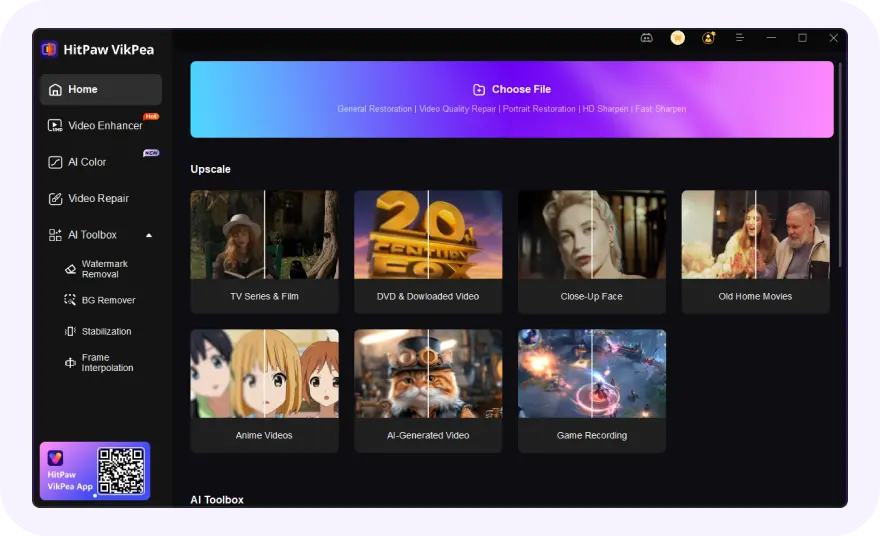
Import Your AI Anime Video
Launch VikPea and drag-and-drop your AI anime videos into the workspace.
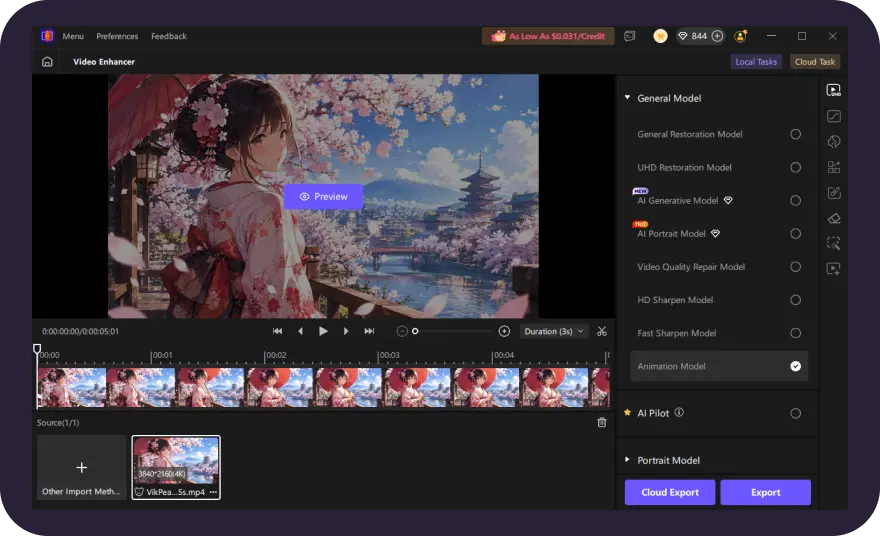
Select Animation Model
Choose VikPea's AI Animation Model, set resolution and upscale AI anime video to 4K/8K.
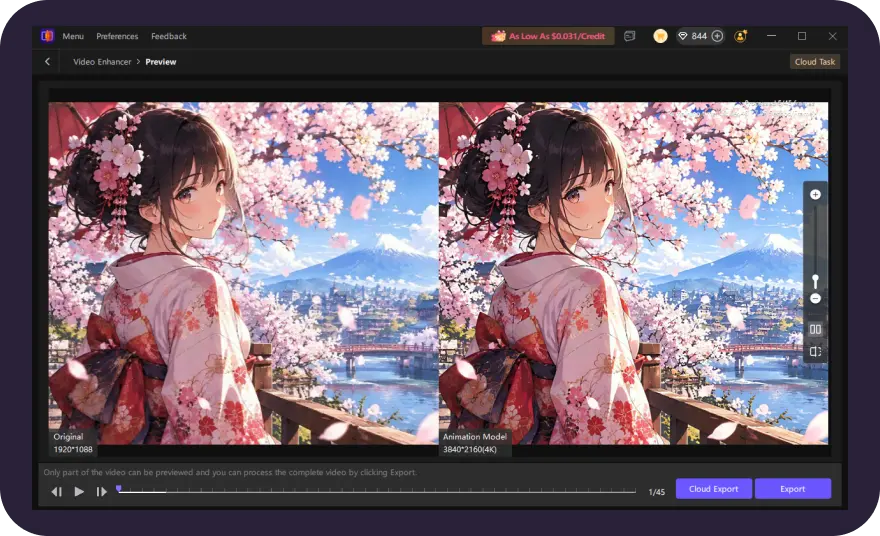
Preview and Export Enhanced Video
Preview the enhanced result in real time. Once satisfied, export your upgraded AI anime video in high quality instantly.
Discover More Video Tools with HitPaw VikPea
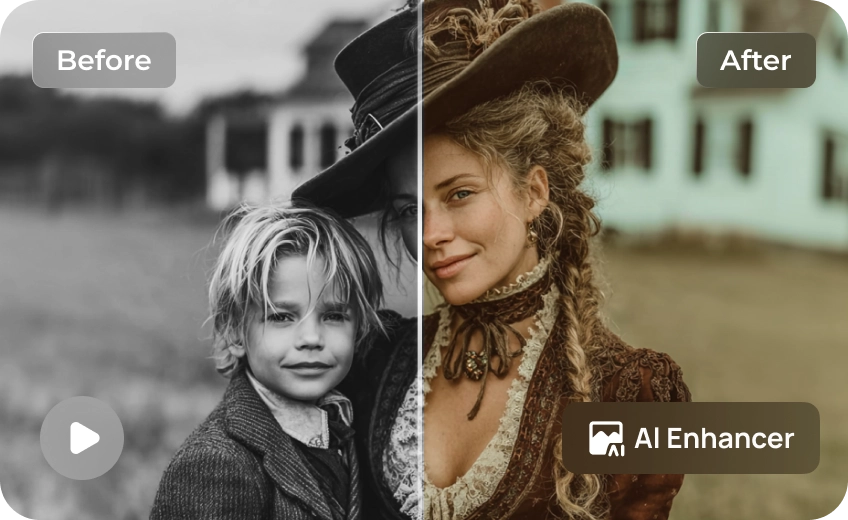
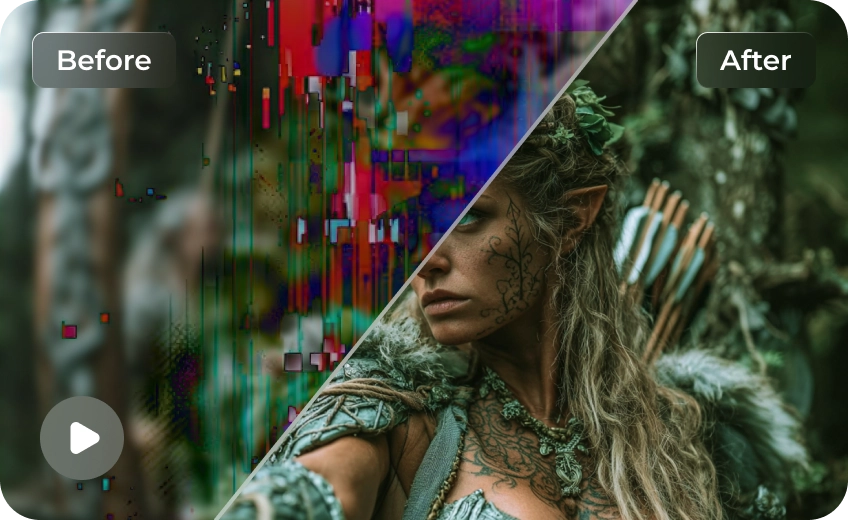
FAQs About Al Anime Video Upscaler
The best AI anime video upscaler should improve resolution, sharpen character outlines, and preserve artistic details. HitPaw VikPea features a dedicated Animation Model for enhancing AI-generated anime and cartoons.
Yes. Different tools offer features like AI upscaling, sharpening, and frame interpolation. HitPaw VikPea is worth trying for its Animation Model, designed to sharpen anime and cartoon videos.
Yes. Try HitPaw Online AI Video Enhancer to improve AI-generated anime clips directly in your browser. Free usage may have certain limitations depending on the tool.
Import your AI-generated anime video into an AI video enhancer, upscale it to 4K, and apply frame interpolation to reach 60 FPS. HitPaw VikPea supports both video enhancement and AI frame interpolation.
Tips & Tricks for AI Anime and Animation Video Enhancer
 HitPaw VikPea
