





AI Video Denoiser: Remove Noise and Restore Clarity
Remove color noise, snow-like noise, and grain from videos automatically. HitPaw VikPea restores cleaner visuals, natural details, and sharper clarity for low-light, old, and noisy footage.


How to Denoise a Video in 3 Easy Steps
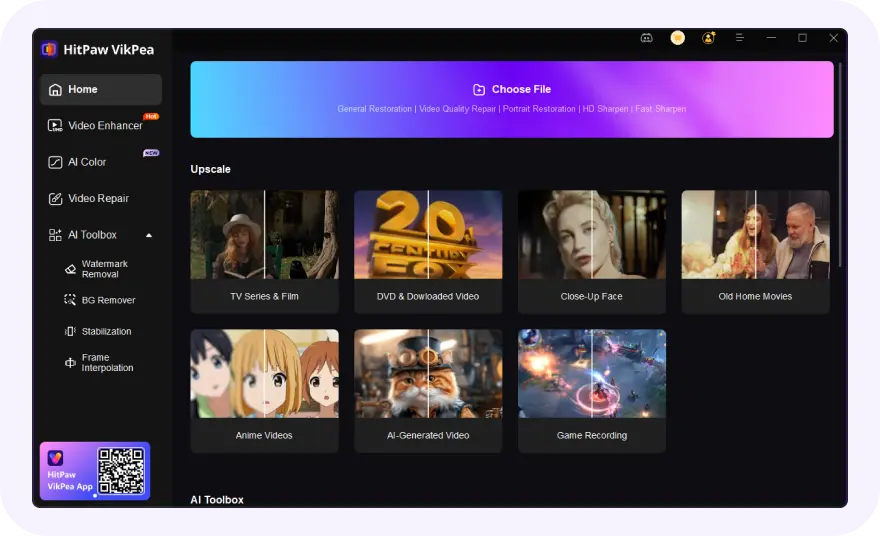
Open VikPea and Import Noisy Videos
Open VikPea and import your noisy, grainy, or low-light videos for AI-powered denoising and quality enhancement.
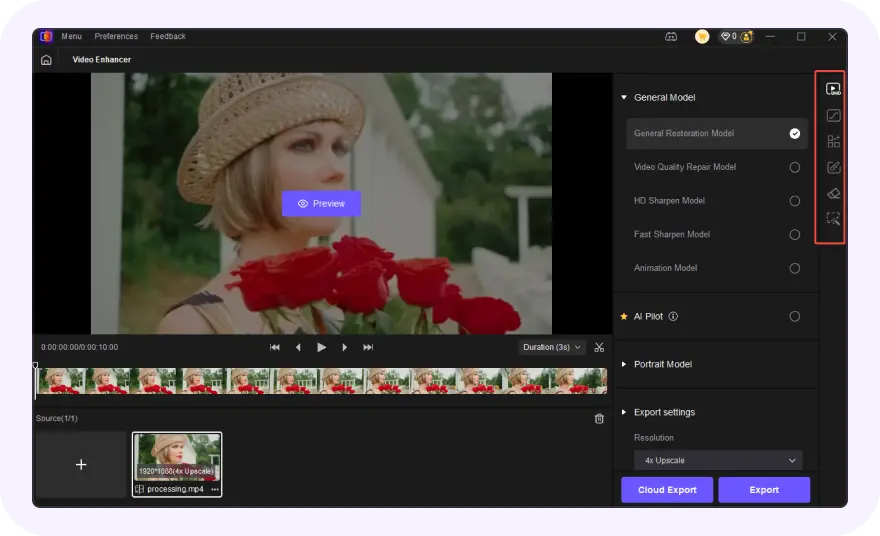
Select Professional Denoise Model
Choose the VikPea professional Denoise Model and adjust the noise reduction intensity according to your needs.
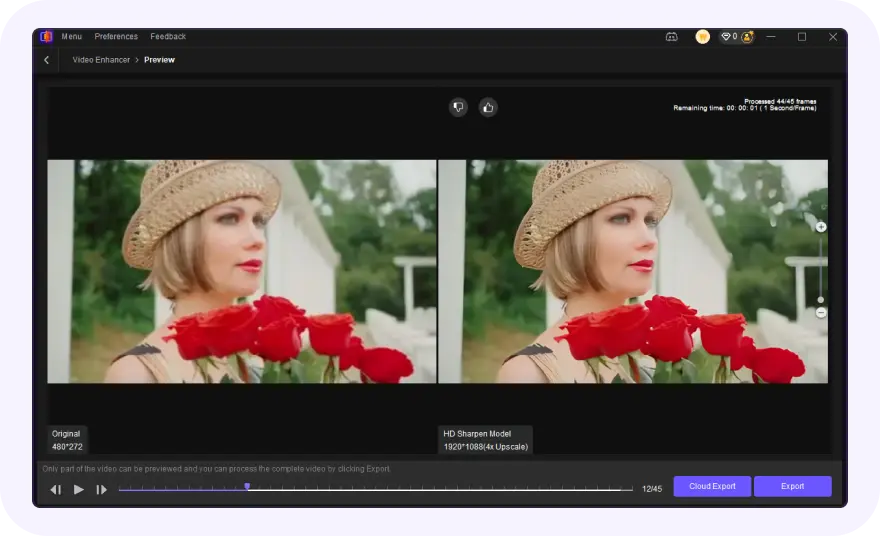
Preview and Export Denoised Videos
Preview the denoising results in real time and export high-quality videos in HD or 4K.
HitPaw VikPea AI Video Denoiser: Remove Different Types of Video Noise with AI

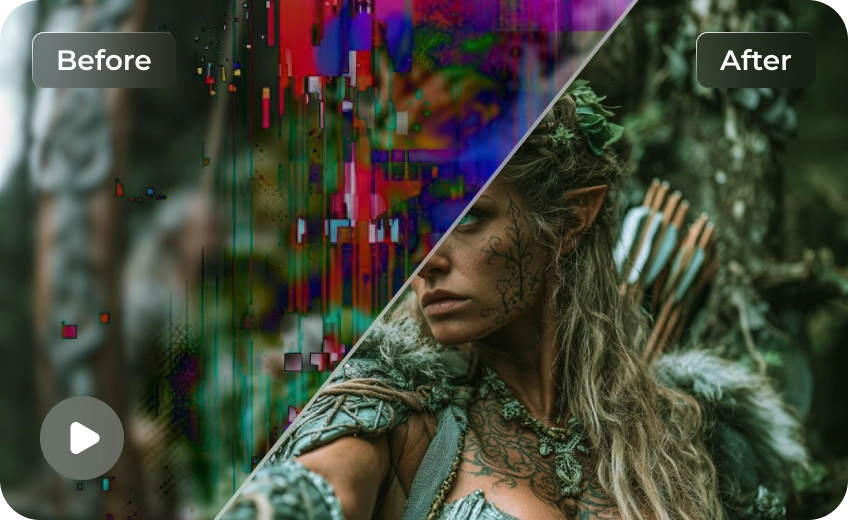
Remove Noise While Keeping Natural Video Details
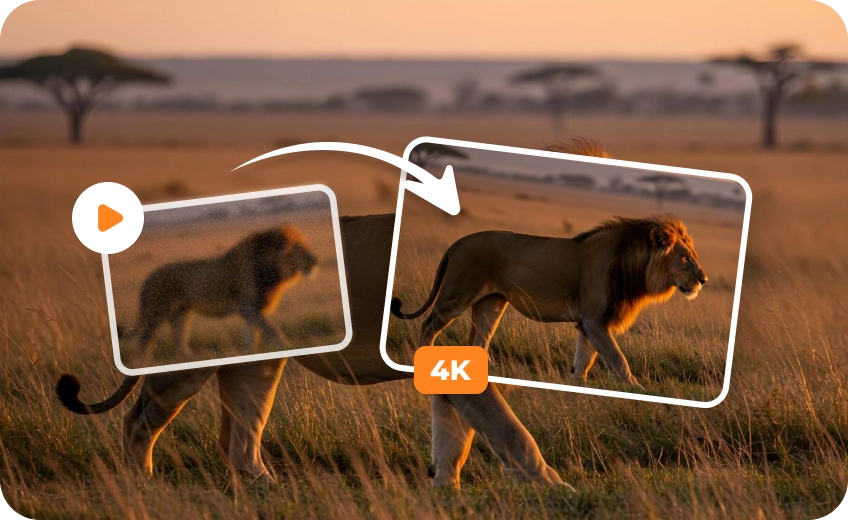
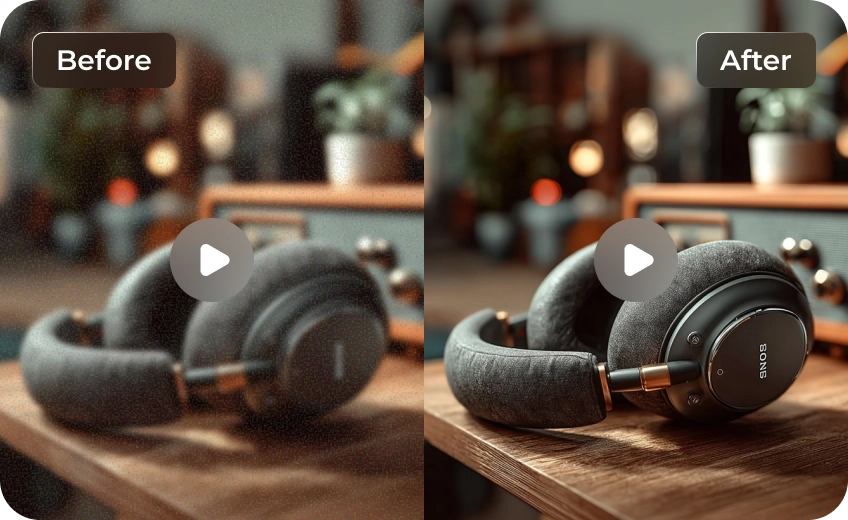
Many tools reduce noise by aggressively smoothing the entire frame, which can make faces, hair, skin textures, and backgrounds look artificial. HitPaw VikPea uses advanced AI video denoiser technology to denoise video while preserving authentic details, helping footage remain natural, sharp, and visually realistic instead of overly processed.
Recover Cleaner Video from Low-Light Environment
Noise becomes especially noticeable in night scenes, indoor recordings, and smartphone videos captured in poor lighting. HitPaw VikPea AI video denoiser intelligently detects color noise, grain, and visual speckles, acting as a powerful video noise remover that restores cleaner visuals and improves clarity without sacrificing important scene information.
Denoise Videos and Enhance Quality Simultaneously
Most AI video denoiser online tools focus only on removing noise and grain. VikPea goes further by combining denoising with detail recovery, sharpness enhancement, and quality optimization. As it removes video noise and unwanted grain, it also improves overall visual quality, helping videos look cleaner, clearer, and more professional.
Handle Challenging Footage from Any Shooting Scenario
Whether you're recording a concert, capturing travel moments at night, filming with an action camera, or restoring older footage, VikPea adapts to different video conditions automatically. Its AI-powered video grain remover helps reduce noise while maintaining details, delivering cleaner results across a wide range of real-world scenes.

Multi-Format Support

Batch Processing

Real-Time Preview

Local Perfomance
Use Cases for AI Video Denoiser
Create Cleaner Selfie Videos for Social Media
Low-light selfies, night vlogs, and indoor videos often contain noise. HitPaw VikPea removes grain while preserving facial details and natural skin texture.
Preserve Travel Memories in Better Quality
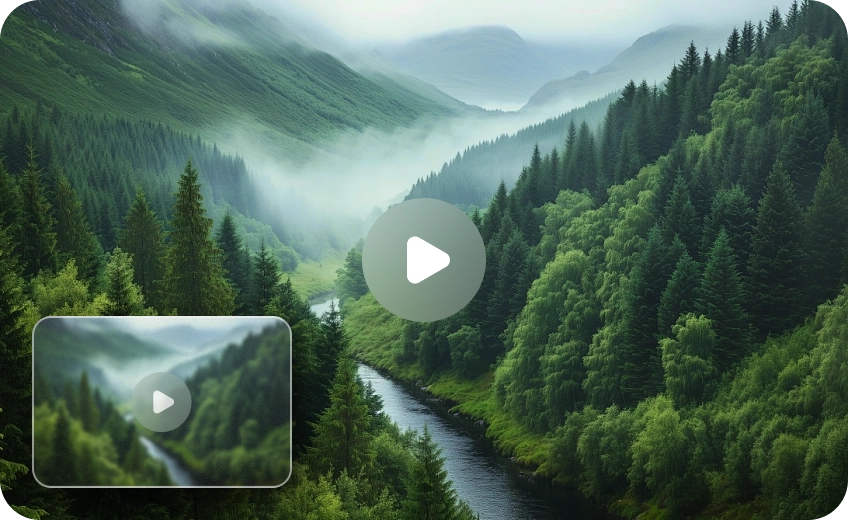
From sunsets to night city scenes, HitPaw VikPea reduces noise and restores clarity, keeping travel memories vivid and visually clean.
Restore Fine Details in Aurora and Night Sky Footage
High-ISO night sky shots often add noise. VikPea denoises video while preserving auroras, stars, colors, and fine atmospheric details.What Users Say about HitPaw VikPea AI Video Denoiser

Social Media Content Creator

"I often film selfies in low-light environments. VikPea reduced distracting noise without making my skin look overly smooth, which helped my videos feel much more professional."

Travel Vlogger
"Many of my night travel clips contained visible grain and color noise. VikPea cleaned them up naturally while keeping city lights and fine details looking authentic."

Outdoor Adventure Filmmaker
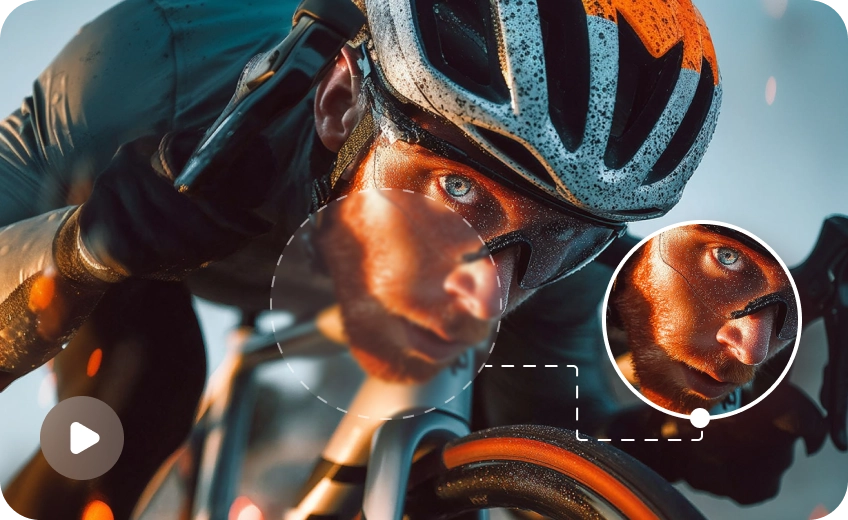
"Some GoPro footage looked noisy and slightly flat after recording. VikPea improved clarity and reduced grain while preserving motion details during fast-paced mountain biking scenes."

Professional Landscape Photographer
"Aurora and night-sky videos usually require high ISO settings. VikPea removed unwanted noise while retaining natural colors and subtle textures that are important in landscape work."
Discover More Video Tools with HitPaw VikPea

FAQs About HitPaw VikPea AI Video Denoiser
Video noise refers to random grain, flicker, or speckled distortion that appears in footage, especially in low-light or high-ISO recordings. It makes videos look less sharp and less professional.
Video denoising is the process of removing unwanted noise from a video while preserving important details like edges, textures, and motion. The goal is to make the footage cleaner and more visually stable.
AI video denoising uses machine learning models trained on large datasets to distinguish between noise and real image details. It removes distortion while reconstructing natural textures frame by frame for smoother results.
You can denoise a video by using video editing software or AI tools that support noise reduction. Simply import your video, apply a denoising filter or AI model, adjust strength if needed, and export the cleaned result.
The best AI video denoiser depends on your needs, but AI tools like HitPaw VikPea are widely used because they can remove noise while preserving fine details and natural motion. Compared with traditional filters, AI tools deliver cleaner and more stable results, especially for low-light or high-resolution videos.
Yes, there are several AI video denoisers available online that let you upload and enhance videos directly in your browser. For a quick and easy option, you can try HitPaw Online AI Video Denoiser, which helps reduce noise and improve video clarity without installing any software.
You can denoise a video for free using basic video editors or online tools that offer free tiers. However, free options may have limited quality control, export resolution, or processing speed compared to AI-powered solutions.
No, proper video denoising does not reduce quality. In fact, tools like HitPaw VikPea use AI to reduce noise while preserving textures and sharpness. However, overly strong settings in any tool may slightly soften details, so balanced adjustment is recommended for the best result.
Tips & Tricks for HitPaw VikPea Video Denoiser
 HitPaw VikPea
