





Turn AI-Generated Travel, Nature & Aerial Videos into 8K Masterpieces
Enhance AI-generated travel, nature, and aerial videos with HitPaw VikPea. Upscale low-resolution clips to 4K/8K, reconstruct natural textures, sharpen landscape details, reduce compression artifacts, and smooth motion. Turn blurry mountains, forests, and coastlines into clearer, more immersive videos.


Unlock True Cinematic Realism in Every AI-Generated Frame

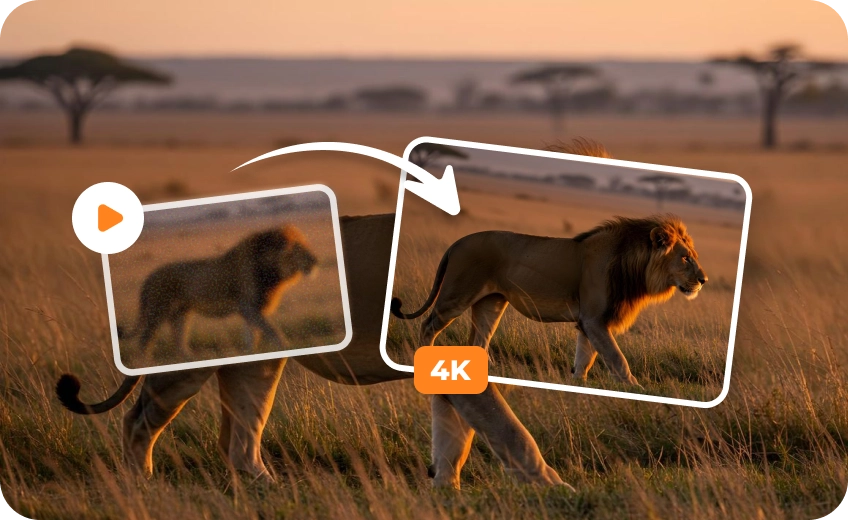
4K/8K Upscaling for AI Landscapes & Drone Footage
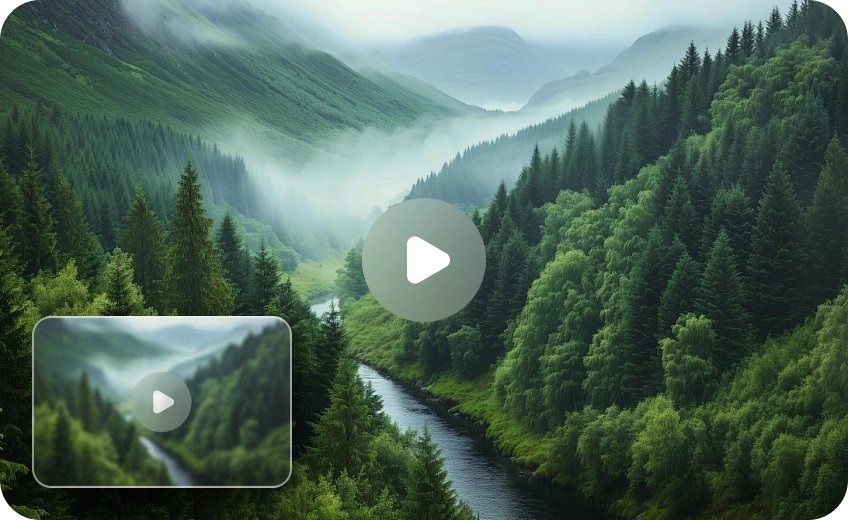
Effortlessly elevate low-resolution AI travel videos to stunning 4K or 8K. Reconstruct crisp mountain contours, sharp coastlines, and intricate architecture while intelligent AI fills in missing distant details without pixelation.
Organic Texture Restoration for AI Nature Videos
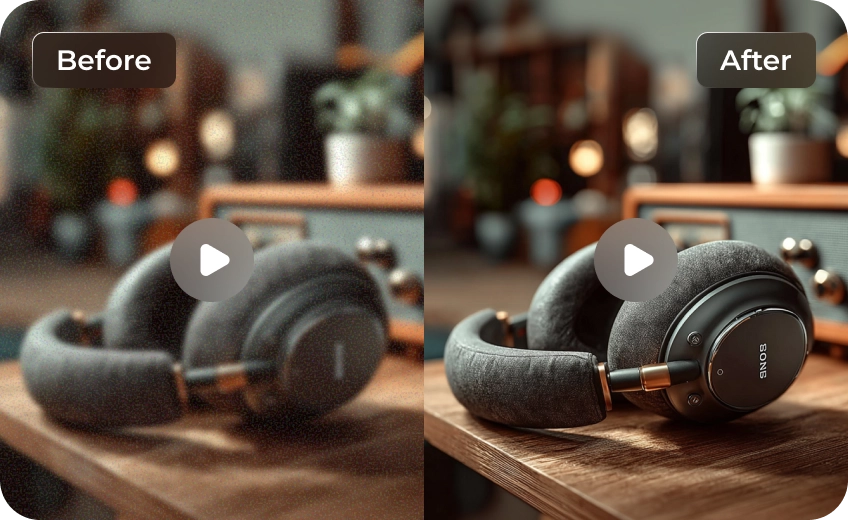
Eliminate the artificial "plastic look" of AI generation using HitPaw VikPea’s AI Generative & UHD Restoration Models. Intelligently recover high-frequency micro-details, restoring authentic grain to rocks, individual leaf layers, and natural wave surfaces.
Smooth Aerial Panning and Fix Fast-Motion Blur
Fix choppy drone movements and blurry waterfalls with AI Frame Interpolation and Stabilization models. Seamlessly insert intermediate frames, remove motion artifacts, and create fluid, high-frame-rate aerial slow-motion sequences effortlessly.
Clean Compression Artifacts and Enhance Natural Colors
Eliminate color banding in sunsets, dark-scene blockiness, and sky compression noise using AI Denoise and Color Enhancement models. Retain soft fog gradients and vibrant nature hues without sacrificing organic surface textures.

Multi-Format Support

Batch Processing

Real-Time Preview

Local Perfomance
Use Cases for AI Travel and Aerial Video Enhancement
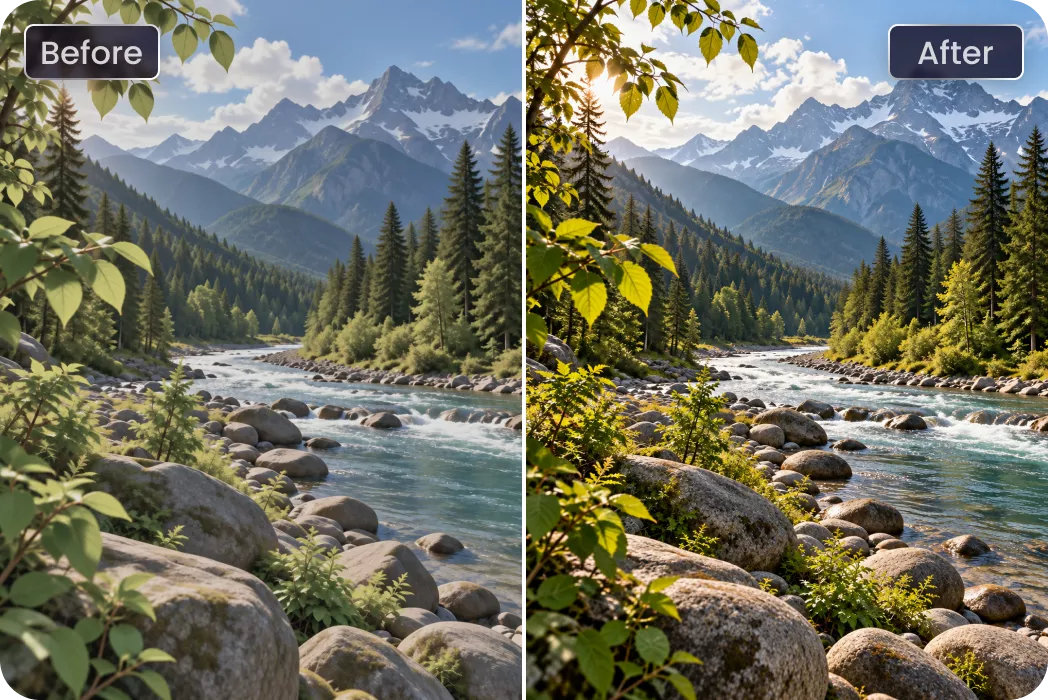
Nature Filmmakers and Designers
Reconstruct landscape textures, refine generated scenery, and prepare polished footage for presentations and creative projects.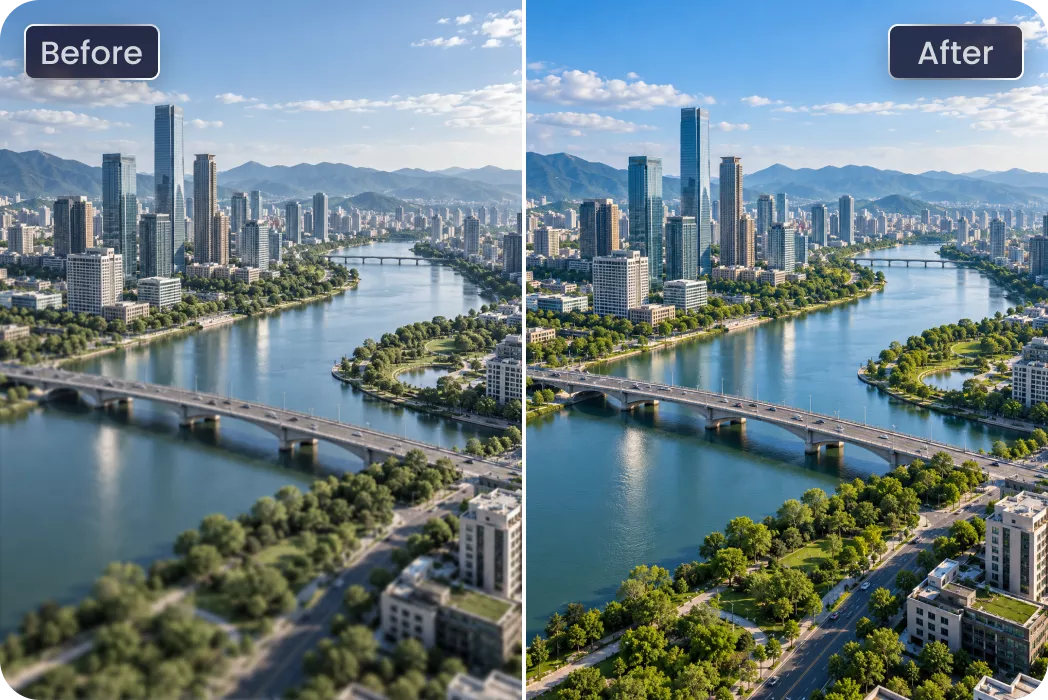
Drone & Aerial Videographers
Smooth out flight jitters, eliminate motion blur, and upscale complex aerial landscapes with high frame rates.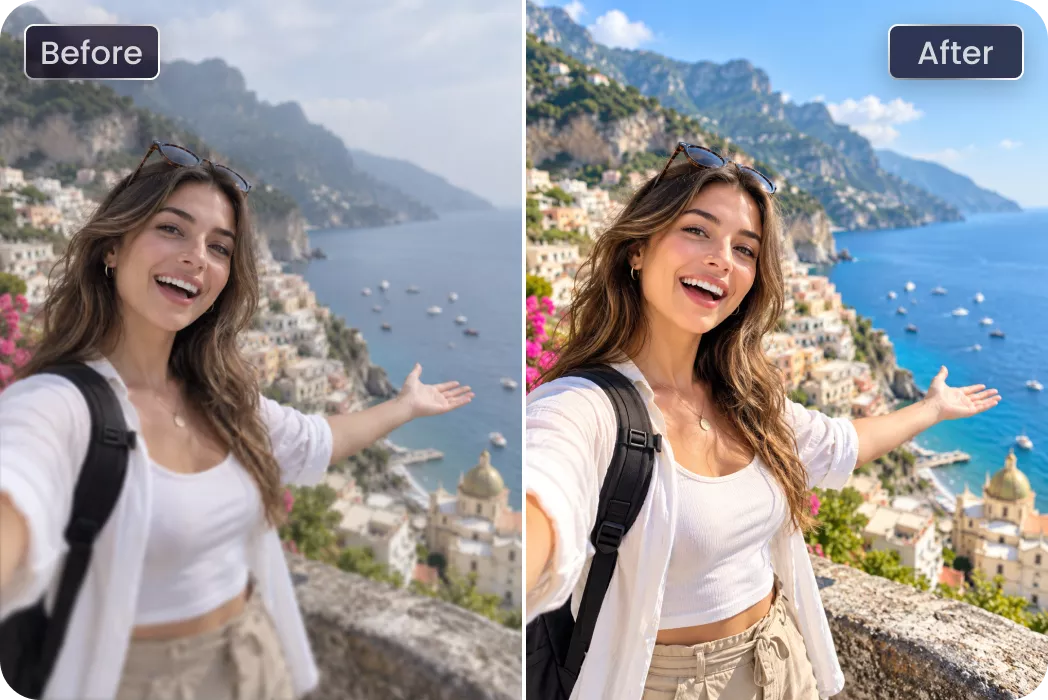
Travel Vlogger & Content Creators
Enhance natural lighting, refine blurred backgrounds, and polish social media video posts for maximum audience engagement.Cost Breakdown: Native 4K vs. Low-Res + HitPaw Upscaling
Want to save up to 75% on 4K video costs? Instead of rendering resource-heavy footage directly in 4K, smart creators are shifting to a high-efficiency workflow: generating content at a lower resolution and upscaling it using the HitPaw VikPea. Here is how the two approaches stack up in terms of cost, speed, and efficiency.
| Model Name | 720p/min($) | 1080p/min($) | 4k/min($) |
|---|---|---|---|
| Kling 3.0 Omni | $7.56 | $10.08 | $25.20 |
| Seedance 2.5 | $13.56 | $33.55 | Not Supported |
| Veo 3.1 Standard | $24.00 | $24.00 | $36.00 |
| Runway Gen-4.5 | $7.20 | Not Supported | Not Supported |
| Vidu Q4 Preview | $5.70 | $7.20 | $23.40 |
| Wan 3.0 Video | $4.95 | $9.90 | Not Supported |
| Grok Imagine Video 1.5 | $8.40 | $15.00 | Not Supported |
| PixVerse V6 | $3.60 | $6.90 | Not Supported |
| Luma Ray3.2 | $5.40 | $21.60 | Not Supported |
| VikPea Plan | Monthly Plan | Yearly Plan | Perpetual Plan |
|---|---|---|---|
| Cost of 4K Upscaling | about $1.43/Day | about $0.27/Day | <$0.02/Day |
What Users Say About HitPaw VikPea AI-Generated Travel Video Enhancer

David K., AI Content Creator

"I generated a series of aerial mountain shots using Grok Imagine, but they lacked crisp detail at 720p. HitPaw VikPea upscaled them to 4K effortlessly and restored real rock textures I thought were lost forever."

Elena R., Travel Vlogger
"AI-generated nature scenes usually look smooth and fake. VikPea’s UHD Restoration Model brought back natural foliage layers and sea foam textures. My YouTube travel videos look completely authentic now."

Marcus T., Digital Cinematographer
"Fast aerial turns used to cause terrible motion blur in my generated clips. Using the frame interpolation feature, the motion became silky smooth at 60fps without losing landscape clarity."

Sarah L., Video Editor
"Sunset sky gradients in AI videos often suffer from terrible color banding. HitPaw VikPea cleaned up the noise and balanced the color tones in just one click. An absolute must-have tool!"
How to Enhance AI-Generated Travel Videos in 3 Easy Steps
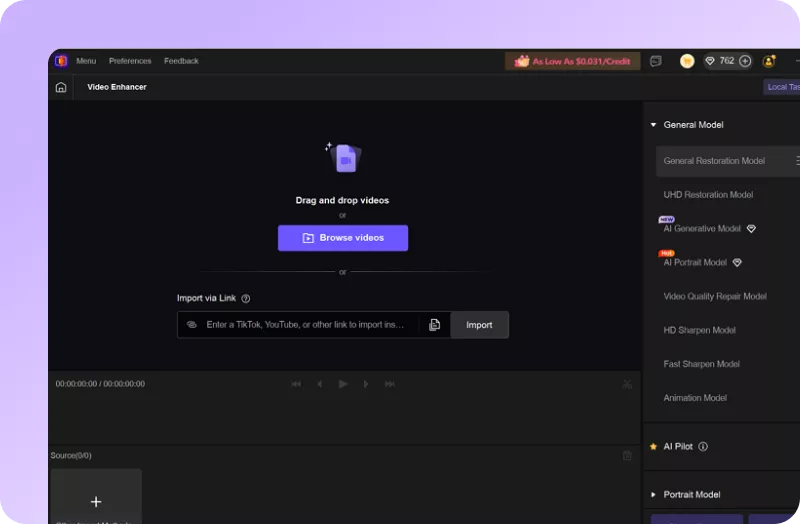
Import Your AI-Generatied Video(s)
Select and upload your blurry or low-resolution AI-generated travel videos.
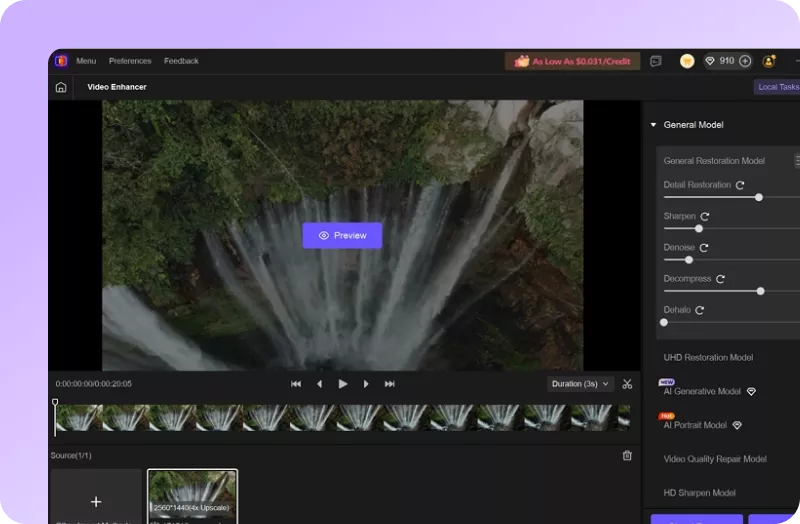
Select AI Model and Preview
Choose an AI model, set resolution and convert to AI-generated travel video(s) to 4k/8K.
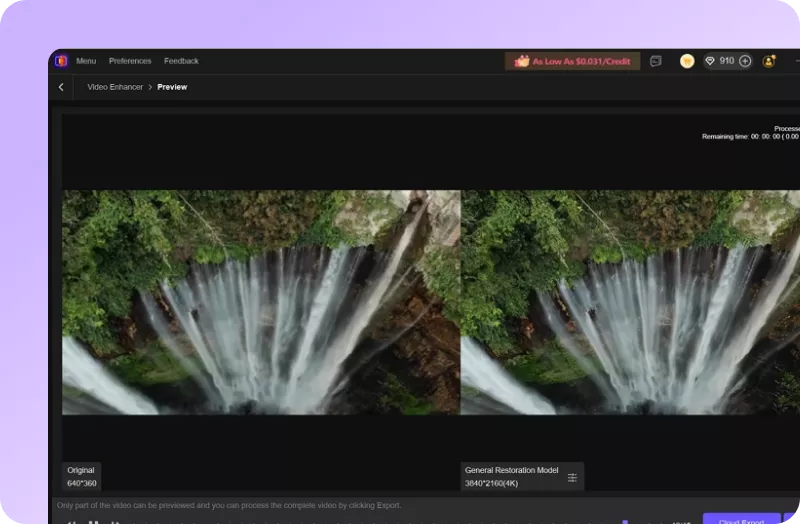
Export Enhanced Video
Preview AI-enhanced effect and export your polished AI-generated travel video(s).
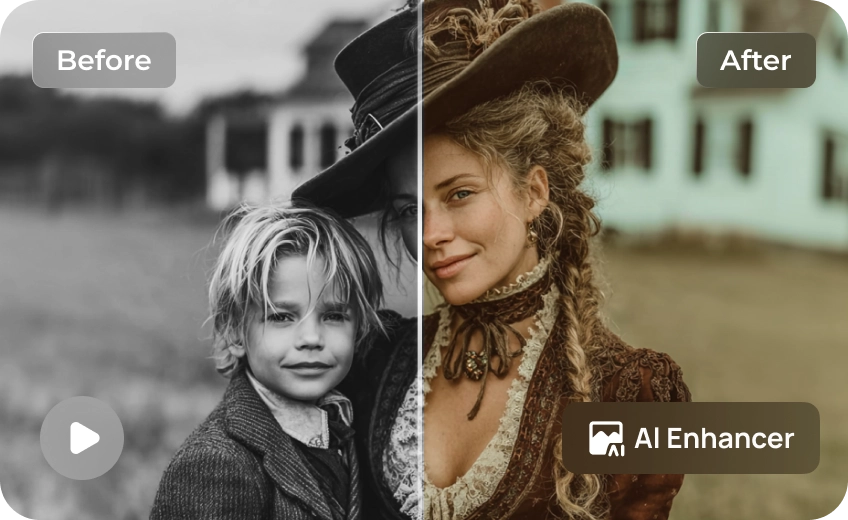
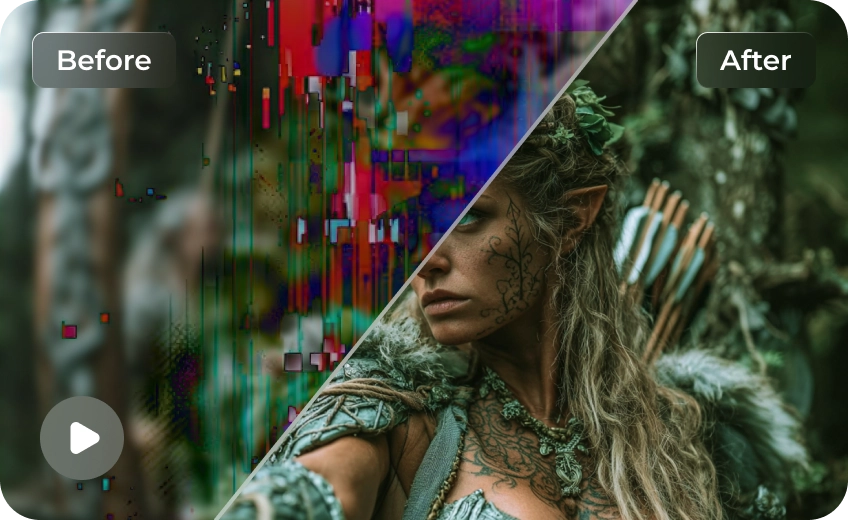
Discover More Video Tools with HitPaw VikPea
FAQs About Enhancing AI Travel & Landscape Videos
HitPaw VikPea uses advanced AI super-resolution algorithms to analyze blurry 480p or 720p AI clips—like those from Grok Imagine—and intelligently reconstruct missing textures, sharpen distant landscape contours, and upscale your video output up to pristine 8K resolution.
Yes. HitPaw VikPea features dedicated AI Frame Interpolation and Stabilization models designed to convert low-frame-rate or jittery aerial movements into smooth, high-fps sequences. It seamlessly generates intermediate frames to eliminate stutter and motion blur during fast panning.
Start by improving resolution and reconstructing missing textures in mountains, forests, water, and coastlines. Then reduce noise and compression artifacts where necessary. Review several consecutive frames to catch flickering, unnatural patterns, or details that change during camera movement.
AI enhancement can improve perceived sharpness, while frame interpolation can generate intermediate frames to smooth supported low-frame-rate footage. Stabilization can help reduce camera shake. However, severe motion blur, distorted objects, and complex scene changes may remain, so previewing the output is essential.
No. The AI Denoise and Decompression models are specially trained to differentiate between unwanted compression artifacts and natural environmental elements. They clean up blotchy color banding and dark noise while preserving soft fog layers, clouds, and gentle sky gradients.
Tips & Tricks for AI-Generated Travel and Aerial Videos Enhancer
- How to Improve Fall Camping Videos
- How to Enhance Fall Hiking Videos and Make Autumn Footage Shine
- Best Free Video Resolution Enhancer Online Tools for Sharper Videos
- How to Fix Dull Fall Colors in Videos: Ultimate Autumn Color Grading Guide
- How to Enhance Fall Foliage Videos: Ultimate Autumn Color Guide
 HitPaw VikPea
