





Upscale and Enhance Seedance Videos to True 4K
Turn your Seedance 2.0 or Seedance 2.5 videos into crisp, natural 4K footage in minutes. HitPaw VikPea removes blur and noise, restores lost details, and delivers polished videos ready for social media, client projects, storytelling, or any creative workflow.


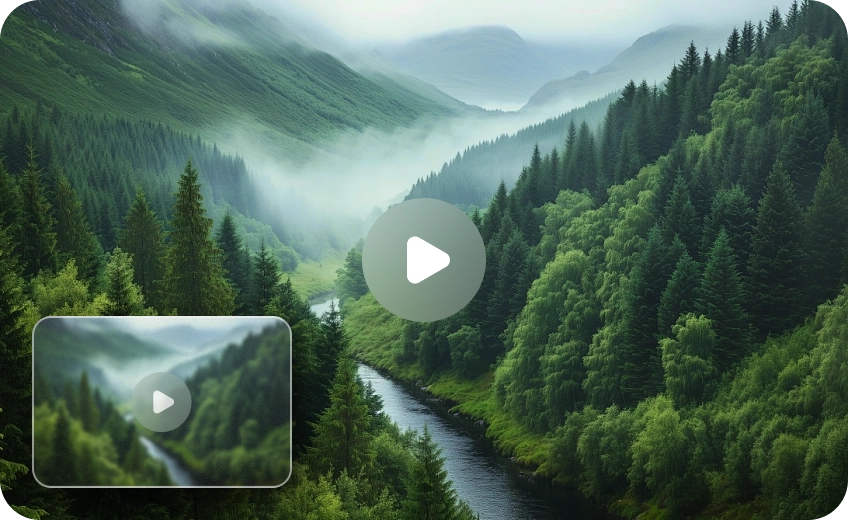
Turn Seedance Outputs into Clean, Artifact-Free 4K Instantly

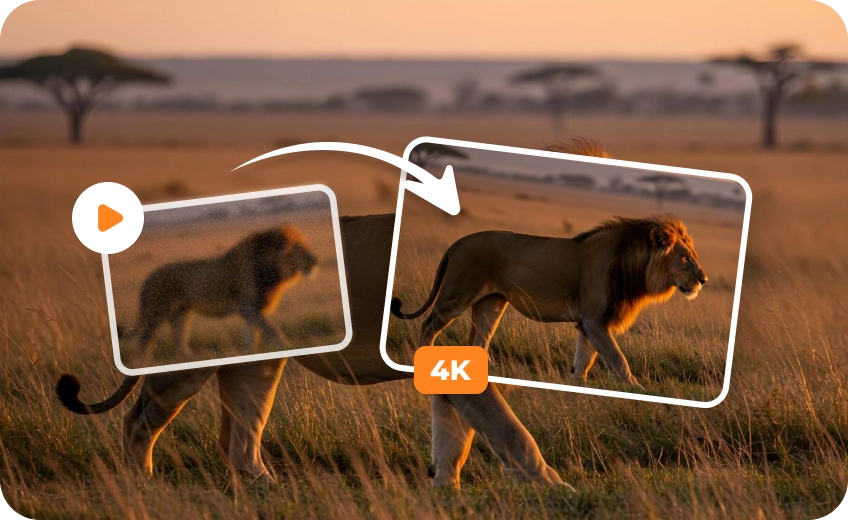
Upscale Seedance 2.5 Output to 4K Without Losing Visual Fidelity
VikPea intelligently restores edges and textures while removing artifacts, turning blurry or soft Seedance 2.0 videos into crisp 4K content that looks natural, polished, and ready for sharing or professional projects.
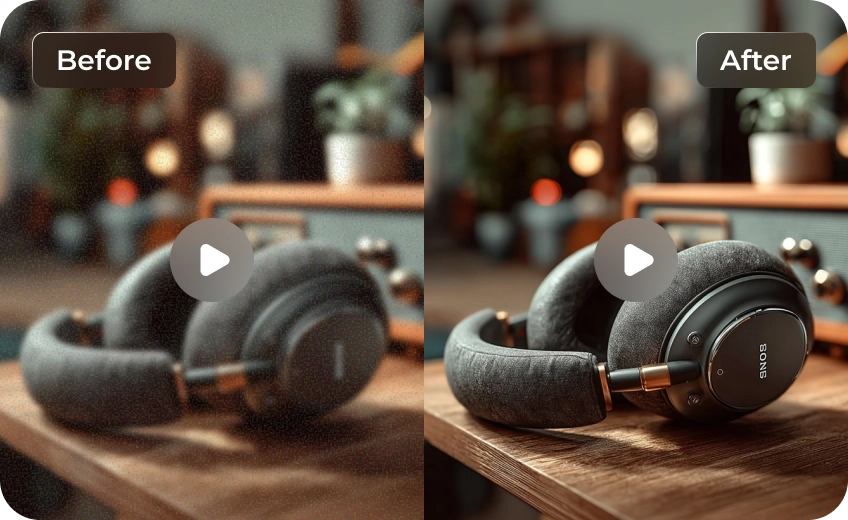
Fix Common AI Video Flaws with Multiple Smart Enhancement Models
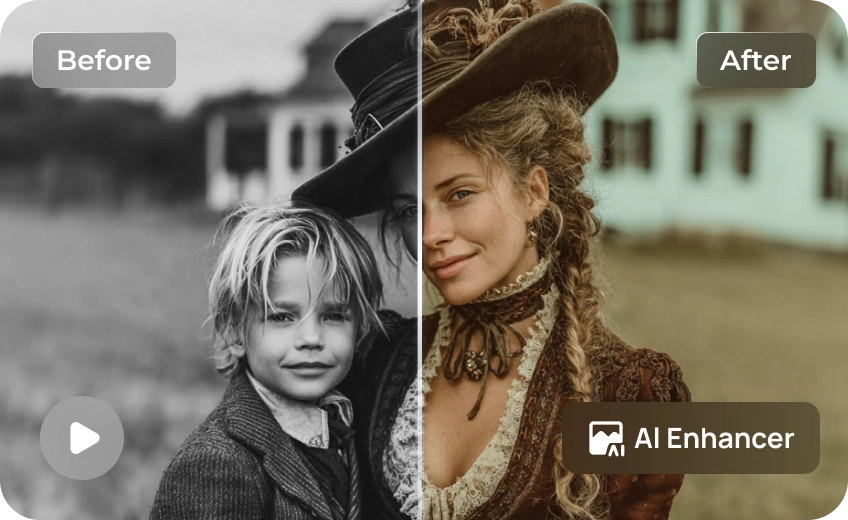
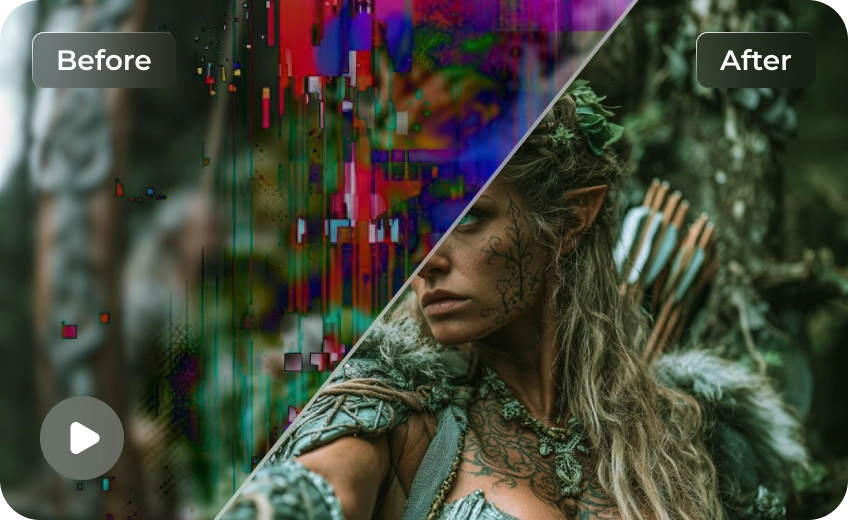
Seedance outputs can sometimes include noise, blur, flickering, or inconsistent textures. VikPea gives you multiple AI models designed to handle these issues directly, giving your Seedance videos clear, smooth, and professional results in minutes.
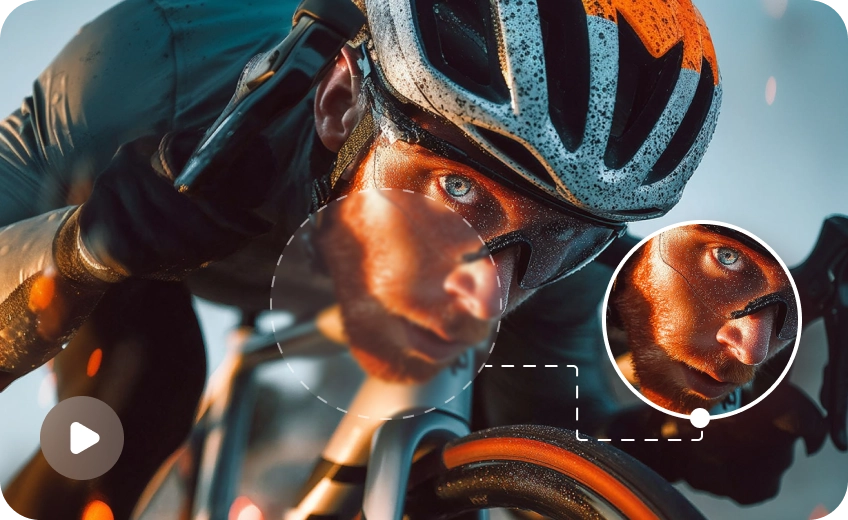
Enhance Every Seedance Style from Cinematic to Anime
No matter the style, VikPea adapts seamlessly—enhancing cinematic scenes, anime visuals, portraits, and product videos. It preserves colors, lighting, and fine details, delivering consistently sharp, professional-quality results for every Seedance 2.5 or 2.0 project.
Make Your Seedance Videos Stand Out on Any Platform
Turn soft AI outputs into attention-grabbing content perfect for social media, storytelling, or marketing, ensuring every Seedance video engages viewers with clarity and professional polish.

Multi-Format Support

Batch Processing

Real-Time Preview

Local Perfomance
Use Cases for Seedance Videos Upscaler
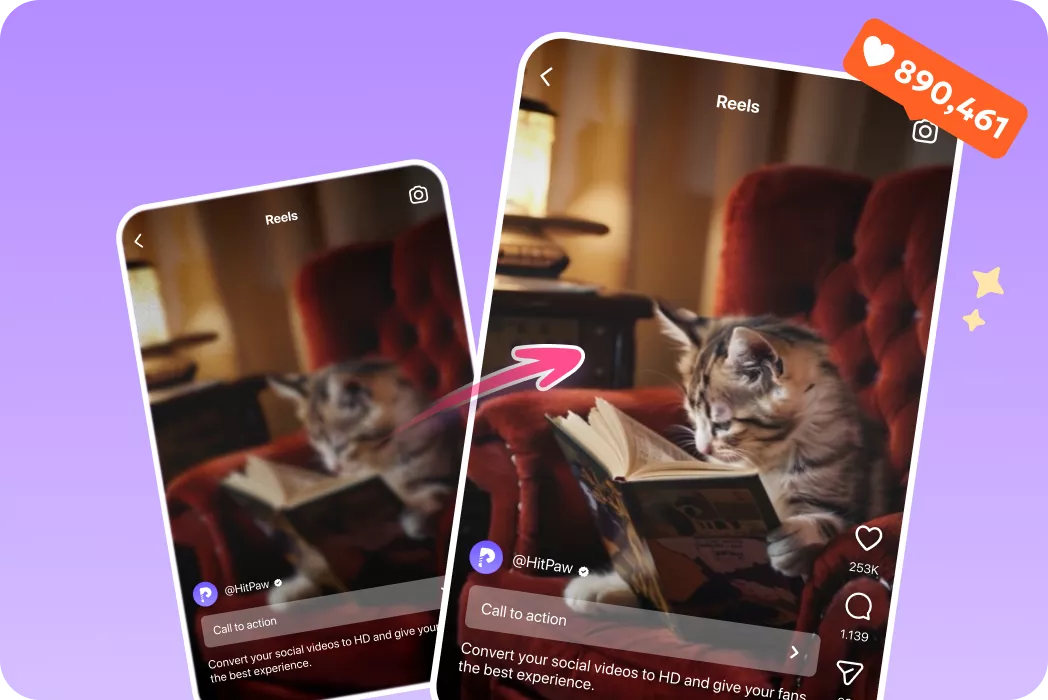
Content Creators
Enhance AI clips for social media with sharper, clearer, and more polished visuals.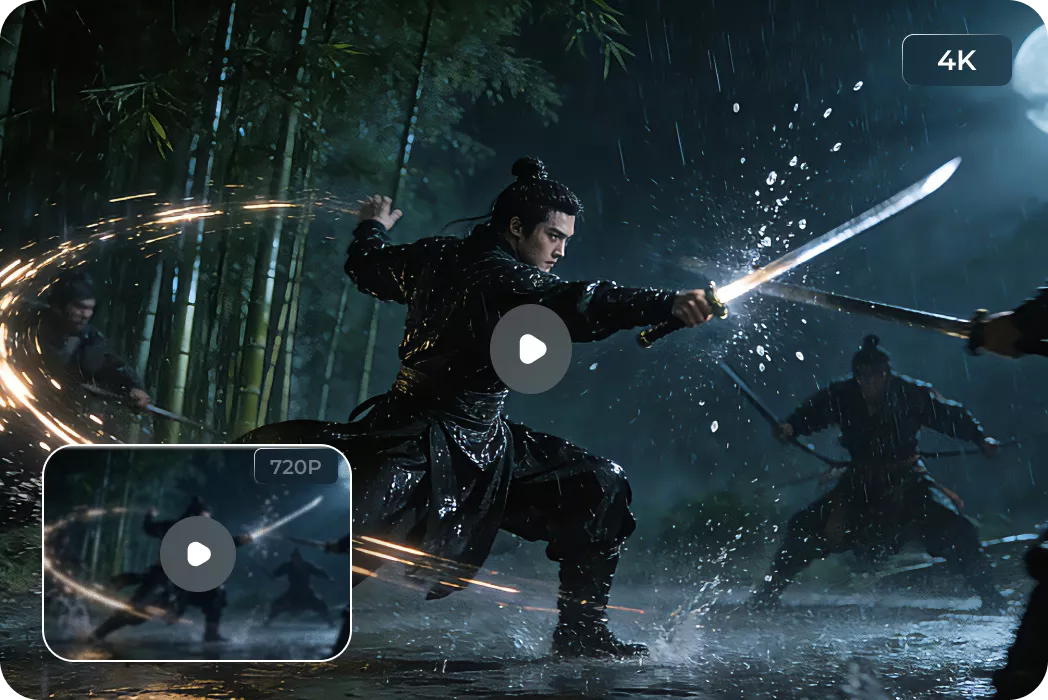
Professionals & Artists
Refine creative work and client projects quickly with cleaner, detailed outputs.What Users Say about HitPaw VikPea Seedance 2.5 Videos Upscaler

YouTube Content Creator

"I used VikPea on a Seedance 2.0 clip that looked a little soft after export. The upgraded version kept the scene natural but made the details much easier to see, especially on faces and background textures."

Social Media Manager
"We had a batch of AI-generated clips that needed a cleaner finish before posting. VikPea helped us get a more polished look without making the videos look overprocessed or fake."

Digital Artist
"We needed a fast way to make AI video assets look more premium for campaign use. VikPea gave us a clearer result and saved a lot of manual correction time."

Marketing Specialist
"This tool is perfect for action scenes and fast movement. After increasing the frame rate, the playback feels much smoother and clearer than the original recording."
How to Upscale Seedance Videos in 3 Easy Steps
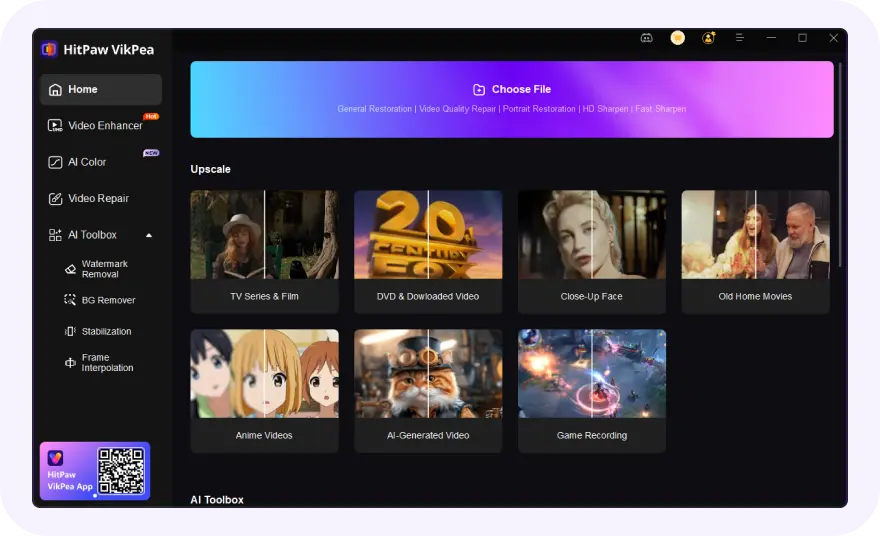
Import Your Video Files
Select and upload your blurry or low-resolution Seedance video(s).
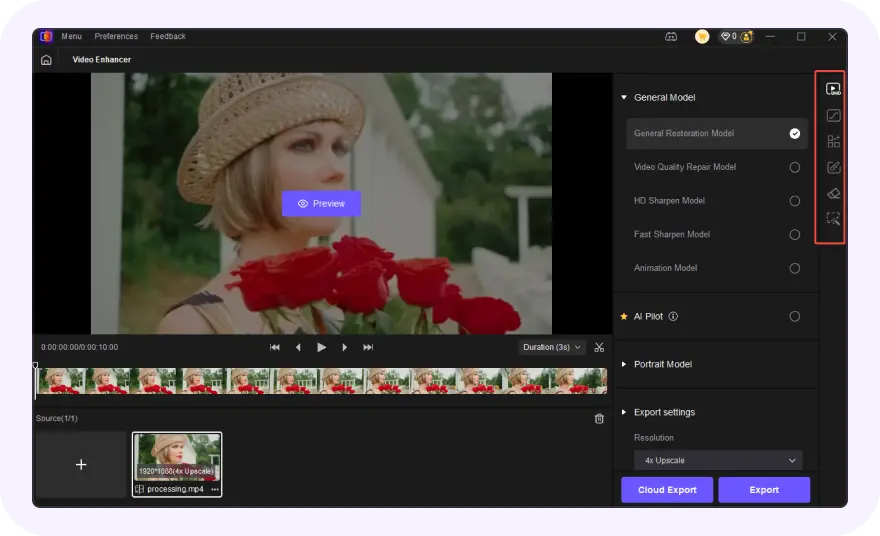
Select AI Model and Preview
Choose an AI model, set resolution and convert to HD video.
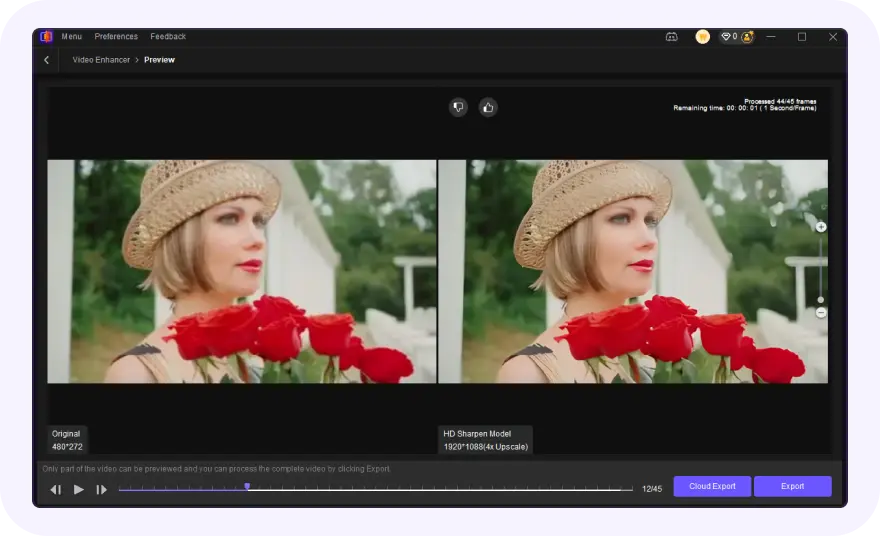
Export Upscaled Video
Preview the AI-enhanced effect and export your polished Seedance videos.
Discover More Video Tools with HitPaw VikPea
FAQs About HitPaw VikPea Seedance Videos Enhancer
Use an AI enhancer like HitPaw VikPea that rebuilds details instead of stretching pixels. It removes noise, restores textures, and sharpens intelligently, so your Seedance 2.0 videos scale to 4K while keeping natural clarity and avoiding artifacts.
Apply frame enhancement and stabilization features in HitPaw VikPea. It smooths motion, reduces flickering, and improves frame consistency, making your AI-generated videos look more fluid and professional without requiring manual editing.
You can generate 720P videos in Seedance 2.0 first, then upscale them using VikPea. This approach gives you better control, allowing you to refine details, remove imperfections, and export true 4K quality after generation.
There is no single best model. Portrait Model works best for faces, UHD Restoration improves high-quality footage, and Sharpen Model enhances general videos. Testing different models and upscale levels helps you achieve the best results for your specific clip.
Tips & Tricks for VikPea Seedance Videos Enhancer
- Upscale AI Generated Video: Turn Blurry Clips into Stunning HD and 4K Quality
- How the Best AI Features to Enhance UGC Videos to 8K/4K
- Best Free Video Resolution Enhancer Online Tools for Sharper Videos
- How to Upscale and Enhance Sora 2 Videos to Stunning 4K/8K Quality
- How to Enhance Product Video Quality: The Secret to Boosting E-Commerce Sales
 HitPaw VikPea
