Powerful All-in-One AI Photo Enhancer,
More Amazing AI Features
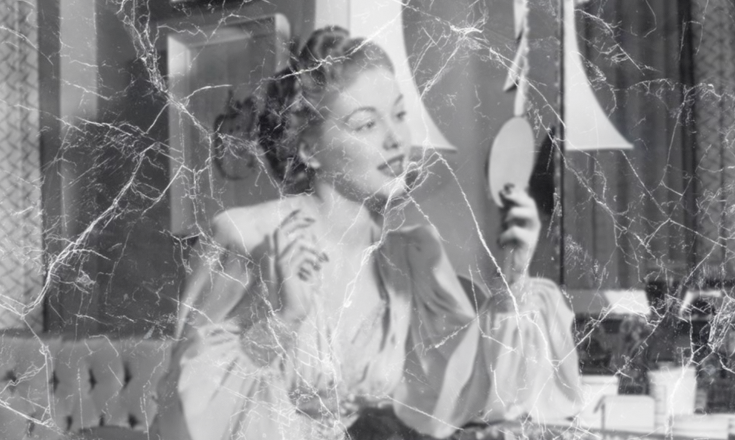
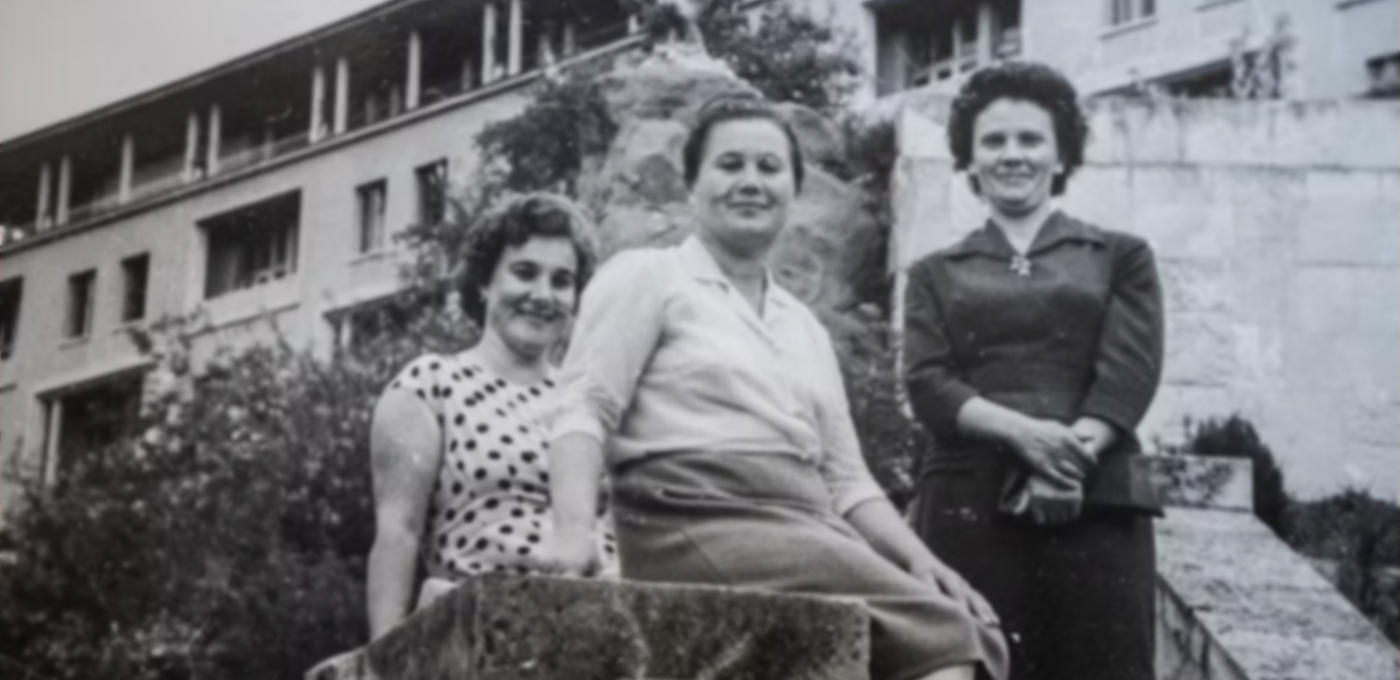
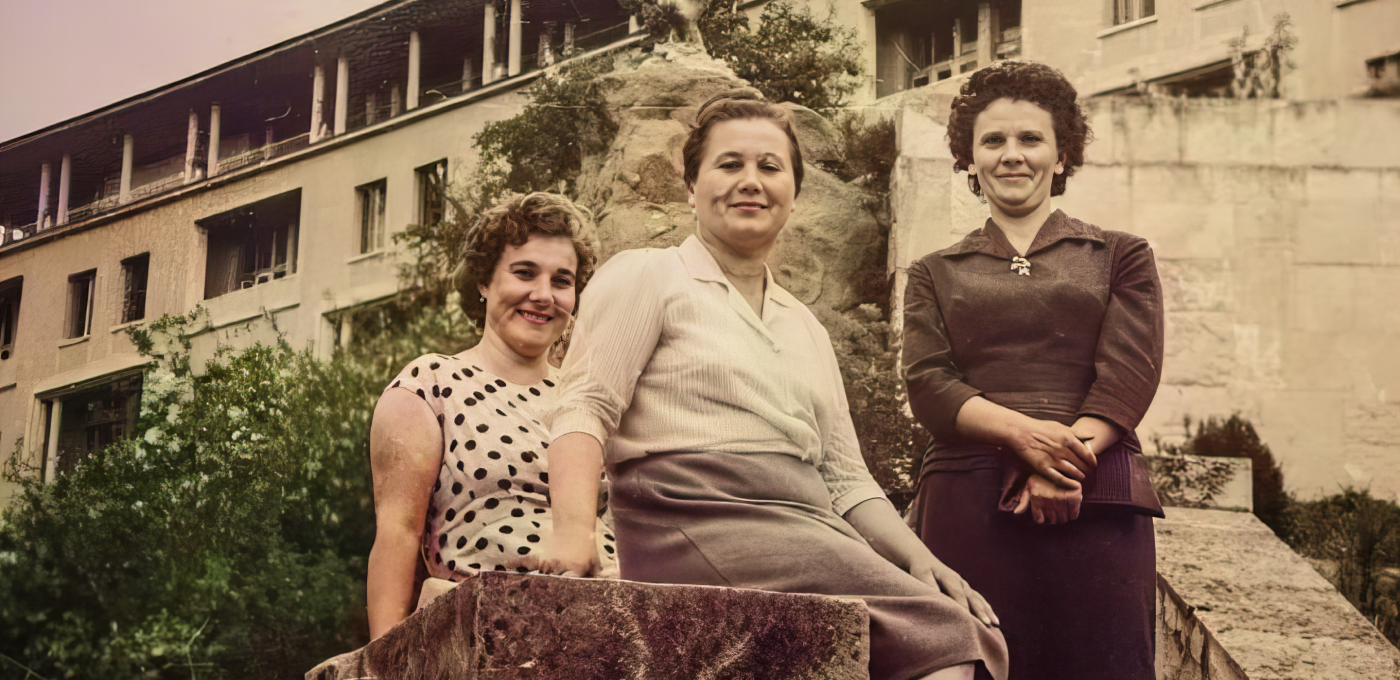
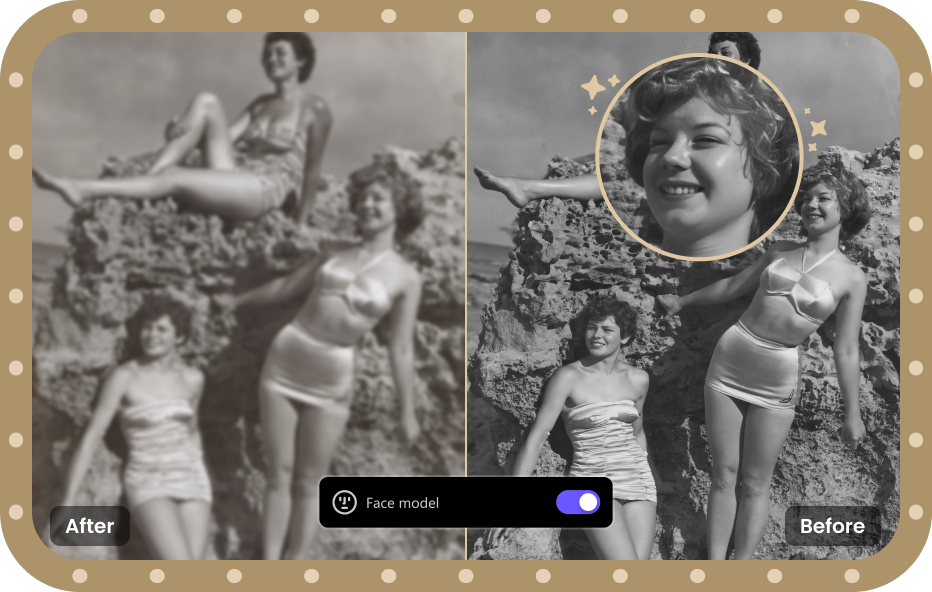
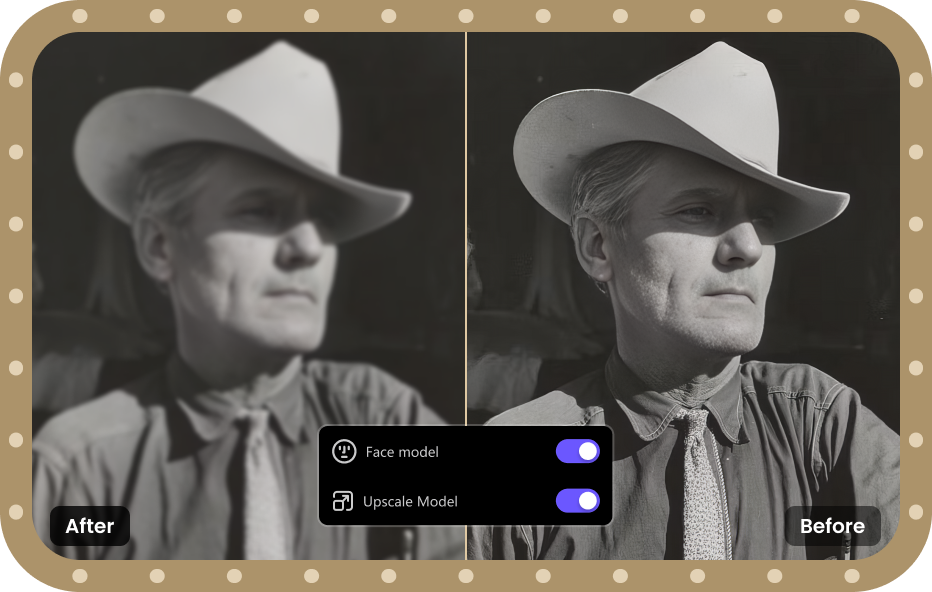
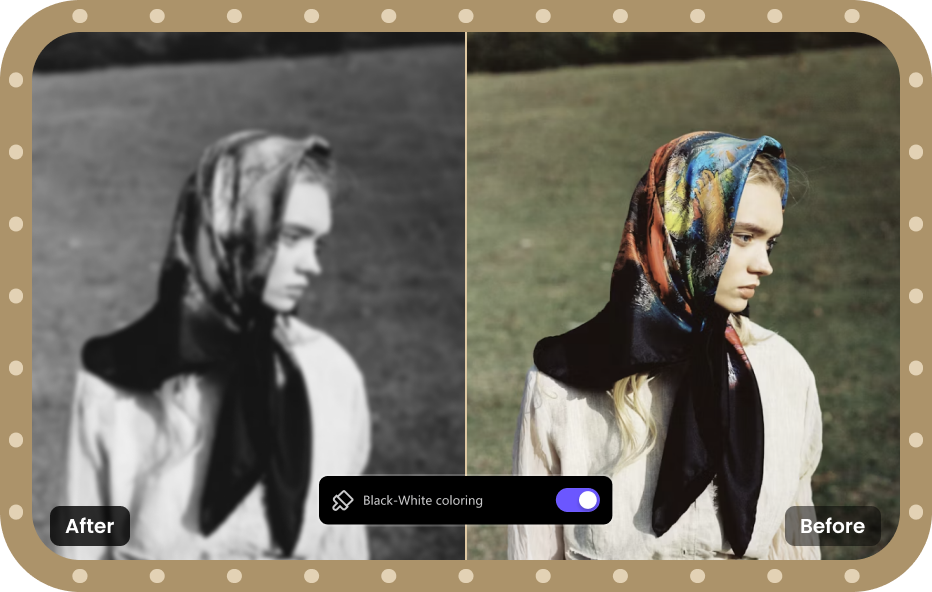
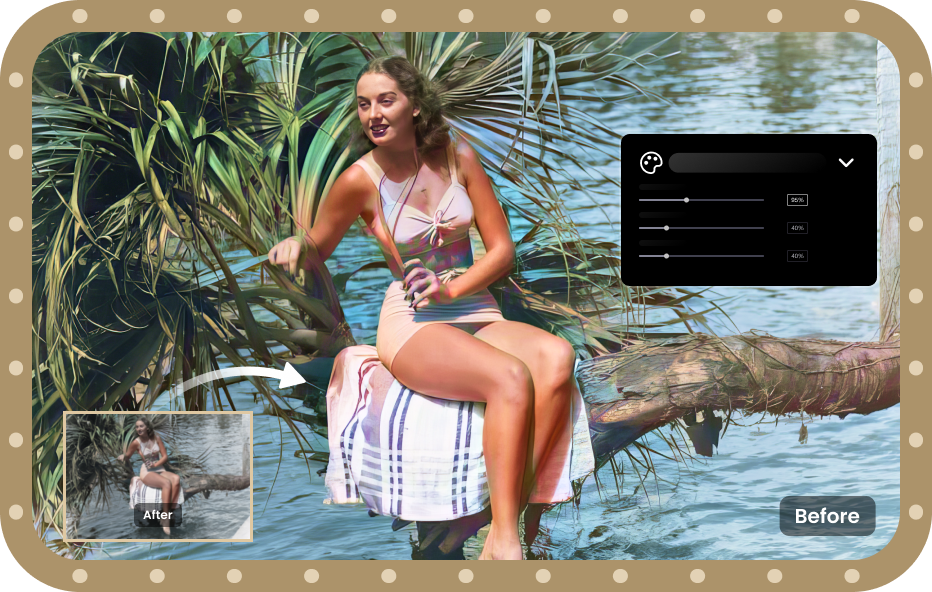
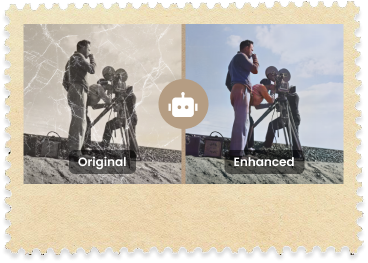
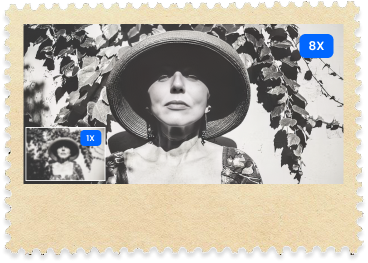
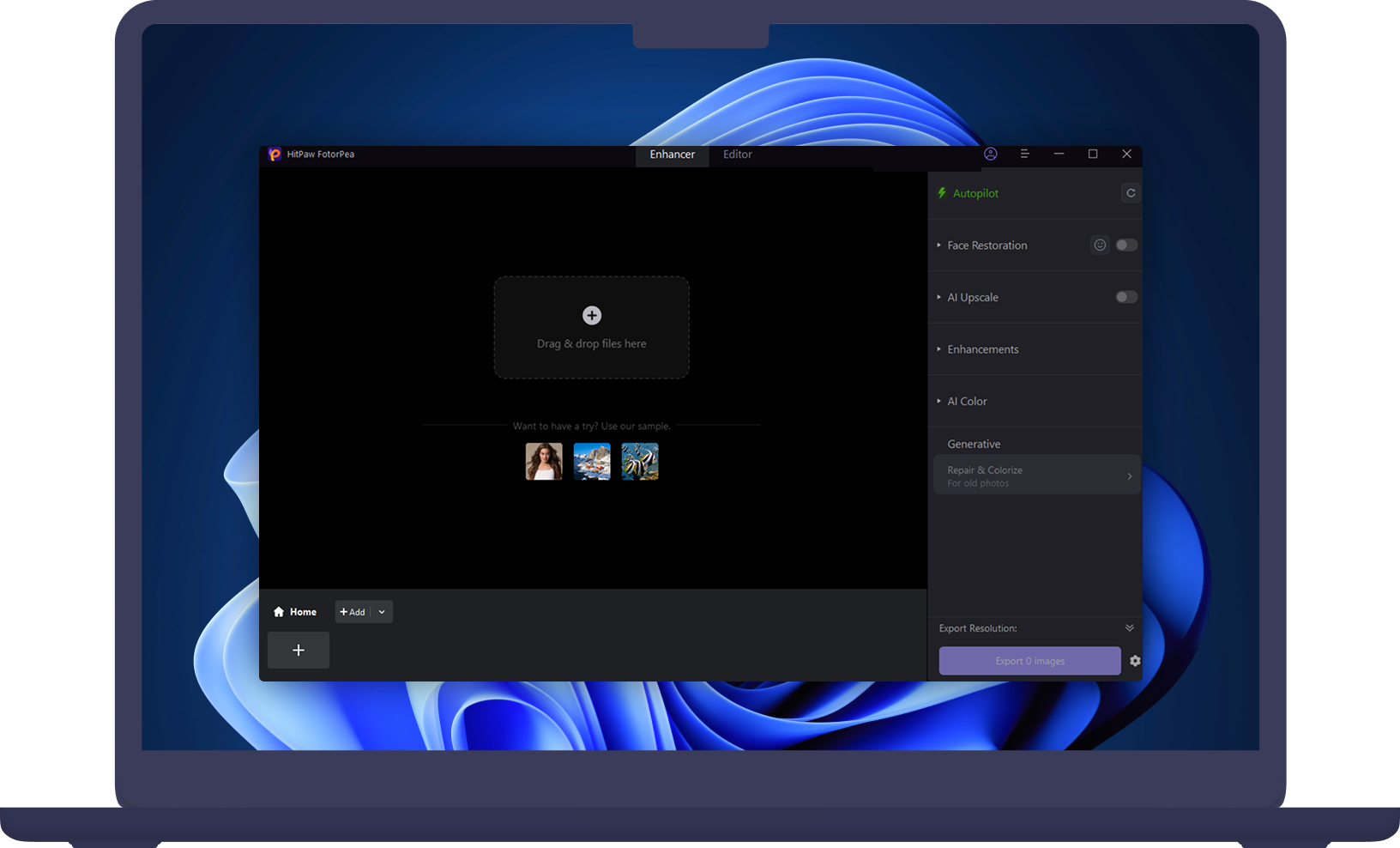
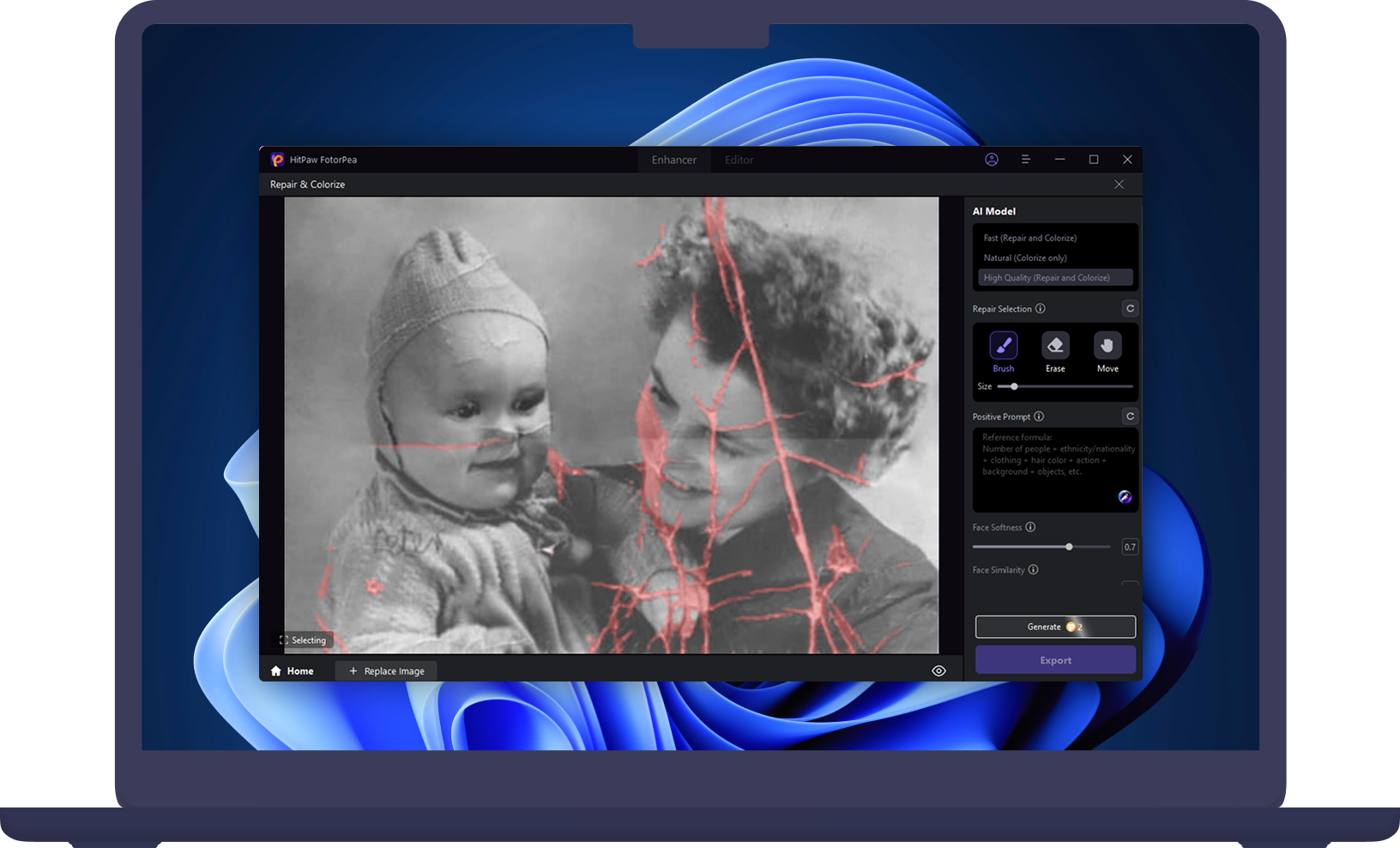
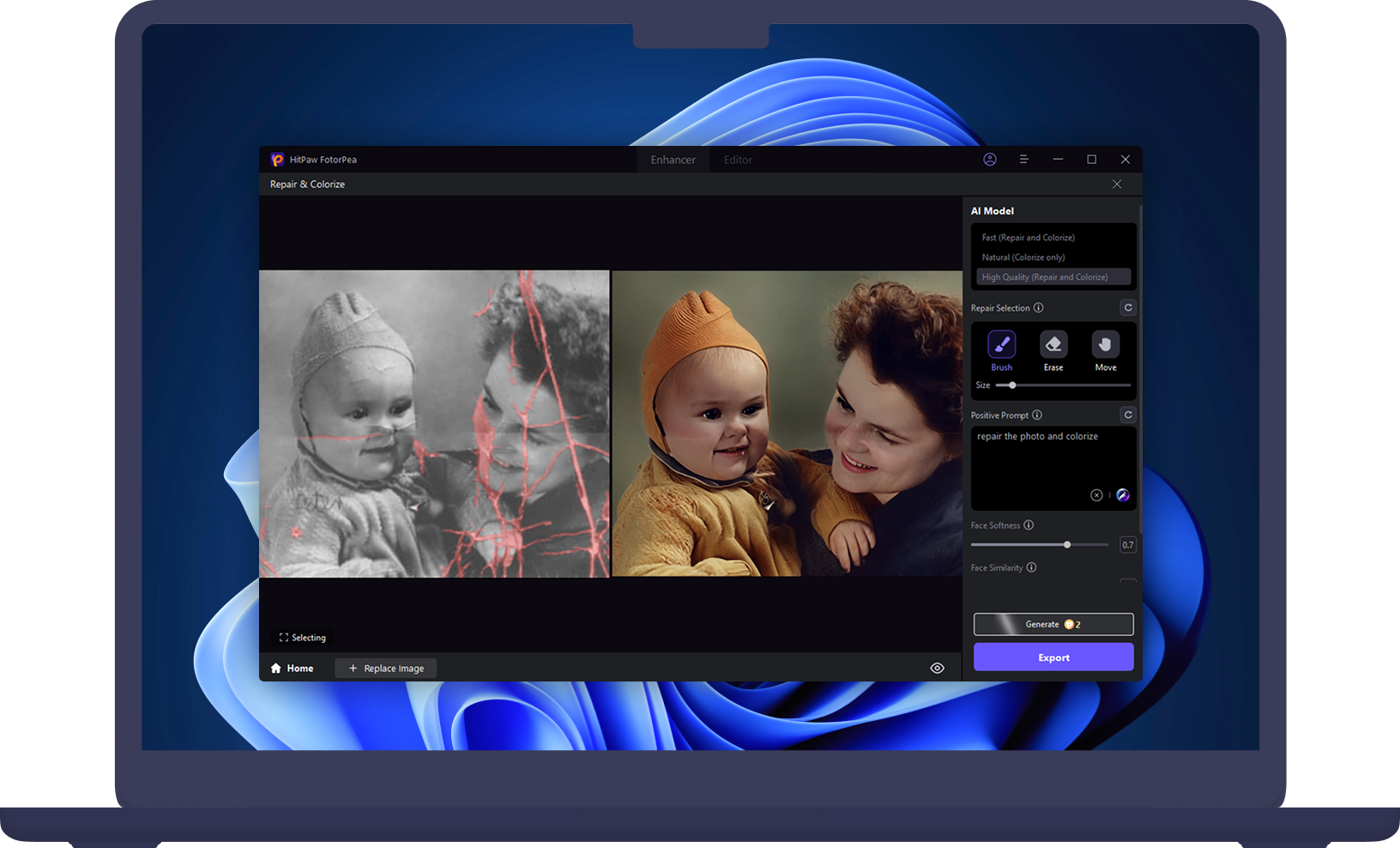
For desktop PC users, the most effective solutions for AI photo restoration can quickly restore old photos, repair scratches, and enhance clarity. Tools like HitPaw FotorPea combine these features with batch processing and an intuitive interface, helping you bring cherished memories back to life with professional-quality results.
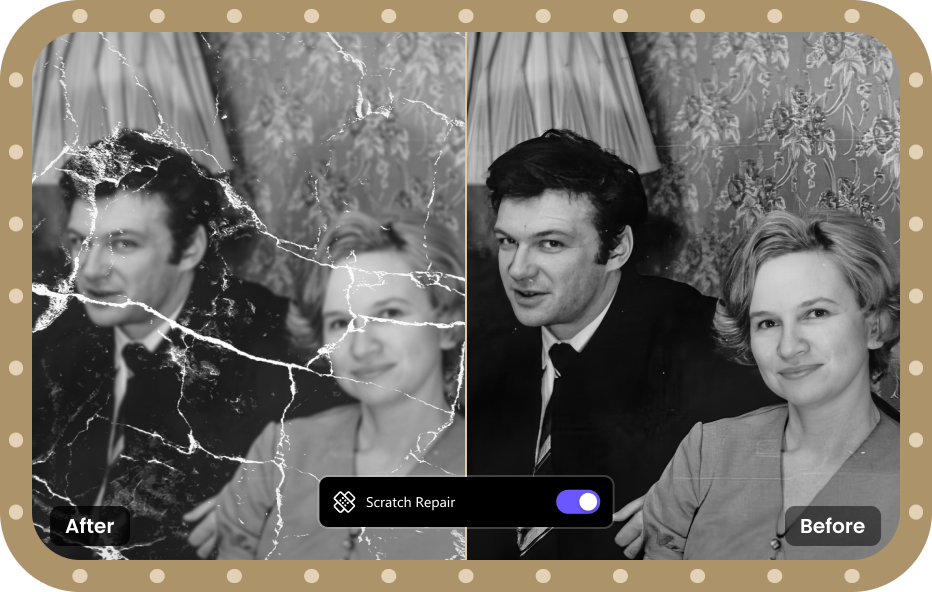
Yes! HitPaw FotorPea uses advanced AI photo restoration technology to repair badly scratched, faded, or damaged old photos. This desktop software is perfect for families who want to preserve precious memories, photographers or hobbyists working with vintage images, and anyone looking to restore old portraits or documents with professional-quality results.
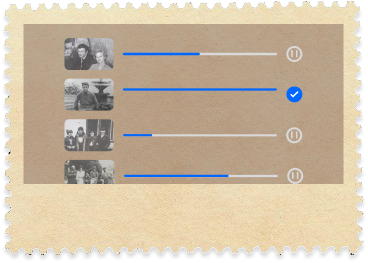
Yes. HitPaw FotorPea’s AI Photo Restoration supports batch processing, allowing you to restore multiple old photos in one operation. This means you can import a folder of damaged or aged images and apply AI restoration to all of them at once, saving significant time.
Yes. HitPaw online photo enhancer offers an old photo restoration online free option that lets you restore faded or damaged photos directly in your browser. It can automatically enhance image clarity, repair scratches, and bring back natural colors—no software download required.
Yes. AI Marvels offers an old photo restoration online free option that lets you restore faded or damaged photos directly in your browser. It can automatically enhance image clarity, repair scratches, and bring back natural colors—no software download required.
Professional old photo restoration can be expensive, especially when done manually. With HitPaw FotorPea, you can try our desktop AI photo restoration software free for 7 days, allowing you to restore old photos at no cost during the trial period while experiencing high-quality results.
Photo restoration is most worthwhile when the photo holds personal or historical meaning and shows visible damage or fading.
HitPaw FotorPea