



Unpixelate Images - Fix Pixelated Photos with AI
Unpixelate images with AI and make pixelated photos clearer in just a few clicks. HitPaw FotorPea helps reduce visible pixelation, enhance image details, and improve the clarity of low-resolution pictures, making them easier to view, share, and use.



Real-World Use Cases to Unpixelate Images with AI
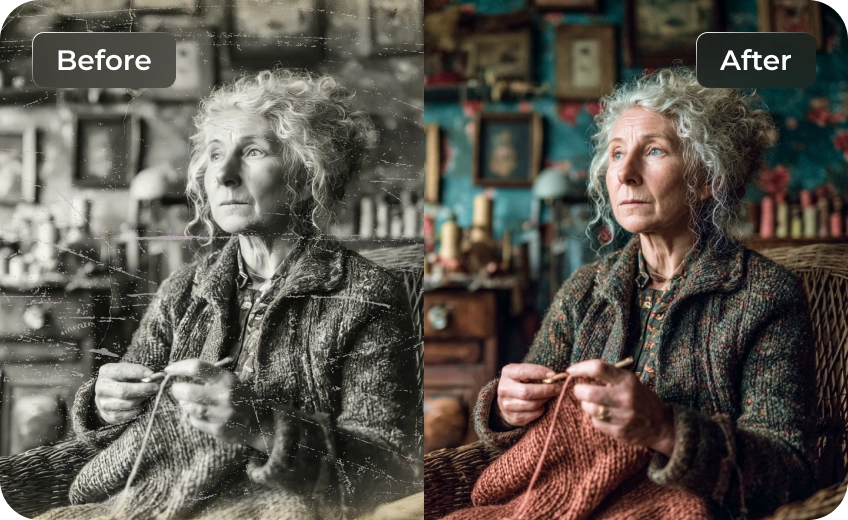
Fix Old & Pixelated Photos with AI
Old photos are often heavily pixelated and lack detail, making them hard to restore with traditional tools. HitPaw FotorPea uses AI technology to unpixelate images, intelligently rebuild textures, and recover lost details, turning aged or low-quality photos into clear, natural-looking images.
Unpixelate Product Images for E-Commerce
Low-quality or pixelated product images can hurt click-through rates and sales in e-commerce and advertising. HitPaw FotorPea's AI unpixelate image tool helps reduce pixelation, restore image's hidden details, and create clearer product visuals that showcase products more effectively and attract potential buyers.
Unpixelate Text and Screenshots with High Precision
Struggling with pixelated screenshots or hard-to-read text images? Basic sharpening often makes little difference to actual readability. HitPaw FotorPea goes further by using AI to unpixelate images, reconstruct text details, and improve screenshot clarity so the content becomes truly readable again.
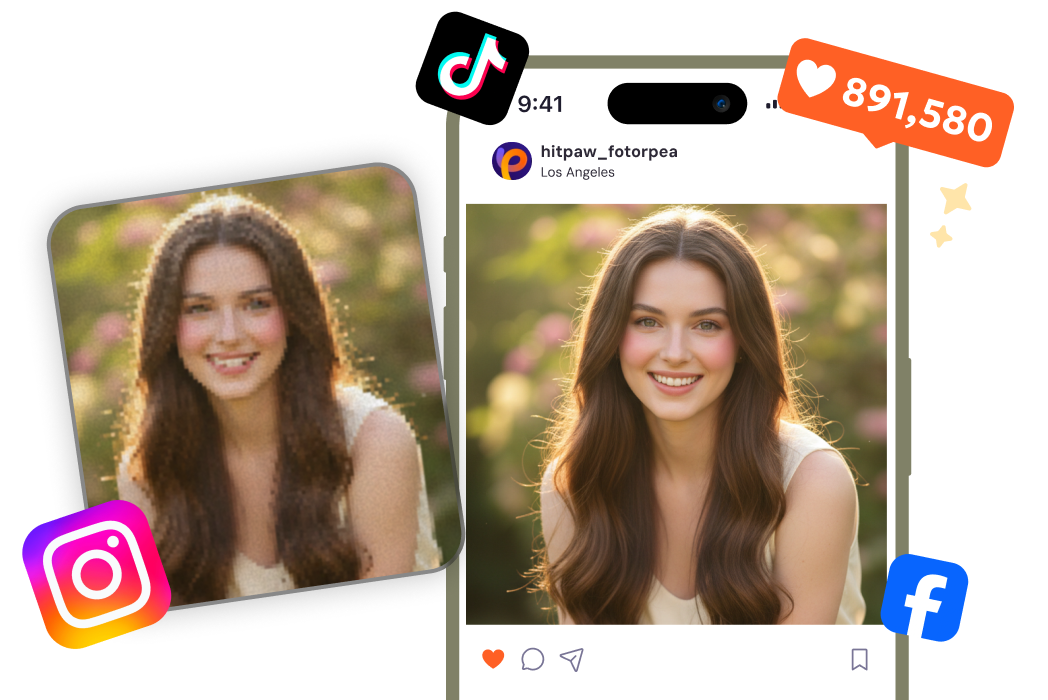
Unpixelate Photos for Clear Social Media Posts
Don’t let pixelated photos ruin your social media posts. Whether it’s portraits, travel shots, or everyday moments, HitPaw FotorPea unpixelates images, restores clarity, and enhances details to make every picture sharp, vibrant, and share-ready.

Instant Sharp Pixelator

Multi-Format Support

Batch Processing

Local Perfomance
Core Advantages of FotorPea Unpixelate Tool
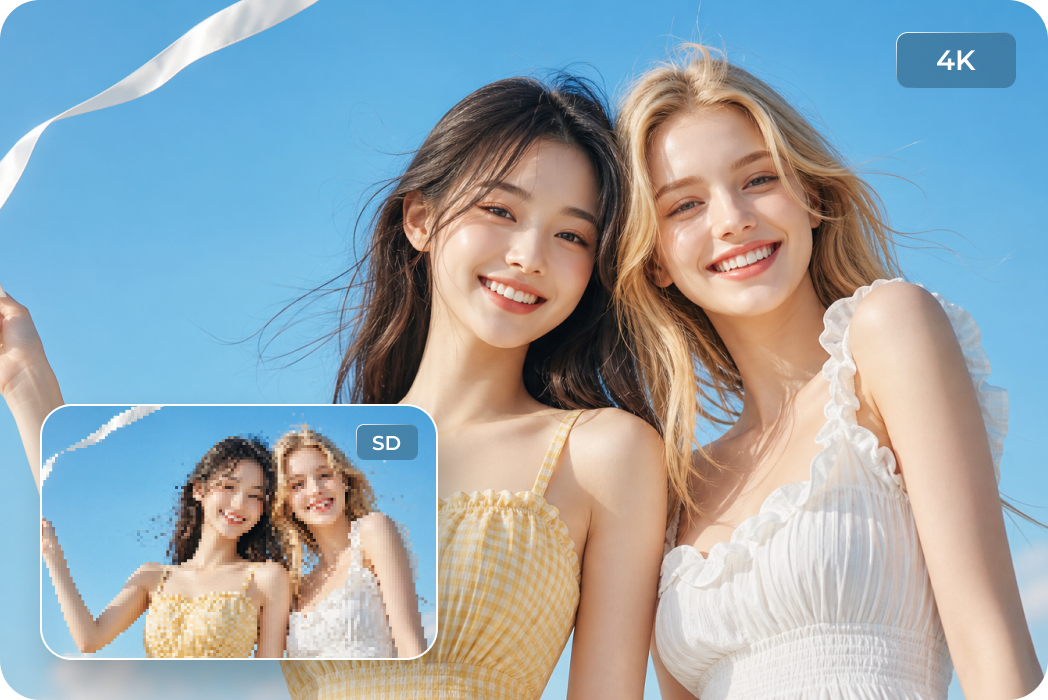
AI Unpixelate Images
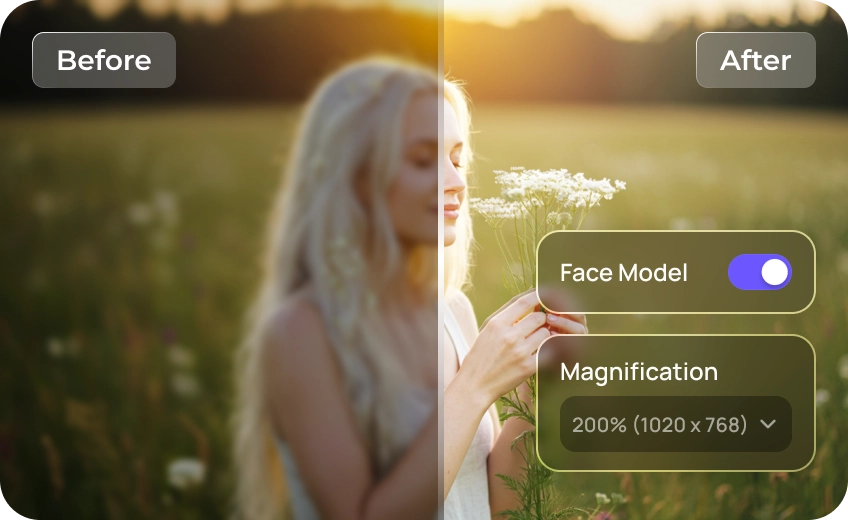
Unlike traditional sharpening, HitPaw FotorPea uses AI to rebuild missing details, depixelate images, and restore clearer, more natural-looking results.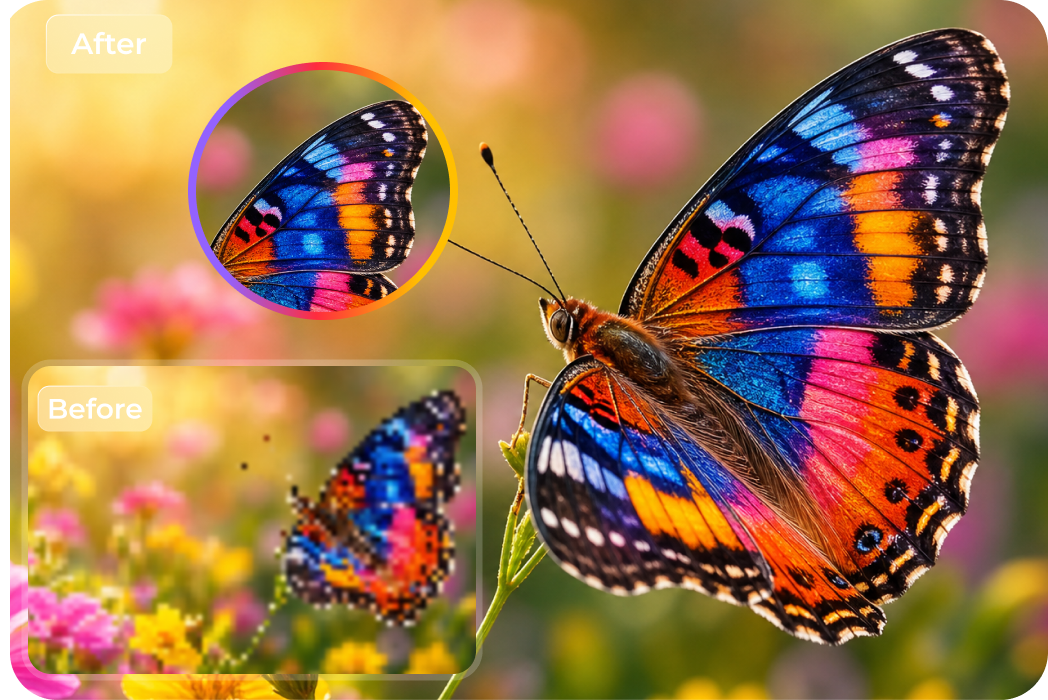
Make Every Image Crystal Clear
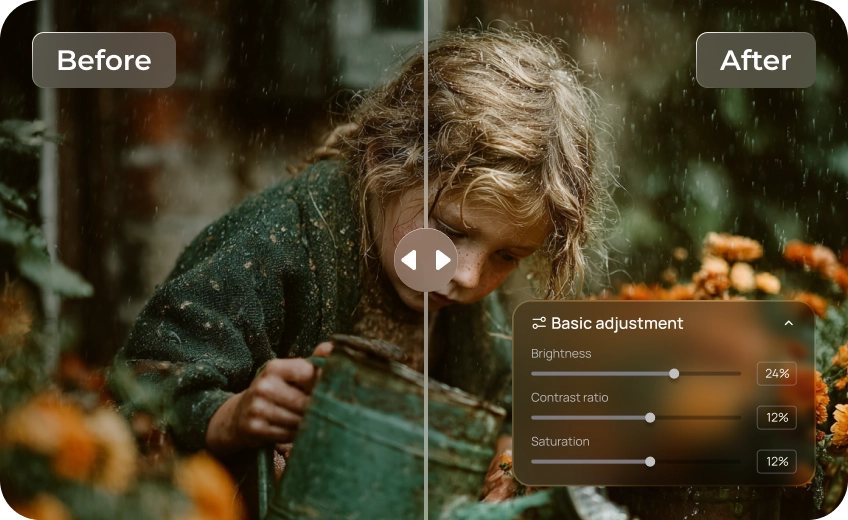
From blurry pet photos to pixelated wildlife shots, FotorPea restores animal details with powerful AI enhancement.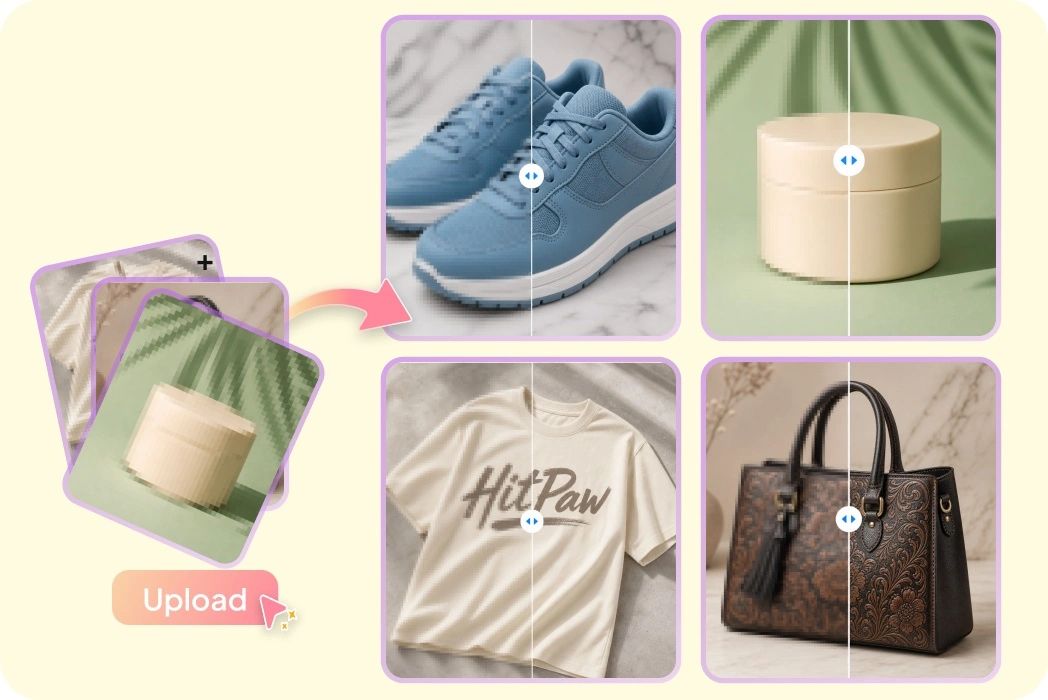
Batch Images Support
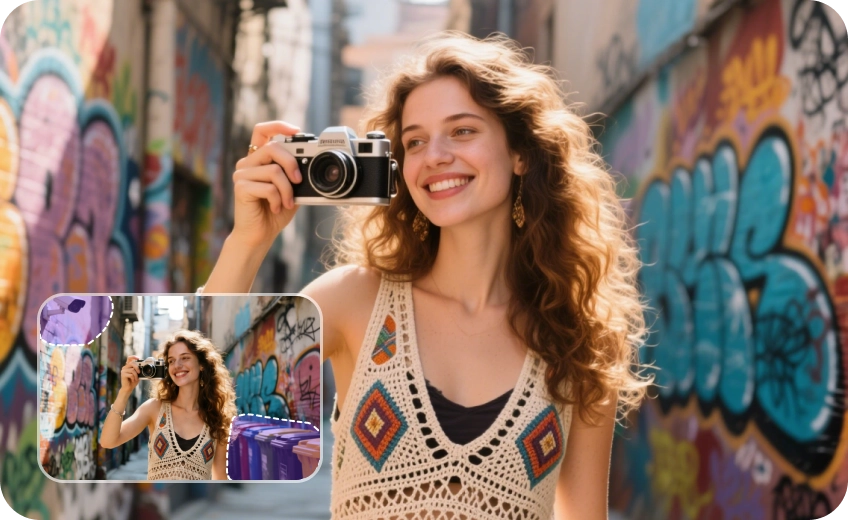
Supports JPG, PNG, WEBP and more formats, and allows you to unpixelate multiple images at once with fast AI processing.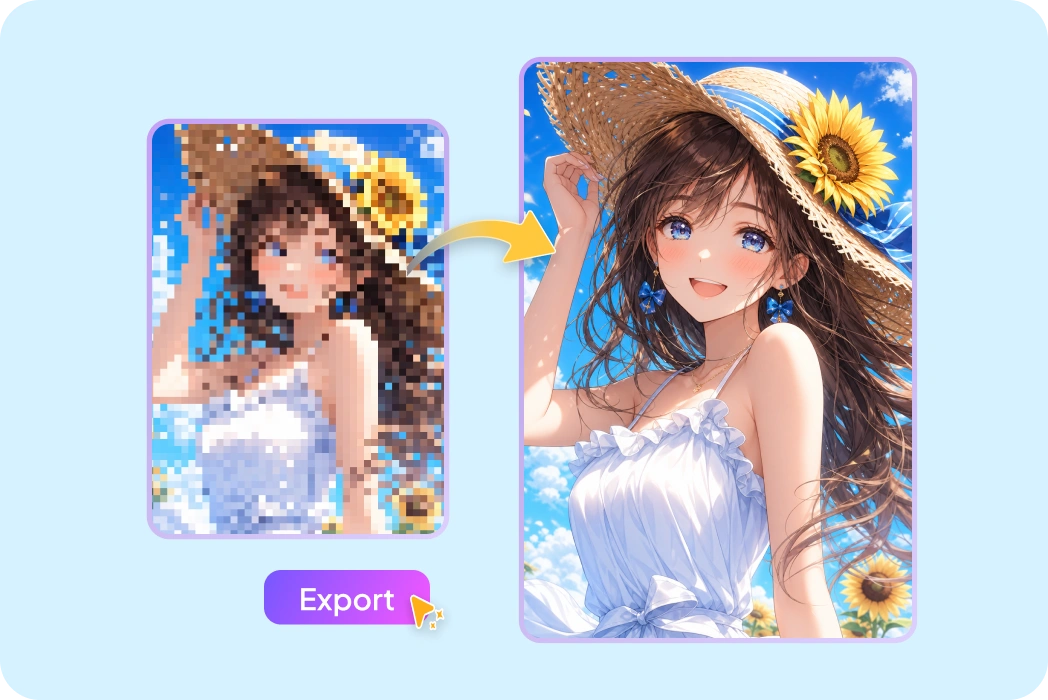
No Editing Skills Needed
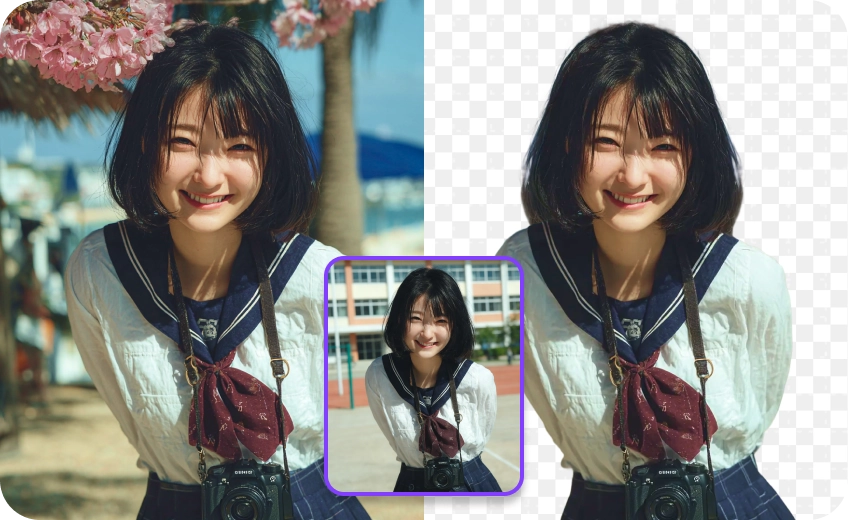
No Photoshop skills or complex editing required—just one click to fix pixelated images with HitPaw FotorPea’s Pixel Remover.What Users Say About FotorPea’s Image Unpixelator

Liam S. (Photographer)

HitPaw FotorPea's algorithmic approach is remarkable. It doesn't just 'smudge' pixels; it actually reconstructs original detail. It’s now my go-to tool for saving low-res client assets for 4K printing projects effortlessly.

Sarah J. (Marketing Director)
Our product images arrived pixelated from suppliers. Using FotorPea's enhancement logic saved us from expensive re-shoots by instantly upscaling our catalog to professional, print-ready quality with just one simple click.

Dr. Aris V. (Digital Archivist)
In historical restoration, precision is everything. These enhancement algorithms respect the source material’s integrity while removing raster artifacts. It is the most reliable tool for clarifying pixelated historical documents online.

Marcus T. (Graphic Designer):
The speed of the unpixelation process is incredible. I can batch-process fifty low-res icons in minutes, and the edge-aware technology ensures they stay sharp enough for large-scale digital marketing materials.

Elena K. (Social Media Influencer)
Finally, a way to fix those low-quality user-submitted photos! It unpixelates shots without making them look like "AI art." My feed has never looked sharper or more professional than now.
How to Unpixelate an Image with HitPaw FotorPea
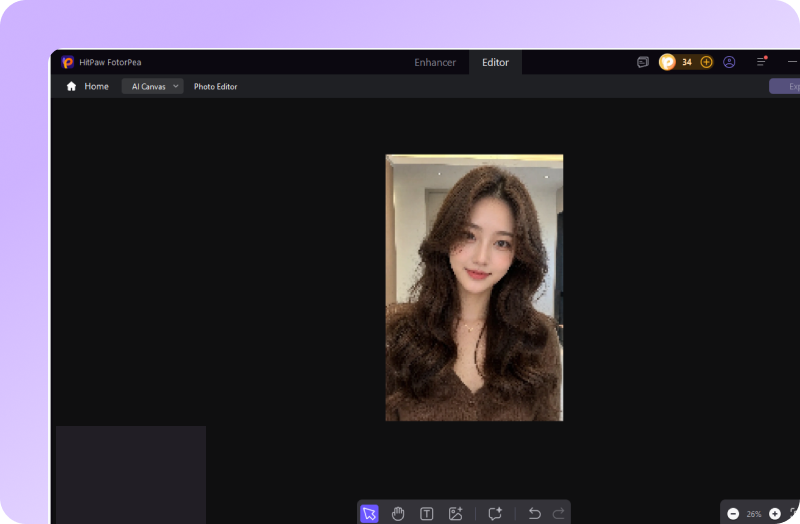
Upload Your Pixelated Photo
Click the " AI Photo Editor" and choose AI Canvas to upload your pixelated photos.
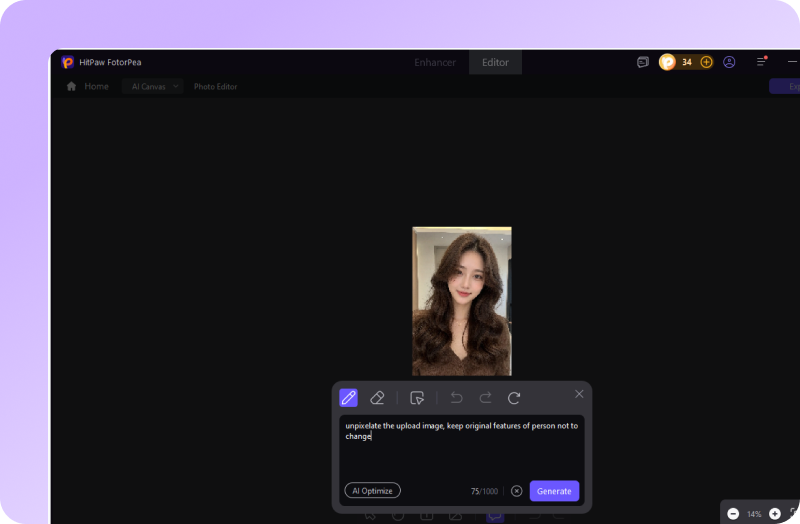
Unpixelate Image in Seconds
After entering a prompt in the chatbox, AI will automatically learn your ideas and fix pixelated images in seconds.
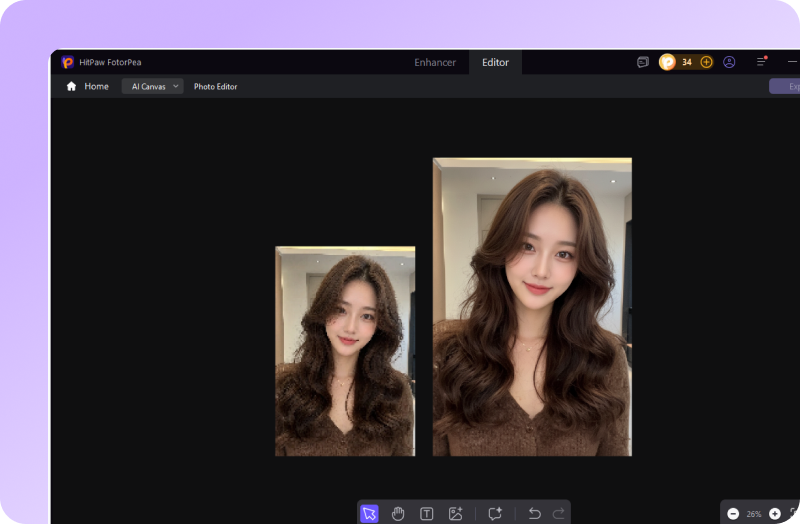
Preview Clear Images
Check the 4K result of unpixelate images. If you want to edit more, just write down what you need.
Discover More Photo Tools with HitPaw FotorPea
FAQs About HitPaw FotorPea Unpixelate Image
It’s an AI-powered tool that removes pixelation and restores missing details in low-resolution photos using advanced image reconstruction technology.
Yes. They serve different purposes. Traditional sharpening makes edges look sharper but doesn't fix pixelation. AI unpixelation reduces blocky pixels and reconstructs details, while upscaling increases image resolution to make an image larger.
Yes. HitPaw FotorPea is optimized for edge detection, making it effective at restoring blurry text, logos, typography, and branding assets with cleaner lines.
Yes. Whether you're fixing heavily pixelated old photos, blurry portraits, or low-resolution images with blocky artifacts, our AI unpixelate image tool can help reduce pixelation and restore clarity.
Yes. AI-powered apps can unpixelate pictures by restoring details and improving image quality. For example, HitPaw FotorPea can automatically fix pixelated photos and upscale them to HD or even 4K quality in seconds.
Yes. HitPaw FotorPea supports batch processing, allowing you to unpixelate multiple images at once and enhance them to HD quality in a single workflow.
Tips & Tricks for HitPaw FotorPea Image Depixelizer
- How to Depixelate Images in 2026: 3 Proven Methods
- Ultimate Guide to Depixelate Images Online Free in 2026
- [Approved 3 Methods] How to Fix Pixelated Pictures Instantly
- Latest 3 Tips to Make an Image Pixelated Fast in 2026
- Latest Guide on How to Fix Blurry Pictures in Photoshop
- ( Updated) How to Fix Blurry Pictures with 10 Top Ways
- 4 Best Solutions to Fix Out-of-Focus Photos-AI & Free Online
- Top 7 Mosaic Removers to Clear Pixelated or Censored Images
- [Solved] Best 3 Ways to Remove Blur from Photo in 2026
- [2026 Updated!] Top 7 Blur Removers for Your Windows & Mac
- 5 Ways to Unblur Images: Online vs. Desktop Software (2026 Guide)
- [Latest Released] How to Unblur a Picture on Snapseed
 HitPaw FotorPea
