



Image Brightener: Make Dark Photos Brighter with AI Instantly
Brighten images with HitPaw FotorPea and enhance dark photos with smarter lighting adjustment. Automatically restore details, improve image quality, and keep colors natural. Brighten multiple photos at once and achieve natural results in just a few clicks.



AI Image Brightener for Every Photo Scenario
Brighten Dark Portraits and Reveal Facial Details
Enhance portrait quality with AI-powered lighting adjustment. Photos taken in dim indoor environments or at night often lose brightness and facial details. This AI image brightener tool automatically detects dark areas on faces, enhances lighting, restores details, and creates a more vibrant look with natural colors and balanced skin tones.
Enhance Low-Light Photos with AI Brightening
When capturing stunning landscapes or historic architecture while traveling, uneven outdoor lighting can make photos look dark and lose details. HitPaw FotorPea’s AI image brightener balances light, enhances textures, and reveals the true beauty of your travel memories.
Make Product Photos Brighter and More Appealing
Product images with poor lighting may look dull and fail to highlight key details. Use HitPaw FotorPea as a photo brightener to lighten images, improve brightness, and make your products stand out with clearer and more appealing visuals.
Lighten Images with AI for Brighter, Clearer Photos
Need to make your images stand out on social media? Brightening an image can bring out richer colors, clearer details, and a more engaging look for marketing content, social posts, and creative designs. From sunset backlit photos to everyday shots, HitPaw FotorPea intelligently enhances brightness to create vibrant visuals in seconds.

AI Image Brightener

Multi-Format Support

Batch Lighting Photos

Secure Photo Brightener
Why Choose HitPaw FotorPea to Brighten Images
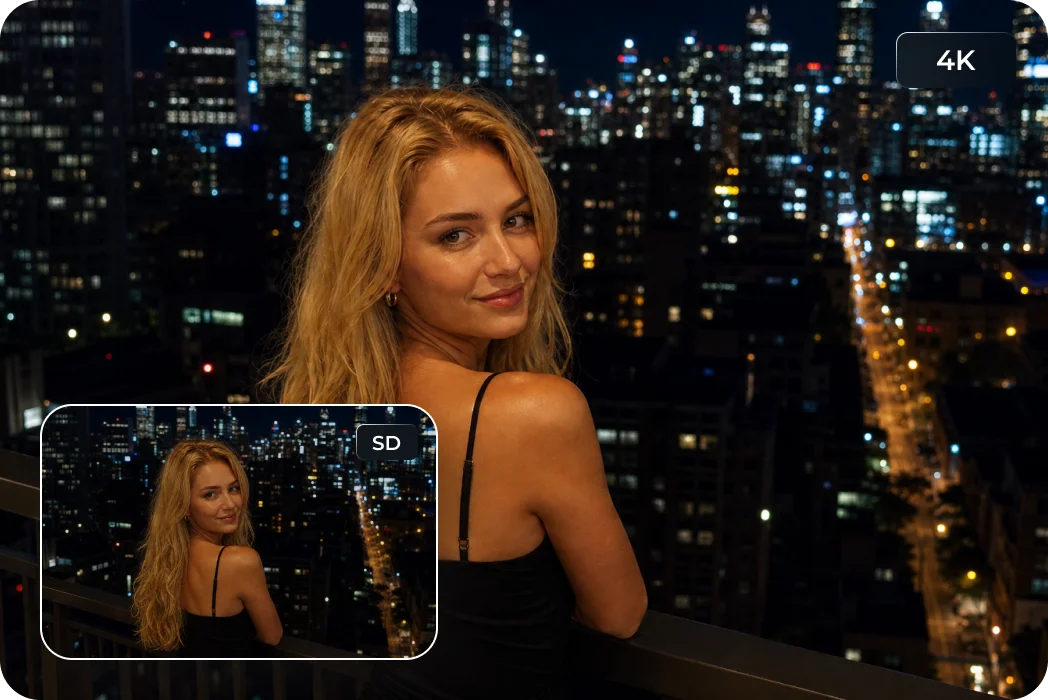
Brighten Photos in Any Scene
Brighten photos from any situation, including indoor shots, night scenes, and backlit photos. FotorPea’s AI image brightener enhances brightness while keeping images clear, natural, and high quality.
AI-Powered Low-Light Brightening
From food textures to restaurant details, FotorPea’s photo brightener enhances image clarity, recover subtle details, and create sharper, more vibrant photos that look professional and eye-catching.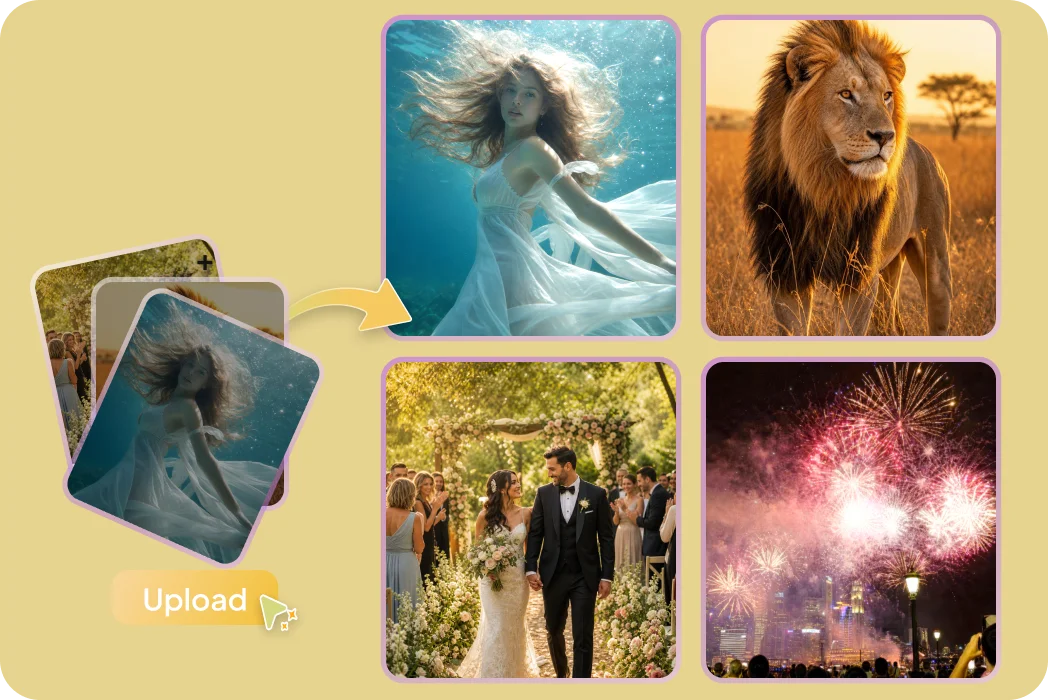
Brighten Hundreds of Photos at Once
Brighten the entire photo collection with one click. Apply consistent lighting corrections and export high-quality images faster to save your time — perfect for photographers and e-commerce teams.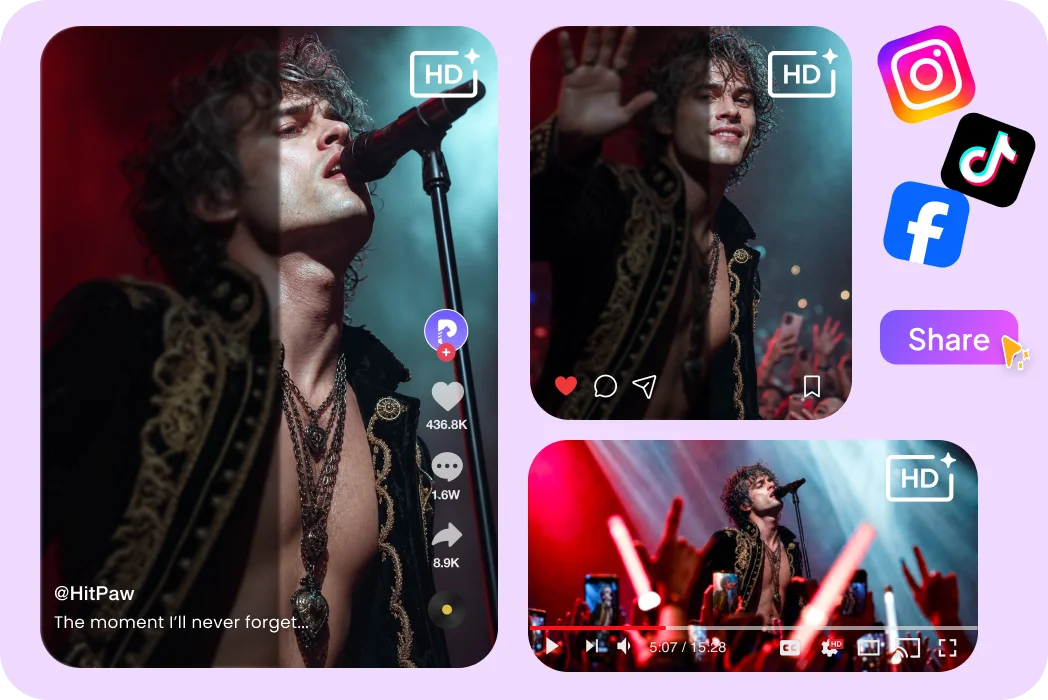
Fix Dark and Underexposed Photos Instantly
Concerts, music festivals, and night events can leave photos dark and underexposed. FotorPea’s AI image brightener automatically adjusts lighting and creates brighter, more natural results without endless manual edits.What Users Say About FotorPea’s Image Brightener

E-commerce Seller @LunaStore

"Some product shots came out dark and dull, but FotorPea instantly brightens them while keeping details clear. It saves me so much time when preparing images for my store."

Photographer @MoliaLens
"I love capturing concerts and evening events, but challenging lighting can affect the final shots. FotorPea's AI photo brightener helps me recover balanced lighting and preserve the mood of every photo with a natural look."

Content Creator @SophieCreates
"I can’t believe how much better my low-light photos look! This brightening tool turns poorly lit shots into bright, vibrant visuals that perfectly fit my content style."

Travel Blogger @MiaTravels
"FotorPea was such a wonderful surprise! I never expected a simple tool could bring my dark travel photos back to life. Now I can easily brighten my memories and make every moment look clearer and more beautiful."

Parent @LilyMoments
"I took my child to a popular restaurant for a birthday celebration, but the photos came out too dark and didn’t capture the moment well. I tried FotorPea’s image brightener and was so surprised by the results! It made the photos brighter and more beautiful, and I loved exploring its other features too. Such a useful tool!"
How to Brighten an Image with HitPaw FotorPea
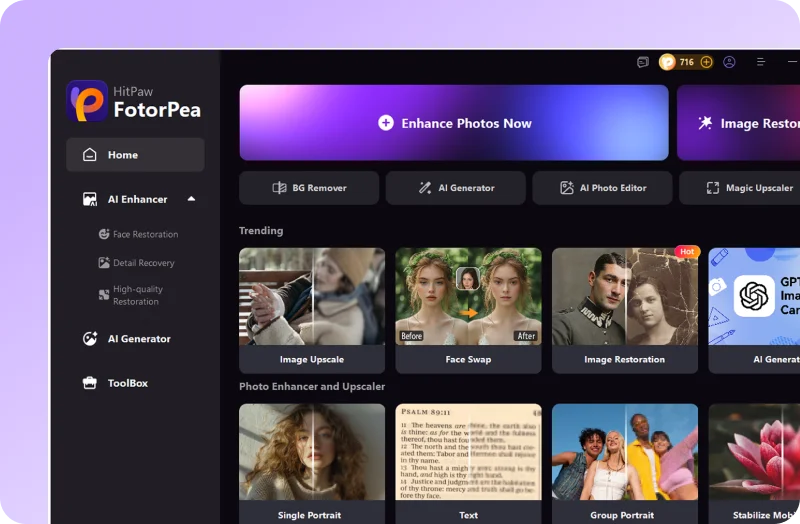
Upload Your Dark Photo
Open FotorPea and click Enhance Now to brighten your photo.
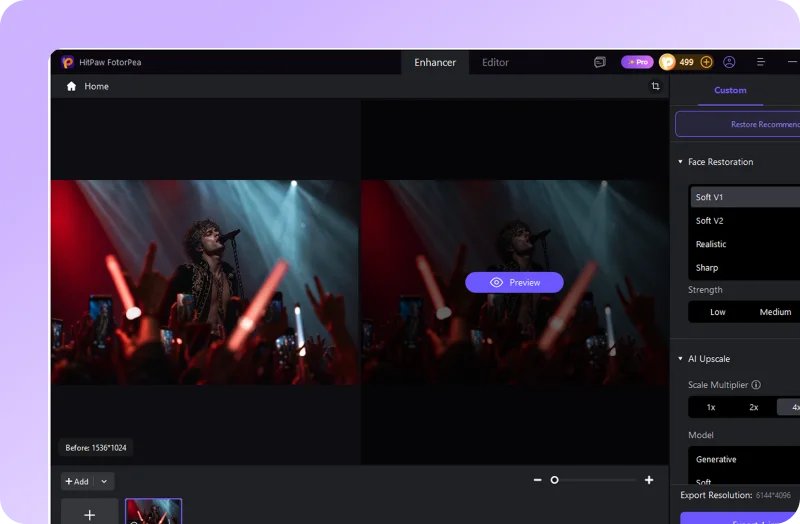
Brightening the Image
Automatically improve the brightness of your image instantly with our image brightener tool.
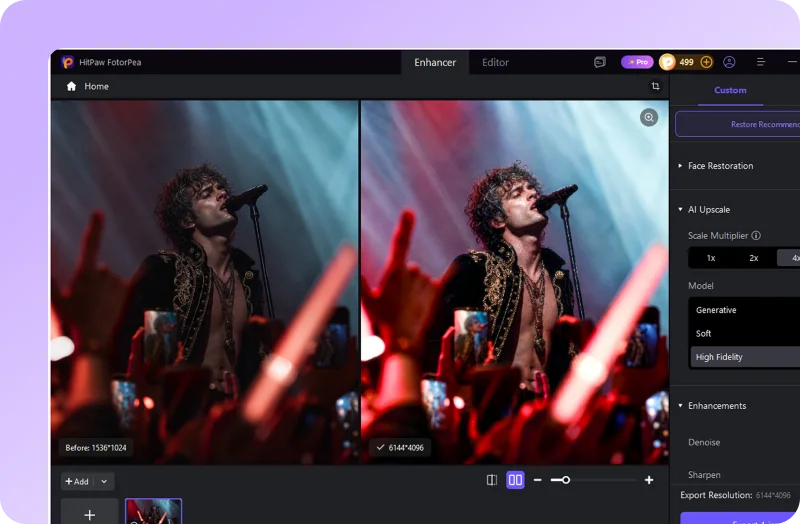
Preview & Download Photo
Preview the high quality result and download your brightened photo with improved lighting.
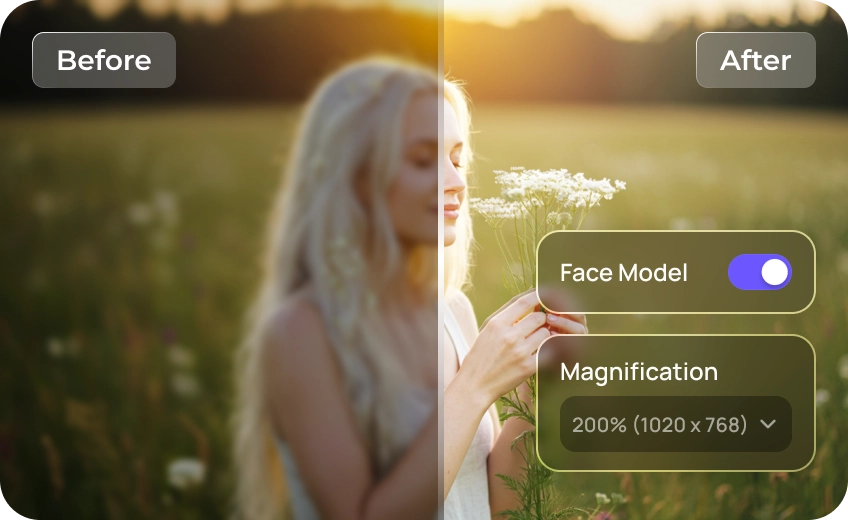
Enhance, Brighten, and Edit Photos Instantly with HitPaw FotorPea
FAQs About HitPaw FotorPea Image Brightener
You can brighten a picture easily with HitPaw FotorPea. Simply upload your photo, let the AI image brightener analyze the lighting, and automatically enhance brightness for a clearer, more natural result. It’s an easy way to brighten an image without complicated editing.
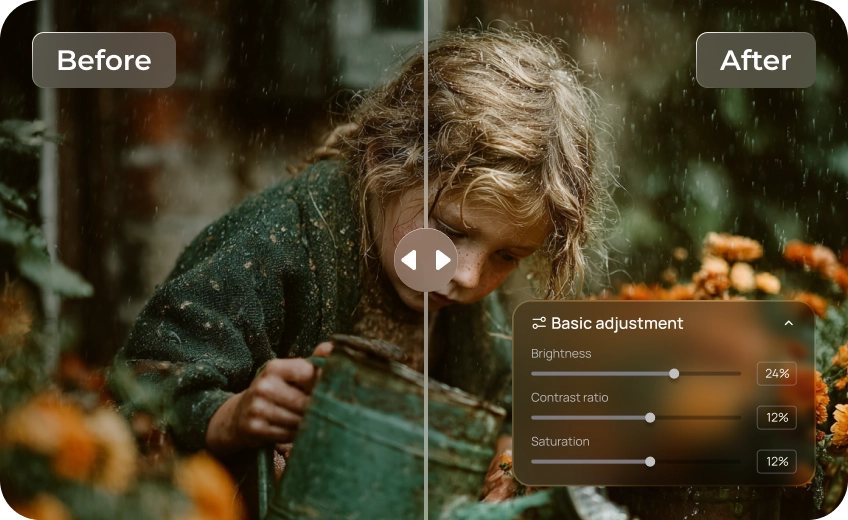
A good picture brightener should improve lighting while keeping the original look. HitPaw FotorPea's AI photo brightener can balance brightness, preserve details, and lighten an image naturally without making highlights look too harsh or overexposed. For more personalized adjustments, you can open the AI Photo Editor and fine-tune the brightness with a simple slider after the one-click enhancement.
No. HitPaw FotorPea is designed for everyone, even without editing experience. With its AI photo brightener, you can brighten an image automatically in just a few clicks.
Yes. You can use this picture brightener to brighten grainy or dark photos and improve low-quality images at the same time.
Yes. FotorPea supports batch processing, allowing you to brighten multiple photos at once. It’s a convenient solution for photographers, creators, and businesses that need to brighten images efficiently.
Tips & Tricks for HitPaw FotorPea Picture Brightener
- How to Enhance Food Photos in Low Light: Easy Methods
- Latest Recommendations to Brighten a Picture
- Recommendation for Top 10 Image Brighteners Online and on Desktop
- [Top Picks] Best 6 Image Brighteners to Brighten Your Photo
- Top 8 AI Brighten Photo Tools to Make Dark Photos Brighter
- Top 9 Free Apps to Lighten Photos You Should Know
- Free Browser Extensions to Increase Image Brightness (2026)
- [Online& PC & Cellphone] How to Lighten a Photo
- Two Ways to Achieve Low Light Image Enhancement in 2026
- How to Brighten Face in Photo with 2 Methods to Retouch Your Photo
- Complete Guide To Learn Reduce Night Grain in Mobile Photos
- How to Enhance Candlelight Photos with AI: Make Dark Photos Brighter
 HitPaw FotorPea
