From specialized formats to intuitive simplicity, it engineered to deliver professional-grade results while remaining accessible to all users.
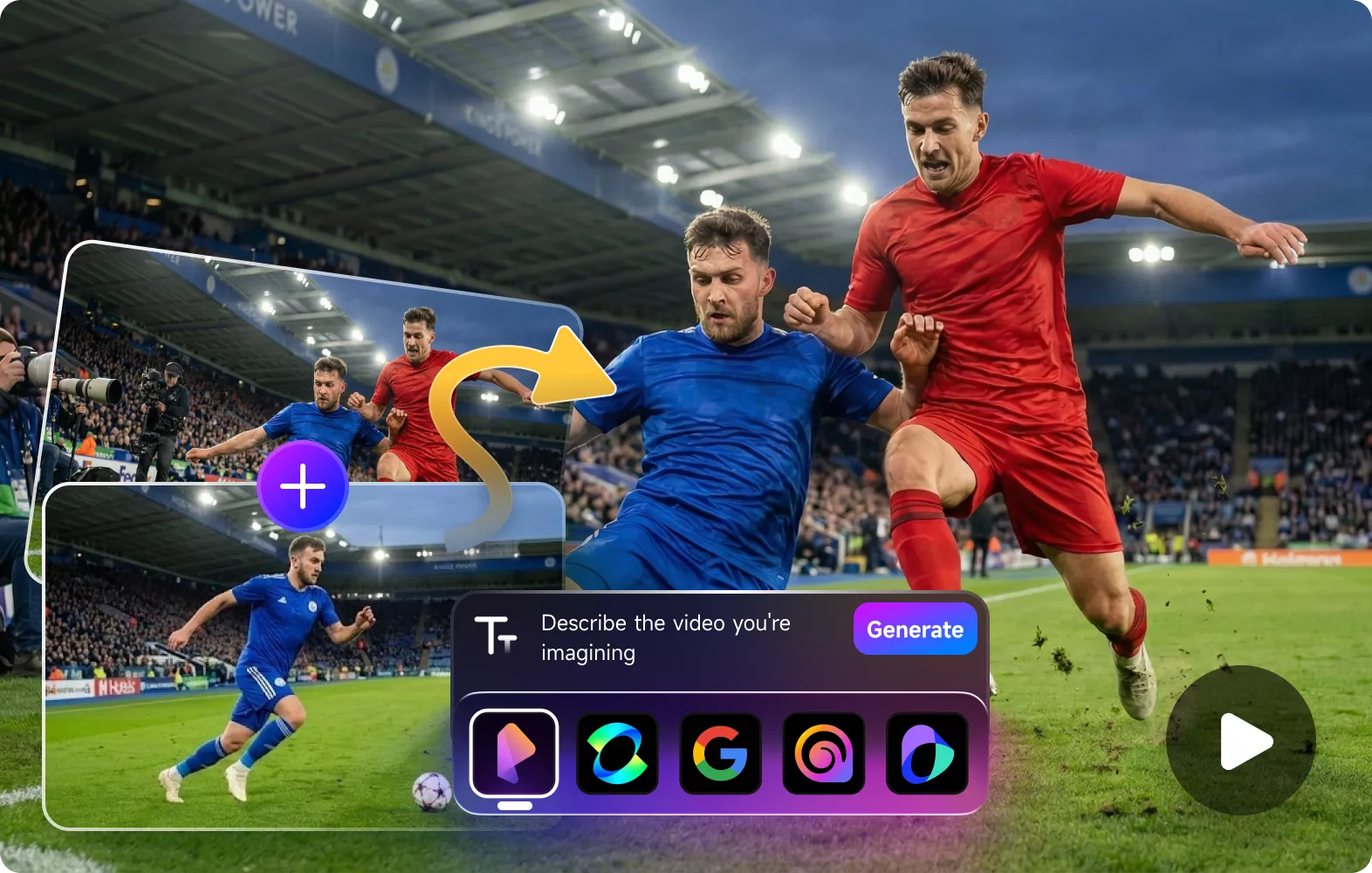
Seamlessly integrate video enhancer API to bring pro-level AI processing into your workflow. Advanced optimization models deliver superior clarity, restored details, and dramatically faster rendering, ideal for developers, editors, and creative platforms alike.
More about Video Enhancer APITake the pressure off your hardware with cloud-powered rendering. Access the latest AI enhancement models and enjoy faster processing speeds without overloading your local CPU or GPU.
Read MoreFrom quick fixes to flawless edits, handle complex tasks in seconds, not hours.
5,248,932 photos and videos AI edited for millions of pros worldwide
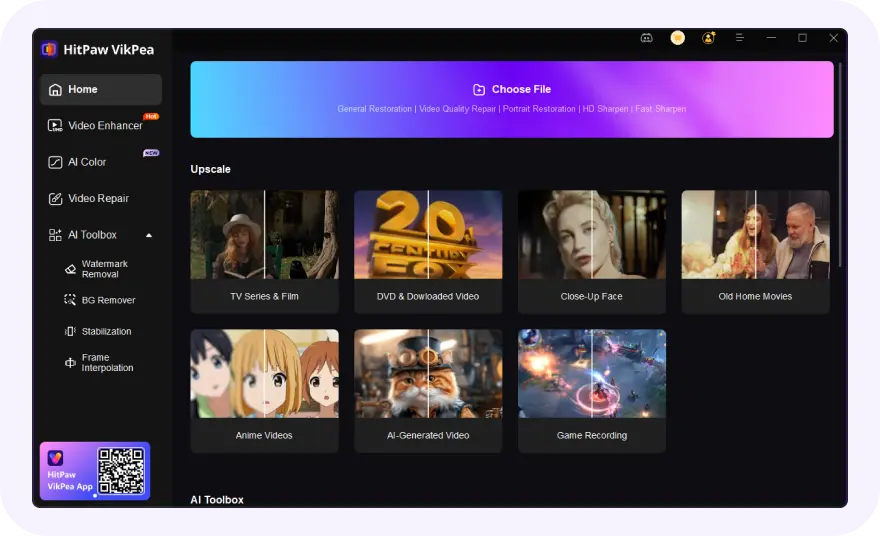
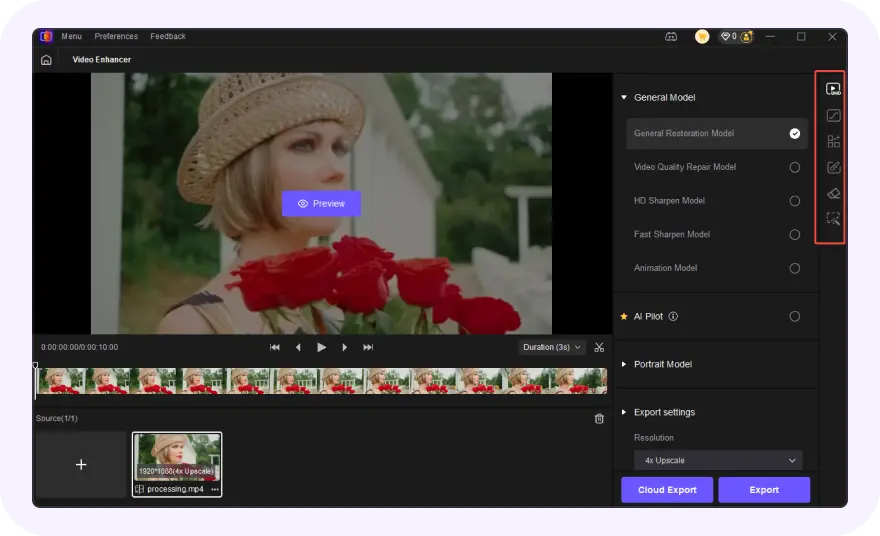
Launch the video quality enhancer software and upload your video(s).
Choose one AI model based on video type to get better effect to enhance videos.
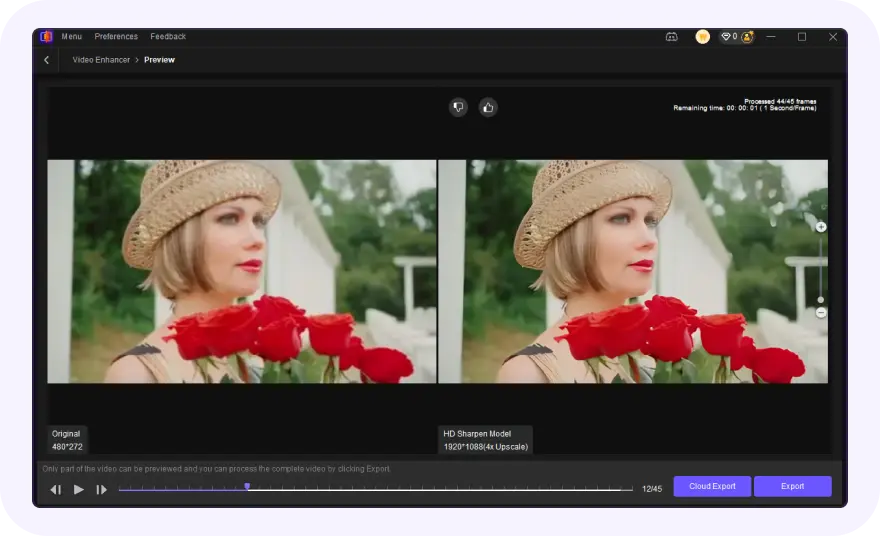
Preview the AI video enhance effect and export the upscaled video.
On 29 October 2024, HitPaw Video Enhancer was officially renamed to HitPaw VikPea. While the legacy version focused on basic upscaling, VikPea introduces a massive architecture leap: Cloud GPU Rendering (10x faster), specific 8K Neural Models, and native support for Kling/Sora AI videos. It’s not just a rebrand—it's a professional-grade engine designed for modern 8K workflows.
You can upscale a video to 4K using AI video upscaling software like HitPaw VikPea. Simply import your video, choose an AI upscaling model, and export it in 4K resolution. AI helps recover details, improve sharpness, and enhance overall video quality beyond traditional resizing methods.
AI works best on archival footage, low-light phone recordings, and grainy AI-generated clips. It’s specifically optimized for:
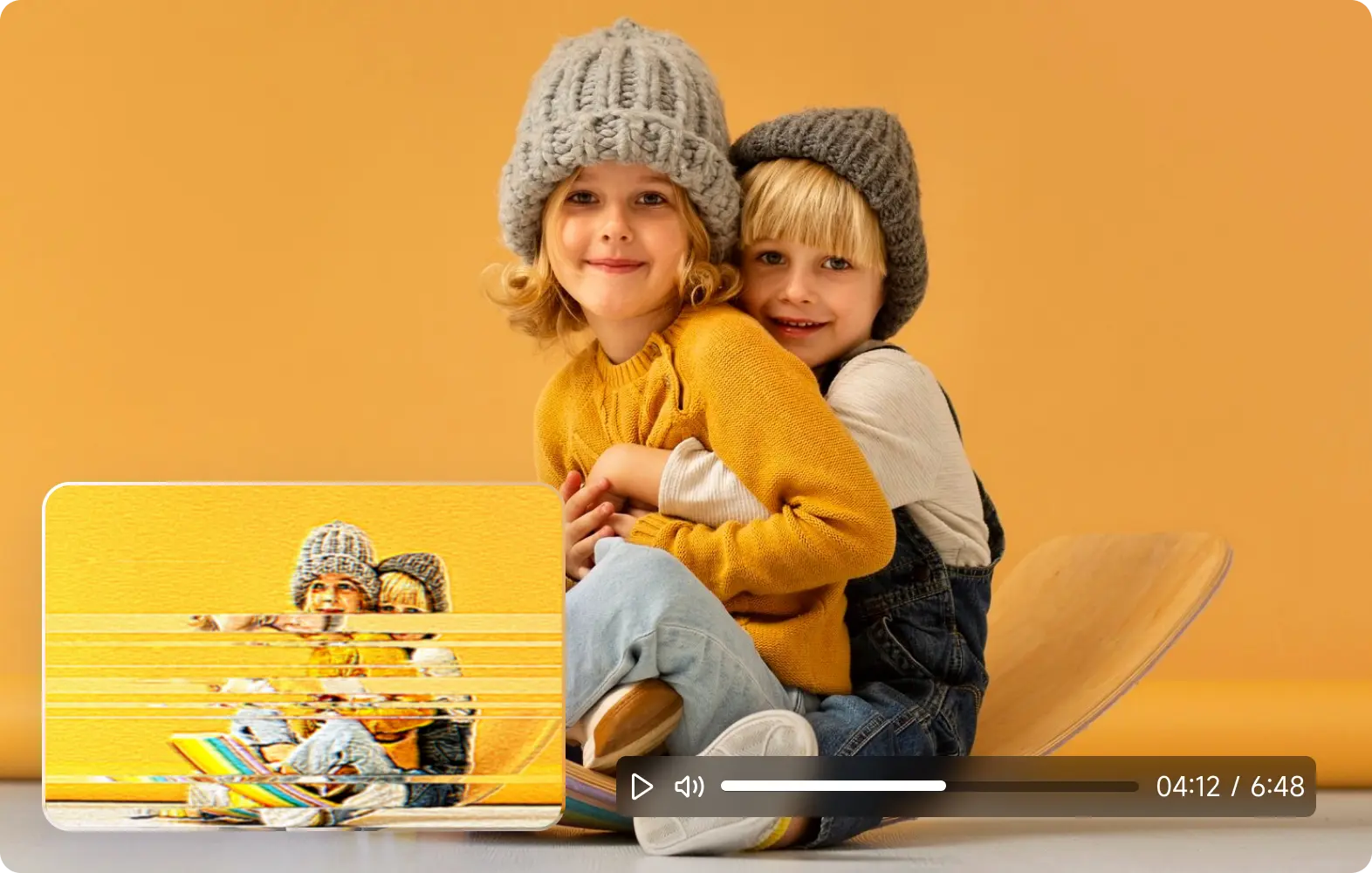
Videos often look blurry or pixelated due to low resolution, heavy compression, poor lighting, or digital zoom during recording. These issues reduce detail and create visible artifacts, especially when videos are enlarged or uploaded to social platforms. AI-powered video enhancement can help by rebuilding lost details, sharpening edges, and reducing noise, making blurry or pixelated footage appear clearer and more natural.
Yes, VikPea AI can effectively improve blurry or pixelated videos in many common situations. Blurriness and pixelation usually come from low resolution, compression, camera shake, or poor lighting, which cause detail loss and visual artifacts. AI video enhancement works by analyzing each frame, reconstructing missing details, sharpening edges, and reducing noise, making videos look clearer and more natural.
Yes, VikPea features AI-based Stabilization and Frame Interpolation. It can transform shaky handheld footage into steady shots and boost 24FPS videos to a smooth 60FPS or 120FPS. This is perfect for gameplay clips or fast-action sports footage.
Absolutely! It's totally feasible to sharpen a blurry video, and VikPea Video Enhancer excels at this task. It leverages sophisticated algorithms to target blurriness directly by refining edge details, enhancing texture clarity, and reducing fuzziness. Beyond sharpening, it also boosts overall visual quality, making your once-blurry footage look crisper and more polished.
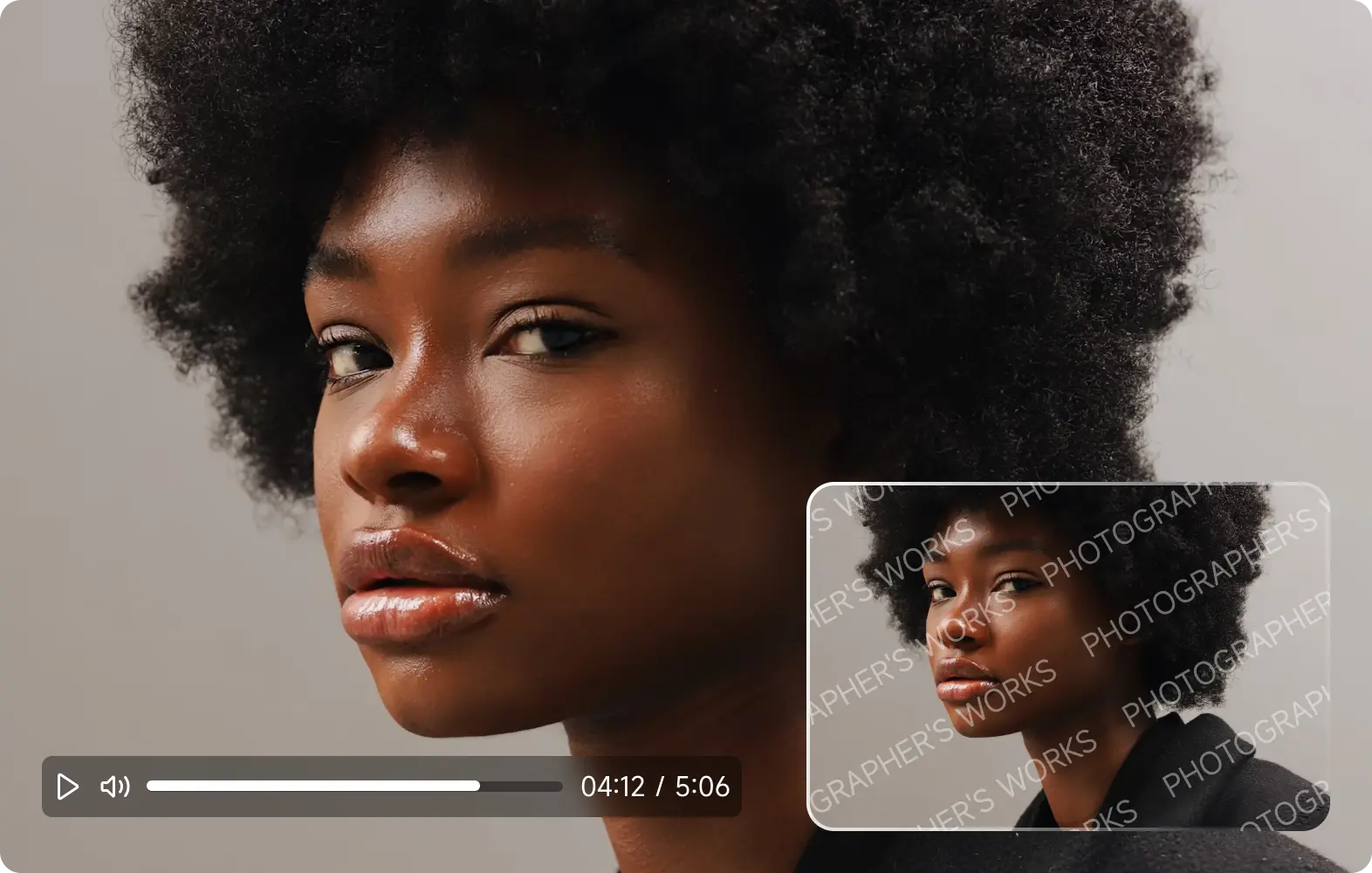
An Upscaler increases pixels; an Enhancer improves the actual quality of those pixels. VikPea does both: it boosts resolution to 4K/8K while simultaneously correcting colors, reducing noise, and sharpening textures. It’s a complete AI post-production suite in one click.
Yes, HitPaw VikPea is safe to use. The official installer contains no malware or spyware, and all processing is secure. Avoid cracked or pirated versions, as they may be unsafe. Legitimate installations protect your original videos and system integrity.
VikPea offers a Free Trial that allows you to preview the AI enhancement result on your own footage. There is no time limit for exploring the features. Download the latest version to test the rendering speed and see the 8K output quality for yourself.
HitPaw VikPea