





AI Unblur Videos: Make Blurry Videos Clear in Seconds
Powered by advanced AI algorithms, HitPaw VikPea intelligently analyzes every frame to remove blur, restore lost details, and enhance video clarity - all with a single click.
From subtle blur to fast-moving scenes, see faces, motion, and fine details come back in stunning clarity.


HitPaw VikPea Video Blur Remover : From Low-Res to Crystal Clear in One Click
Restore Real Details with AI Unblur Technology
Unlike simple sharpening filters, HitPaw VikPea's AI video unblur technology analyzes motion vectors, texture patterns, and frame consistency to intelligently reconstruct lost details in blurry videos. Instead of artificially increasing contrast, it restores natural edges, depth, and clarity — delivering realistic, balanced results that look professionally enhanced rather than overprocessed.

Multiple AI Models for Every Blur Scenario
Different blurry videos require different solutions. Choose from specialized AI video enhancement models optimized for motion blur, low-light noise, compression artifacts, or general softness. Simply upload and click to Unblur videos automatically — no complex parameters, no manual tuning. Advanced enhancement becomes effortless, even for beginners.
Fast Processing with Superior Face Enhancement
Powered by GPU acceleration, the AI processes videos quickly while maintaining high-quality output. Built-in face enhancement technology intelligently refines skin texture, eyes, and expressions without creating artificial smoothness. Whether restoring portraits or group scenes, AI Video Unblur ensures faces look sharp, natural, and emotionally vivid.
Unblur Videos and Upscale to 4K / 8K Clarity
Enhance blurry videos and upscale resolution to 4K or 8K in one seamless workflow. The AI preserves motion details frame by frame, ensuring smooth playback on large screens without distortion. Crystal-clear visuals also perform better on social platforms, helping your restored videos stand out and attract more engagement.

Multi-Format Support

Batch Processing

Real-Time Preview

One-Click 4K Export
Use Cases for AI Video Unblur
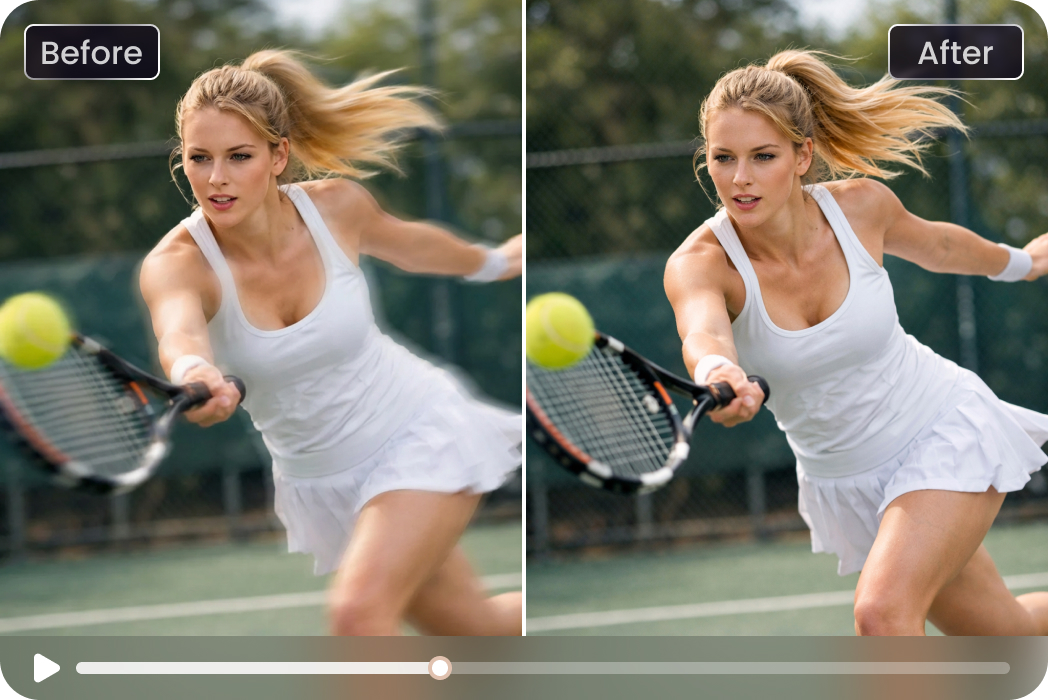
Before: 1080p Video by camera
After: 4K Resolution by HitPaw VikPea UHD Restoration Model
Video Story: Even footage shot on professional cameras can suffer from motion blur during fast movement.
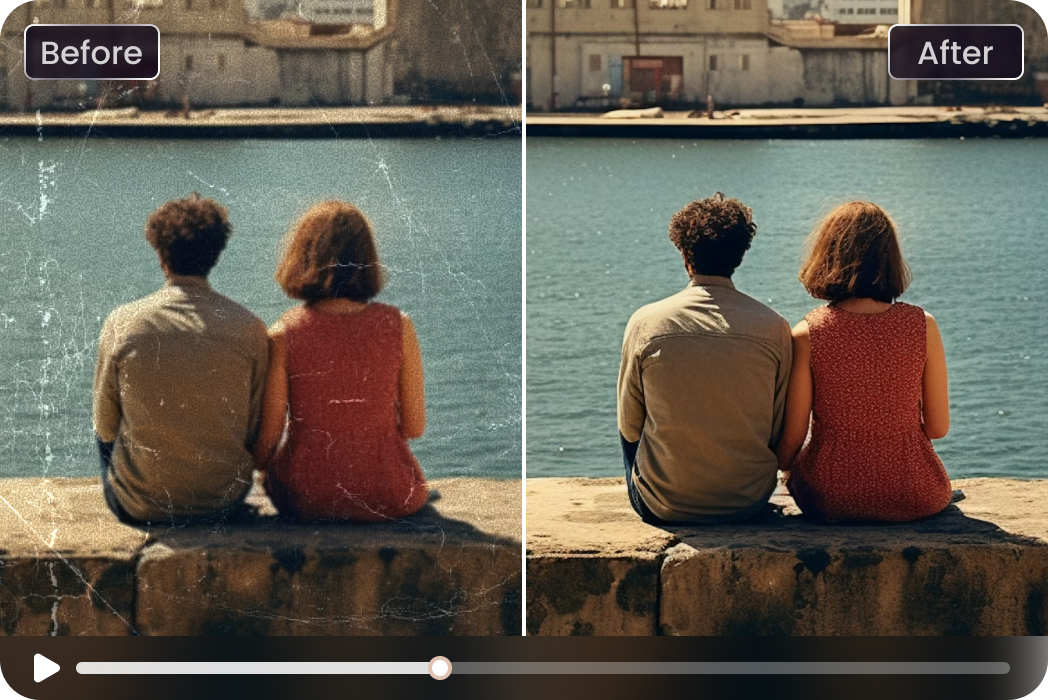
Before: Resolution 853x480
After: 4K Resolution by HitPaw VikPea General Restoration Model
Video Story: Old videos were often recorded at lower quality.
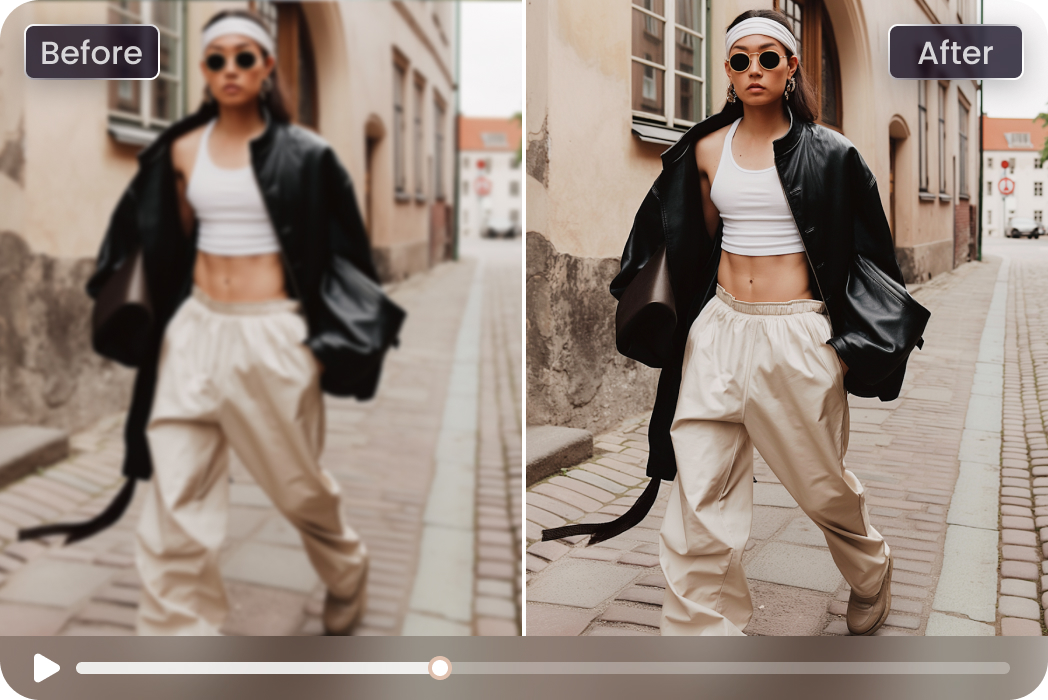
Before: 1080p Video by mobile phone
After: 4K Resolution by HitPaw VikPea UHD Restoration Model
Video Story: While filming on the street, photographers avoiding crowds can make handheld shots unstable.
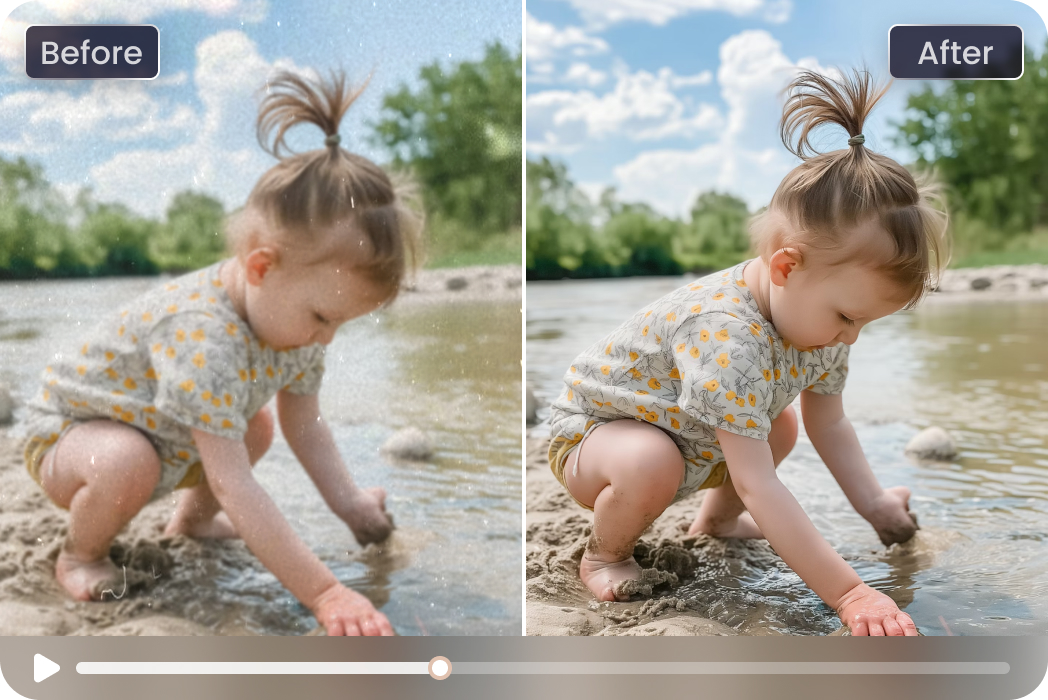
Before: HD Video by mobile phone
After: 4K Resolution by HitPaw VikPea HD Sharpen Model
Video Story: Kids move fast, and phone camera often can't keep up with focus changes.
What Users Say about VikPea Video Blur Remover

Skiing Enthusiast

"My skiing clips were full of motion blur at high speed. HitPaw helped unblur videos enough to see my turns and details, without making everything look overprocessed."

Online Learner
"Some screen recordings ended up as a blurry video after compression. I tried this to unblur a video and the text finally looked readable again."

Independent Filmmaker
"Some of my footage wasn't perfectly sharp, but HitPaw VikPea restored clarity in a way that still felt cinematic and natural. It saved shots I almost gave up on."

Social Media Content Creator
"I shoot quickly and don't always get perfect focus. HitPaw VikPea helped unblur clips that would've been unusable and kept everything looking clean and real."
How to Unblur a Video in 3 Easy Steps
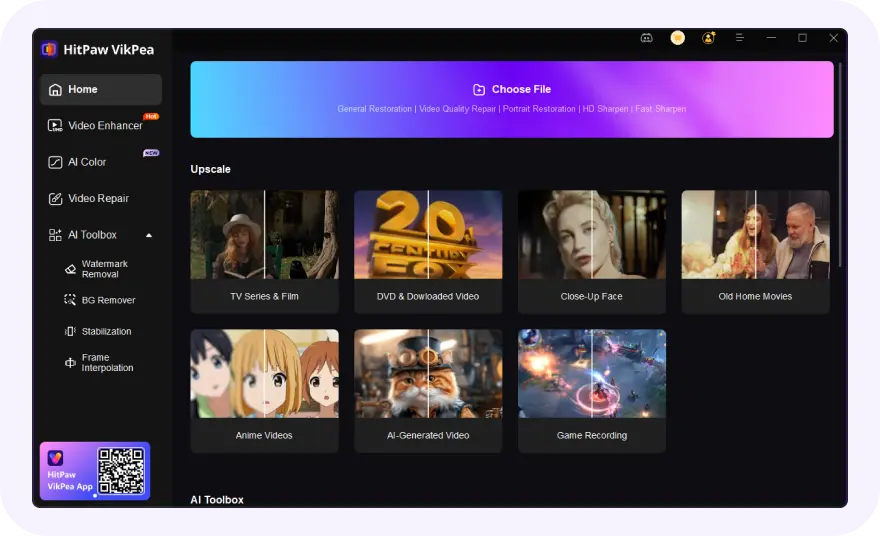
Launch and Upload Your Blurry Video
Launch VikPea and choose the Video Enhancer module. Simply drag and drop your blurry video file or select it manually.
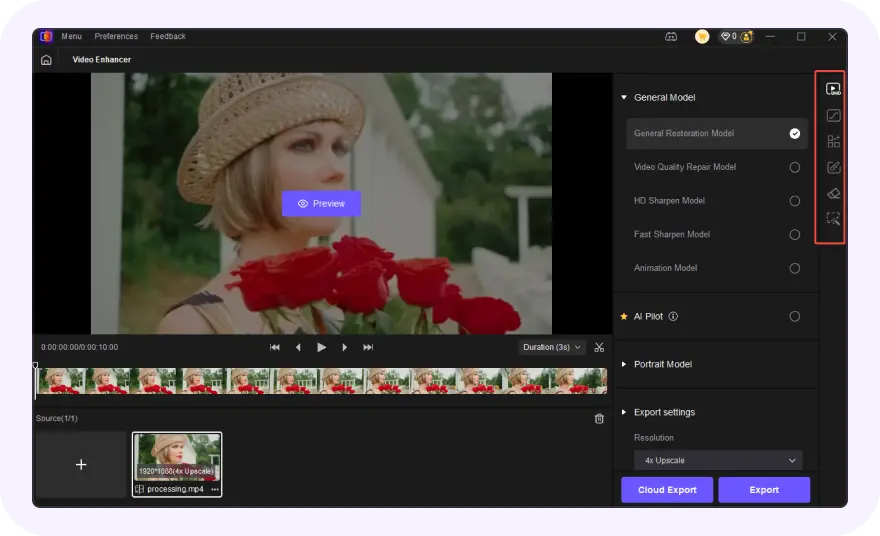
Select AI Model and Export Settings
Choose an AI Model from the right panel and configure the export settings.
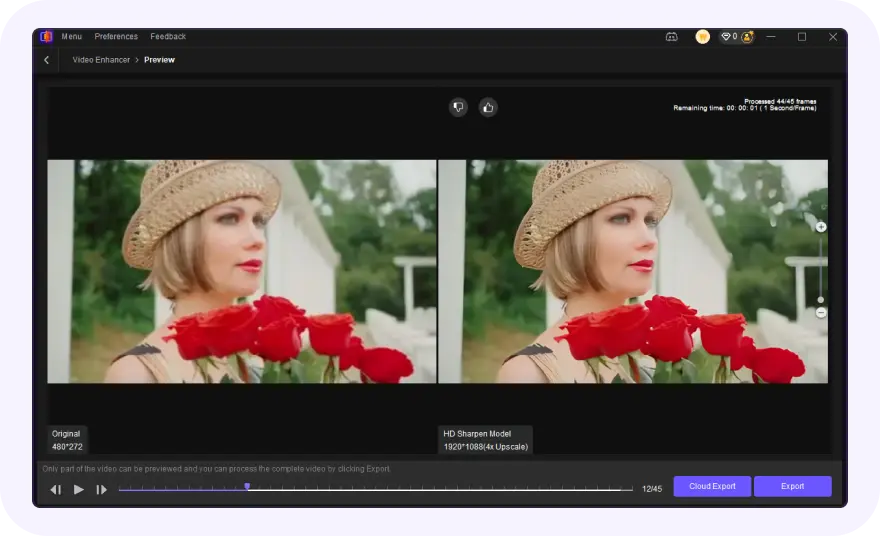
Preview and Export Video
Click the Preview button to see the before-and-after comparison. Click the Export button to save the unblurred video.
Discover More Video Tools with HitPaw VikPea
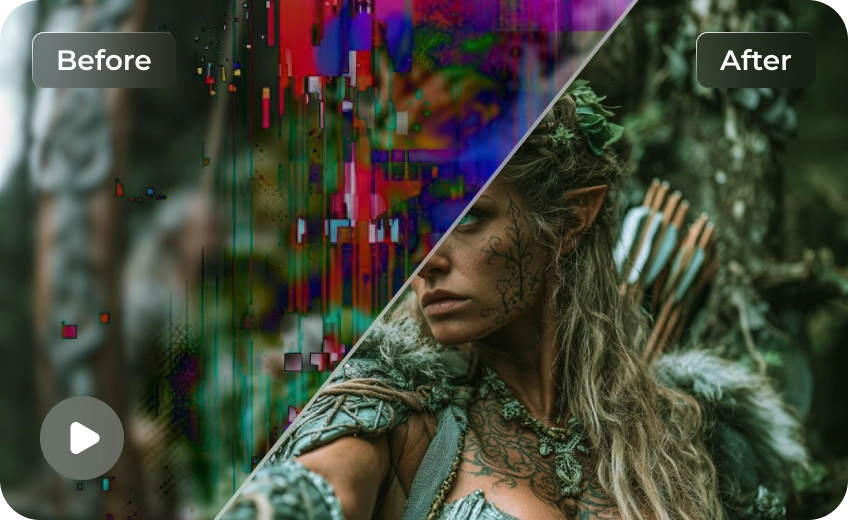
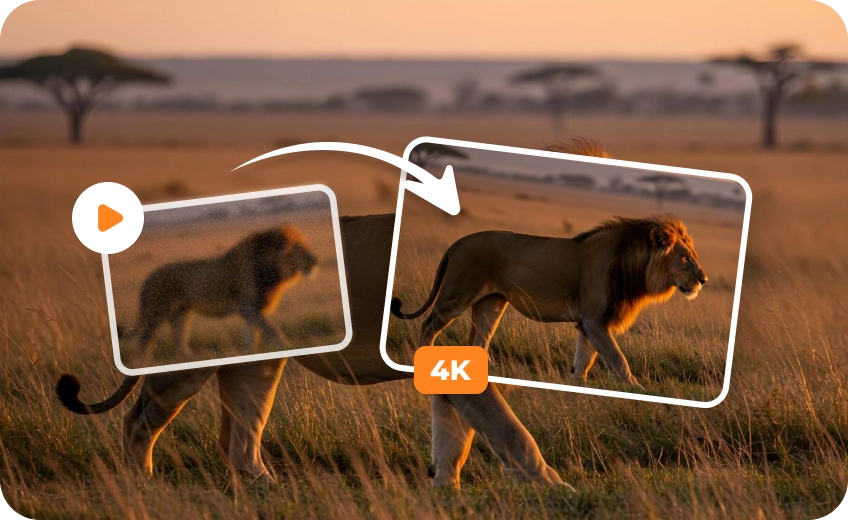

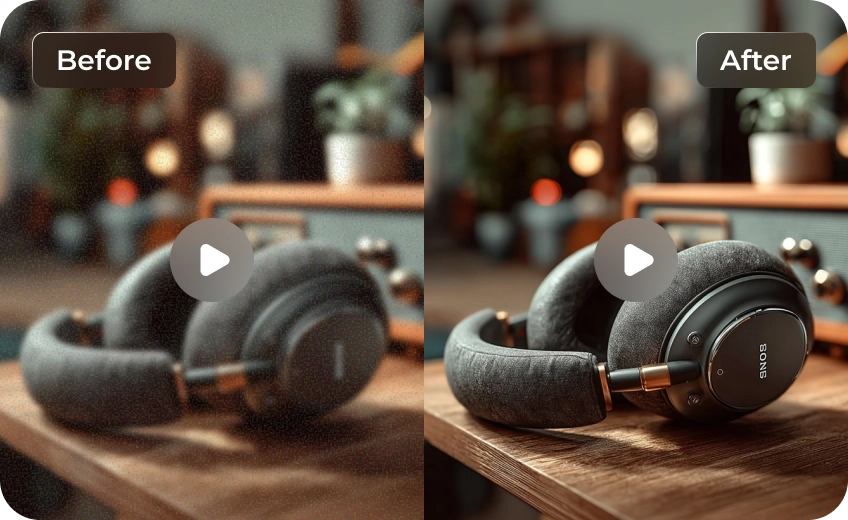
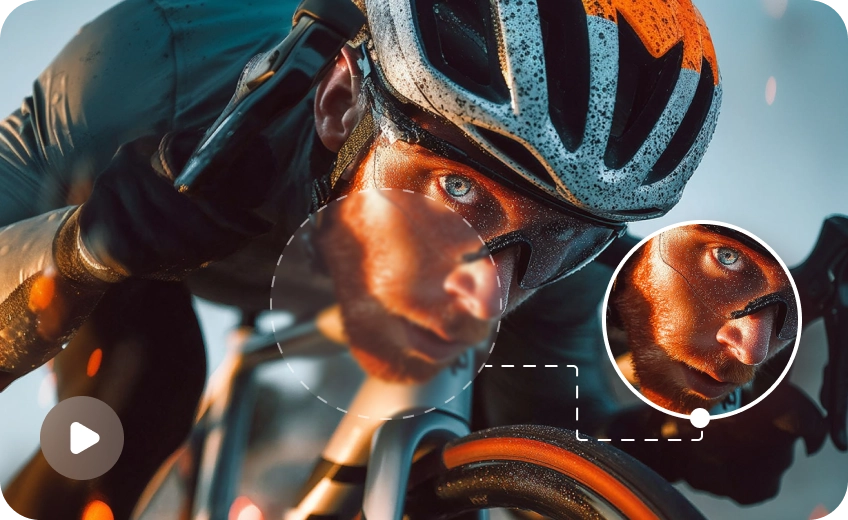
FAQs About HitPaw VikPea Video Blur Remover
Our AI can fix motion blur, camera shake blur, focus blur, and compression artifacts. It works best with moderate to severe blur issues.
Blurry videos are usually caused by compression during messaging. Try these options:
- Ask for the original file via cloud links like Google Drive, Dropbox, or iCloud.
- Avoid SMS/MMS, which heavily reduces video quality.
- Use HitPaw VikPea to slightly improve clarity if the original isn't available.
For best results, always request the original, uncompressed video file.
To make a bad-quality video clear, use an AI unblur tool like HitPaw VikPea. It reduces blur and noise, enhances details, and improves resolution automatically by analyzing each frame with advanced AI models.
To unblur a video on iPhone, use an AI video enhancer app, as the built-in Photos editor can only slightly improve sharpness and cannot fully remove blur. Simply upload the blurry video to an AI video enhancer, apply the unblur or enhancement model, and export the clearer version for best results.
Yes, a video enhancer can reduce blur using AI-based sharpening, detail reconstruction, and upscaling. While it cannot fully restore lost data, advanced tools like VikPea can significantly improve clarity, edges, and textures, making blurry videos appear noticeably sharper and more watchable.
Tips & Tricks for HitPaw VikPea Video Blur Remover
 HitPaw VikPea
