





AI Video Quality Booster to Enhance & Upscale Videos to 4K
Boost video quality with HitPaw VikPea video quality booster. Enhance video quality, fix blurry footage, restore old videos, and upscale videos to crystal-clear 4K or 8K with 20+ intelligent AI models.


Pro-Grade AI Video Quality Booster for Stunning 4K Results

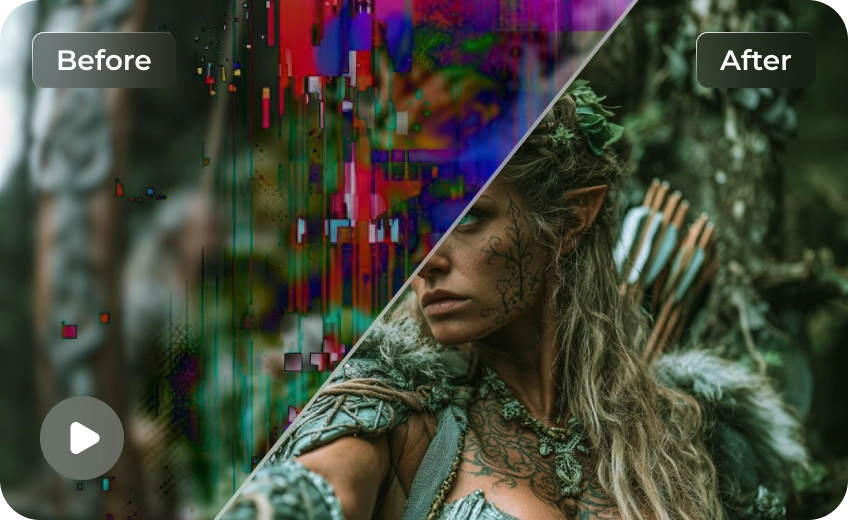
Boost Low-Quality Videos into Sharp 4K & 8K
Turn low-quality videos into sharp, high-resolution visuals with this AI video quality booster. Improve video quality instantly by enhancing clarity, refining details, and upgrading resolution to 4K & 8K.
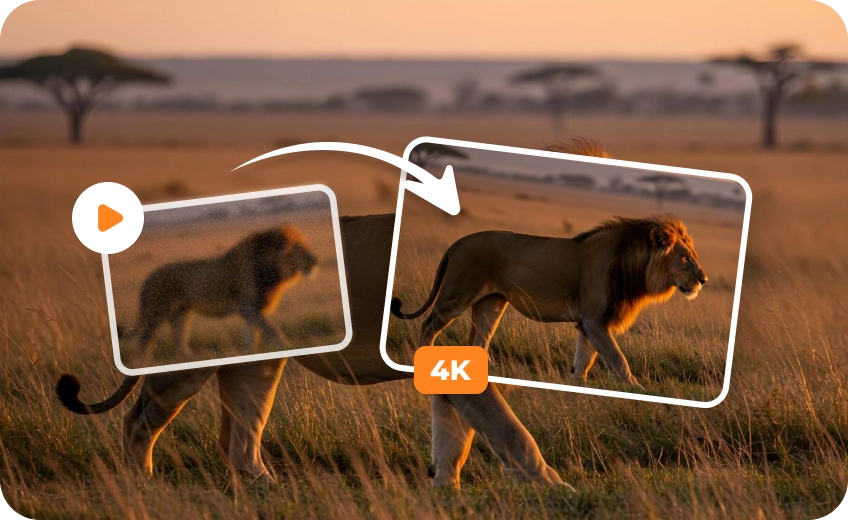
Enhance Old Videos with Modern Clarity
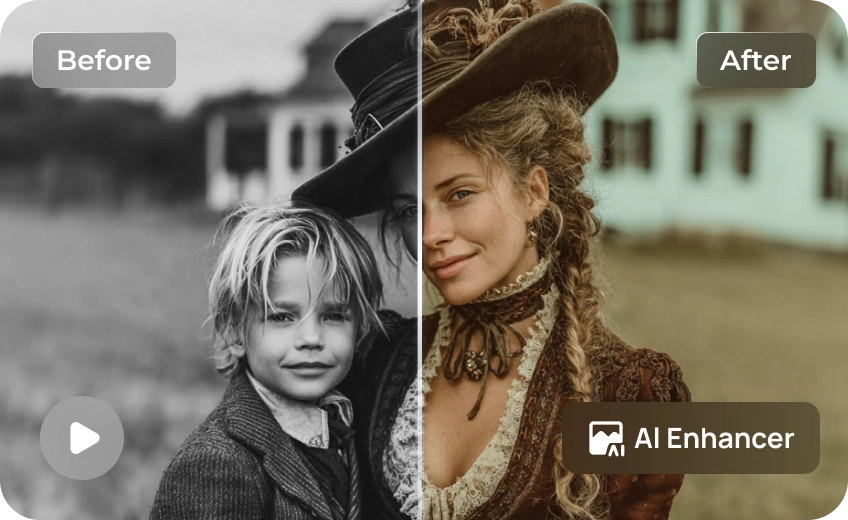
Bring old footage back to life by enhancing video quality with AI. This video quality booster improves faded visuals, reduces noise, and restores clarity for a cleaner, more modern look.
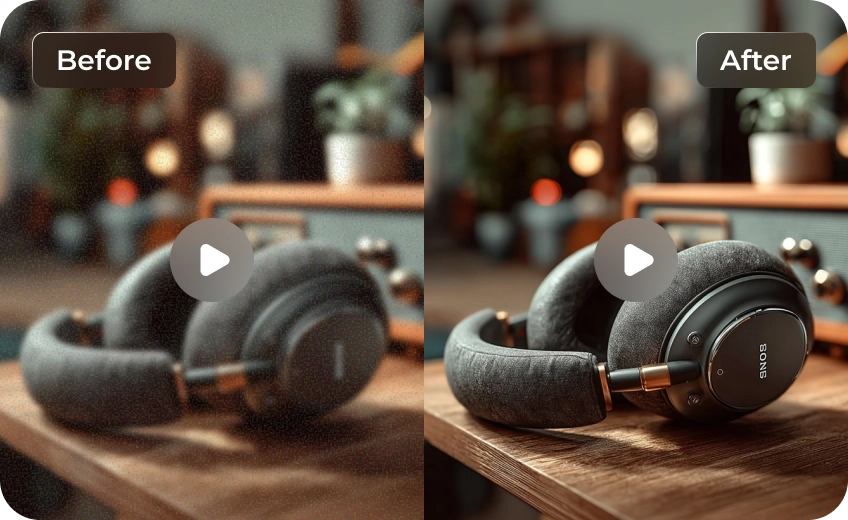
Improve Blurry Footage into Clear Visuals
Make blurry and pixelated videos clear and watchable again. This AI video enhancer boosts video quality by rebuilding missing details and improving overall sharpness and visual clarity.
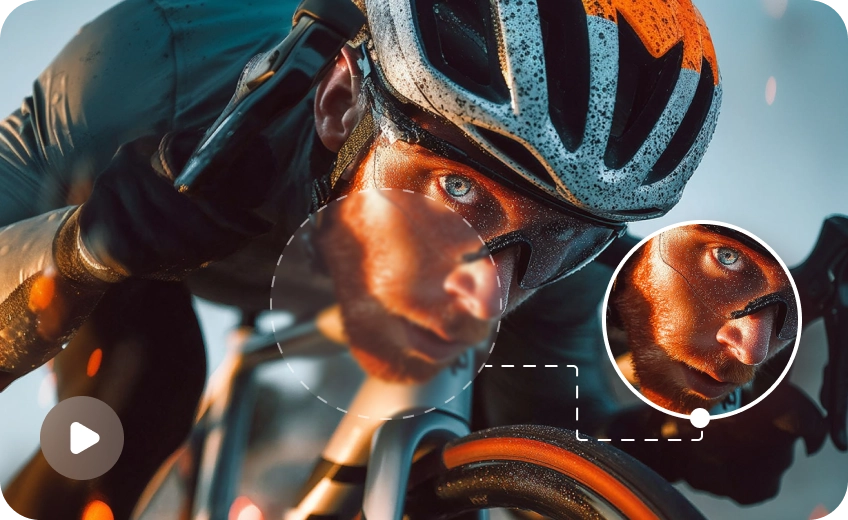
Boost Video Quality Across All Content Types
Enhance video quality for any footage, including faces, animation, and real-world scenes. This flexible video quality booster uses multiple AI models to deliver optimized results in every scenario.

Multi-Format Support

Batch Processing

Real-Time Preview

One-Click 4K Export
Professional Video Boosting for Every Creative Industry
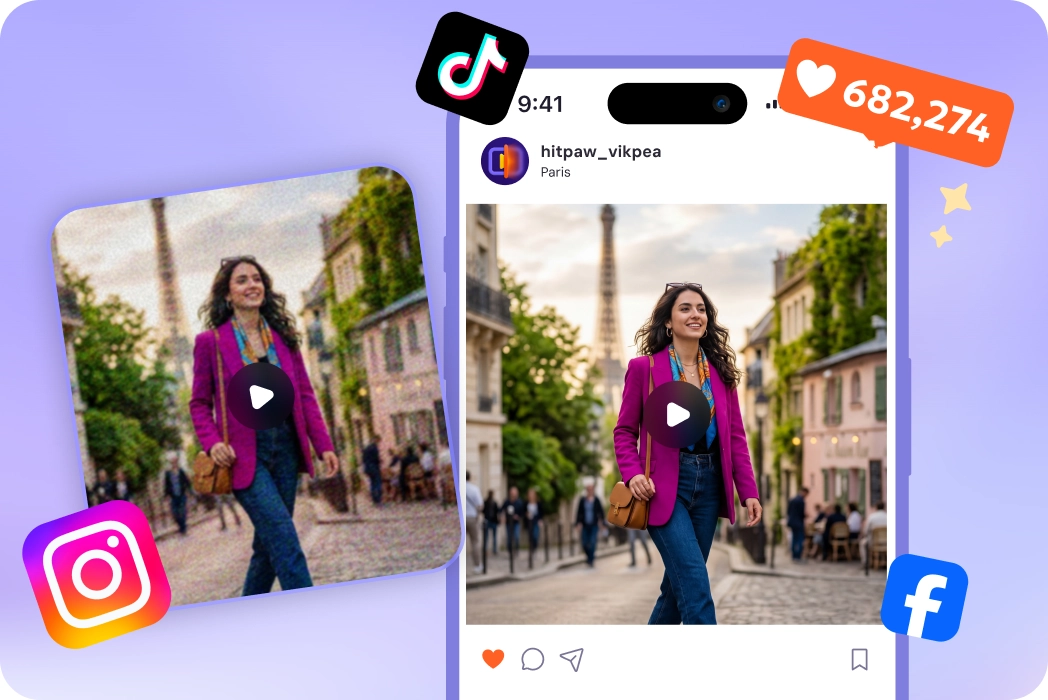
Social Media Influencers
Boost video quality to stand out on TikTok, Instagram, and YouTube. Clearer videos attract more views, increase watch time, and help your content perform better across social platforms.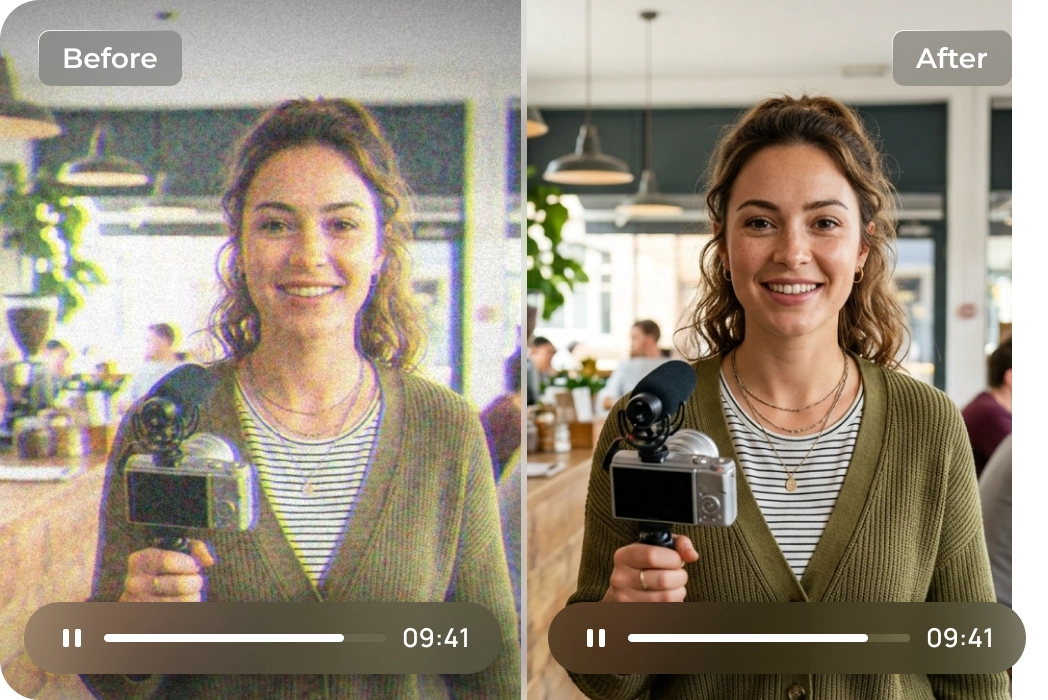
Content Creators & Marketers
Enhance video quality to deliver high-resolution content. Whether for YouTube or commercial, a reliable video quality booster helps improve visual standards and audience retention.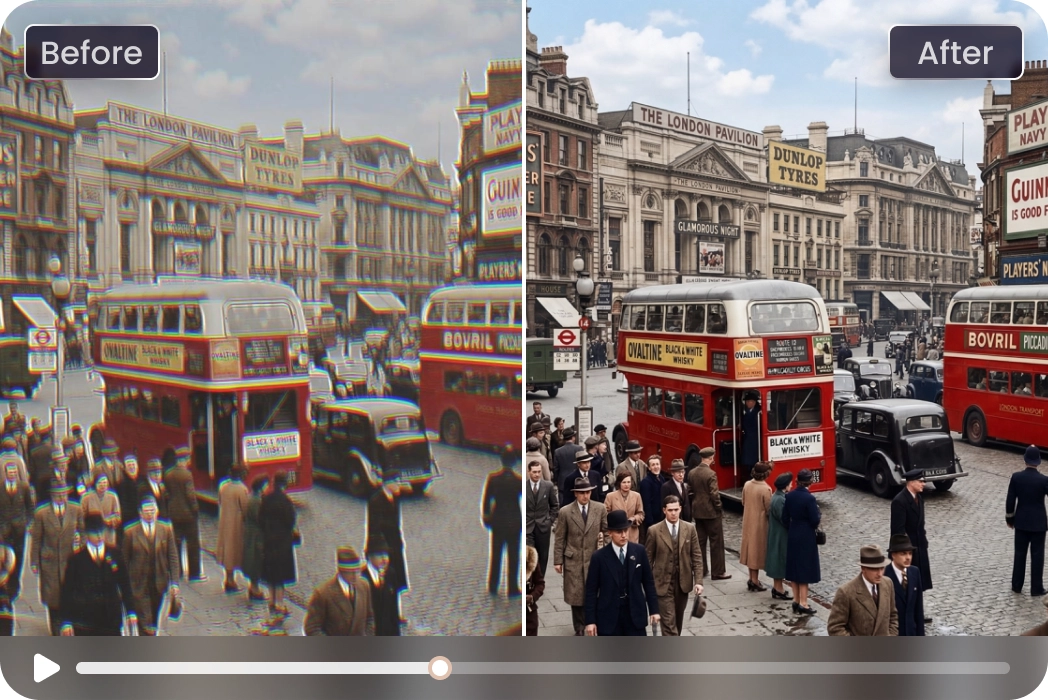
Archivists & Heritage Professionals
Restore and enhance old video quality for archives, family footage, or historical projects. Improve video clarity and preserve valuable content with a modern, watchable look.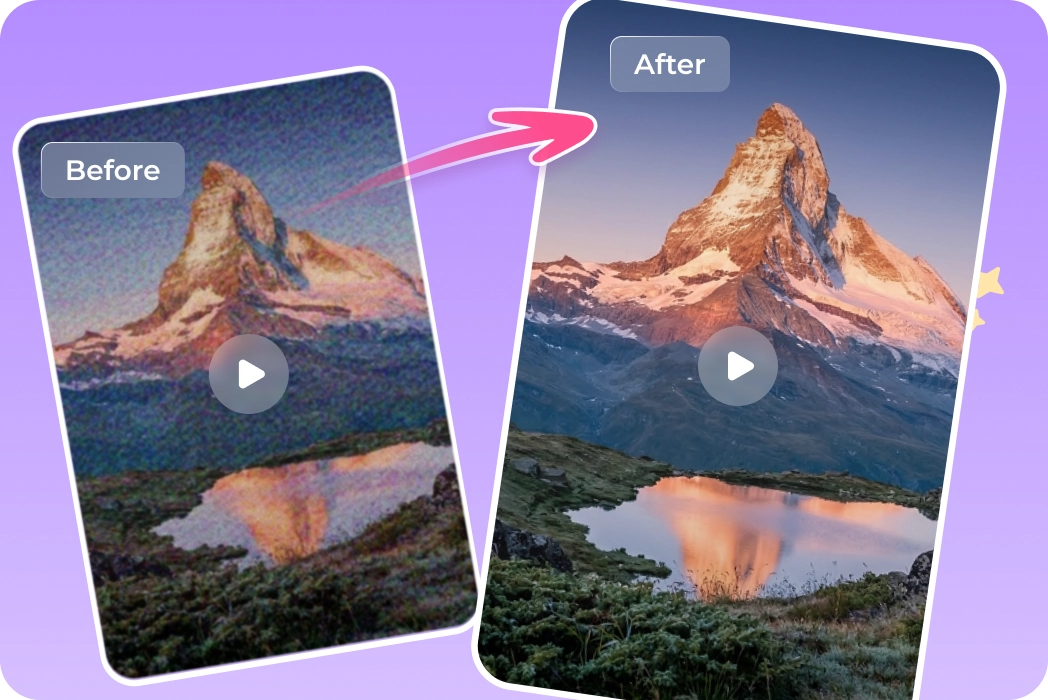
Videographers & Film Editors
Improve video quality in post-production workflows. Use an AI video quality booster to refine details, upscale footage, and deliver professional-grade results for clients and projects.What Users Say about HitPaw VikPea Video Quality Booster

Independent Film Editor

"I used this booster to upscale archival 1080p footage for a 4K documentary. The AI kept textures natural without the plastic look common in other tools. It's truly a reliable pro-level solution."

YouTube Tech Reviewer
"This AI enhancer helped me boost video quality for my legacy tech reviews. My older footage now looks modern and sharp, and I've seen a clear boost in audience retention after upgrading my content to 4K."

Social Media Manager
"We rely on HitPaw VikPea to improve video quality for campaigns. It quickly enhances low-quality clips and ensures consistent, high-quality visuals across all platforms."

Videography Enthusiast
"I used it to enhance old family videos, and the results were impressive. The video quality booster restored clarity and made previously unusable footage look modern and watchable."
How to Boost Video Quality to 4K in 3 Steps
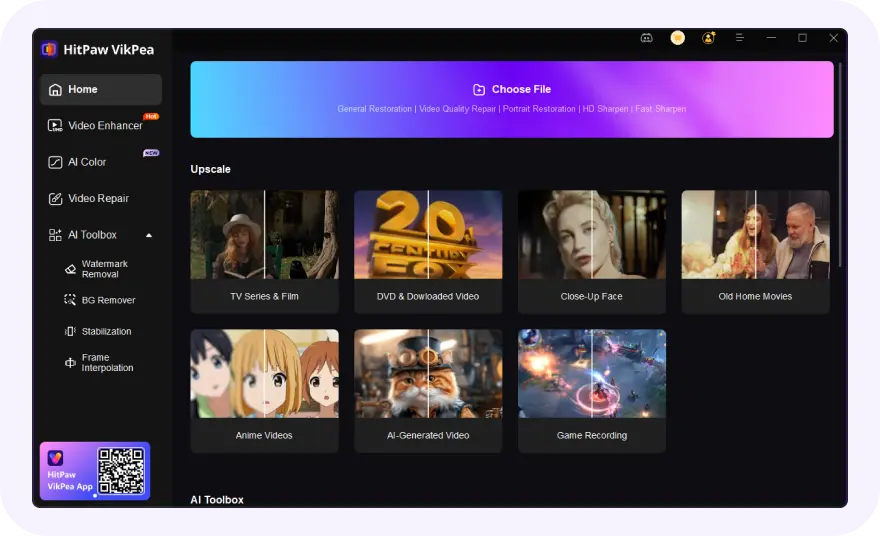
Import Your Original Video
Upload your low-quality video into HitPaw VikPea. The tool supports all major formats including MP4, MOV, MKV, etc.
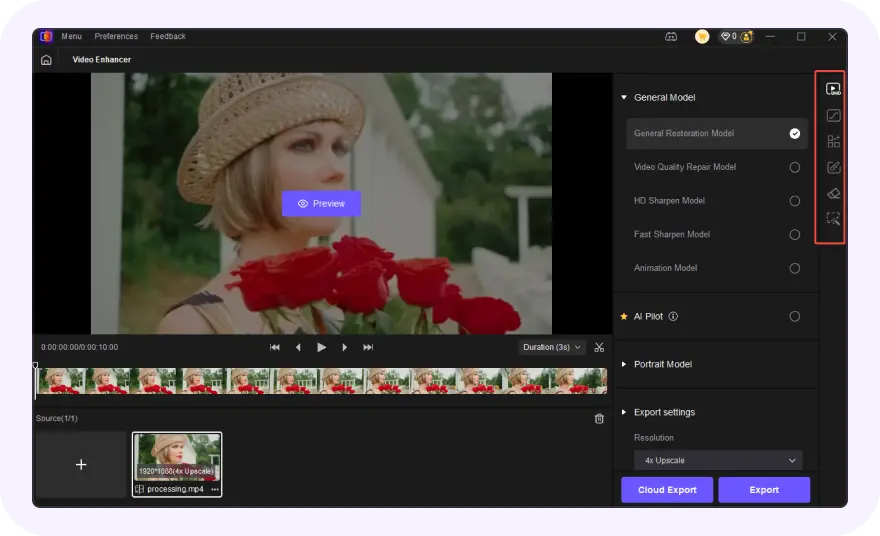
Select an AI Enhancement Model
Select the appropriate AI model to enhance video quality, such as portrait, denoise, or detail recovery, depending on your footage needs.
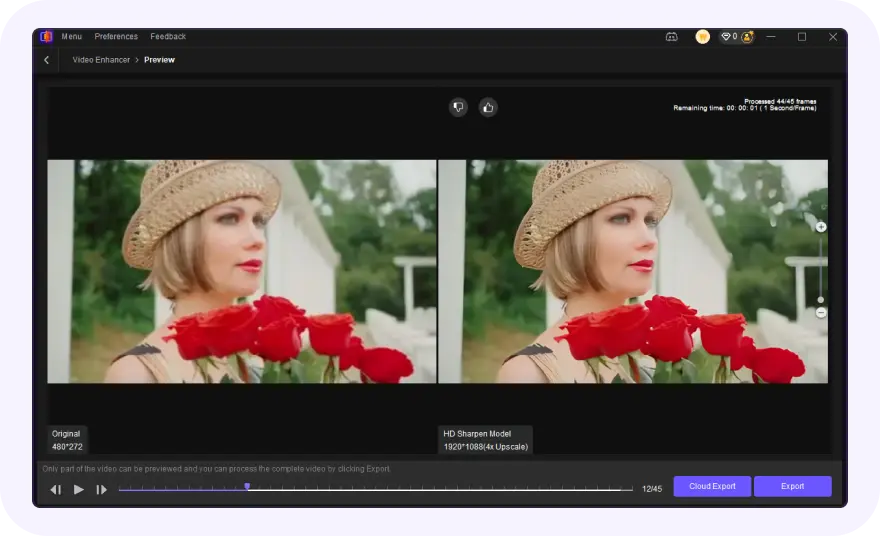
Preview and Export in 4K
Preview the enhanced result in real time, then hit Export to save your high-resolution 4K or 8K video directly to your local device.
Discover More Video Tools with HitPaw VikPea

FAQs About HitPaw VikPea Video Quality Booster
A video quality booster is a tool that uses AI to enhance video quality by improving resolution, reducing noise, sharpening details, and restoring clarity. It helps upgrade low-quality videos into higher-resolution formats like HD or 4K with minimal effort.
Yes, AI video quality boosters like HitPaw VikPea can upscale video to 4K while preserving details. Unlike traditional methods, AI analyzes frames to reconstruct textures and reduce blur, delivering clearer and more natural-looking results.
Yes, AI video quality boosters can enhance old videos by removing noise, correcting colors, and restoring lost details. This makes vintage or damaged footage clearer and more suitable for modern viewing or sharing.
Processing time depends on the video length and the AI model selected. HitPaw VikPea is optimized for speed, utilizing GPU acceleration to ensure your video quality is boosted as quickly as possible without compromising detail.
Tips & Tricks for HitPaw VikPea Video Quality Booster
- DaVinci Resolve Super Scale: Turn Video Into 4K/8K Footage
- How to Fix Pixelated Video with AI: Restore Blocky or Blurry Videos
- How to Upgrade Videos from 480P to 720P, 1080P, 4K, Even 8K
- How to Convert Low Quality Video to High Quality: Complete Guide
- How to Enhance Product Video Quality: Boosting E-Commerce Sales
 HitPaw VikPea
