





AI 4K Video Converter for Low-Resolution Video Enhancement
Convert low-resolution videos to 4K with AI enhancement. HitPaw VikPea acts as an intelligent 4K video converter for resolution upscaling, reconstructing missing details, refining textures, and improving clarity for sharper, more natural-looking footage.


AI 4K Video Converter That Revives Low-Quality Clips

AI-Powered 4K Video Conversion
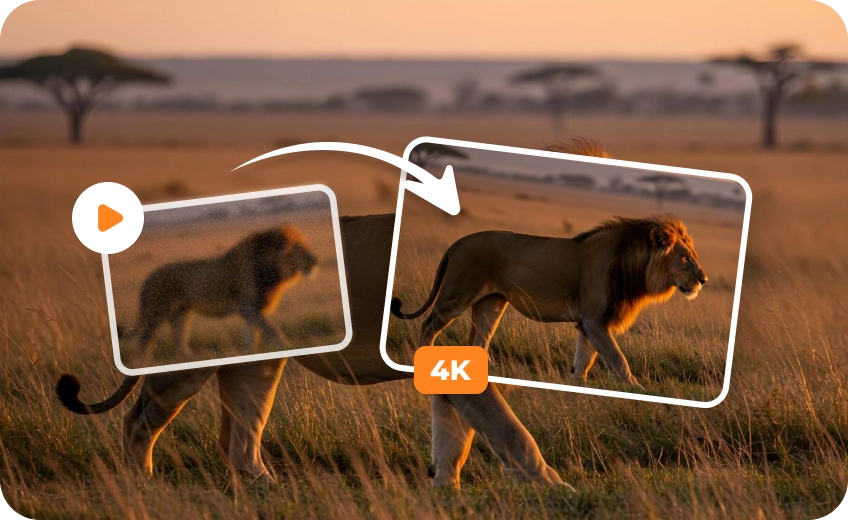
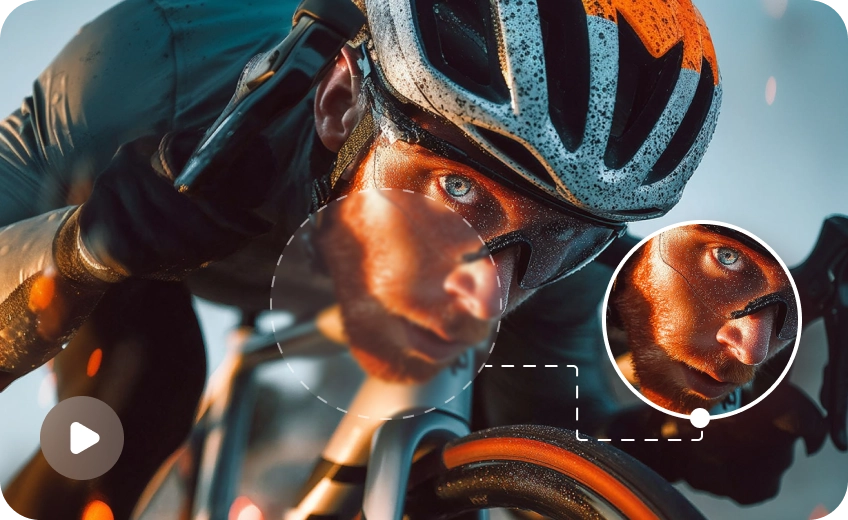
Unlike traditional video converters that simply stretch resolution, HitPaw VikPea uses custom-trained AI models to recreate video details pixel by pixel. This quality-based conversion transforms low-quality footage into visually convincing 4K video, rather than artificially enlarged frames.
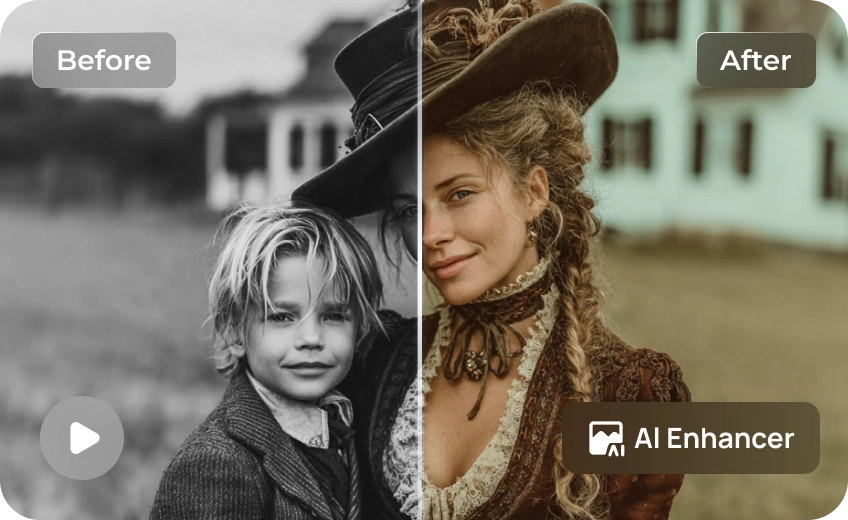
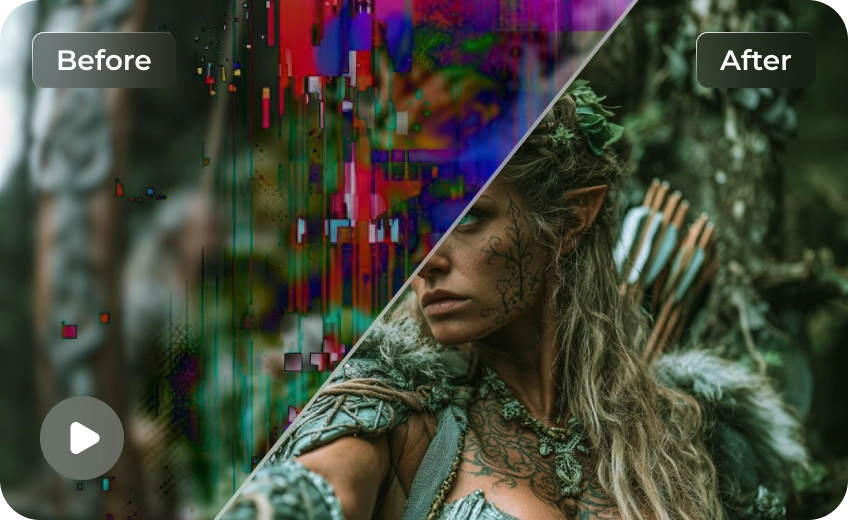
Whether you’re upscaling old recordings, compressed clips, or AI-generated videos, VikPea delivers cleaner edges, improved clarity, and more natural motion.
Smooth Playback for Large Screens
Low-resolution videos often break down on large screens, VikPea converts video quality to 4K so footage remains stable, sharp, and enjoyable when viewed on 4K TVs, projectors, or ultra-high-resolution monitors. The result is smoother playback and clearer detail—without the “fake 4K” look.
Multiple AI Models Tailored to Enhance Every Detail
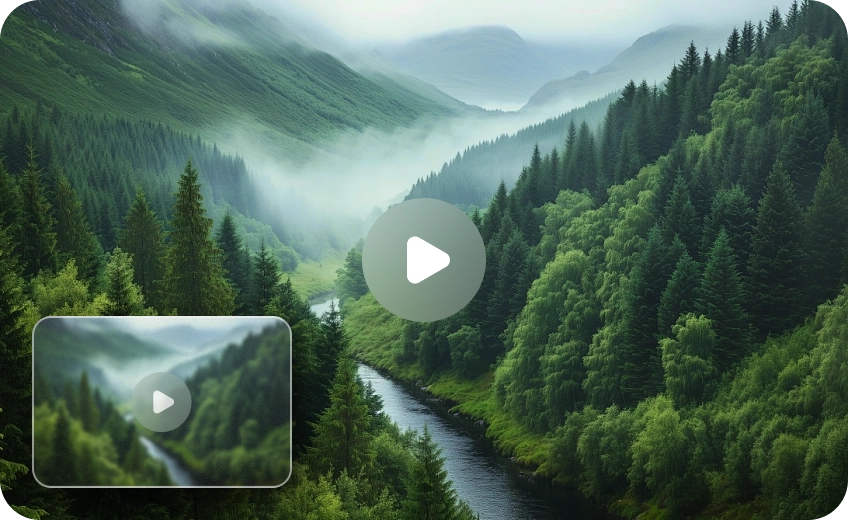
HitPaw VikPea includes multiple AI enhancement models trained for different types of video content, including portraits, animation, landscapes, and general footage. Each model focuses on reconstructing detail while preserving natural depth and avoiding over-sharpening.
Lossless High-Speed Conversion
VikPea combines optimized GPU acceleration with optional cloud-assisted processing to deliver fast and stable 4K video conversion. Large files and batch jobs can be processed efficiently without freezing your system or exhausting local resources.

Multi-Format Support

Batch Processing

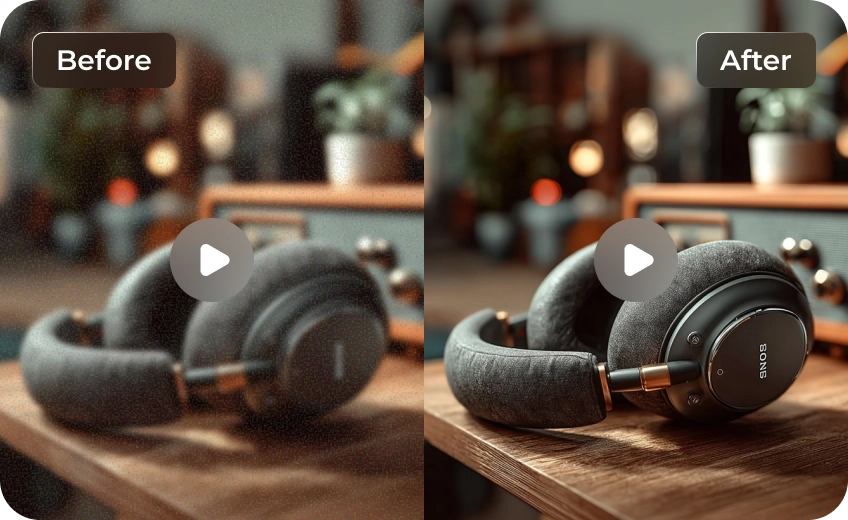
Real-Time Preview

One-Click 4K Export
Professional 4K Solutions for Every User
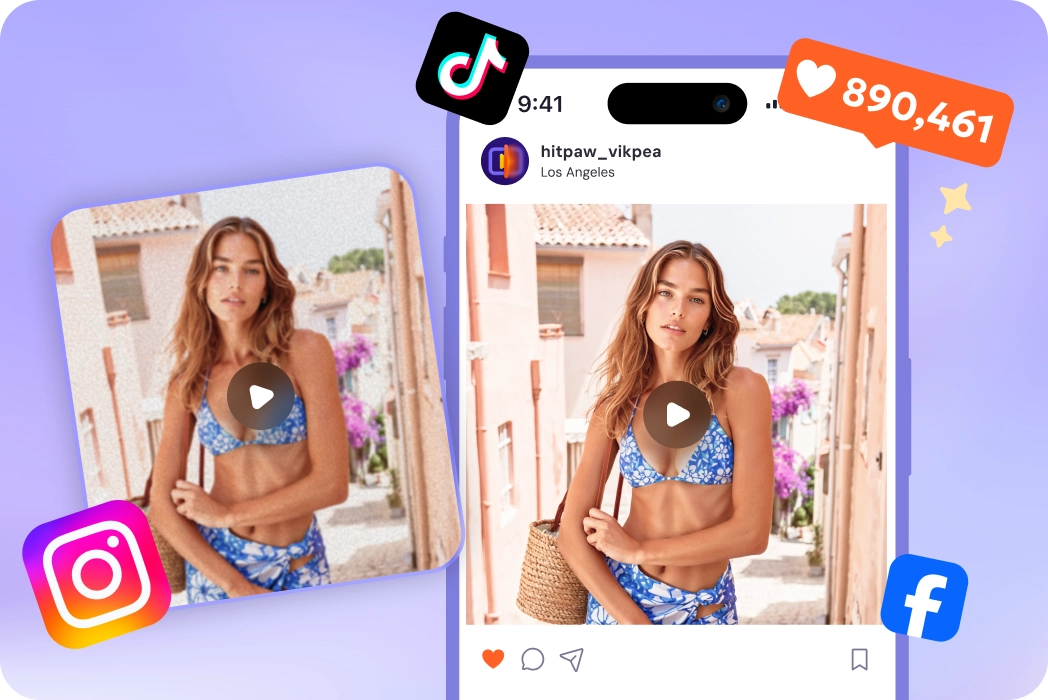
Content Creators & Editors
Stand out on YouTube, TikTok, and Instagram. Enhance AI-generated, low-resolution or shaky clips into 4K, providing your audience with a premium viewing experience.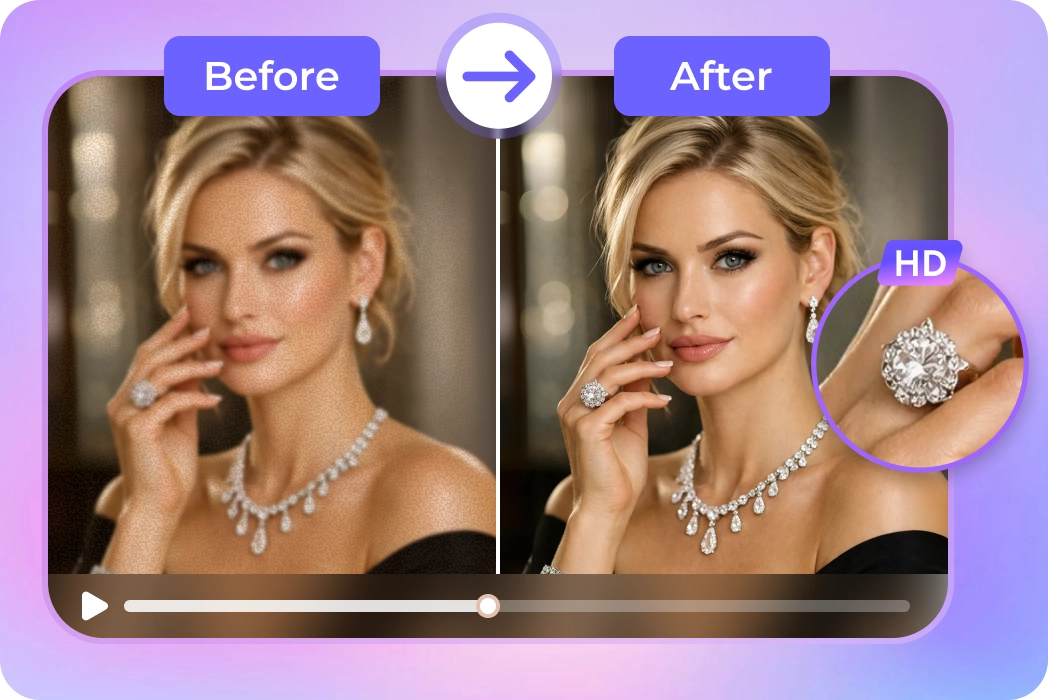
Business & Marketing Videos
For commercial ads, this 4K resolution video converter turns low-quality recordings into polished content, enhancing textures and fine details to highlight product quality.What Users Say about 4K Video Converter

YouTube Tech Reviewer

"I had a lot of old 1080p B-roll that looked muddy on my new 4K monitor. VikPea’s AI upscaling restored details I thought were lost forever—simply amazing!"

Home Video Archivist
"I was skeptical about AI, but it transformed my 15-year-old wedding video into something that looks amazing on my 4K TV. It's the best investment I’ve made for my digital archives."

Independent Filmmaker
"The batch conversion feature saved me days of work. I converted over 50 clips to 4K MP4 in one afternoon. The clarity enhancement is far superior to standard editors' built-in tools."

Social Media Manager
"Posting high-quality content is a must for my brand. HitPaw VikPea makes it so easy to upscale video to 4K from quick phone clips. The interface is clean and very beginner-friendly."
How to Convert Video to 4K in 3 Easy Steps
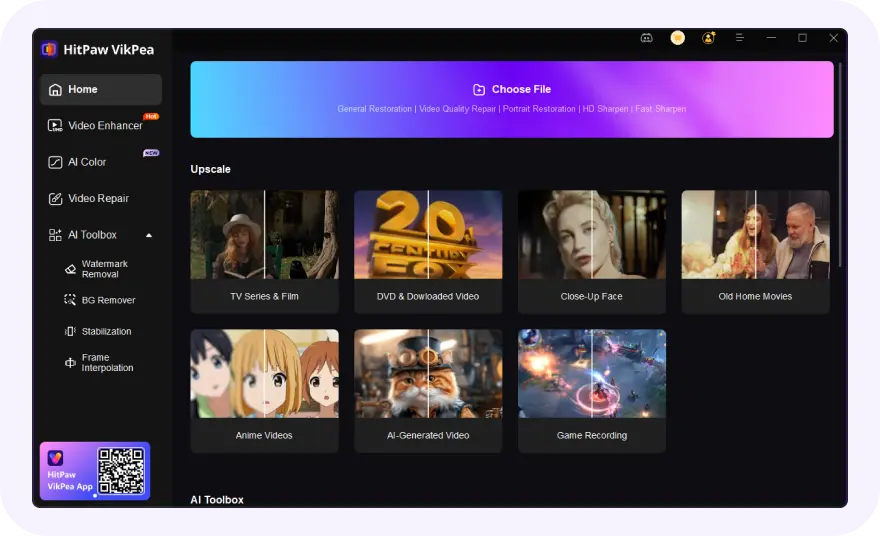
Import Your Video Files
Launch HitPaw VikPea and add one or more low-resolution videos to the Video Enhancer module.
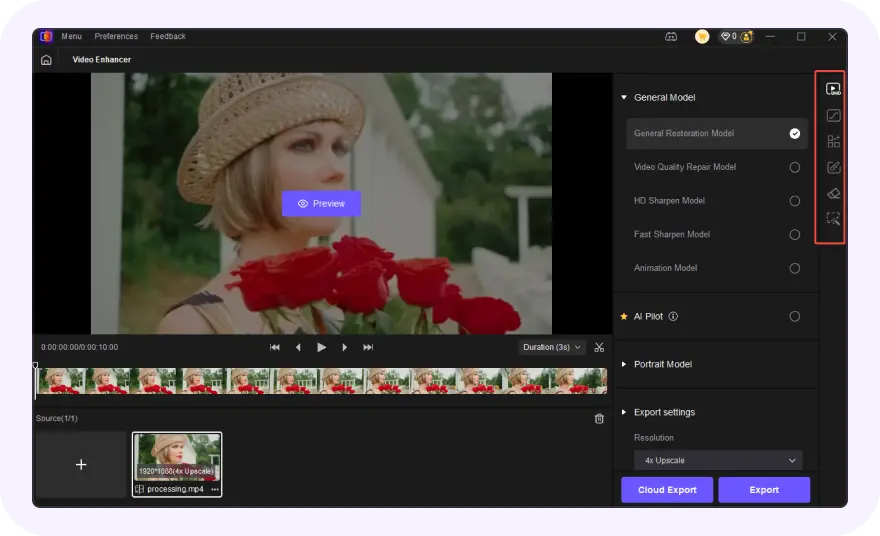
Select AI Model & 4K Output
Choose the appropriate AI model and set the output resolution to 4K (3840×2160).
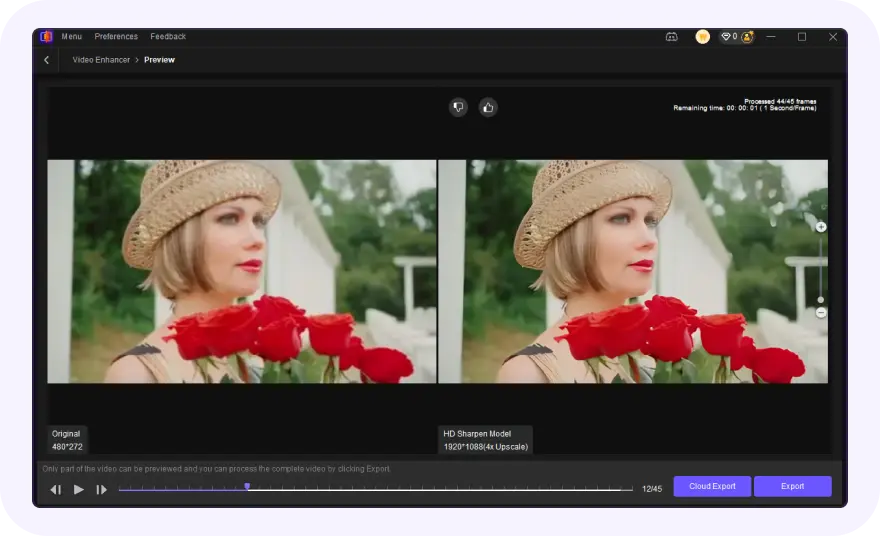
Preview & Convert
Preview the enhanced result and export your upgraded 4K video with a single click.
Discover More Video Tools with HitPaw VikPea
FAQs About HitPaw VikPea 4K Video Converter
Yes. HitPaw VikPea performs AI-based video upscaling by reconstructing missing details instead of simply enlarging pixels. While original detail cannot be fully recovered, the resulting 4K video looks significantly clearer and more natural.
Yes. Unlike standard tools, VikPea's AI upscaling reconstructs the image pixel-by-pixel, adding clarity and texture that wasn't present in the low-res original.
HitPaw VikPea analyzes frame-to-frame motion to smooth out shakes while upscaling, ensuring the final 4K video is both high-resolution and steady.
Absolutely. You can queue multiple videos for simultaneous 4K upscaling, saving you hours of manual editing.
Yes, VikPea offers a real-time side-by-side preview, allowing you to verify the quality enhancement before final conversion.
A 4K video converter focuses on resolution conversion and enhancement, such as upgrading 720p or 1080p footage to 4K. It uses AI to upscale the video, reconstruct missing details, reduce noise, and improve overall clarity. In contrast, a conventional video converter focuses on format conversion, such as converting MP4 to MOV or MKV to MP4, without necessarily increasing the video's resolution or quality.
Tips & Tricks for HitPaw VikPea 4K Video Converter
 HitPaw VikPea
