





Enhance AI-Generated Videos for Ads, Marketing & Product Showcases
Transform blurry, artificial AI advertising, marketing, and product videos into sharp, studio-quality visuals with HitPaw VikPea. Easily upscale resolution, restore fine details, eliminate compression artifacts, and refine color depth for product demos, ad creatives, and digital human videos, no re-rendering required.


Transform Raw AI Video into Studio-Grade Marketing Assets

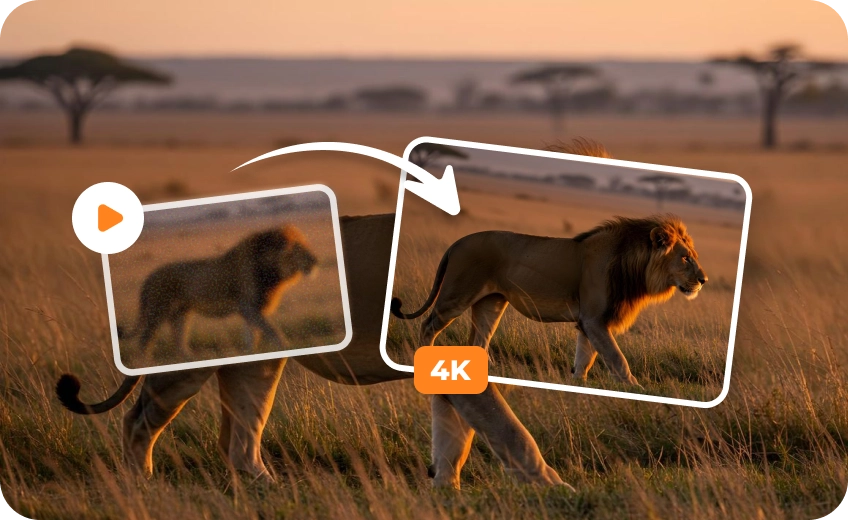
4K/8K Ultra-Clarity for High-Impact AI Video Ads
Say goodbye to plastic blur. HitPaw VikPea’s Generative AI and UHD Restoration Models intelligently upscale low-res footage up to crisp 4K/8K, actively reconstructing micro-textures and sharp edges instead of stretching pixels.
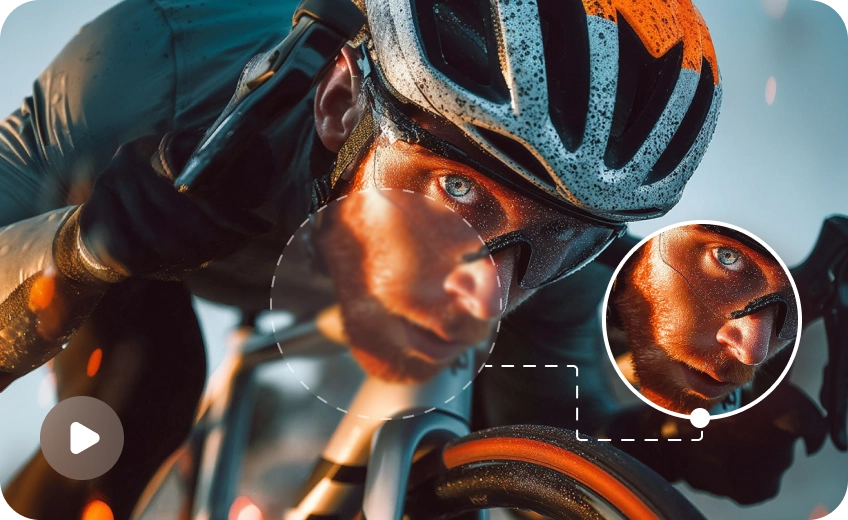
Sharpen AI Avatars & Digital Humans
Turn blurry avatars into camera-ready brand spokespeople. Our AI Portrait Restoration and Generation Models instantly restore crisp facial contours, hair strands, and fabric textures to boost your ad conversion rates.
Clean & Glitch-Free Renders for High-Converting AI Marketing Videos
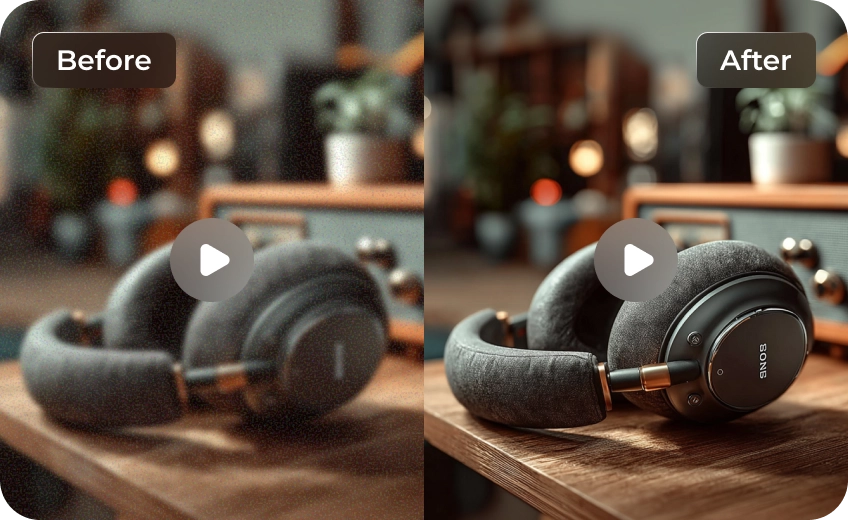
Say goodbye to blocky compression, noise, and render glitches. Driven by specialized Sharpening, Decompression, and Denoise AI Models, VikPea purifies raw AI renders frame-by-frame. Perfect for AI video ads, e-commerce, and social campaigns, it transforms messy renders into ultra-clean, high-converting brand assets that drive real conversions.
Cinematic Color & Lighting to Boost AI Video Engagement
Elevate dull AI renders with vibrant, studio-grade visuals. Powered by the AI Color Enhancement Model, VikPea auto-corrects exposure and color balance in seconds. Transform your AI marketing videos into eye-catching, cinematic brand assets that drive higher engagement and ROI.

Multi-Format Support

Batch Processing

Real-Time Preview

Local Perfomance
Use Cases for AI Marketing Videos Enhancer
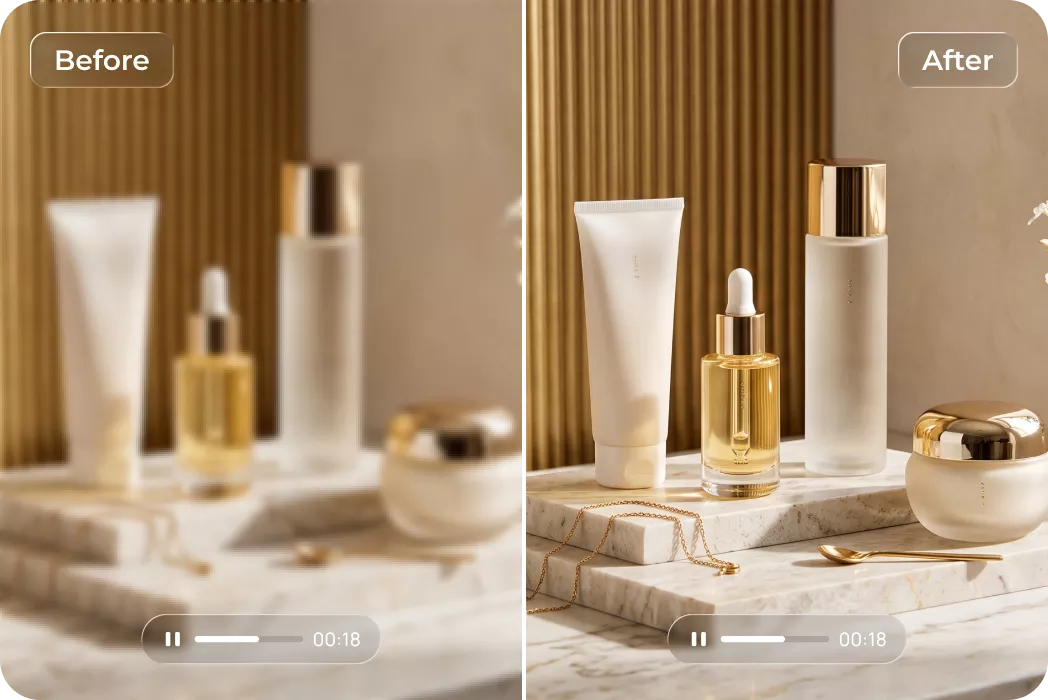
E-Commerce Brands & Advertisers
Upscale product generation clips into high-definition 4K ad video creatives that convert standard traffic into sales.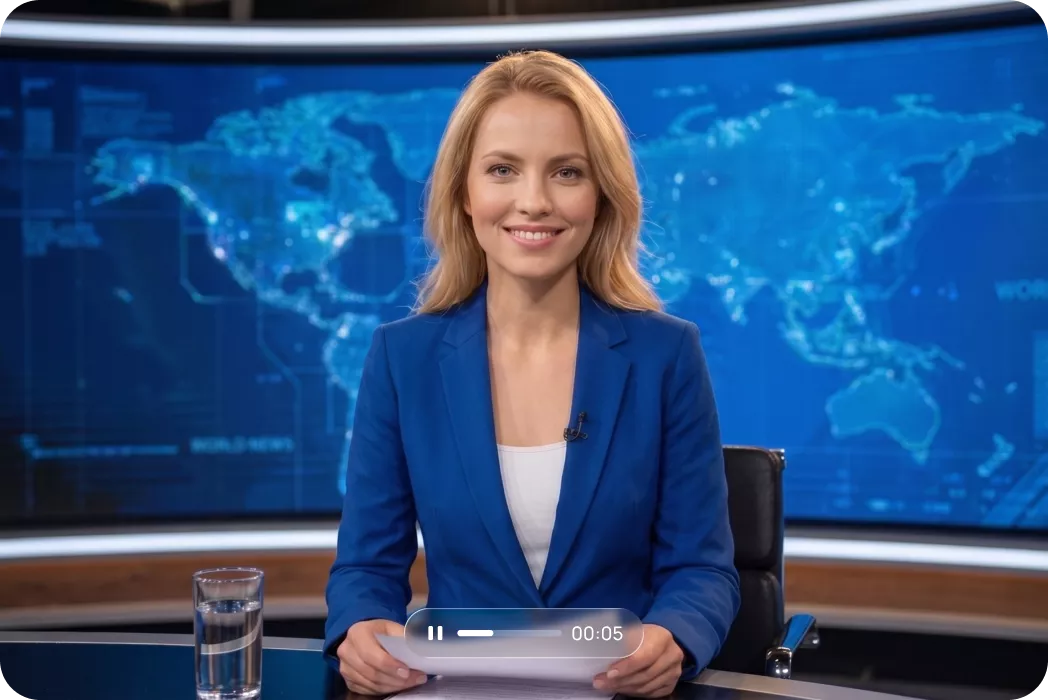
Digital Agencies & Video Marketers
Enhance AI digital human presentations and virtual spokesperson ads to maintain professional visual quality for clients.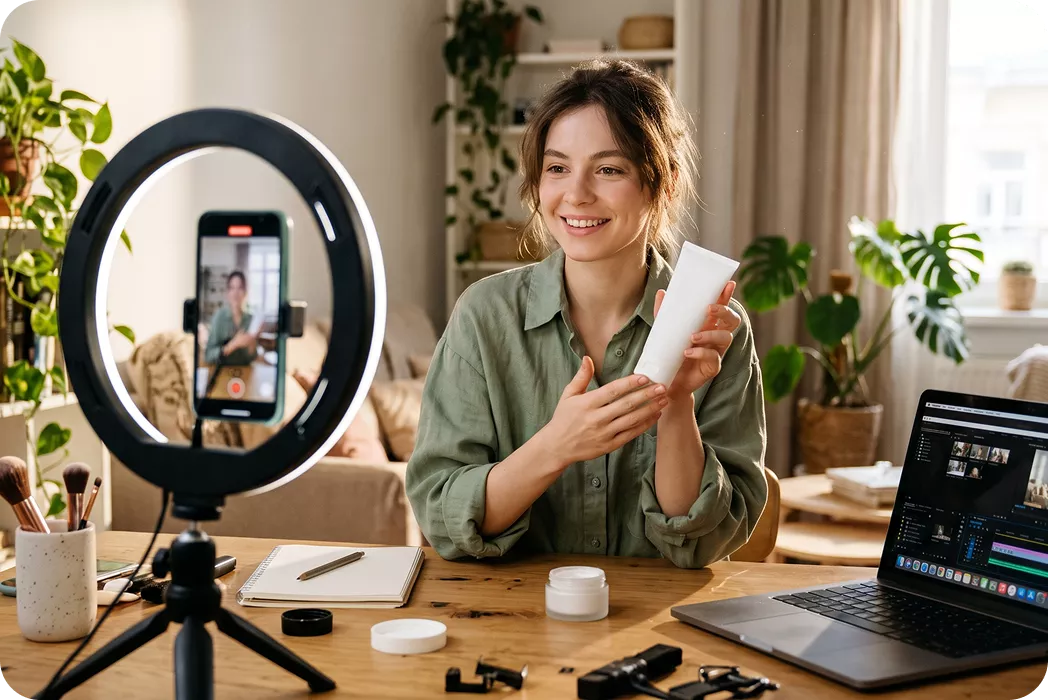 >
Social Media Content Creators
Sharpen short-form AI promos and re-edited clips to capture high-retention views across TikTok, Reels, and YouTube.Cost Breakdown: Native 4K vs. Low-Res + HitPaw Upscaling
Want to save up to 75% on 4K video costs? Instead of rendering resource-heavy footage directly in 4K, smart creators are shifting to a high-efficiency workflow: generating content at a lower resolution and upscaling it using the HitPaw VikPea. Here is how the two approaches stack up in terms of cost, speed, and efficiency.
| Model Name | 720p/min($) | 1080p/min($) | 4k/min($) |
|---|---|---|---|
| Kling 3.0 Omni | $7.56 | $10.08 | $25.20 |
| Seedance 2.5 | $13.56 | $33.55 | Not Supported |
| Veo 3.1 Standard | $24.00 | $24.00 | $36.00 |
| Runway Gen-4.5 | $7.20 | Not Supported | Not Supported |
| Vidu Q4 Preview | $5.70 | $7.20 | $23.40 |
| Wan 3.0 Video | $4.95 | $9.90 | Not Supported |
| Grok Imagine Video 1.5 | $8.40 | $15.00 | Not Supported |
| PixVerse V6 | $3.60 | $6.90 | Not Supported |
| Luma Ray3.2 | $5.40 | $21.60 | Not Supported |
| VikPea Plan | Monthly Plan | Yearly Plan | Perpetual Plan |
|---|---|---|---|
| Cost of 4K Upscaling | about $1.43/Day | about $0.27/Day | <$0.02/Day |
What Users Say About HitPaw VikPea AI Advertising Videos Enhancer

Marcus Chen, E-Commerce Growth Lead

"HitPaw VikPea completely transformed our AI product ads. The 4K upscaling removed all the plastic texture, doubling our ad click-through rates across Meta and TikTok campaigns within days."

Elena Rostova, Creative Director at Nexus Media
"Our virtual avatar promo videos used to look blurry and artificial. VikPea’s AI Portrait Restoration model sharpened facial details and lighting perfectly, saving us dozens of re-rendering hours."

David Miller, Performance Marketer
"The Decompression model is a lifesaver. It easily cleaned up all the annoying pixelation and noise from our generated video clips, making them look like live-action studio footage."

Sarah Jenkins, AI Content Creator
"Upgrading low-res AI renders to 8K used to ruin fine details. VikPea intelligently reconstructs textures, letting me produce stunning, high-converting commercials for my clients effortless."
How to Enhance AI-Generated Marketing Videos in 3 Easy Steps
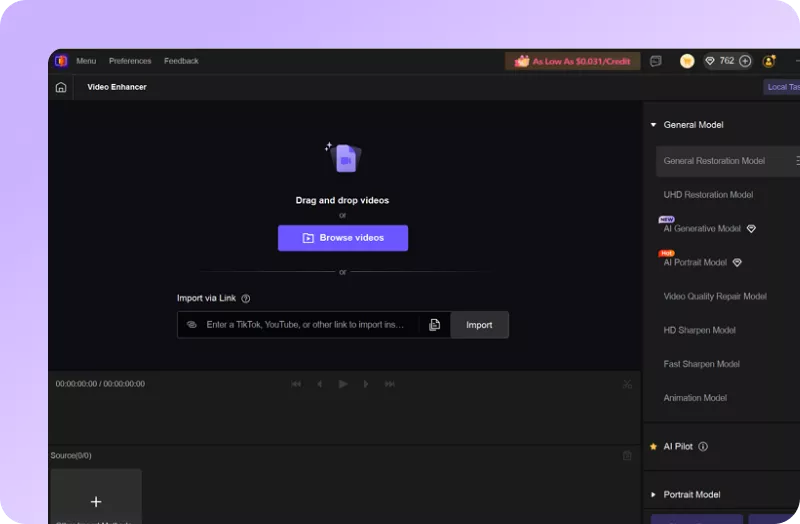
Import Your AI-Generated Video(s)
Select and upload your blurry or low-resolution AI-generated marketing videos.
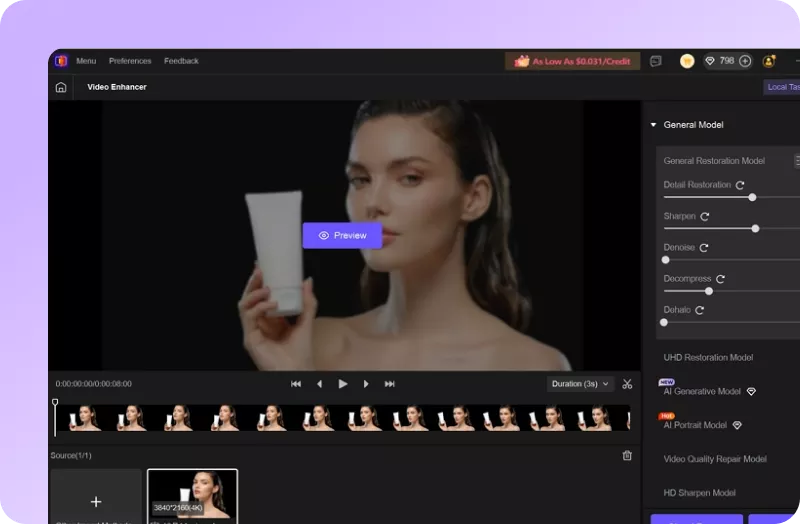
Select AI Model and Preview
Choose an AI model, set resolution and convert to AI-generated marketing video(s) to 4k/8K.
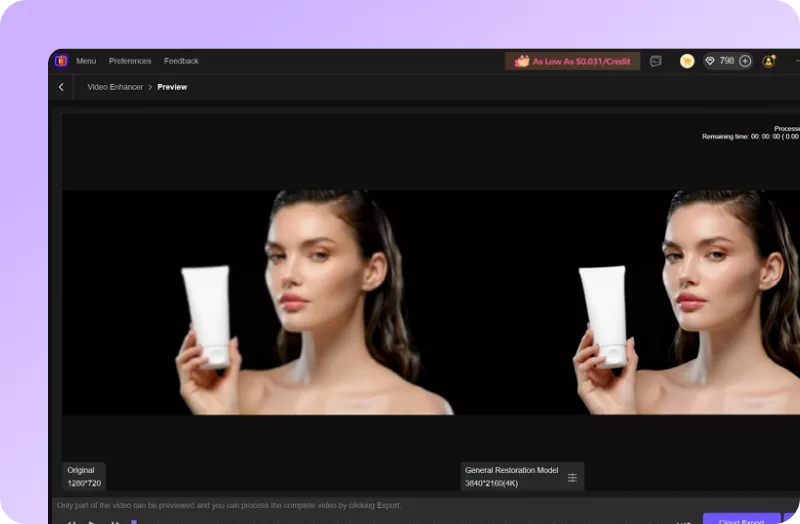
Export Enhanced Video
Preview AI-enhanced effect and export your polished AI-generated marketing video(s).
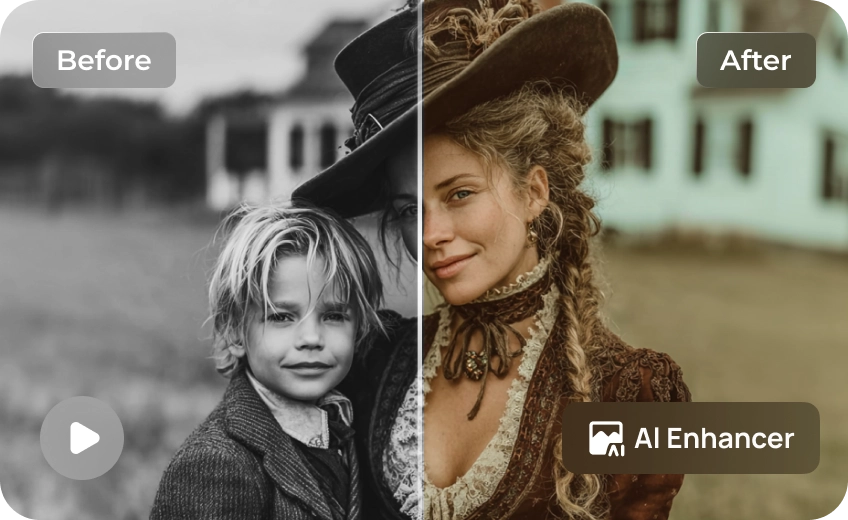
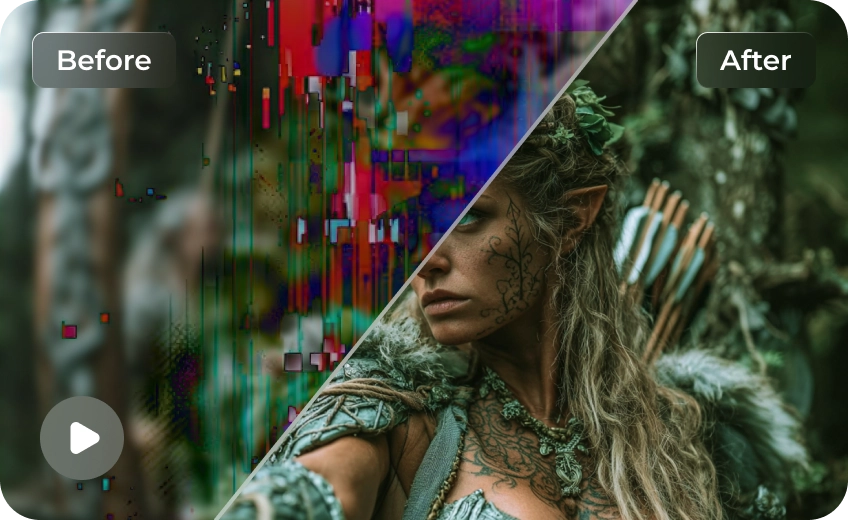
Discover More Video Tools with HitPaw VikPea

FAQs About Enhancing AI-Generated Advertising and Marketing Videos
HitPaw VikPea uses dedicated deep-learning algorithms, including the Generative AI and UHD Restoration Models, to analyze missing pixels, sharpen edges, and actively reconstruct authentic micro-details for crystal-clear 4K and 8K visual output.
Yes. HitPaw VikPea features specialized Decompression and AI Sharpening Models designed to eliminate pixelation, noise, color banding, and unwanted textural artifacts created during raw AI generation, resulting in ultra-clean commercial footage.
Absolutly. The AI Portrait Restoration Model specifically targets facial features, skin textures, hair, and clothing, ensuring virtual presenters and product details look sharp, natural, and highly engaging for marketing audiences.
No technical expertise is required. Simply import your AI-generated video, choose your desired AI model (such as Portrait, Denoise, or Color Enhancement), select your preferred resolution, and let VikPea enhance your video automatically.
Tips & Tricks for VikPea AI-Generated Marketing Videos Enhancer
- How to Enhance TikTok Product Videos for E-commerce Sales
- Your Ultimate Guide to High-Quality Product Review Videos
- Best Free Video Resolution Enhancer Online Tools for Sharper Videos
- High Quality Video Production: The Essential Guide for Brands
- How to Enhance Product Video Quality: The Secret to Boosting E-Commerce Sales
 HitPaw VikPea
