





Unpixelate Videos with AI Precision
Restore blurry, blocky, and low-quality footage automatically with HitPaw VikPea AI Video Depixelate. Improve clarity, repair compression artifacts, and enhance video details without complex editing skills.


AI Video Depixelate for Sharper, Clearer Videos

Remove Pixelation from Videos with AI
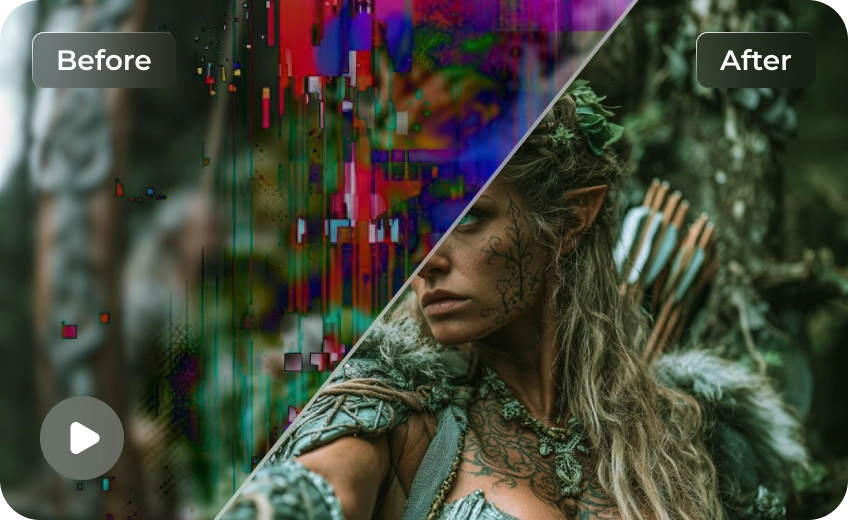
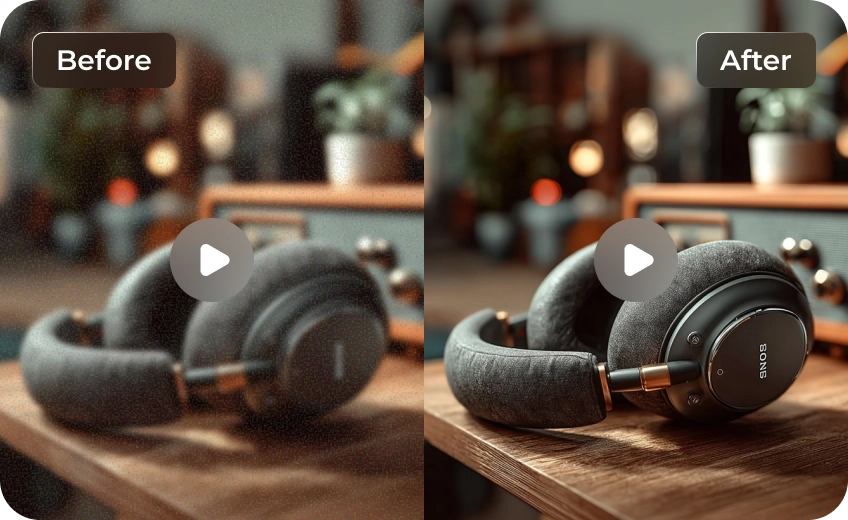
Advanced AI analyzes damaged frames and intelligently restores lost details, helping remove visible pixel blocks, blur, and mosaic artifacts from low-quality videos. Recover cleaner edges, sharper facial details, and more natural textures without complicated manual editing.
Batch Unpixelate Videos in Minutes
Boost your efficiency with high-speed batch processing that removes pixelation from entire video folders at once. Easily enhance multiple blurry or compressed videos together while maintaining consistent output quality across every file.
Multiple AI Models for Every Scenario
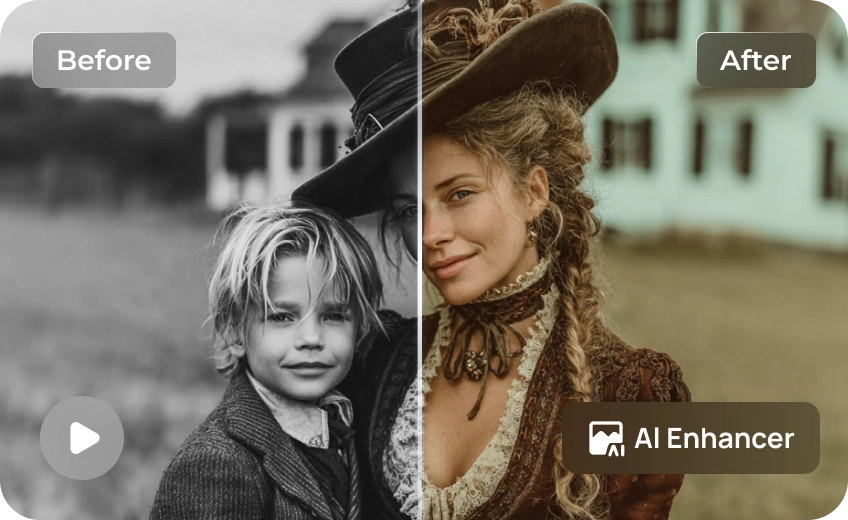
Choose specialized AI enhancement models for old videos, anime clips, social media content, facial recovery, and low-resolution footage to achieve better restoration results. Different AI models are optimized for different types of pixelated videos to deliver more accurate and natural-looking enhancements.
Enhance Low-Resolution Video Quality
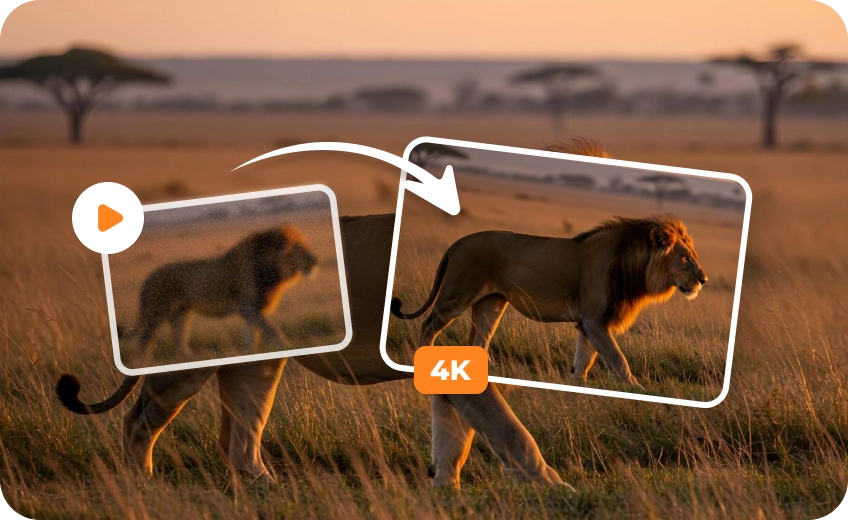
Upscale low-resolution videos while improving sharpness, texture, and overall clarity. Make old or compressed footage look cleaner on modern displays and social platforms with AI-powered detail recovery and visual enhancement.

Multi-Format Support

High-Speed Process

Real-Time Preview

One-Click 4K Export
Perfect for Everyday and Professional Videos
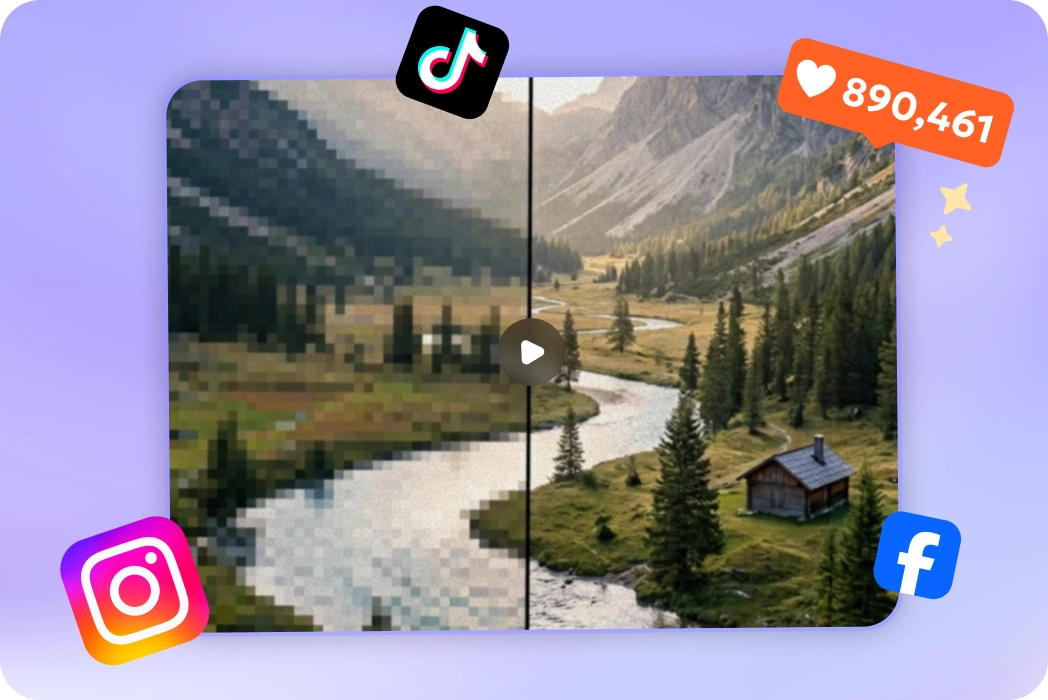
Fix Pixelated Videos from Social Media
Instantly remove compression artifacts and blocky pixels from videos downloaded from TikTok, WhatsApp, or Twitter.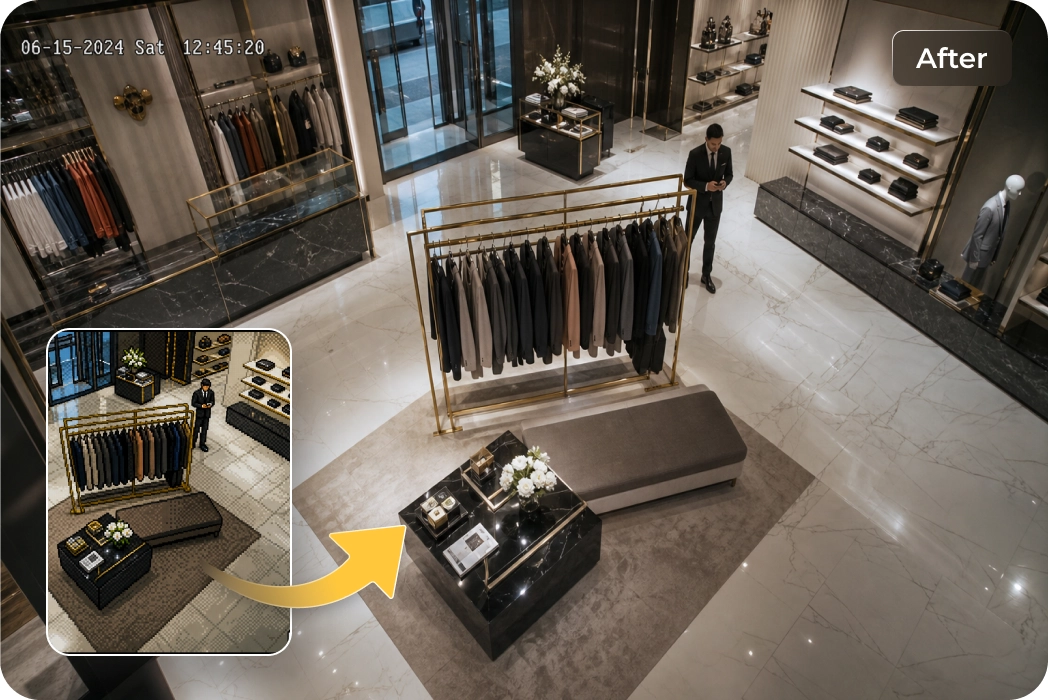
Enhance CCTV and Security Footage
Enhance low-resolution security or dashcam recordings to clarify motion and identify crucial details with AI precision.What Users Say About HitPaw AI Video Depixelate

YouTube Content Creator

"Restoring my old 480p vlogs to 1080p was seamless. The interface is intuitive, and the AI models handle different textures effectively without making the footage look overly processed."

Photography Hobbyist
"I used this to fix grainy videos from my first digital camera. The results are impressive; it managed to bring back facial details I thought were lost forever in the pixels."

Anime Clip Editor
"Anime scenes shared online often lose quality because of repeated compression. I used AI Video Depixelate to restore cleaner outlines and smoother colors before creating edits for social media."

Gaming Content Uploader
"My older gameplay recordings looked heavily pixelated after livestream compression. HitPaw VikPea restored cleaner edges and sharper visuals, making the footage usable again for highlight videos."
How to Fix Pixels on Videos with HitPaw VikPea
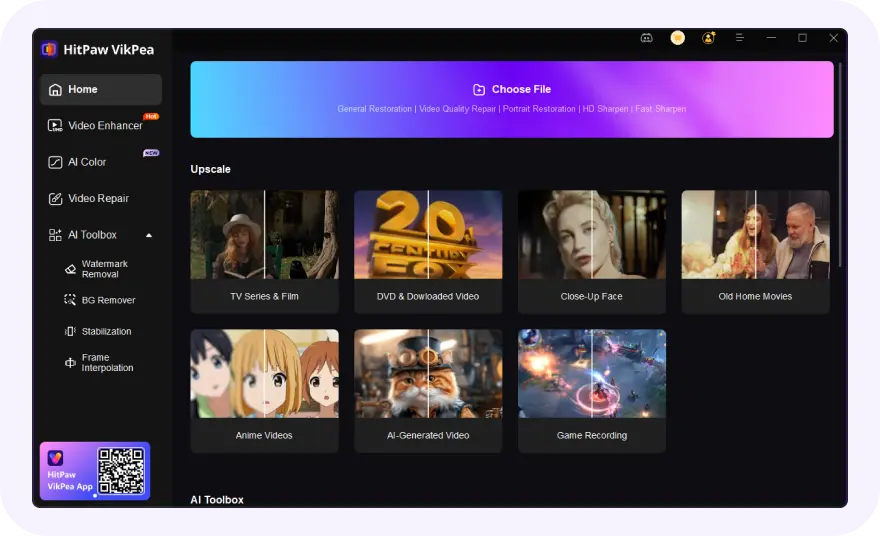
Upload Your Pixelated Video
Open HitPaw VikPea and import the pixelated blurry video you want to enhance. Batch import is supported.
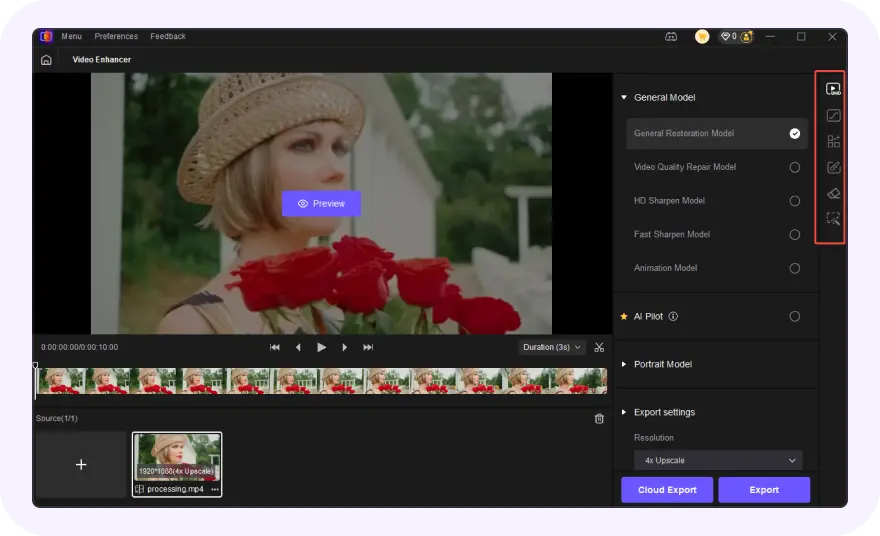
Choose the Targeted AI Model
Select the appropriate AI model based on your content type, such as Portrait Model or General Denoise.
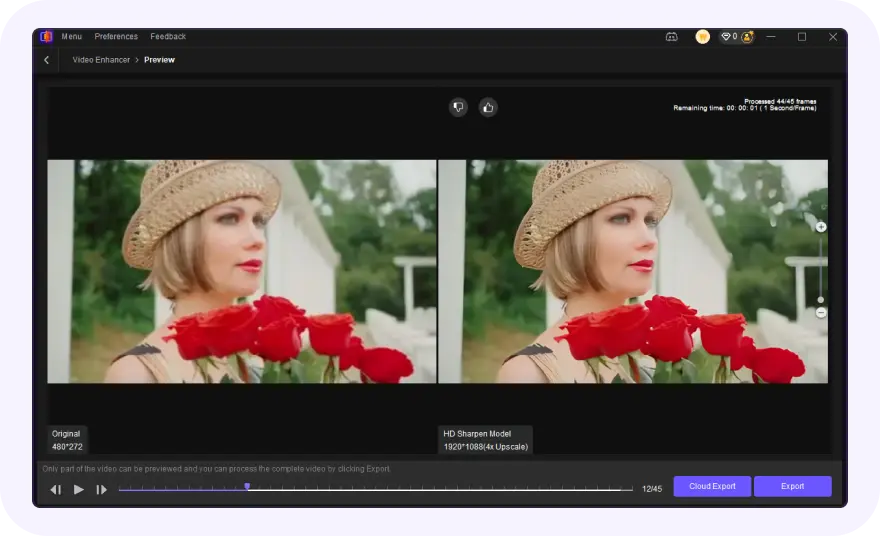
Preview and Export in HD/4K
Check the real-time side-by-side comparison to see the unpixelated result, then click 'Export' to save your video.
Discover More Video Tools with HitPaw VikPea
FAQs About HitPaw VikPea AI Video Depixelate
AI Video Depixelate is an AI-powered technology that reduces pixelation, blur, and compression artifacts in videos while restoring clearer textures and sharper visual details automatically.
Videos usually become pixelated because of low resolution, heavy compression, unstable internet uploads, digital zoom, or repeated sharing across social media platforms.
Yes. HitPaw VikPea supports batch AI video enhancement, allowing you to depixelate multiple videos simultaneously. This feature is especially useful for creators, editors, and businesses working with large collections of blurry, compressed, or low-resolution footage.
HitPaw VikPea supports most popular video containers, including MP4, MOV, AVI, WMV, MKV, FLV, and more. It also works with widely used codecs such as H.264, H.265 (HEVC), Apple ProRes, VP9, AV1, Xvid, MPEG-2, and MPEG-4 for flexible AI video enhancement workflows.
Tips & Tricks for HitPaw VikPea AI Video Depixelate
 HitPaw VikPea
