





Upscale & Enhance Midjourney Videos to 4K
HitPaw VikPea is an AI-powered Midjourney video upscaler designed to fix blurry Midjourney videos, reduce pixelation, and increase Midjourney video resolution. Easily upscale AI-generated videos to cinematic 4K quality for social media, creative projects, and marketing content.


Unleash Full Potential of Midjourney Video Upscaling

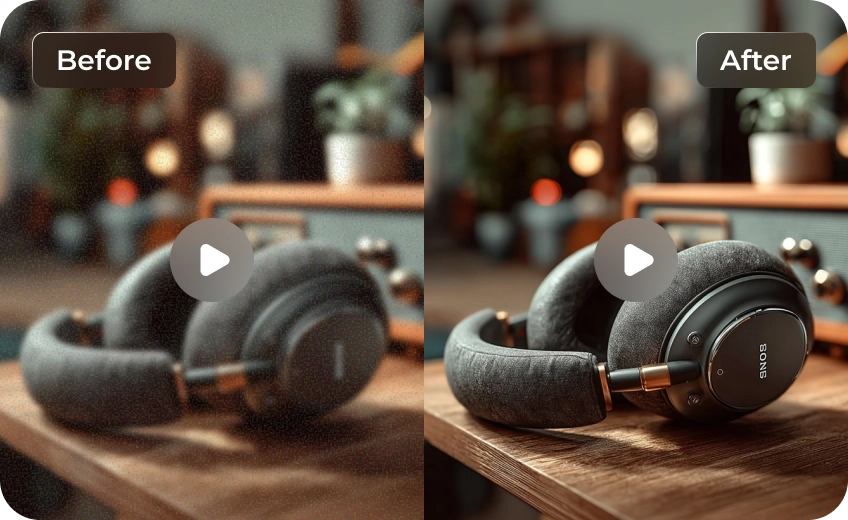
Upscale Midjourney Videos to Cinematic 4K
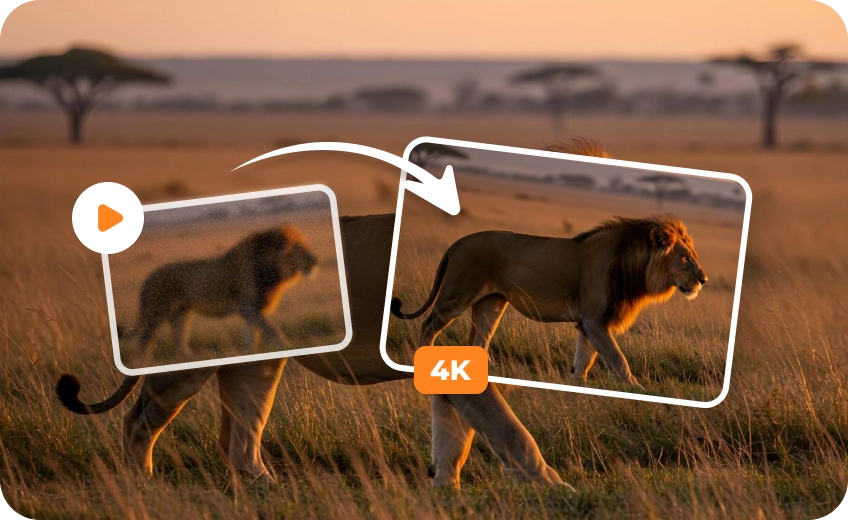
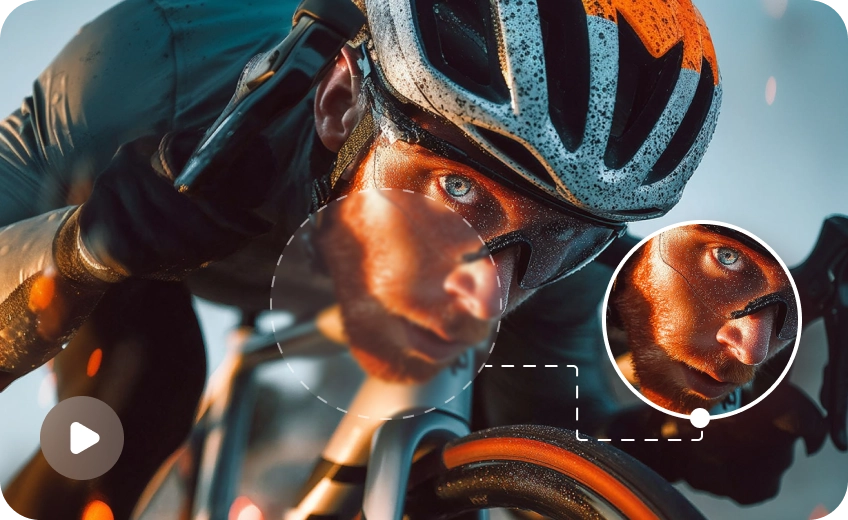
Transform low-resolution Midjourney generated videos into breathtaking 4K or 8K masterpieces.. HitPaw VikPea restores texture, enhances edges, and keeps AI-generated visuals sharp and clean.
Specialized AI Models Selection
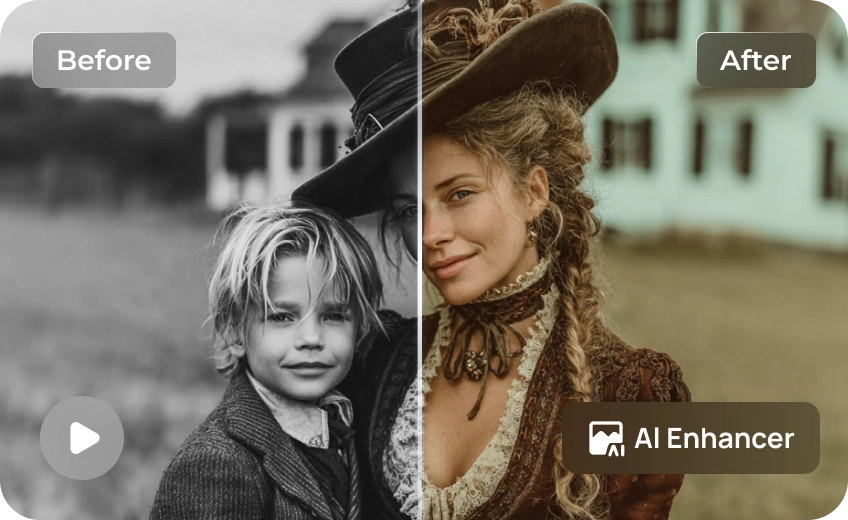
Choose from tailored AI models designed for different video types. Whether your Midjourney video is a realistic human portrait, an anime style, or a grand landscape, we deliver targeted enhancement.
Smooth Midjourney Videos with Frame AI
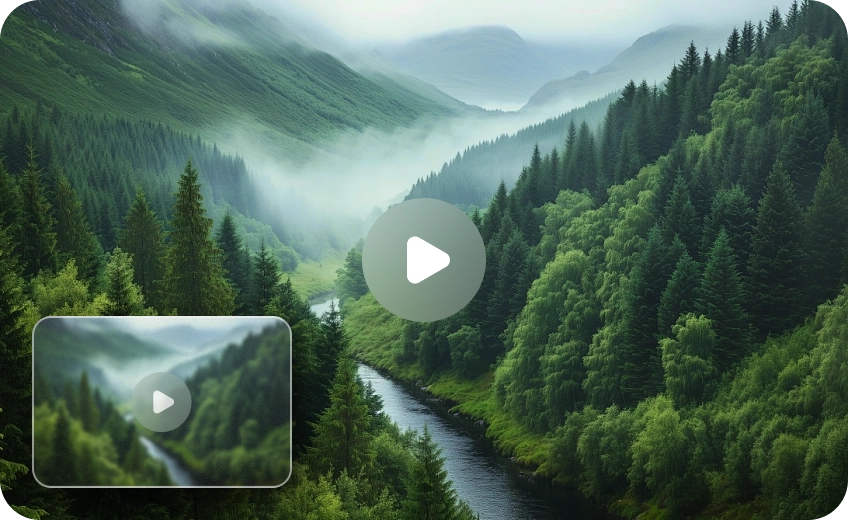
Smooth out choppy AI-generated motion with intelligent frame interpolation. HitPaw VikPea improves motion consistency, reduces flickering, and creates more natural-looking Midjourney video playback.
Intelligent Video Artifacts Removal
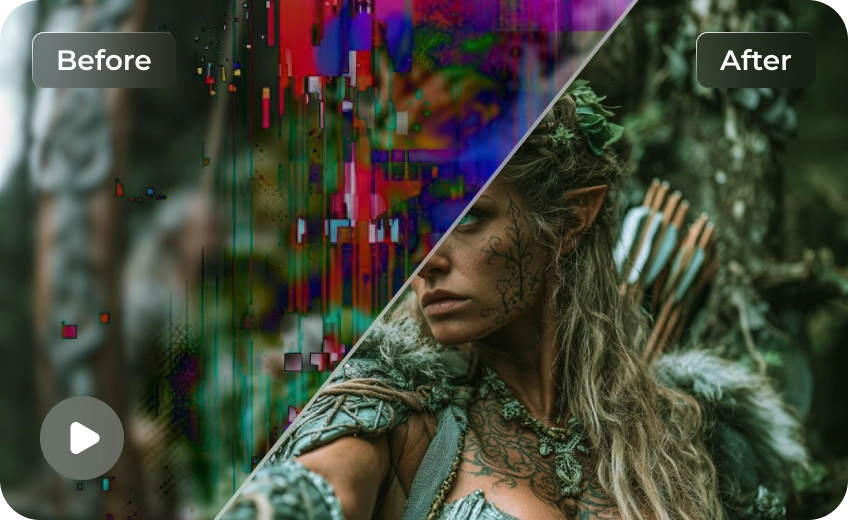
Remove blur, pixelation, and compression noise commonly found in exported Midjourney videos. The AI enhancement engine recovers cleaner details while preserving the original artistic style.

Multi-Format Support

Batch Processing

Real-Time Preview

One-Click 4K Export
Versatile Scenarios for Upscaling Midjourney Videos
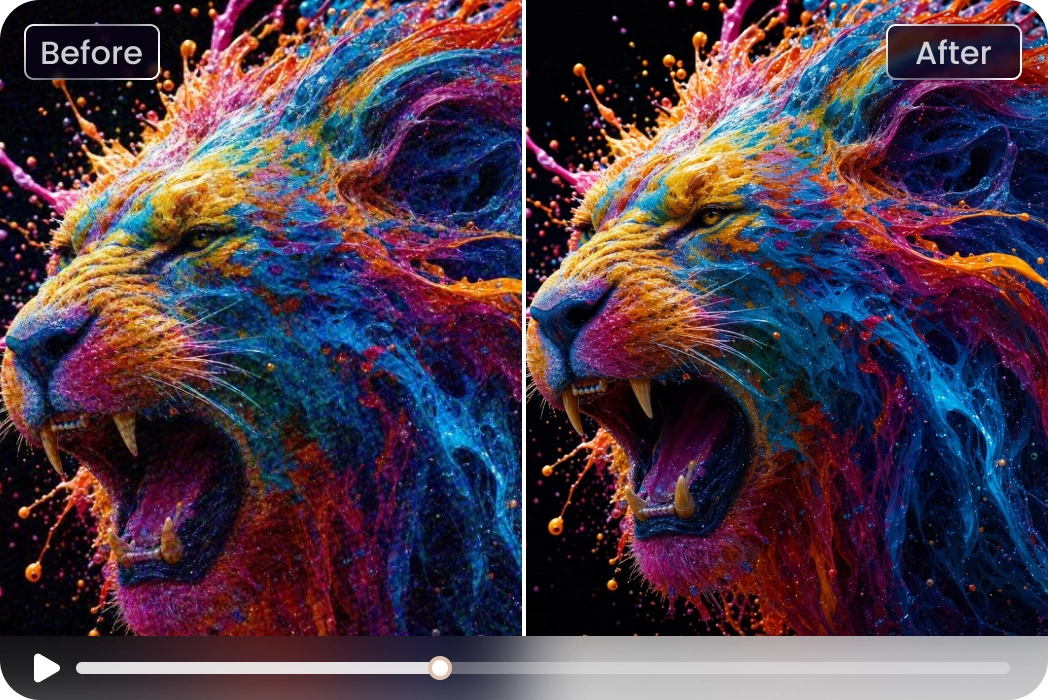
AI Creators & Enthusiasts
Treat HitPaw VikPea as the essential finishing step for any movie or video project, seamlessly turning raw Midjourney generations into studio-grade 4K cinematic art.What Users Say About HitPaw VikPea Midjourney Video Upscaler

AI Digital Artist

"Midjourney video outputs are always too pixelated for commercial portfolios. HitPaw VikPea helps me upscale AI generated videos to 4K. It retains original art textures without introducing weird AI distortions."

YouTube Content Editor
"Many AI-generated videos lose detail after editing and compression. VikPea helped fix blurry Midjourney video footage and produced smoother, more professional-looking results for Shorts."

Digital Marketing Director
"We wanted to use generative AI for ad campaigns but faced low-res limitations. This software is the perfect AI video quality enhancer for our team. It lets us upscale midjourney video files in seconds."

Motion Graphics Designer
"I was searching for how to upscale Midjourney videos without losing stylistic details. VikPea is the answer. The specialized animation model made my fantasy clips look incredibly smooth and cinematic."
How to Upscale Midjourney Videos with HitPaw VikPea
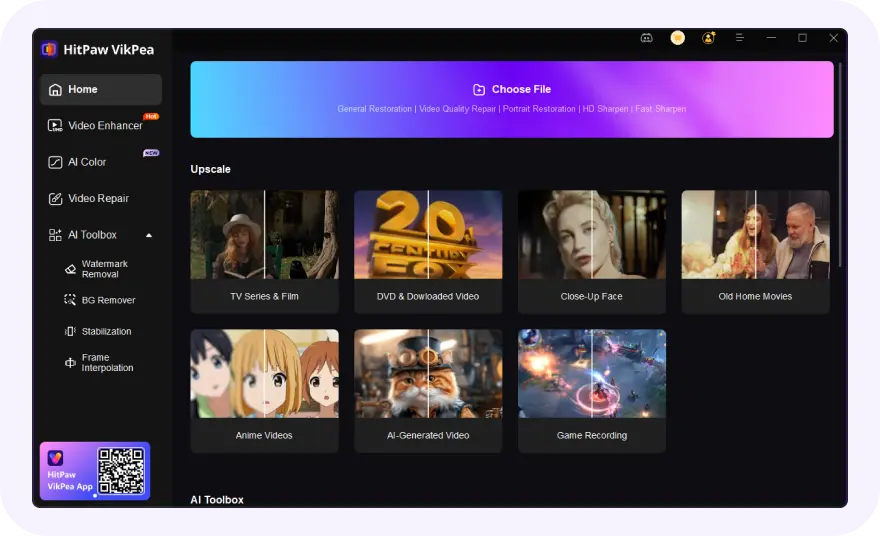
Upload Midjourney Generated Video
Import your Midjourney generated clip into HitPaw VikPea AI Video Enhancer workspace.
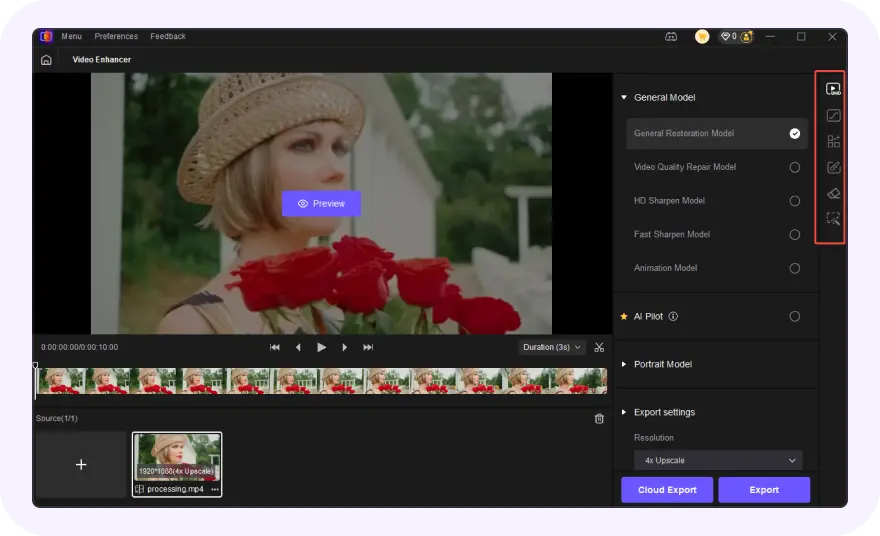
Choose an AI Enhancement Model
Select the most suitable AI enhancement model based on your video style.
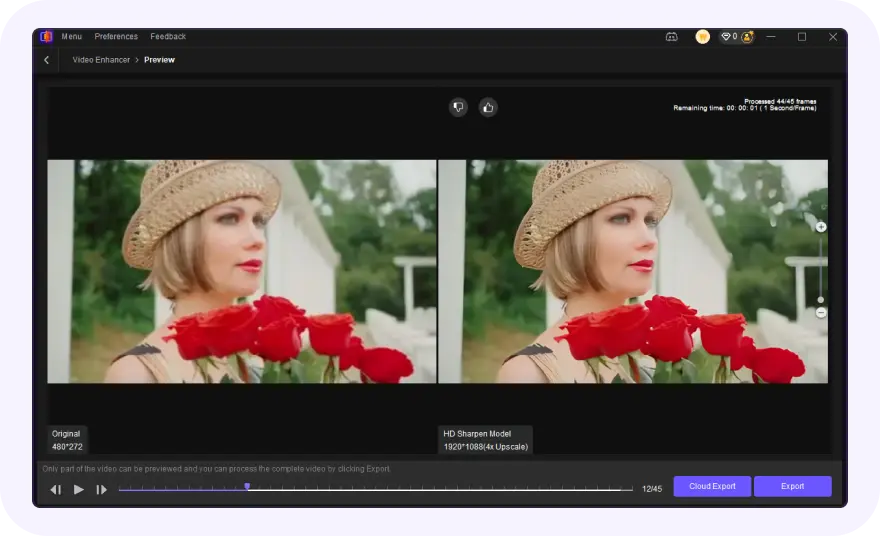
Preview & Export Midjourney 4K Video
View the side-by-side unpixelated result and export your Midjourney video in 4K.
Discover More Video Tools with HitPaw VikPea
FAQs About HitPaw VikPea Midjourney Video Upscaler
Midjourney natively generates video clips at a relatively low resolution and low bitrate to optimize cloud rendering speeds. This technical limitation often results in heavy pixelation, compression artifacts, and an overall blurry appearance, making the raw footage unsuitable for professional, big-screen, or ultra-HD displays.
The most effective way to improve Midjourney video quality is by using a dedicated AI video quality enhancer like HitPaw VikPea. By leveraging advanced deep learning models, it acts as a professional midjourney video upscaler that automatically removes digital noise, injects smooth frames, and upscales the AI footage to crystal-clear 4K resolution.
Yes, HitPaw VikPea supports powerful batch processing. You can import multiple Midjourney video files simultaneously, apply your desired AI model settings, and enhance them all in one go, significantly boosting your workflow efficiency.
A good AI upscaler enhances resolution while keeping the original Midjourney visual style. HitPaw VikPea is designed to preserve textures, colors, and artistic details.
Tips & Tricks for HitPaw VikPea Midjourney Video Upscaler
 HitPaw VikPea
