





Upscale & Enhance Grok Imagine Videos to True 4K Instantly
Grok Imagine creates visually creative AI videos, but most outputs are limited to 480p or 720p at 24fps. When viewed on larger screens or uploaded to modern platforms, videos can look soft, noisy, or blurry during motion scenes.
With HitPaw VikPea, you can transform Grok Imagine generated videos into crisp true 4K content with enhanced textures, smoother motion, and professional level clarity for social media, storytelling, marketing campaigns, and artistic projects.


Turn Low Resolution Grok Imagine Clips into Cinematic 4K Videos

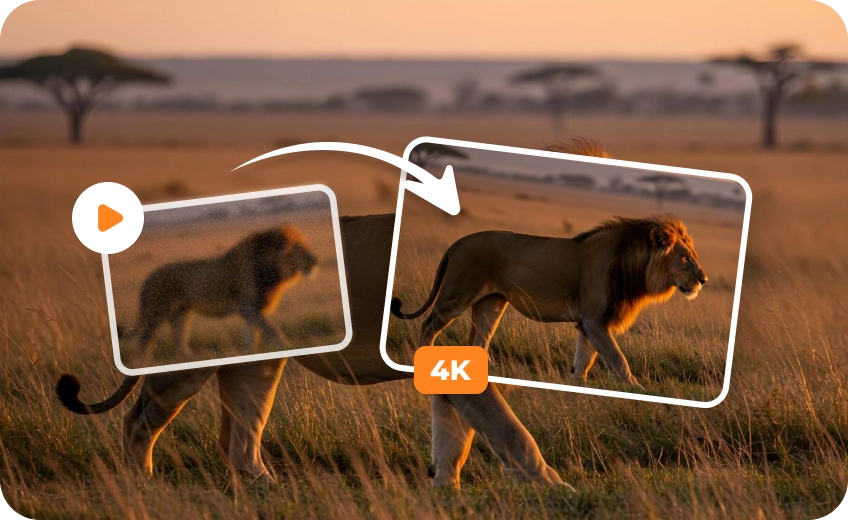
Upscale Grok Imagine Videos from 480p or 720p to Stunning 4K
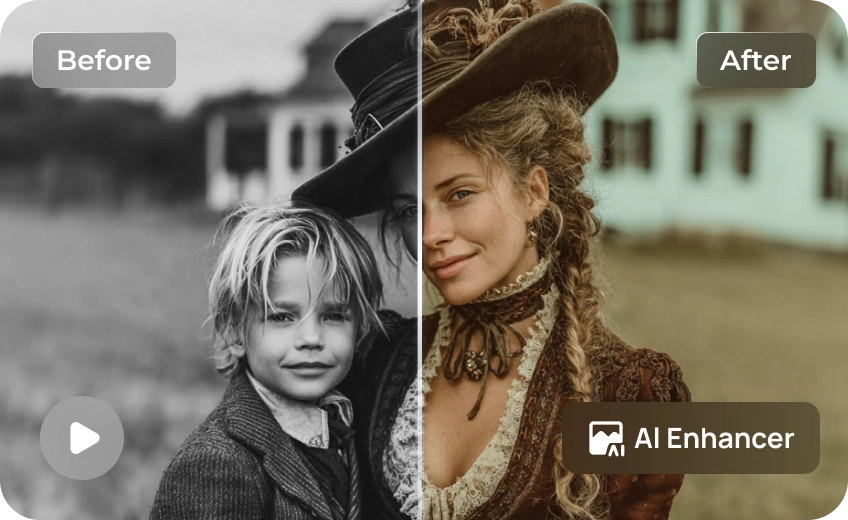
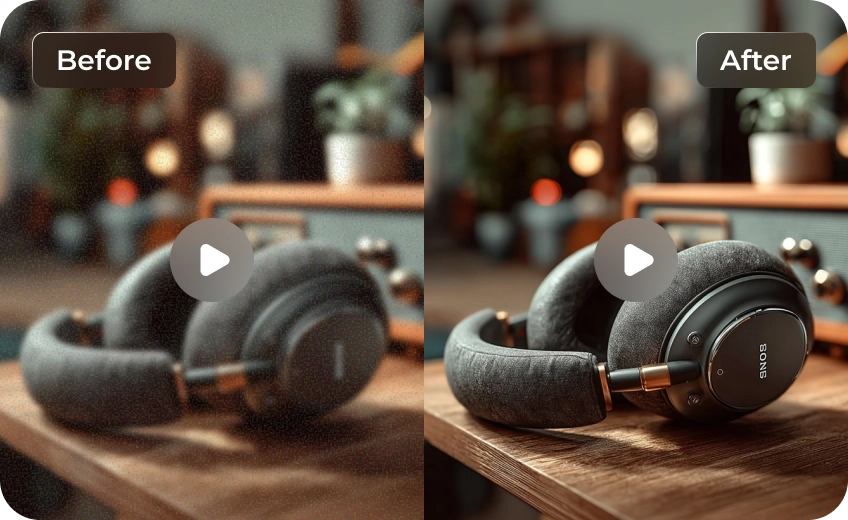
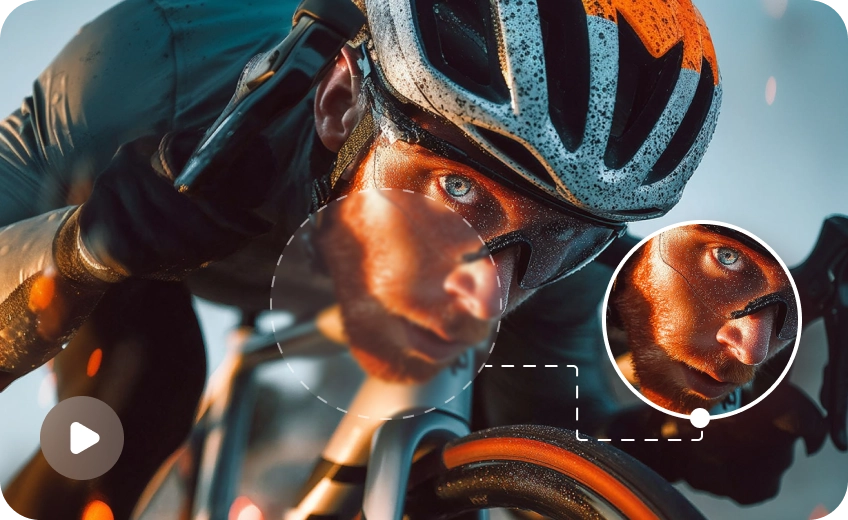
Most Grok Imagine videos lose fine details when displayed on YouTube, TikTok, or large screens. HitPaw VikPea intelligently restores textures, facial details, and scene sharpness while converting low resolution AI videos into immersive 4K quality.
Select the Perfect AI Upscaler Model for Your Unique Style
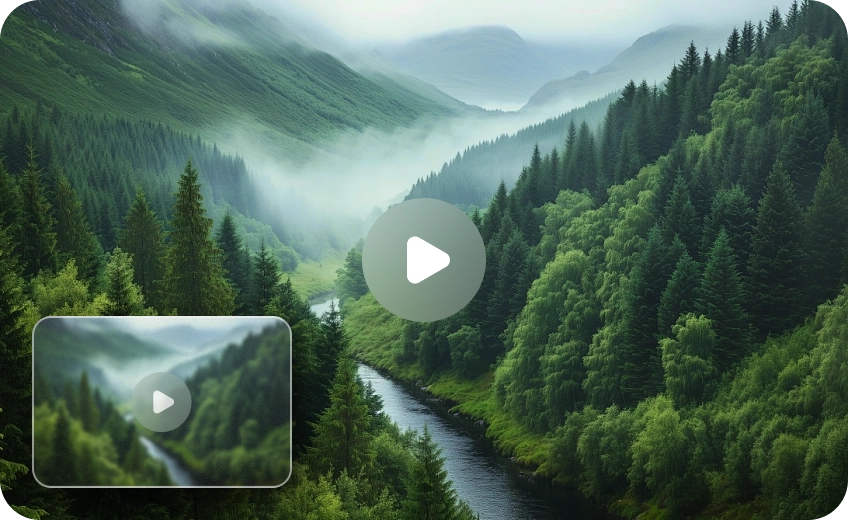
Different Grok Imagine videos need different enhancement methods. HitPaw VikPea offers multiple AI video upscaling models optimized for animation, realistic footage, portraits, landscapes, and creative AI generated scenes for more accurate enhancement results.
Eliminate Motion Blur and Restore Fine Detail
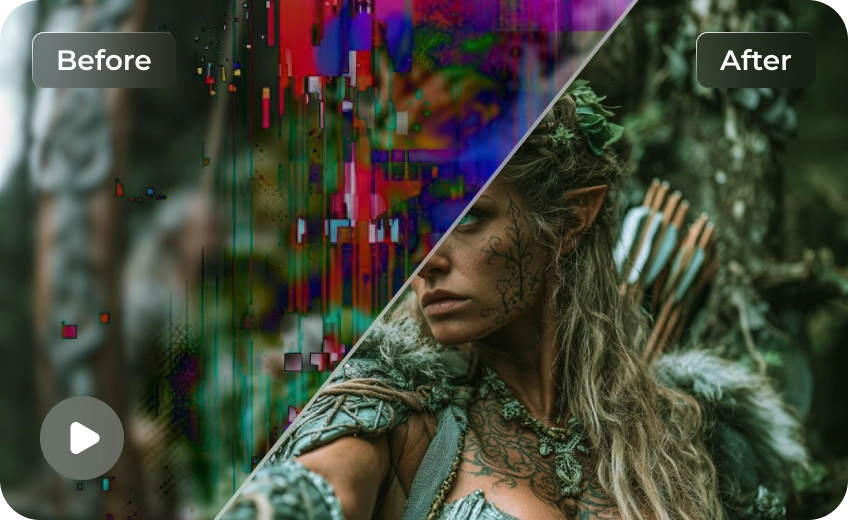
AI videos often suffer from ghosting or blur during fast movement. HitPaw VikPea enhancement engine analyzes frame-by-frame to reduce motion blur, recovering the crisp edges and fine details that Grok’s native 24fps output sometimes loses during generation.
Make Your Grok Imagine Videos Stand Out Everywhere
Take your experimental art from X (Twitter) to the big screen. Perfect for cinematic storytelling or high-impact marketing, this tool ensures your AI content looks premium across social media, digital billboards, and professional portfolios.

Multi-Format Support

Batch Processing

Real-Time Preview

Local Perfomance
Use Cases for Grok Imagine Videos Upscaler
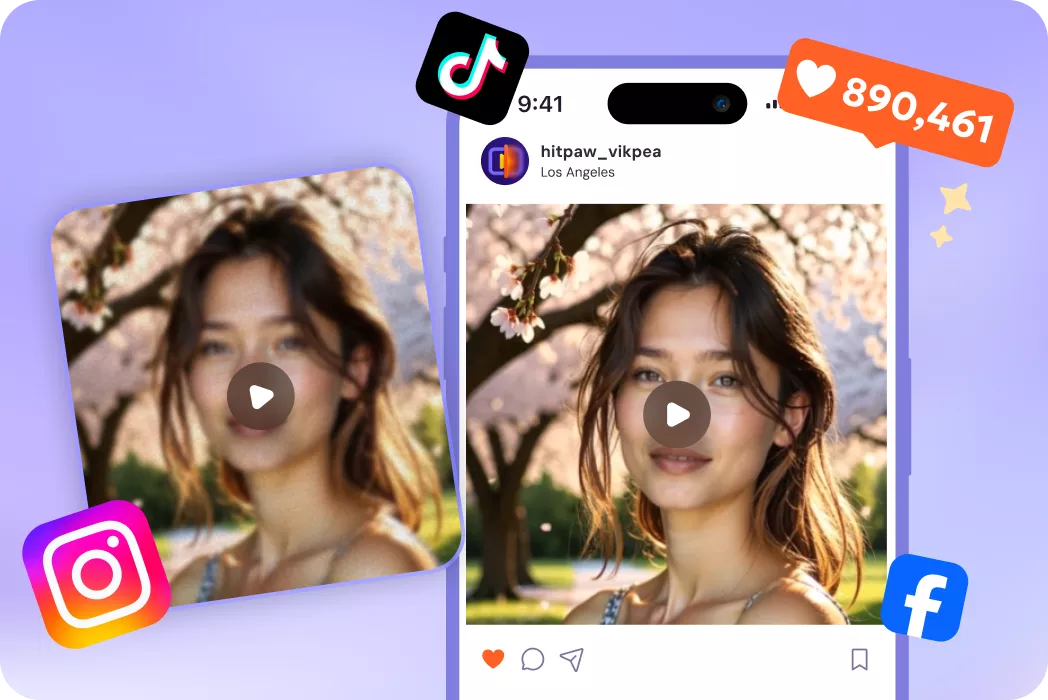
Influencers & Content Creators
Upgrade AI videos for TikTok, YouTube Shorts, Instagram Reels, and streaming content.What Users Say about Grok Imagine Videos Upscaler

Digital Artist

"The motion enhancement feature helped remove blur from fast moving AI scenes. My short films now look much more cinematic."

YouTuber
"My Grok Imagine videos looked soft on YouTube before. After using HitPaw VikPea, the 4K version looked dramatically cleaner and more professional."

Creative Director
"The multiple AI models are extremely useful. Animation scenes and realistic scenes both upscale beautifully without looking artificial."

Social Media Manager
"I use Grok Imagine for marketing concepts, and HitPaw VikPea makes the videos presentation ready for clients and campaigns."
How to Enhance Grok Imagine Videos in 3 Easy Steps
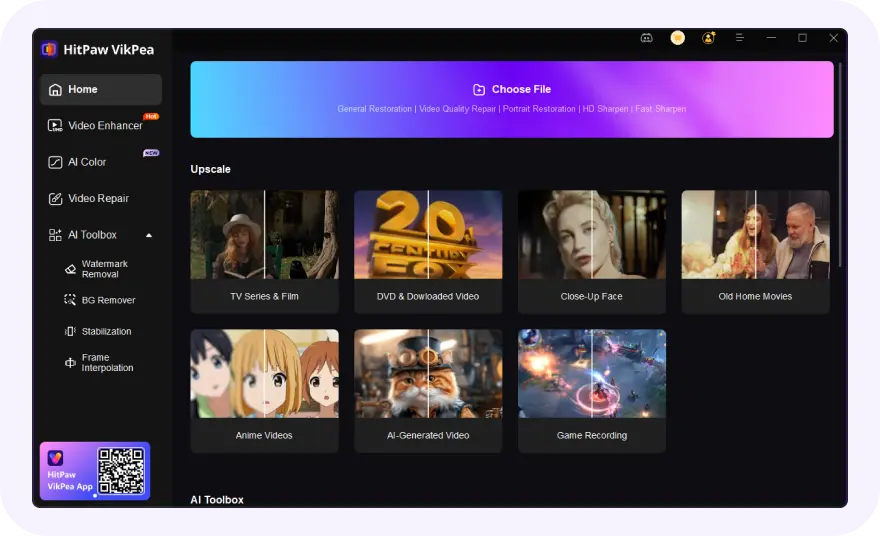
Import Grok Imagine Video(s)
Select and upload your blurry or low-resolution Grok Imagine video(s).
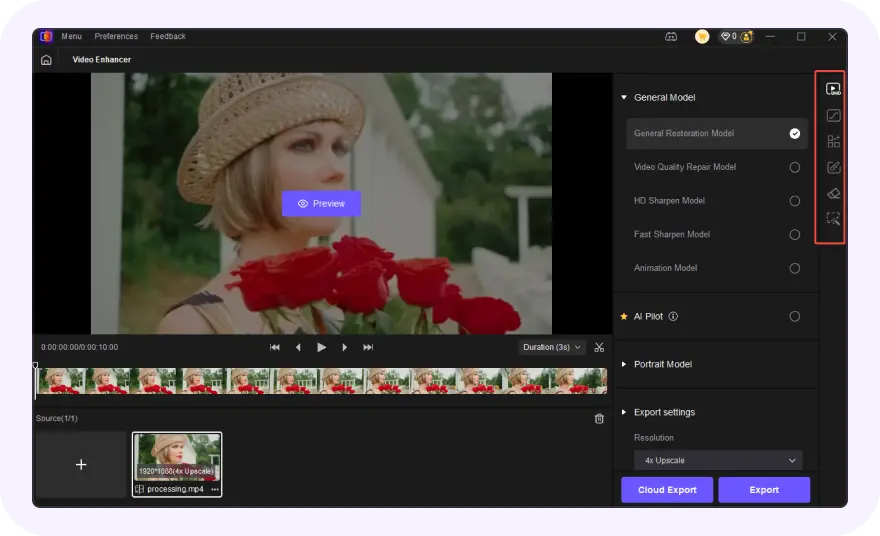
Select AI Model and Preview
Choose an AI model, set resolution and convert to 4K video.
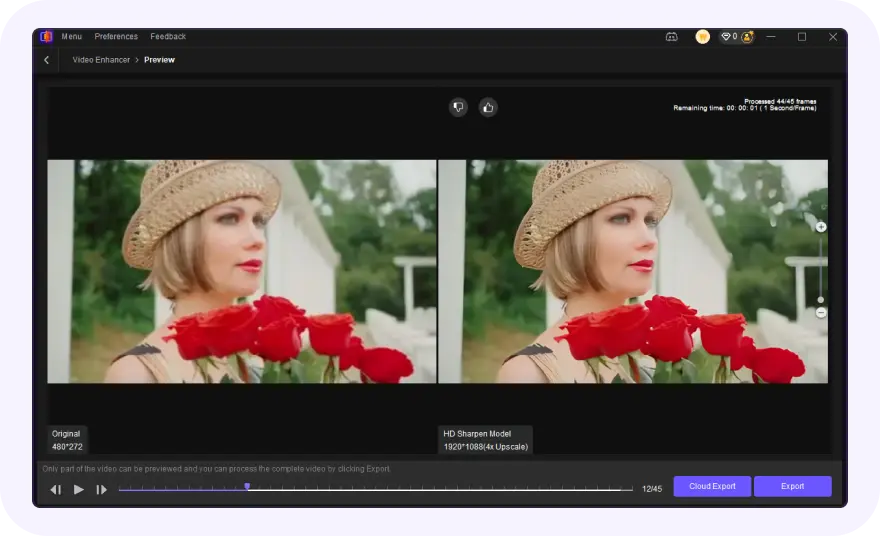
Export Upscaled Grok Imagine Video
Preview the AI-enhanced effect and export your polished Grok Imagine videos.
Discover More Video Tools with HitPaw VikPea
FAQs About HitPaw VikPea Grok Imagine Videos Upscaler
Grok Imagine often outputs at lower resolutions like 480p to save processing power. This lower pixel density, combined with standard AI compression, results in a soft or blurry look that lacks the high-definition detail found in professional 4K footage.
You can improve Grok Imagine video quality by using an AI video enhancer like HitPaw VikPea. It upscales videos to 4K, restores details, sharpens textures, reduces noise, and improves motion clarity for more professional results.
While you can't force Grok to output 4K natively yet, you can improve results by using descriptive prompts. Once generated, use HitPaw's AI enhancement to upscale the resolution and frame rate, effectively turning a basic render into high-quality cinematic footage.
Most Grok Imagine videos are currently generated at 480p or 720p at 24fps. While great for quick social sharing, these resolutions are insufficient for professional editing or large-screen viewing, making an external 4K upscaler essential for high-end work.
Tips & Tricks for VikPea Grok Imagine AI Videos Upscaler
- Upscale AI Generated Video: Turn Blurry Clips into Stunning HD and 4K Quality
- How the Best AI Features to Enhance UGC Videos to 8K/4K
- Best Free Video Resolution Enhancer Online Tools for Sharper Videos
- How to Upscale and Enhance Sora 2 Videos to Stunning 4K/8K Quality
- How to Enhance Product Video Quality: The Secret to Boosting E-Commerce Sales
 HitPaw VikPea
