





Upscale & Enhance Veo 3.1 Videos to Stunning True 4K with AI
Google’s Veo 3.1 creates impressive AI videos, but 720p or 1080p resolution may not look sharp enough for professional use. HitPaw VikPea helps upscale Veo 3.1 clips to cinematic 4K with clearer details, smoother motion, and cleaner textures, making your AI videos look polished for social media, marketing, storytelling, and large-screen viewing.


Upgrade Veo 3.1 Videos Beyond Standard AI Output in True 4K

Boost Resolution from 1080p to True 4K with 4× Scaling
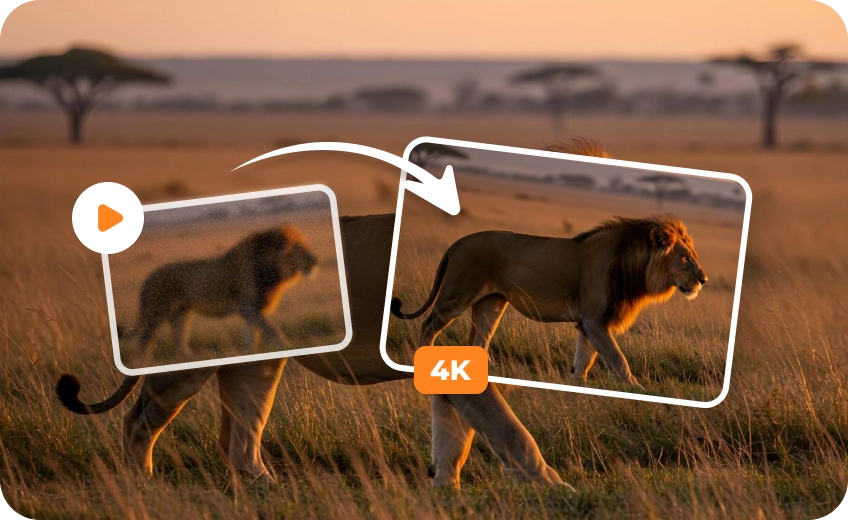
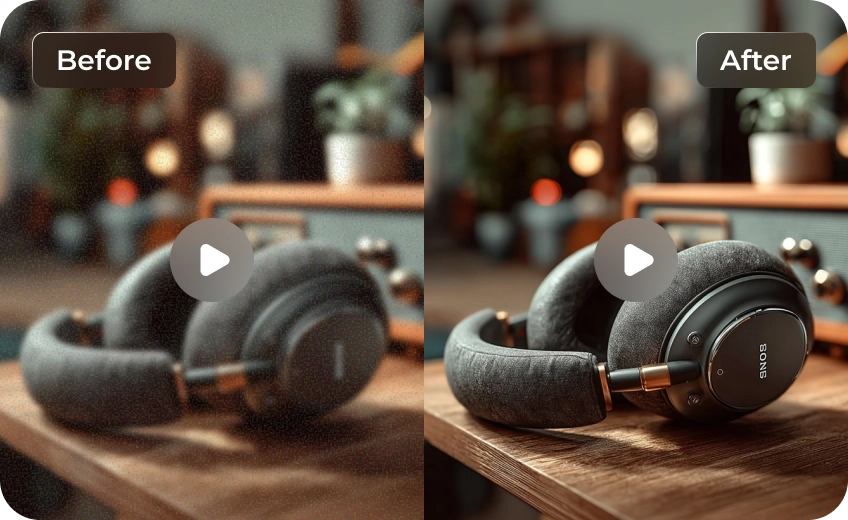
While Veo 3.1 delivers impressive 1080p video, modern distribution channels demand 4K for the best viewer experience. Our real-time engine scales your footage by 2X or 4X, meticulously rebuilding pixels to ensure your AI art looks crisp on large screens and premium social feeds.
Specialized AI Models Tailored for Every Veo Generation
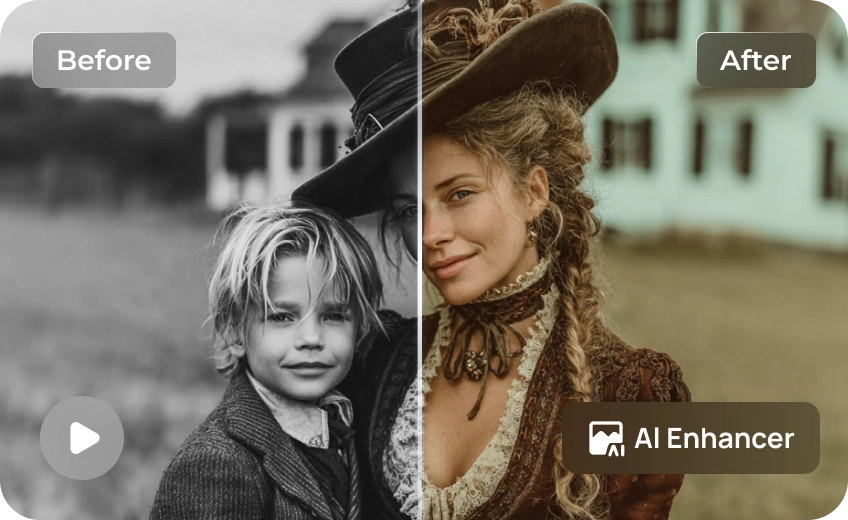
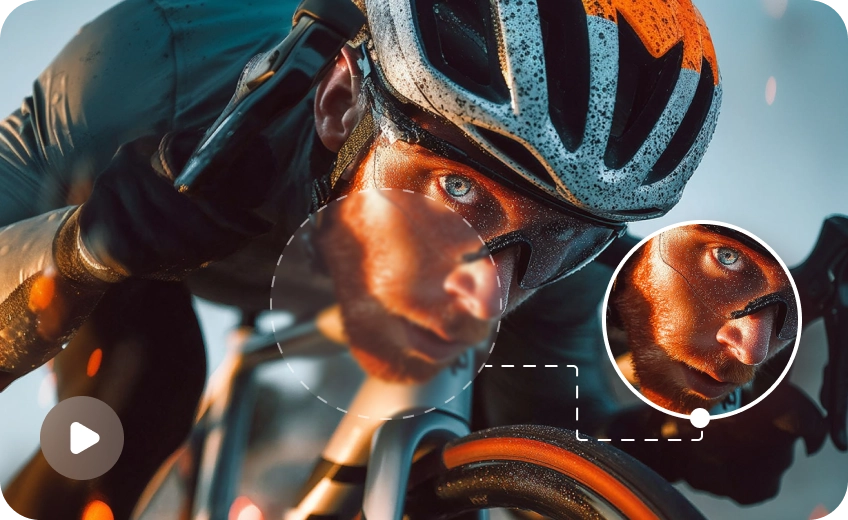
Different AI-generated videos require different enhancement approaches. HitPaw VikPea includes multiple AI upscaling models designed for portraits, cinematic scenes, anime visuals, low-light footage, and high-detail environments, helping you achieve more natural and professional Veo 3.1 video results with greater creative flexibility.
Smooth Out the Motion with AI Frame Interpolation
Veo 3.1 is locked at 24 FPS, which can feel choppy in fast-paced edits. Our advanced interpolation technology adds intelligent new frames during the upscale process, allowing you to convert 24 FPS clips into fluid 60 FPS or create buttery-smooth slow-motion sequences.
Ready for Social Media, Marketing, and Digital Art
Don't let low resolution hold back your reach. HitPaw VikPea ensures your Veo 3.1 videos stand out everywhere, from immersive storytelling on TikTok to high-impact marketing campaigns. We provide the polish needed to turn an "AI experiment" into a "final product."

Multi-Format Support

Batch Processing

Real-Time Preview

Local Perfomance
Use Cases for Veo 3.1 Videos Upscaler
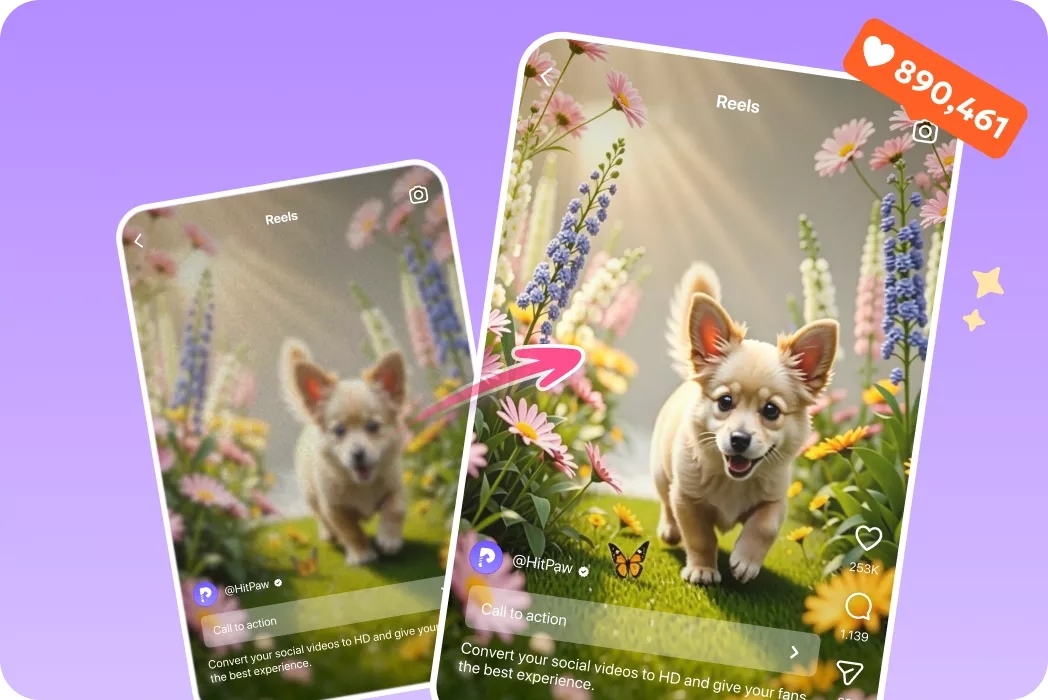
Influencers & Content Creators
Upscale Veo 3.1 clips into sharper 4K content for YouTube, TikTok, Instagram, and Shorts.What Users Say about Veo 3.1 Videos Upscaler

Digital Artist

"I love Veo's creativity, but the 720p output felt dated. HitPaw's 4K upscale is a game changer, it actually adds detail instead of just stretching the image!"

YouTuber
"The frame interpolation is the secret sauce. Converting 24fps to 60fps makes my AI nature clips look like they were filmed on a high-speed drone."

Creative Director
"Finally, a tool that doesn't make AI faces look like plastic. The Portrait Model fixed the slight blurring in my Veo characters perfectly."

Social Media Manager
"Fast, efficient, and the 4K results are stunning. Perfect for social media campaigns. My upscaled Veo videos looked cleaner across every platform."
How to Upscale Veo 3.1 Videos in 3 Easy Steps
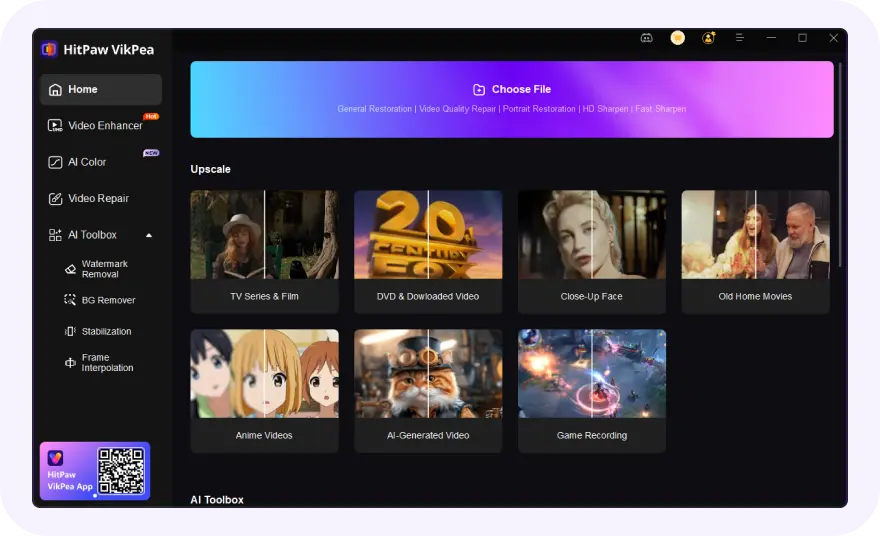
Import Your Veo 3.1 Generated Video Files
Select and upload your blurry or low-resolution Veo video(s).
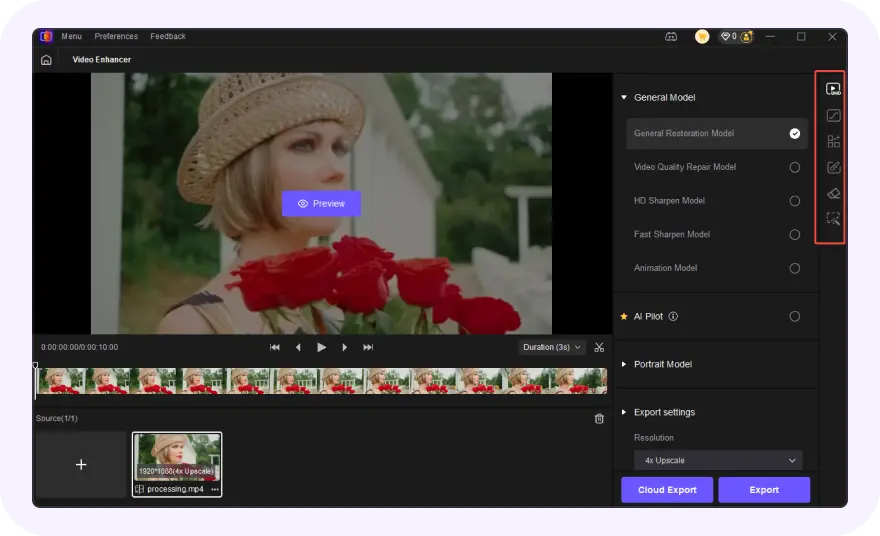
Select AI Model and Preview
Choose an AI model, set resolution and convert Veo generated AI videos to 4K video.
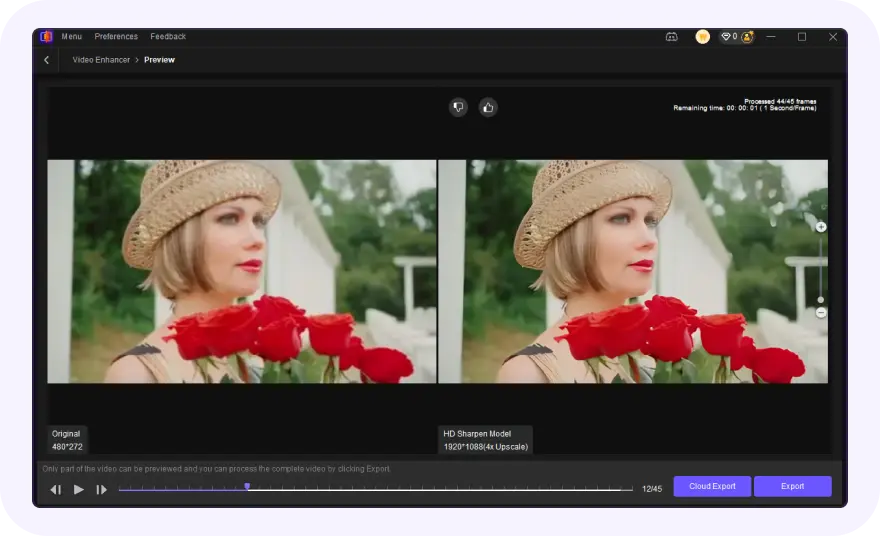
Export Upscaled Veo 3.1 Generated Video
Preview the AI-enhanced effect and export your polished Veo Generated videos.
Discover More Video Tools with HitPaw VikPea
FAQs About HitPaw VikPea Veo 3.1 Videos Upscaler
Veo 3.1 videos are typically generated at 720p or 1080p with short durations and 24 FPS playback. Upscaling helps improve clarity, sharpness, and overall presentation quality, making AI-generated videos look more professional and suitable for 4K streaming, social media, and commercial content creation.
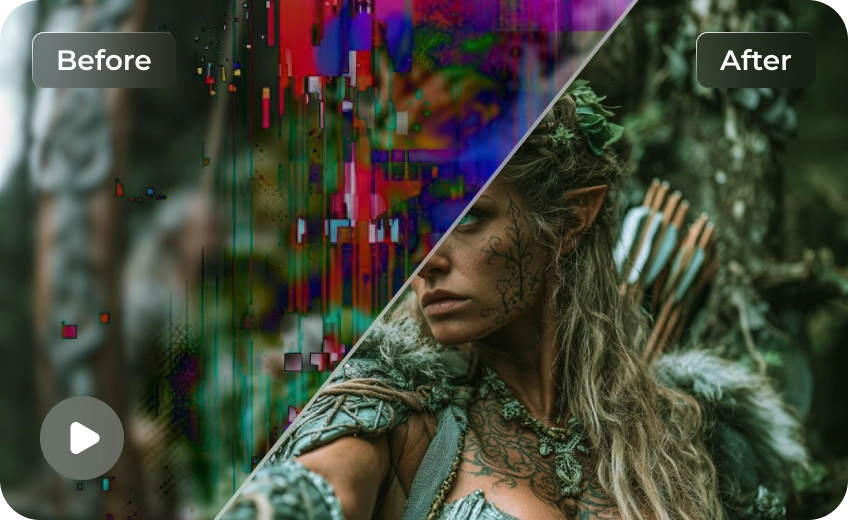
You can improve Veo 3.1 video quality by using AI video enhancement tools like HitPaw VikPea. Features such as AI upscaling, denoise processing, frame interpolation, and detail restoration help increase sharpness, smoothness, and texture quality while reducing artifacts commonly found in AI-generated footage.
Since Veo 3.1 mainly outputs videos at 720p or 1080p, creators often use AI upscaling software afterward to convert footage into 4K. HitPaw VikPea allows you to upscale Veo 3.1 videos with AI enhancement models that preserve detail and improve visual quality during conversion.
There isn’t a universal “best” AI model—each one is optimized for different situations. The ideal choice depends on the nature of your footage:
Portrait Model: Best for sharp, realistic human faces and repairing blurred features.
UHD Restoration Model: Ideal for high-quality videos; it enriches textures and removes imperfections.
Sharpen Model: Perfect for general noise reduction and making grainy videos look crisp.
Tips & Tricks for VikPea Veo 3.1 Videos Upscaler
- Upscale AI Generated Video: Turn Blurry Clips into Stunning HD and 4K Quality
- How the Best AI Features to Enhance UGC Videos to 8K/4K
- Best Free Video Resolution Enhancer Online Tools for Sharper Videos
- How to Upscale and Enhance Sora 2 Videos to Stunning 4K/8K Quality
- How to Enhance Product Video Quality: The Secret to Boosting E-Commerce Sales
 HitPaw VikPea
