





AI Frame Interpolation: Increase Video FPS for Smooth Playback
AI frame interpolation generates new frames between existing frames to increase a video's frame rate and create smoother motion. With HitPaw VikPea, you can convert low-FPS footage into smoother 60FPS, 120FPS, or higher-frame-rate video using AI-generated intermediate frames. It is useful for sports clips, gameplay, animation, action footage, slow-motion effects, and older videos with choppy playback.


AI Frame Interpolation to Increase Video FPS to 60/120/240FPS

Generate AI Frames for 4× More Motion Detail
Instead of simply duplicating frames, VikPea creates brand-new frames using motion estimation. By generating up to four times more frames, videos gain smoother transitions, clearer movement, and improved visual continuity even during fast camera motion.
Increase Video Frame Rate up to 60FPS, 120FPS or 240FPS
Upgrade your footage from 24FPS or 30FPS to higher frame rates like 60FPS, 120FPS, or even 240FPS. The AI intelligently fills in missing frames, producing fluid motion that looks natural and professional on modern displays and streaming platforms.
Enhance Slow-Motion Footage for Sports and Action Videos
Sports highlights, action footage, and fast movement benefit greatly from frame interpolation. By generating additional frames, VikPea enables ultra-smooth slow motion playback that reveals motion details without stuttering or ghosting artifacts.
AI Motion Analysis for Natural, Artifact-Free Playback
VikPea analyzes motion vectors across frames to avoid artifacts such as ghosting or motion tearing. Whether enhancing fast-paced sports footage, action scenes, or restoring old home videos, the AI preserves edges, textures, and motion accuracy for smooth and realistic results.

Multi-Format Support

Batch Processing

Real-Time Preview

Local Perfomance
Use Cases for AI Frame Interpolation
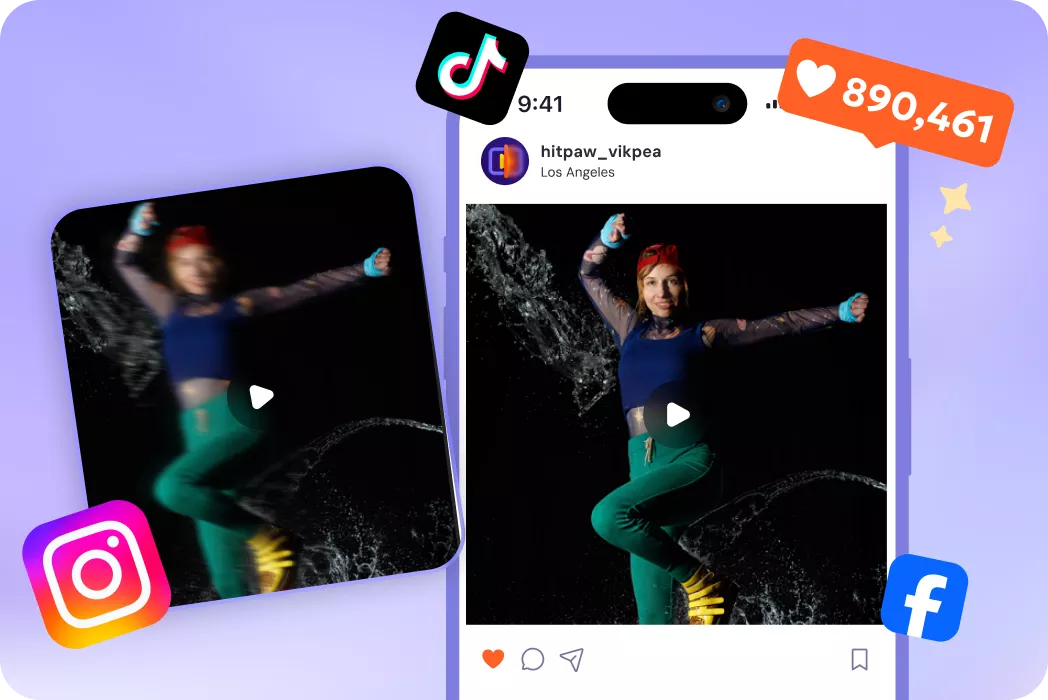
Drone & GoPro Footage
Smooth smartphone footage and create eye-catching slow motion for social videos.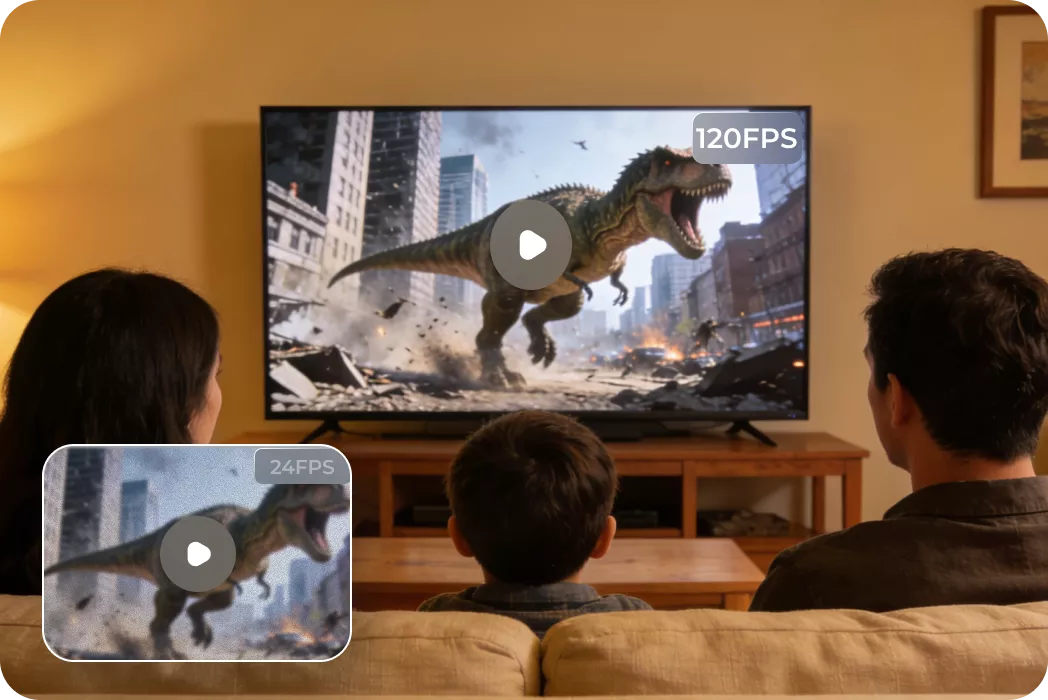
Video Editors and Filmmakers
Increase frame rate for smoother cuts, cinematic playback, and professional video.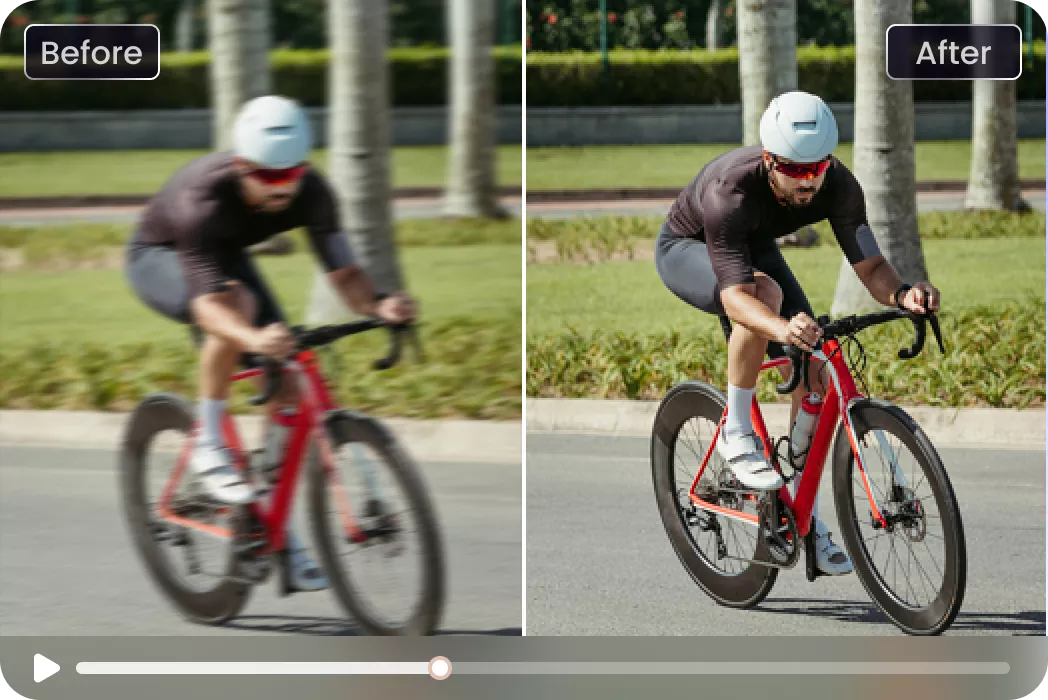
Sports and Action Video Producers
Generate smooth slow motion replays that reveal fast motion details clearly.What Users Say about AI Frame Interpolation

Travel Content Creator

"I converted my 30FPS drone footage to 120FPS and the difference was instantly visible. Camera movements look far smoother and the overall video feels much more professional."

Sports Videographer
"Frame interpolation works great for sports videos. It creates smooth slow motion without making the footage look artificial, which makes highlights feel more cinematic and engaging."

Video Editor
"I tested it on some old low frame rate clips and the improvement surprised me. Motion looks noticeably smoother while keeping the original details and natural movement."

Action Filmmaker
"This tool is perfect for action scenes and fast movement. After increasing the frame rate, the playback feels much smoother and clearer than the original recording."
How to Convert Low FPS Video to High FPS in 3 Easy Steps
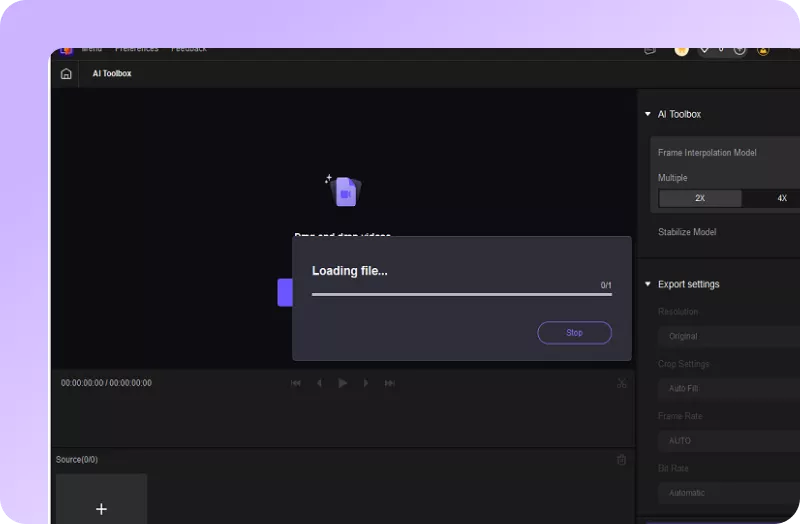
Import Your Video Files
Open HitPaw VikPea, then drag and drop your video into the Frame Interpolation section.
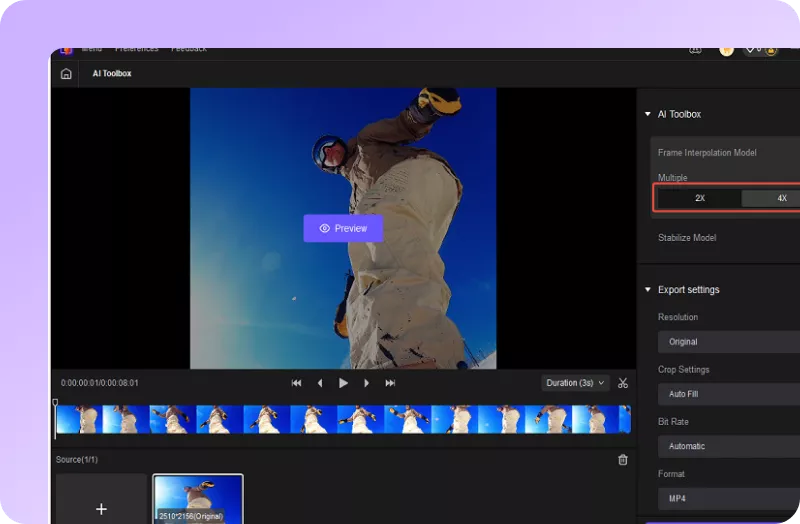
Choose Frame Insertion
Choose 2X or 4X frame insertion, preview the effect, and adjust settings if needed.
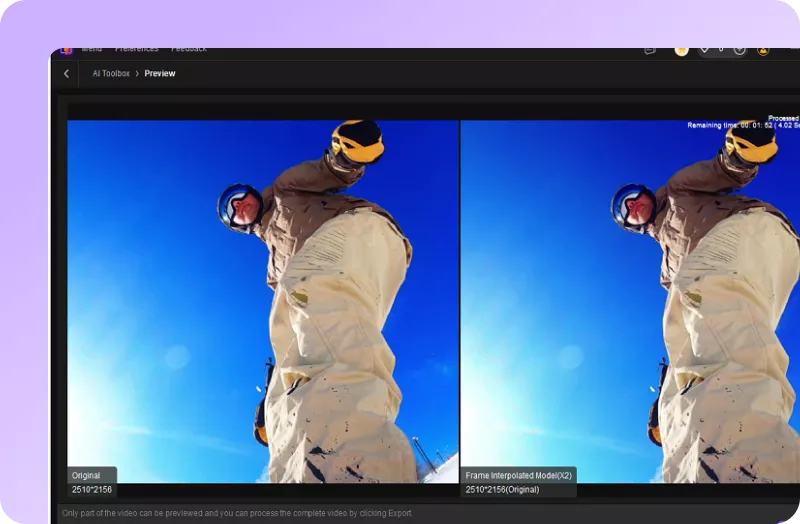
Export Interpolated Video
Set resolution, format, and folder, then click Export to save your high-FPS video.
Discover More Video Tools with HitPaw VikPea
FAQs About HitPaw Video Frame Interpolation AI
AI frame interpolation is a video technology that generates new frames between existing frames. By analyzing motion between frames, the AI creates smooth transitions, increasing perceived frame rate and reducing motion stutter for more natural video playback. Tools like HitPaw VikPea use AI to automate this process with high-quality results.
Yes. Frame interpolation increases the effective frames per second by generating additional intermediate frames. For example, a 30FPS video can be converted to 60FPS or 120FPS, resulting in smoother motion and improved viewing experience.
Higher frame rates such as 60FPS, 120FPS, or 240FPS are ideal for slow motion playback. More frames allow smoother motion when the video is slowed down, helping preserve visual clarity and reducing motion blur.
Yes. AI frame interpolation tools like VikPea Video Frame Interpolation can convert 30FPS videos to 60FPS or 120FPS by generating additional frames between original frames. This creates smoother motion without simply duplicating frames, which helps maintain natural movement.
Speed adjustment changes playback speed by duplicating or removing frames, which can cause choppy motion. Frame interpolation instead generates new frames based on motion prediction, producing smoother playback and more natural motion transitions.
The best AI frame interpolation software depends on your workflow. HitPaw VikPea is a practical option for users who want AI frame interpolation together with video enhancement, upscaling, restoration, preview, and batch processing. Flowframes is another option for users who prefer a free, open-source Windows workflow, while professional editors may prefer tools built into video editing software.
HitPaw VikPea provides a free trial version allowing users to import, process, and preview frame-interpolated videos before exporting.
Tips & Tricks for HitPaw VikPea Video Frame Interpolation
- 2026 Best AI Frame Interpolation Software for Smoother Video
- Top 7 Video FPS Changers to Smooth & Enhance Your Footage
- How to Use Frame Interpolation on Davinci Resolve to Smooth Videos
- AI-Generated Interpolated Frames and Copyright Ownership
- What Is Flowframes Video Interpolation and How Does It Work?
 HitPaw VikPea
