







HitPaw VikPea AI Educational Video Enhancer: Perfect Every Detail of AI Teachers

Enhance AI Teacher Face Details for Professional Online Courses
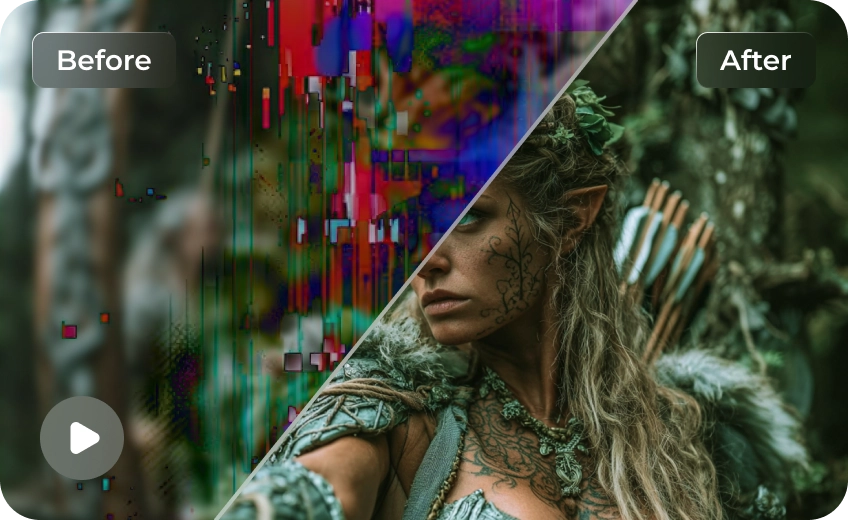
AI-generated avatars often suffer from blurry facial features, synthetic skin textures, and artifacts around the mouth during lip-sync. HitPaw VikPea utilizes advanced AI Face Enhancement technology to restore sharp eyes, natural skin details, and crisp lip movements—delivering lifelike AI presenters that boost student engagement and course credibility.
Enhance AI Science Videos: Sharpen Complex Details to 4K
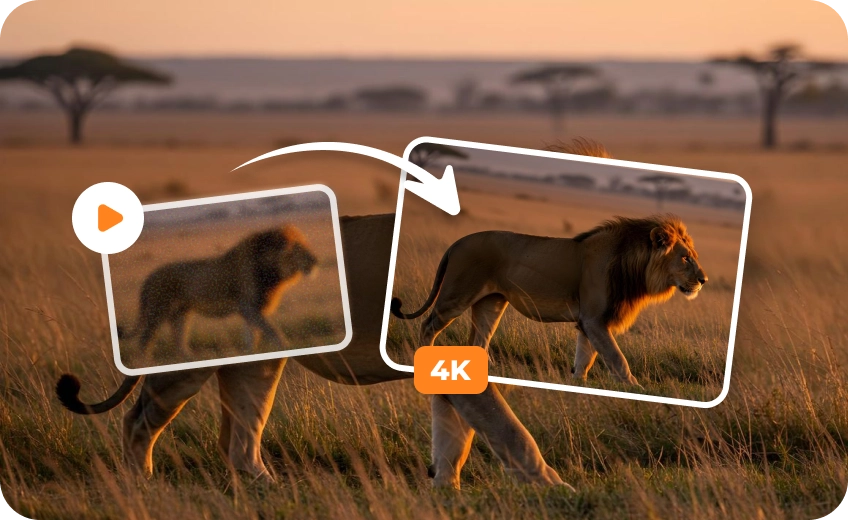
AI-generated science explainers often suffer from blurry micro-structures, fuzzy text labels, and unclear scientific graphics. HitPaw VikPea recovers intricate details in astronomy, biology, and physics videos, upscaling complex visuals into ultra-sharp 4K to make educational content more convincing and professional.
AI Animation Upscaler for Educational Videos: Crystal-Clear Visuals
AI-generated 2D and 3D educational animations often lose clarity, leaving lines jagged, colors washed out, and visuals pixelated. HitPaw VikPea’s specialized Animation Model sharpens anime line art, removes visual noise, and upscales low-resolution educational cartoons into crisp 4K Ultra-HD, giving your animated lessons a studio-grade look.
Improve AI Course Video Quality: Boost Frame Rate for Smooth Motion
AI-generated educational videos often look choppy due to low frame rates during complex movements, such as lab experiment interactions or dynamic 3D physics models. HitPaw VikPea’s advanced Frame Interpolation technology automatically converts 24 FPS videos into buttery-smooth 60 FPS or 120 FPS high-frame-rate footage, making every teaching motion natural, realistic, and engaging.

Multi-Format Support

Batch Processing

Real-Time Preview

Local Perfomance
Cost Breakdown: Native 4K vs. Low-Res + HitPaw Upscaling
Want to save up to 75% on 4K video costs? Instead of rendering resource-heavy footage directly in 4K, smart creators are shifting to a high-efficiency workflow: generating content at a lower resolution and upscaling it using the HitPaw VikPea. Here is how the two approaches stack up in terms of cost, speed, and efficiency.
| Model Name | 720p/min($) | 1080p/min($) | 4k/min($) |
|---|---|---|---|
| Kling 3.0 Omni | $7.56 | $10.08 | $25.20 |
| Seedance 2.5 | $13.56 | $33.55 | Not Supported |
| Veo 3.1 Standard | $24.00 | $24.00 | $36.00 |
| Runway Gen-4.5 | $7.20 | Not Supported | Not Supported |
| Vidu Q4 Preview | $5.70 | $7.20 | $23.40 |
| Wan 3.0 Video | $4.95 | $9.90 | Not Supported |
| Grok Imagine Video 1.5 | $8.40 | $15.00 | Not Supported |
| PixVerse V6 | $3.60 | $6.90 | Not Supported |
| Luma Ray3.2 | $5.40 | $21.60 | Not Supported |
| VikPea Plan | Monthly Plan | Yearly Plan | Perpetual Plan |
|---|---|---|---|
| Cost of 4K Upscaling | about $1.43/Day | about $0.27/Day | <$0.02/Day |
Use Cases for AI Educational Video Enhancer
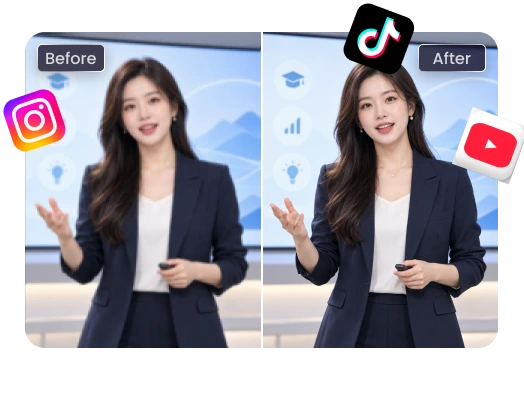
Boost YouTube Course & Explainer Quality
Transform low-res AI avatar talking heads into studio-grade 4K videos. Keep your subscribers engaged with sharp facial details and distraction-free educational content.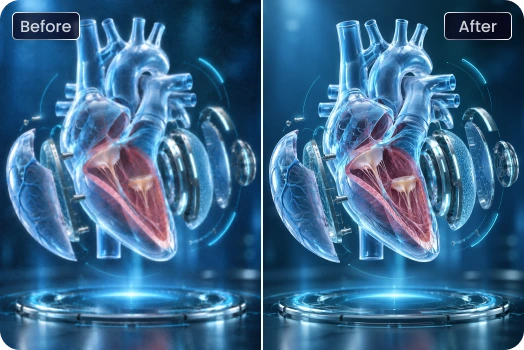
Clarify Complex Science & Tech Graphics
Upscale blurry AI 3D models, medical animations, and physics diagrams so every micro-structure, text label, and data trend is sharp and readable.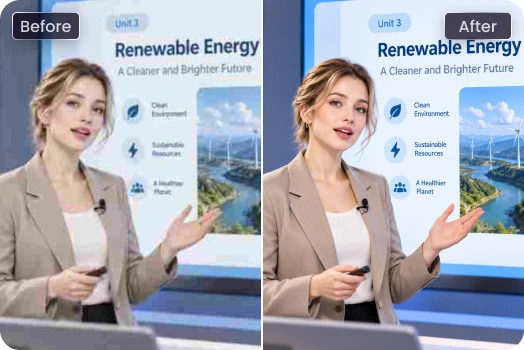
Meet Professional LMS Video Standards
Ensure your AI-generated online course modules pass the strict HD/4K quality requirements of Udemy, Coursera, and Skillshare without re-rendering from scratch.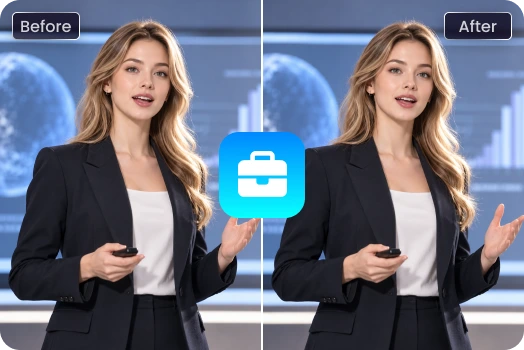
Professionalize Enterprise AI Presenters
Enhance corporate AI avatar presenters, internal training modules, and product explainer videos for a polished, trustworthy brand image.What Creators & Educators Say About HitPaw VikPea

AI Course Creator

"I generate my online course presenters using AI avatar tools, but the facial details and lip-sync were often too blurry for HD publishing. VikPea restored crisp facial textures and bright eyes in minutes, making my courses look completely studio-produced!"

YouTube STEM & Science Educator
"My science explainer animations had ugly pixelation after AI generation. HitPaw VikPea’s Animation Model upscaled my 3D physics graphics to crystal-clear 4K."

Enterprise L&D Specialist
"We create dozens of internal onboarding videos each month. VikPea’s frame interpolation fixed the choppy avatar movements, making our training presentations look smooth, natural, and highly professional."

AI Educational Animator & Content Producer
"Creating K-12 animated explainers with AI tools used to leave me with jagged lines and blurry color blocks. VikPea's AI Animation Upscaler transformed my 720p draft animations into crisp, 4K studio-quality visuals."
How to Enhance AI Educational Videos in 3 Easy Steps
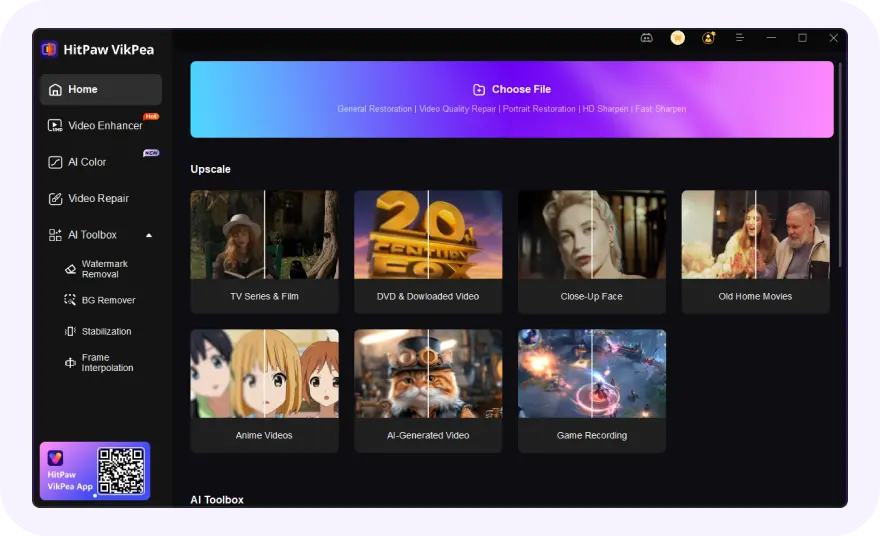
Import AI-Generated Course Video
Launch VikPea and drag-and-drop your AI-generated teaching footage, course clips, or educational animations into the workspace.
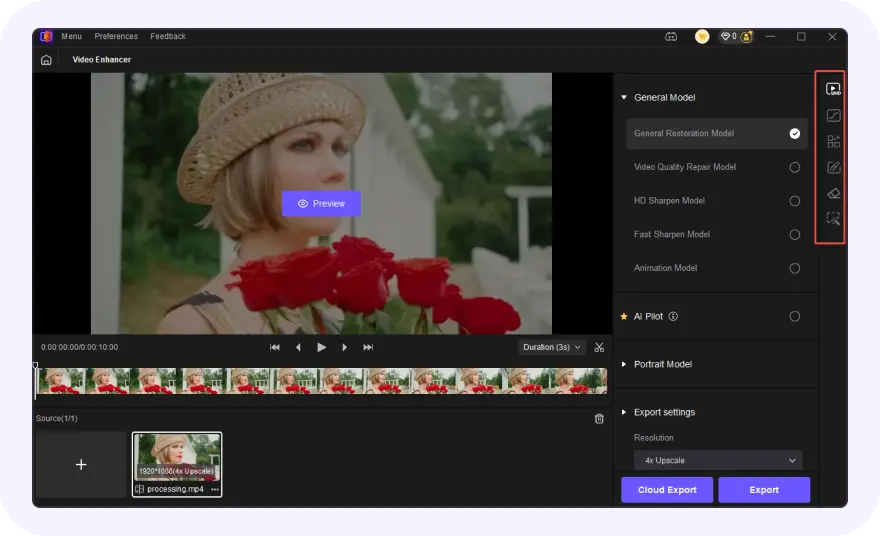
Select AI Model for Educational Scenarios
Choose the Face Model for AI presenter clarity, Animation Model for science graphics, or enable Frame Interpolation for ultra-smooth motion.
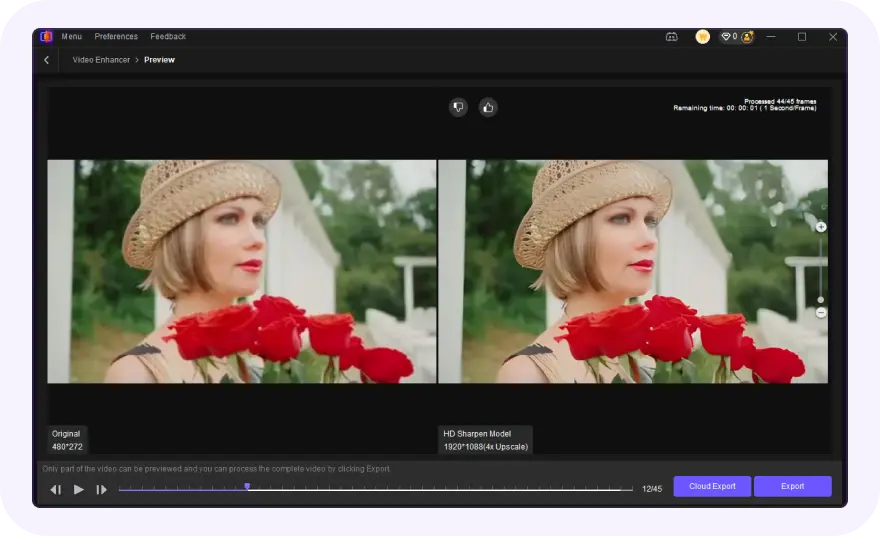
Preview and Export 4K Ultra-HD Course
Preview the enhancement results in real time with side-by-side comparison, then export high-resolution 4K videos ready for YouTube or LMS platforms.
Discover More Video Tools with HitPaw VikPea
FAQs About HitPaw VikPea AI Educational Video Enhancer
Yes. HitPaw VikPea can upscale low-resolution AI course videos (720p/1080p) to crisp 4K Ultra-HD without quality loss.
Import your video into HitPaw VikPea, select the AI Face Model, and click preview. It automatically sharpens facial features, eyes, and skin textures.
Yes. Use the Animation Model to eliminate jagged edges and blurry lines in 2D or 3D educational cartoons and science animations.
You can use the Frame Interpolation feature to automatically convert low-frame-rate videos (24 FPS) into smooth 60 FPS or 120 FPS.
Tips & Tricks for AI Video Enhancer
 HitPaw VikPea
