





Enhance AI Avatar & Talking Head Videos with Crystal-Clear Quality
Struggling with blurry faces, compression noise, or fuzzy hair edges in AI avatar videos? Low-res footage reduces viewer trust. HitPaw VikPea sharpens facial details, clears edge artifacts, and enhances overall clarity—turning soft AI talking head videos into crisp, professional-quality clips in just a few clicks.


Restore, Refine & Upscale Your AI Avatar Videos Effortlessly

Upscale AI Avatar Videos to 4K Resolution
Low-resolution AI avatar videos can look soft when displayed on larger screens or reused in high-definition content. HitPaw VikPea helps boost low-resolution 720p or 1080p AI avatars into stunning 4K footage. Whether you need full-screen presenter videos or high-bitrate social media clips, the upscaler delivers cinema-grade clarity suited for modern displays and broadcasts.
Advanced Facial Detail & Expression Restoration
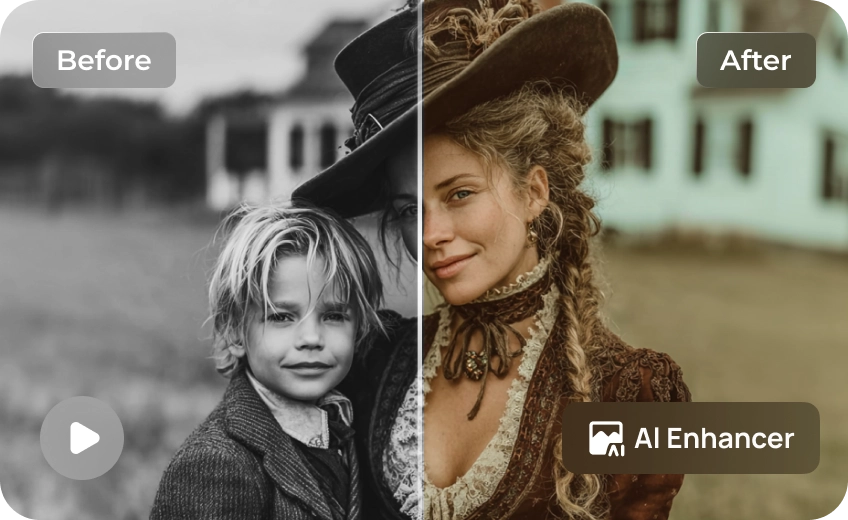
AI-generated talking head videos can look soft or lack definition around the eyes, eyebrows, lips, and other facial features. HitPaw VikPea helps enhance facial details and improve overall sharpness, making virtual presenters look clearer and more polished. With natural-looking enhancement, you can improve facial clarity without making your AI avatar appear excessively sharpened or artificial.
Precision Hair & Fine Edge Refinement
Hair strands, facial contours, and other fine edges can look fuzzy or jagged in low-quality AI avatar videos. AI video enhancement helps sharpen these details and improve the definition of the subject's outline. Whether you're working with a virtual presenter or an AI-generated character, clearer edges can make the footage look cleaner and more consistent, especially in close-up shots.
Reduce Compression Artifacts and Noise in AI Videos
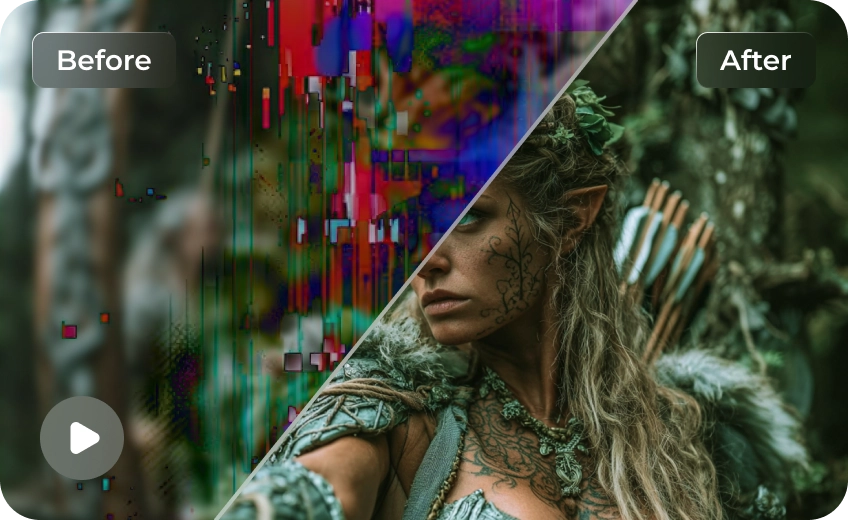
AI-generated videos may lose visual quality during export, compression, or repeated sharing. You may notice blocky artifacts, unwanted noise, or reduced clarity in facial details and smooth color transitions. HitPaw VikPea helps reduce visual noise and improve the overall appearance of low-quality footage, making existing AI avatar videos look cleaner without having to regenerate the entire clip.

Multi-Format Support

Batch Processing

Real-Time Preview

Local Perfomance
Tailored Solutions for Every AI Video Creator
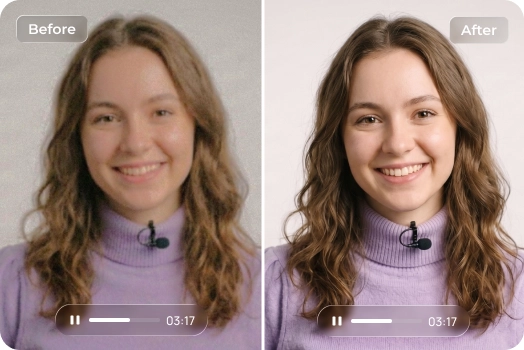
AI Avatar Creators
Turn soft AI generated talking heads into polished, ultra-clear presenters that build credibility and boost viewer retention across YouTube and social platforms.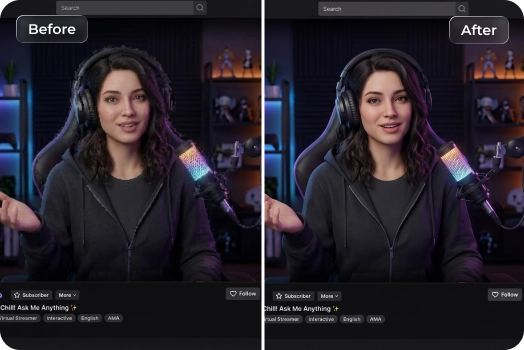
Virtual Streamers & VTubers
Enhance recorded virtual-host content, character presentations, and avatar-based videos. Improve visible details and reduce softness in existing footage.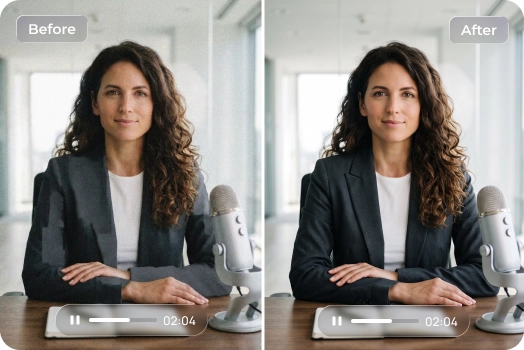
AI Video Marketers & Educators
Produce professional corporate training modules, product demos, and localized ad campaigns using AI avatars that look clean, crisp, and high-budget on any device.Cost Breakdown: Native 4K vs. Low-Res + HitPaw Upscaling
Want to save up to 75% on 4K video costs? Instead of rendering resource-heavy footage directly in 4K, smart creators are shifting to a high-efficiency workflow: generating content at a lower resolution and upscaling it using the HitPaw VikPea. Here is how the two approaches stack up in terms of cost, speed, and efficiency.
| Model Name | 720p/min($) | 1080p/min($) | 4k/min($) |
|---|---|---|---|
| Kling 3.0 Omni | $7.56 | $10.08 | $25.20 |
| Seedance 2.5 | $13.56 | $33.55 | Not Supported |
| Veo 3.1 Standard | $24.00 | $24.00 | $36.00 |
| Runway Gen-4.5 | $7.20 | Not Supported | Not Supported |
| Vidu Q4 Preview | $5.70 | $7.20 | $23.40 |
| Wan 3.0 Video | $4.95 | $9.90 | Not Supported |
| Grok Imagine Video 1.5 | $8.40 | $15.00 | Not Supported |
| PixVerse V6 | $3.60 | $6.90 | Not Supported |
| Luma Ray3.2 | $5.40 | $21.60 | Not Supported |
| VikPea Plan | Monthly Plan | Yearly Plan | Perpetual Plan |
|---|---|---|---|
| Cost of 4K Upscaling | about $1.43/Day | about $0.27/Day | <$0.02/Day |
What Users Say about AI Avatar Video Enhancer

AI Content Creator

"My AI-generated talking head videos always looked pixelated around the mouth and eyes after exporting. HitPaw VikPea sharpened those facial details remarkably well while keeping the movements natural."

Virtual Streamer
"I sometimes reuse recorded avatar clips for short videos. The original files can look less crisp after export and compression. Enhancing them makes the footage look cleaner."

Video Marketing Specialist
"We rely heavily on AI avatars for localized ad campaigns, but video compression was ruining the quality. VikPea removed all the blocky artifacts and made our presenters look crisp and professional."

Online Course Creator
"I use AI presenters for instructional videos, and facial clarity matters when the presenter stays on screen. Video Enhancer is a useful extra step when the exported footage looks softer than the original preview."
How to Improve AI Talking Head Video Quality in 3 Easy Steps
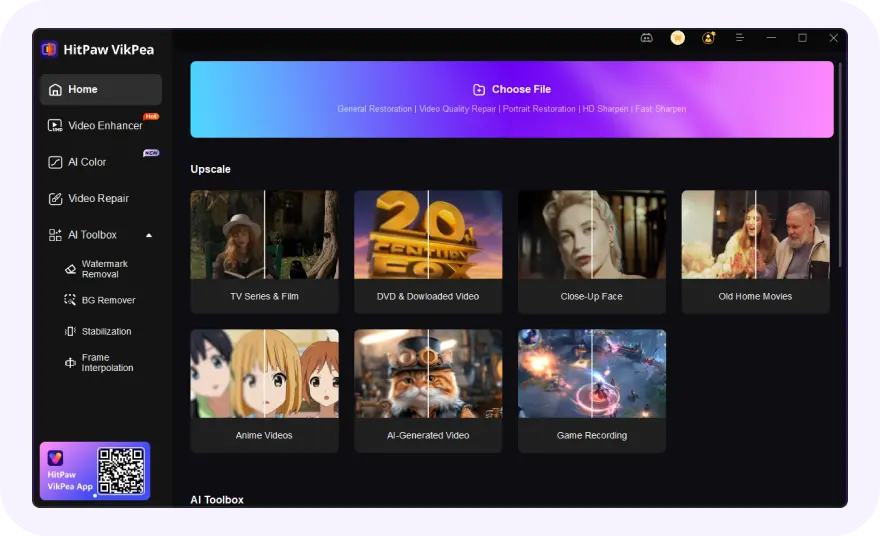
Upload Your AI Avatar Video
Upload your AI-generated avatar, virtual presenter, or talking head video that needs better clarity and detail.
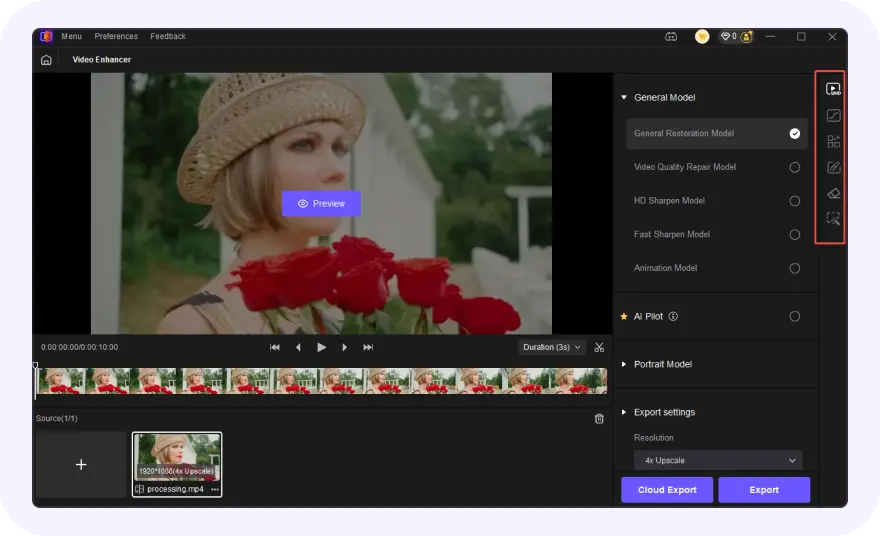
Choose an AI Enhancement Model
Choose the specialized AI enhancement model optimized for facial detail restoration, hair edge refinement, and noise reduction.
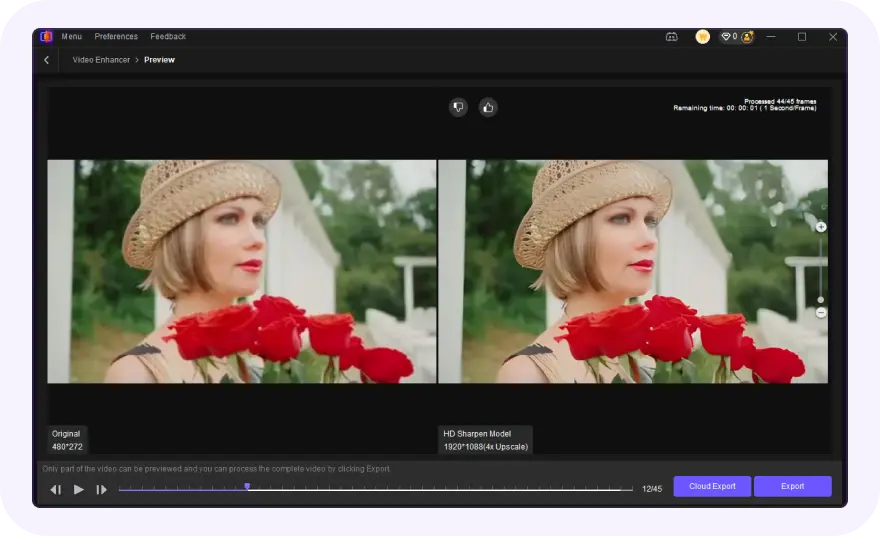
Preview and Export in High Definition
Preview the real-time side-by-side enhancement result, then render and export your video in crisp 1080p or up to 4K resolution.
Discover More Video Tools with HitPaw VikPea
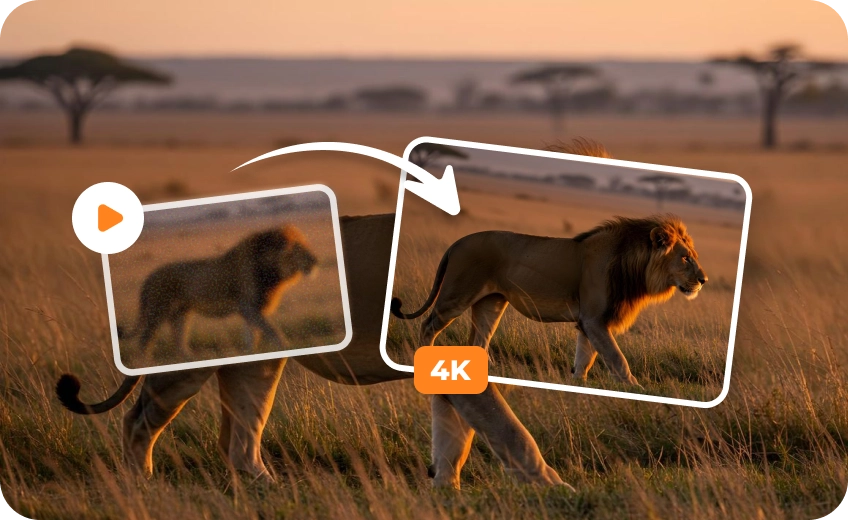
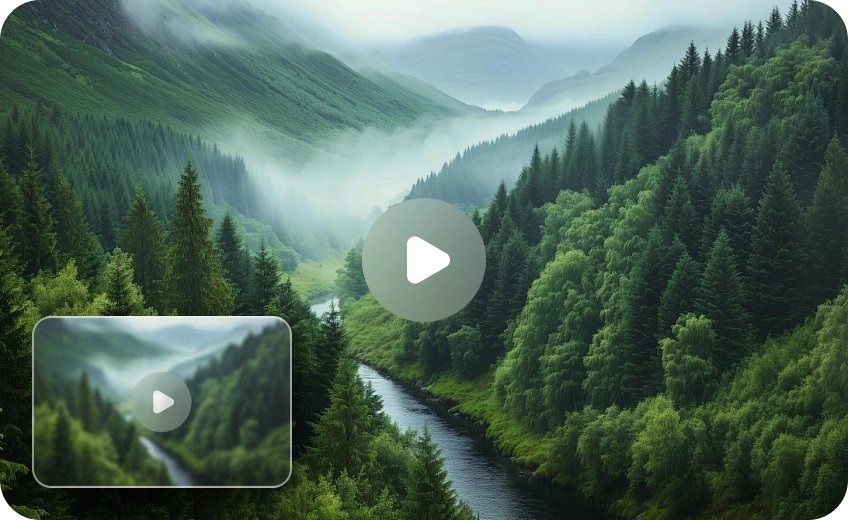
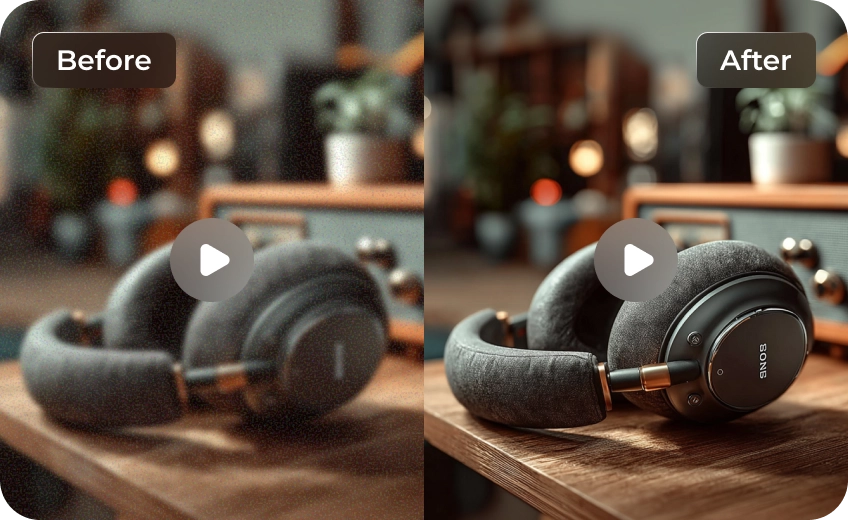
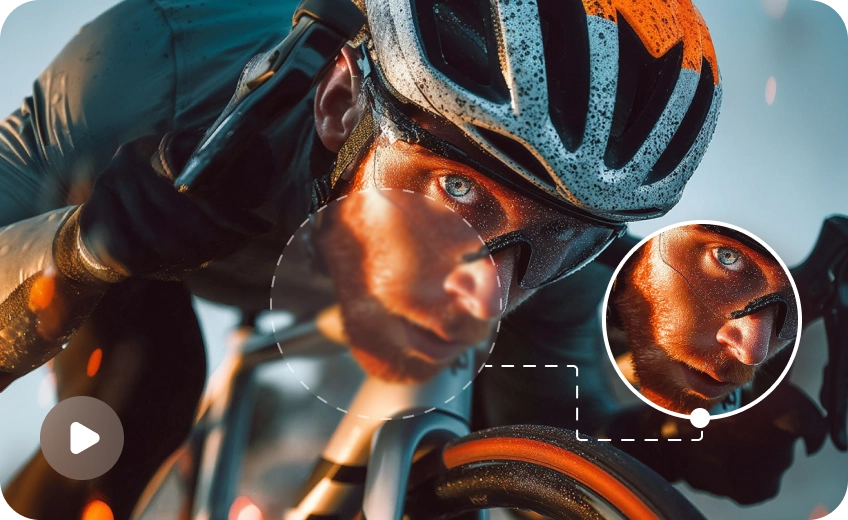
FAQs About HitPaw VikPea Avatar Video Enhancer
HitPaw VikPea utilizes deep-learning AI portrait models trained to recognize human facial structure. It selectively sharpens blurry eyes, skin textures, and lips while preserving natural motion and lighting.
No. HitPaw VikPea balances detail enhancement with noise reduction to ensure skin tones and expressions remain realistic without introducing plastic-looking textures or harsh sharpening effects.
HitPaw VikPea supports all major video formats, including MP4, MOV, AVI, MKV, and WebM, allowing you to easily import clips exported from any AI video generator.
Yes, HitPaw VikPea supports batch processing, letting you upload, enhance, and upscale multiple AI avatar clips simultaneously to save time on high-volume production workflows.
Tips & Tricks for VikPea Seedance 2.5 AI Videos Upscaler
 HitPaw VikPea
