





AI Video Retouching: Smooth Skin & Beautify Selfie Videos
Enhance every frame effortlessly! Turn footage into flawless, professional-grade content with powerful AI video retouching software. Whether you need to beautify selfie videos, smooth skin in video clips, or perfect facial features, achieve studio-quality video face retouch results automatically without complex manual editing.


Retouch Videos with AI for a More Polished Look

Smooth and Refine Skin in Videos Naturally
Smooth skin in video projects effortlessly with preset styles like Smooth, Charm, and Warm. Fine-tune details with precise controls for Skin Smooth, Roughness, and Ruddy tones, delivering instant, seamless side-by-side skin clarity improvements.
Explore Different Beauty Effects for Videos
Transform your look instantly with dynamic video beauty effects. Effortlessly apply presets for facial reshaping like Big Eyes or Small Face, and smooth skin tones with No Wrinkles, No Bags, or Bronze for flawless vlogs.
Enhance Your Look with Virtual AI Makeup
Apply stunning digital cosmetics in seconds with natural-looking makeup presets. Choose from full-face styles like Bright Matte or Radiant Shine, or refine details with Eyeshadow, Winged Eyeliner, and Lips for a camera-ready look.
Restore Portrait Details for Clearer, More Natural Faces
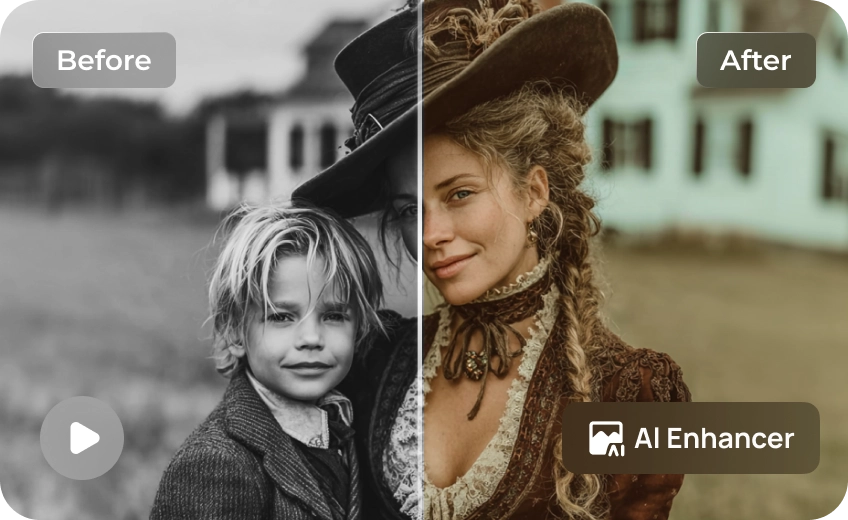
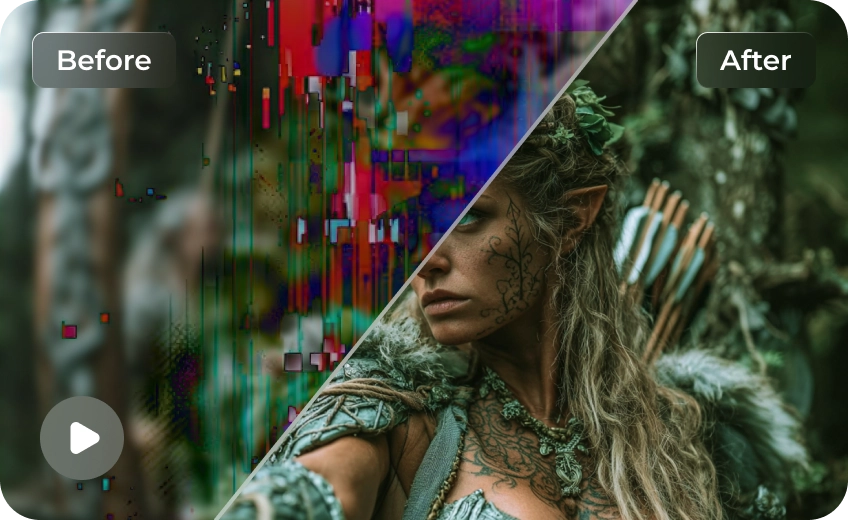
Revitalize blurred clips using advanced AI portrait restoration models. Effortlessly brighten skin tone, recover hair textures, refine clothing details, and restore sharp facial outlines without over-smoothing or losing authentic depth.

Multi-Format Support

Batch Processing

Real-Time Preview

Local Perfomance
Use Cases for HitPaw VikPea AI Video Retouching
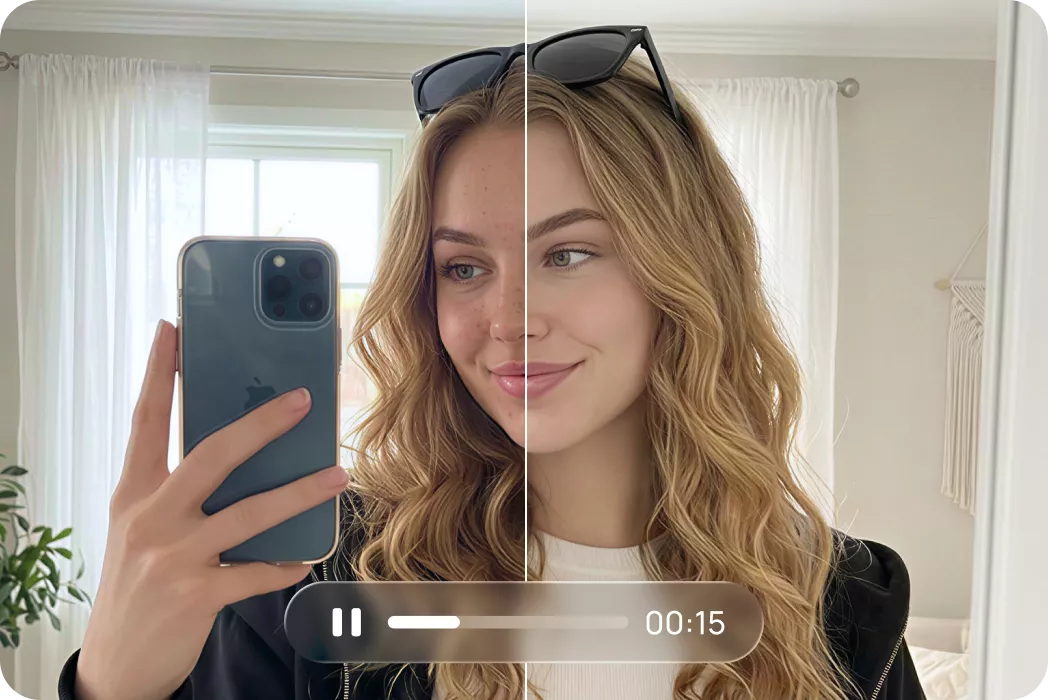
Selfie and Beauty Videos
Beautify selfie videos with skin retouching and personalized facial effects for a polished on-camera appearance.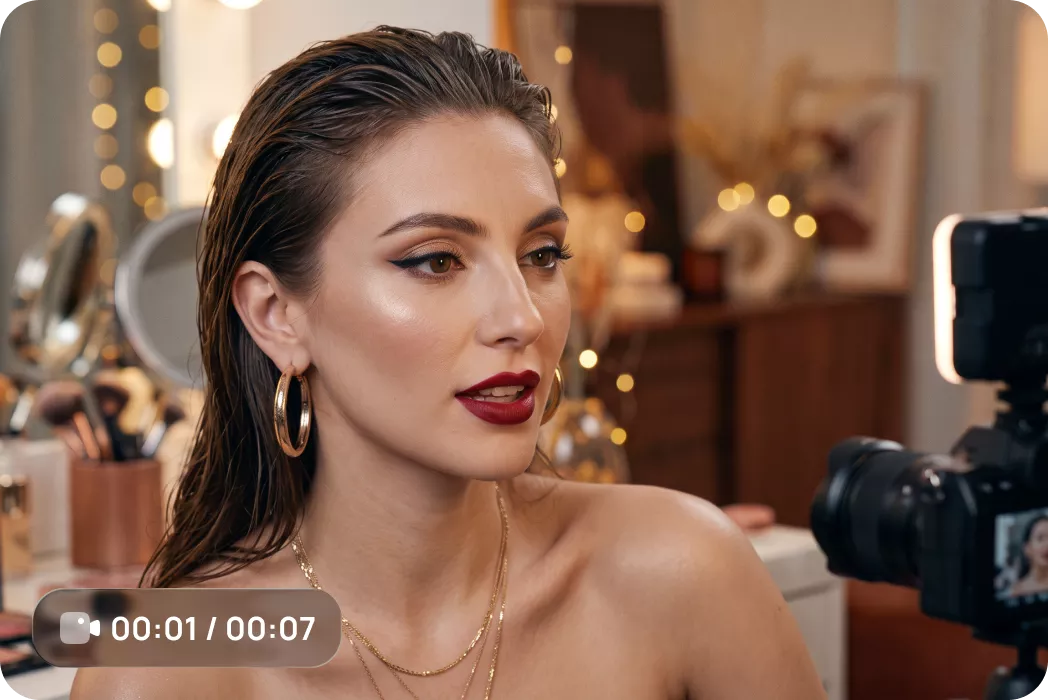
Vlogs and Personal Videos
Refine portrait details and explore natural-looking beauty effects for everyday recordings and personal memories.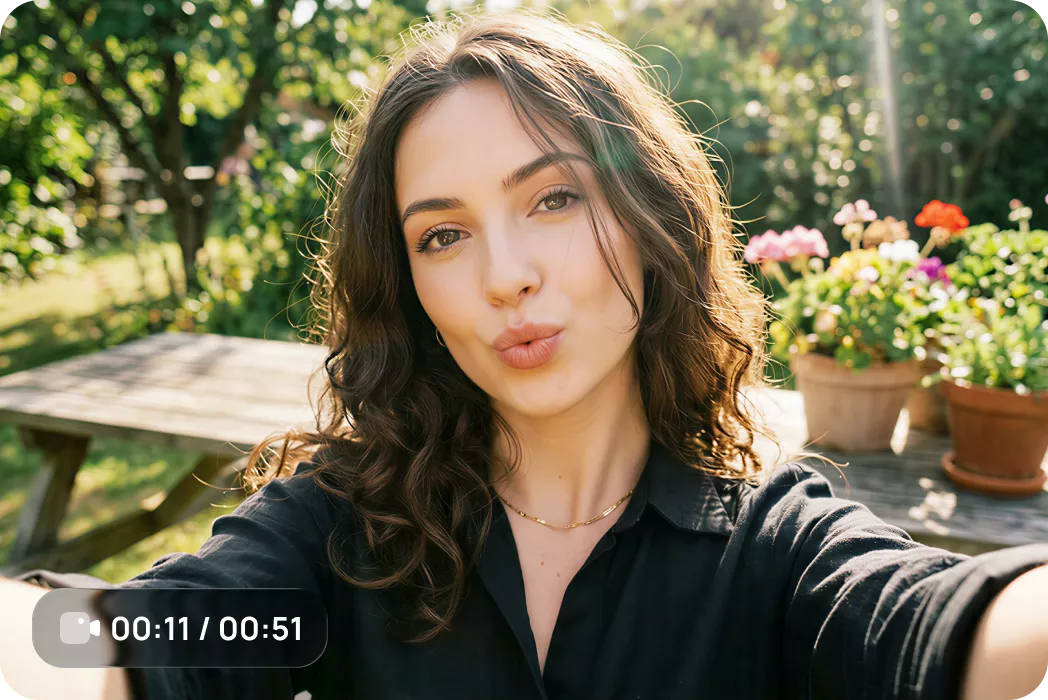
Social Media and Creator Content
Retouch faces, enhance portrait details, and create polished videos for TikTok, Instagram Reels, and YouTube Shorts.What Users Say About VikPea AI Video Retouching

Sarah M., Travel Content Creator

"I wanted my selfie videos to look more polished without making my skin look artificial. The skin retouching options give me different looks to try, so I can choose a result that feels right for each video."

David L., Event Videographer
"I like having several beauty presets in one place. Instead of manually adjusting every detail, I can compare different effects and find a style that works for my short videos."

Elena R., Beauty & Lifestyle Influencer
"The facial adjustment options let me experiment with different looks for my portrait videos. I can keep the changes subtle and create a more refined appearance without completely changing how I look."

Marcus T., Digital Marketer
"Some of my portrait footage looks softer than I would like. The portrait restoration features give me another way to improve facial details and make my videos look more presentable."
How to Retouch a Video with HitPaw VikPea
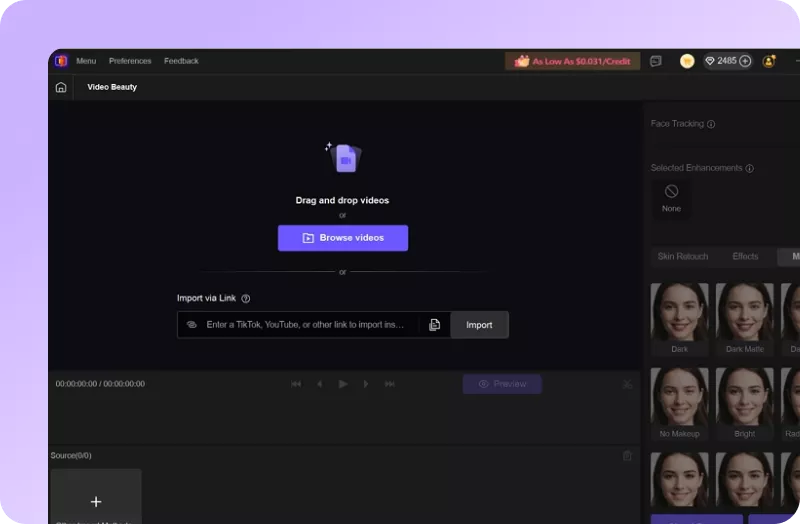
Import Video
Open HitPaw VikPea and click Video Beauty. Upload your clip (portraits, selfie videos, or vlogs).
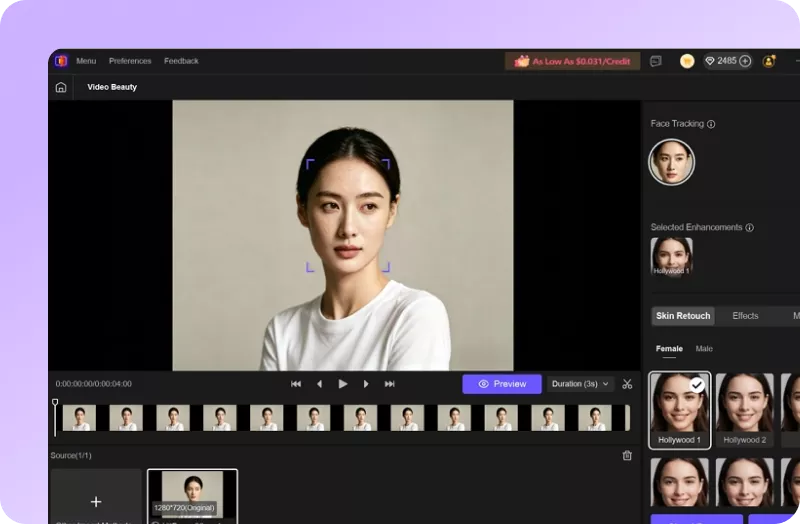
Apply Retouch & AI Effects
Select a skin preset, try different beauty effects, or adjust facial features according to your preferred look.
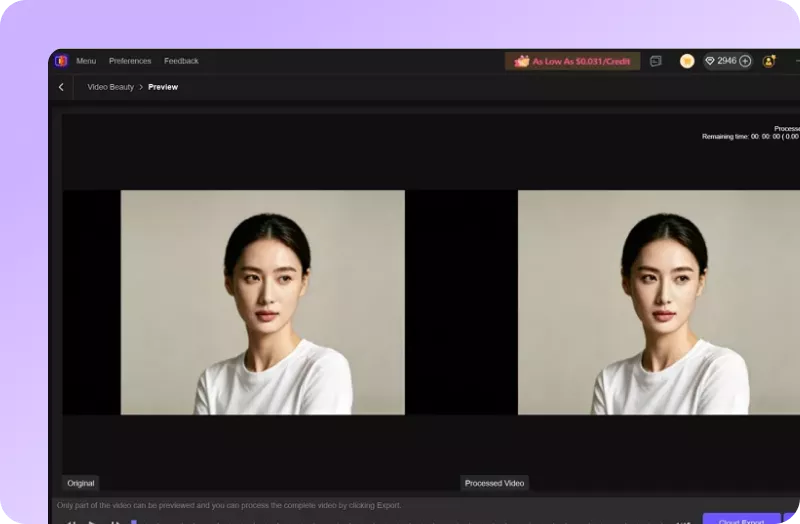
Preview & Export
Compare the changes to ensure a natural finish, then export your video in your preferred settings.
Discover More Video Tools with HitPaw VikPea
FAQs About HitPaw VikPea AI Video Retouching
AI video retouching uses artificial intelligence to improve the appearance of people in videos. Depending on the tool, it can include skin smoothing, beauty effects, facial adjustments, and portrait detail restoration. HitPaw VikPea offers skin retouching options, beauty effects, facial adjustments, and AI portrait restoration features.
Import your media into HitPaw VikPea, select the Portrait model/Video Beauty model, and choose a preferred skin smoothing preset. Customize settings like Skin Smooth or Ruddy as needed, then click preview to generate silky, natural-looking skin instantly.
Upload your clip to HitPaw VikPea, pick your target retouching preset, and adjust specific facial features like eye size or face shape. The AI automatically tracks the moving face throughout the video for consistent, seamless beautification across every frame.
The best portrait retouching tool depends on your content and preferred workflow. Look for skin retouching, facial adjustments, beauty effects, and portrait restoration capabilities. HitPaw VikPea combines these options to help you refine portrait videos for social media, personal branding, and short-form content.
The best tools for retouching vlogs and personal videos should offer practical portrait enhancement, flexible beauty effects, and a straightforward workflow. HitPaw VikPea provides skin retouching, facial adjustment options, and AI portrait restoration features to help you create more polished personal videos.
Tips & Tricks for HitPaw VikPea AI Video Retouching
 HitPaw VikPea
