



Sharpen Image – AI Make Every Photo Clear and Crisp
Turn any blurry photo into a sharp image in seconds. HitPaw FotorPea uses advanced AI to sharpen images, restore fine details, and enhance clarity automatically. Whether you want to sharpen a blurry image, improve portraits, or refine product shots, our AI image sharpen tool makes it easy.



Best AI Sharpen Image Tool You Should Try
Sharpen Blurry Images with AI Precision
Blurry or low-quality photos can instantly reduce visual impact. With HitPaw FotorPea, you can sharpen image details using advanced AI that detects edges, textures, and facial features automatically. You can turn a soft photo into a sharp image, the process is fast, accurate, and requires no editing skills.
Enhance Product Details Without Over-Sharpening
FotorPea AI image sharpener intelligently enhances textures—like fabric, jewelry, and surfaces—without introducing noise or halos. Unlike a traditional image sharpener, it preserves natural details while making products look clean, polished, and ready to sell.
Balance Sharpness and Noise for Travel Photography
Travel photos often suffer from low light and high ISO noise. FotorPea AI image sharpener automatically balances clarity and noise reduction, delivering sharp landscapes and clean night shots. It keeps skies smooth while preserving fine details like mountains, city lights, and textures.
Instantly Sharpen Real Estate Photos
Blurry interior photos can reduce property appeal. With HitPaw FotorPea, you can enhance real estate images without manual adjustments. It works faster than a traditional image sharpener, improving clarity of furniture, edges, and lighting, making spaces look more professional.

Instant HD Quality

Multi-Format Support

Batch Processing

Local Perfomance
Use Cases for HitPaw FotorPea AI Sharpen Image
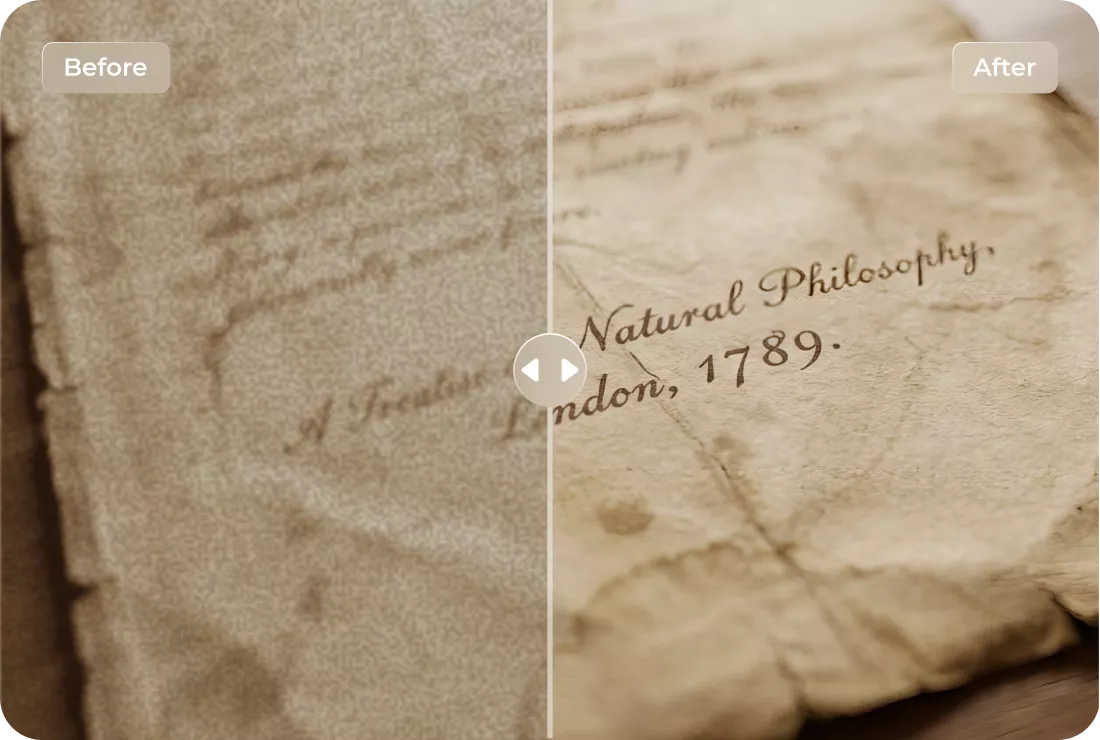
Sharpen Documents & Text Images
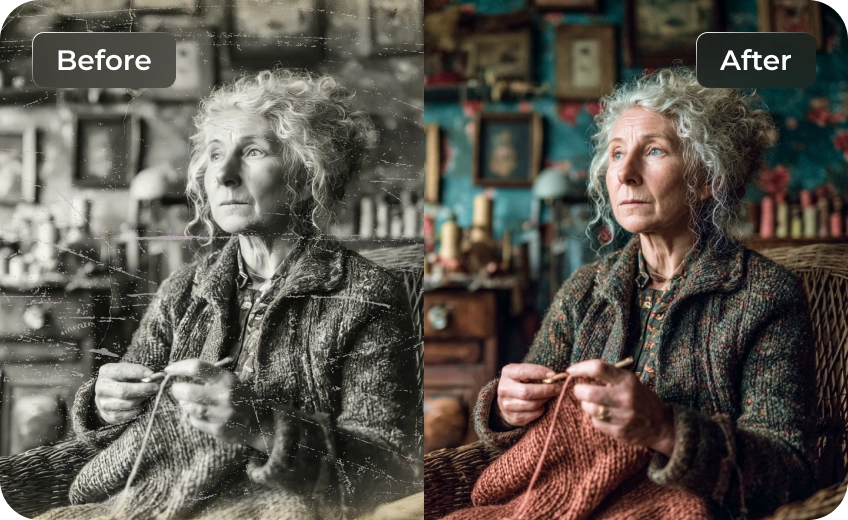
Sharpen images from scans or aged photos, restoring details and making them clearer without damaging original look.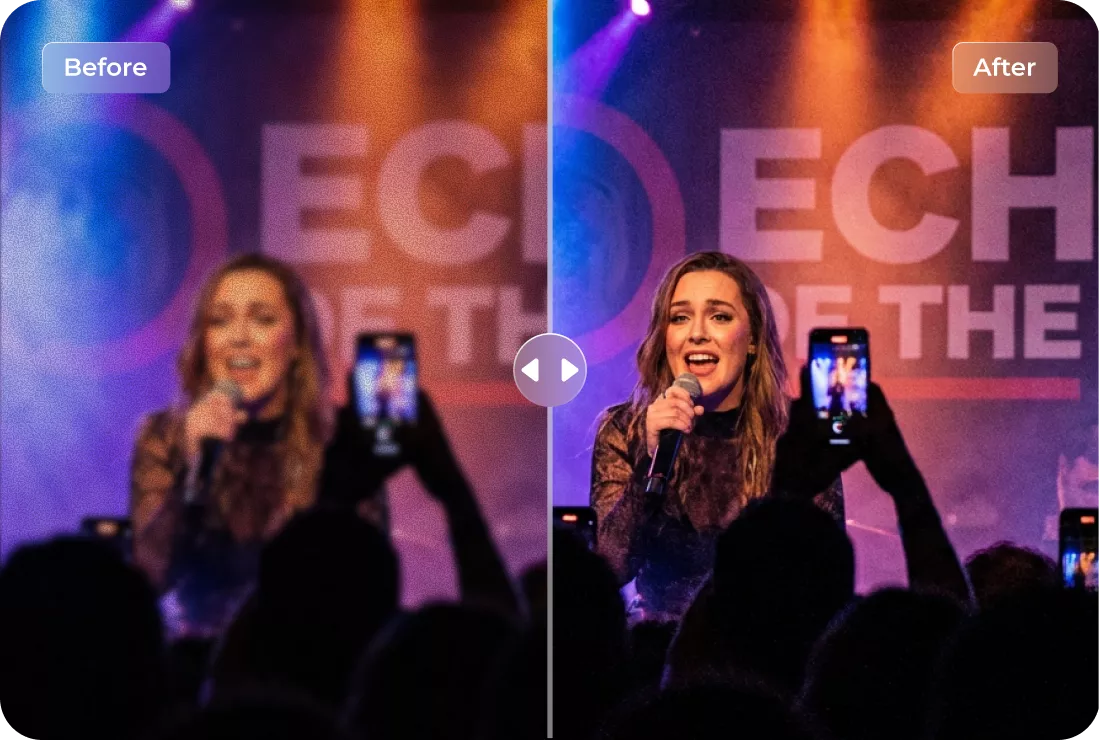
Zoomed & Distant Shots
Distant photos often lose detail. HitPaw AI can sharpen and restore clarity effortlessly.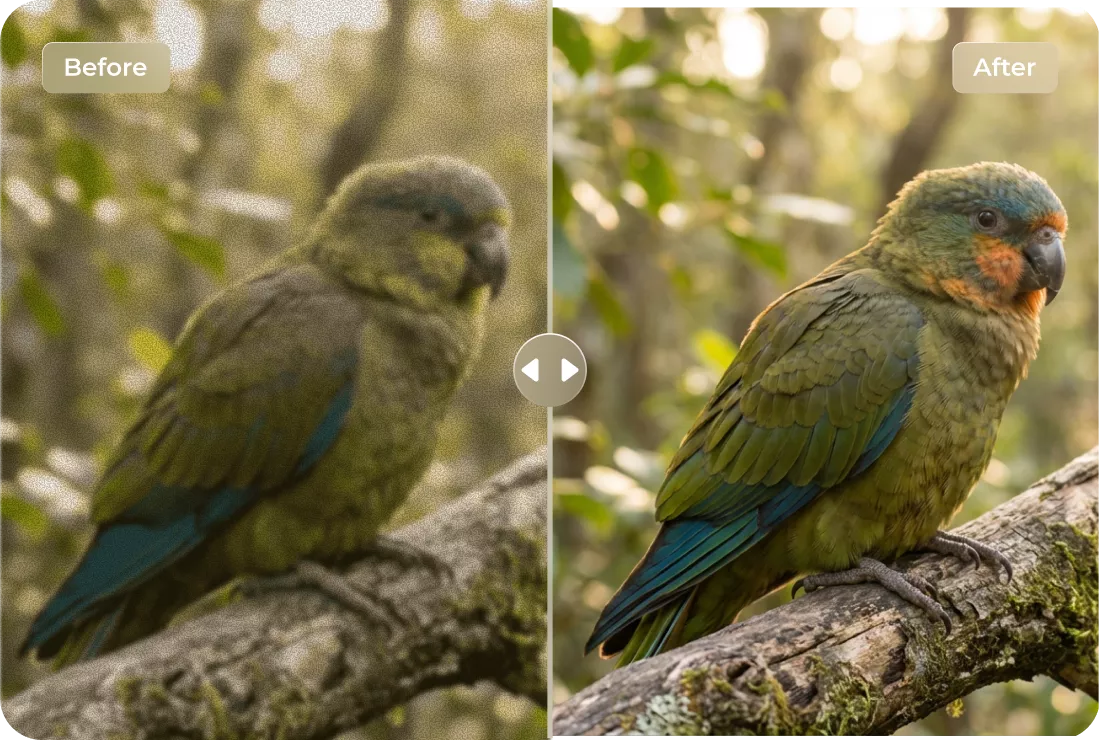
Macro & Nature Details
FotorPea AI image sharpener helps sharpen images by enhancing fine textures like petals, leaves, and surfaces.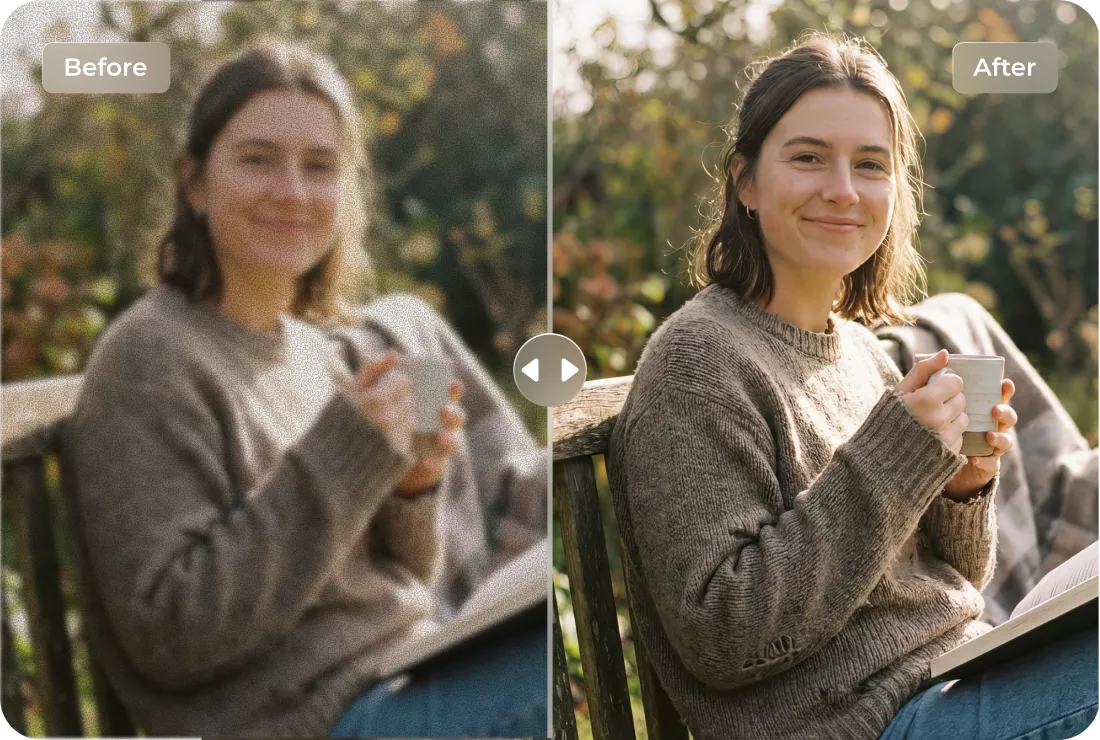
Travel & Lifestyle Photos
Sharpen images from travel, daily life, or spontaneous shots—making every memory look well-defined.What Users Say about AI Image Sharpen with FotorPea

Social Media Manager @socialqueen92

Posting images on Instagram is so much better now! The sharpen feature makes every photo pop without overdoing it.

Food Blogger @tastytales
My food shots look incredible! HitPaw FotorPea makes the ingredients and textures really stand out. My readers notice the difference.

Real Estate Agent @homesnapspro
Property photos are so much clearer now. The sharpen tool helps details like flooring, fixtures, and room edges look professional for listings.

Blogger @stylewithsophie
I love how easy it is to sharpen my fashion photos. The textures on fabrics and accessories look so much more professional now.

Travel Photographer @wandering_eyes
Sharpening my landscape photos has never been easier. Mountains and cityscapes all look sharper and more vibrant. Thanks to HitPaw FotorPea.
How to Sharpen Image in 3 Easy Steps with FotorPea

Upload the Photo
Select a photo from your local file that you want to sharpen.
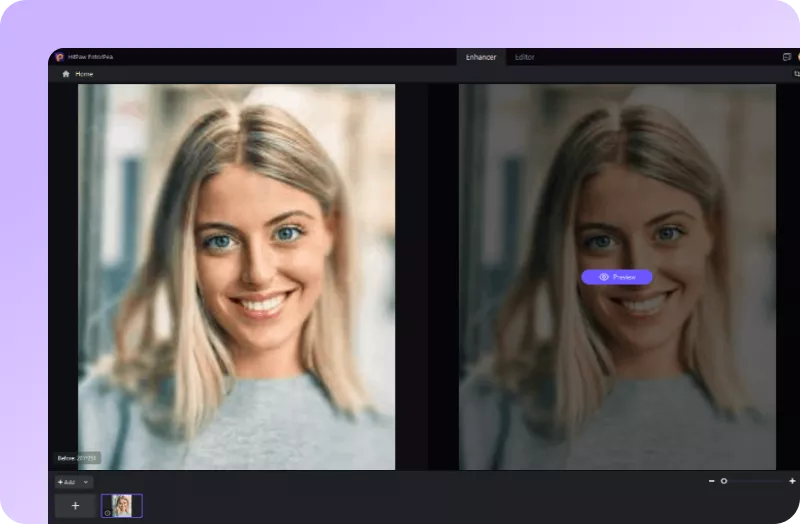
Let AI Sharpen the Image
With one click, AI automatically sharpen images.
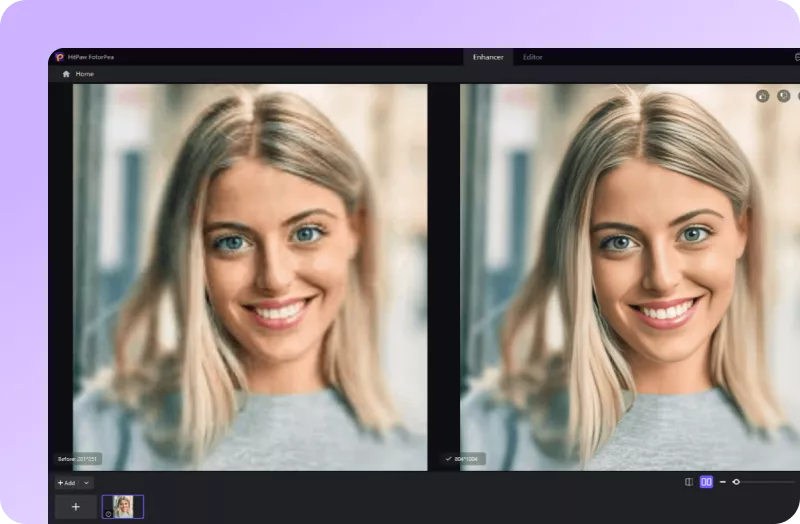
Preview & Download
Review the AI-sharpened image. Once satisfied, download the photo in high quality.
Discover More Photo Tools with HitPaw FotorPea
FAQs About How to Sharpen an Image
Image sharpening enhances the clarity of your photos by making edges and details more defined. It’s essential for improving photo quality, especially for low-resolution or slightly blurry images.
No, using professional tools like HitPaw FotorPea ensures your images are enhanced without losing original quality, keeping details crisp and natural.
You can sharpen common formats such as JPG, PNG, BMP, WebP and TIFF, making it versatile for photography, e-commerce, and social media.
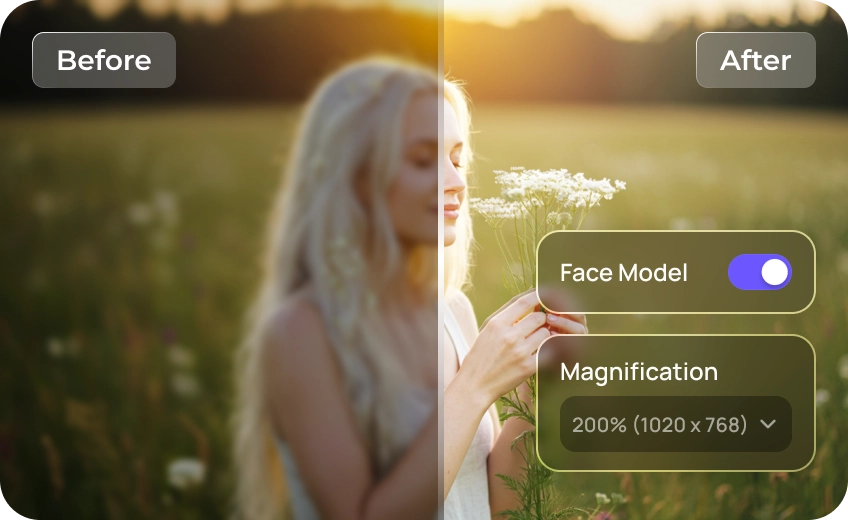
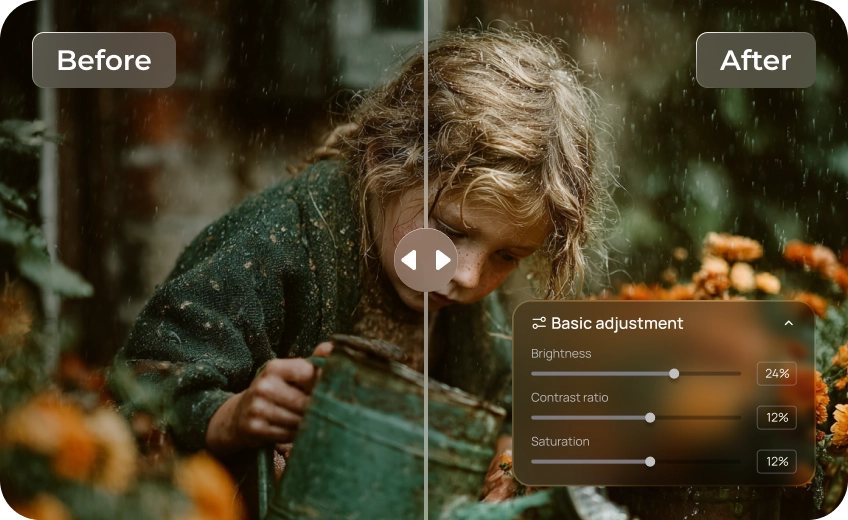
HitPaw FotorPea uses multiple AI Enhancer models—like Face, Text, and Photo Restoration—so each image gets the best sharpening automatically. You can also fine-tune the sharpen mode to get more natural results.
Tips & Tricks for HitPaw FotorPea AI Image Sharpener
 HitPaw FotorPea
Professional & Best
AI Sharpen Image Tool
