


Kling Image 4.0 Upscaler
Kling Image 4.0 nails lifelike portraits and commercial visuals—now take them beyond screen limits. With HitPaw FotorPea, upscale your 4.0 creations to ultra-crisp 8K while preserving true skin textures, lighting, and intricate product details for print, zoom-in inspection, and high-res showcases.



The Dedicated Kling AI Image Upscaler for 8K Perfection
Upscale Kling Image 4.0 Portraits from 2K to 8K
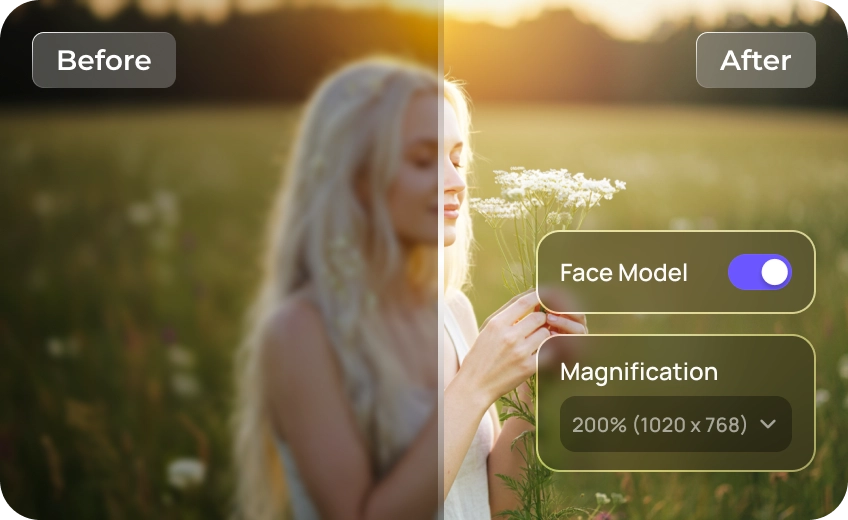
Kling Image 4.0 lets you test ideas at 2K and render final files up to 8K—but generating every portrait at max resolution drains your credits fast. Instead, draft freely at 2K in Kling, then use HitPaw FotorPea to upscale your best shots to razor-sharp 8K. Keep every eyelash, hair strand, and natural skin texture crystal clear for tight crops, large-format posters, and 8K displays.

Sharpen Blurry Text in Kling Image 4.0 Posters
While Kling Image 4.0 excels at layout and graphic design, smaller typography and fine labels on generated posters often turn soft or pixelated when zoomed in. HitPaw FotorPea’s Kling AI image upscaler sharpens text edges and cleans up compression artifacts—ensuring every headline, tag, and subtitle looks clean enough for commercial printing.
Upgrade Kling Image 4.0 Products to Studio Clarity
Wide product banners and multi-item showcases in Kling 4.0 can leave sofa details looking soft when cropped for product pages. Use HitPaw FotorPea to enhance fabric textures, stitching, cushion contours, and subtle upholstery details, giving shoppers a clearer view of the sofa’s quality and helping them buy with confidence.
Batch-Upscale Kling 4.0 Image Series in One Click
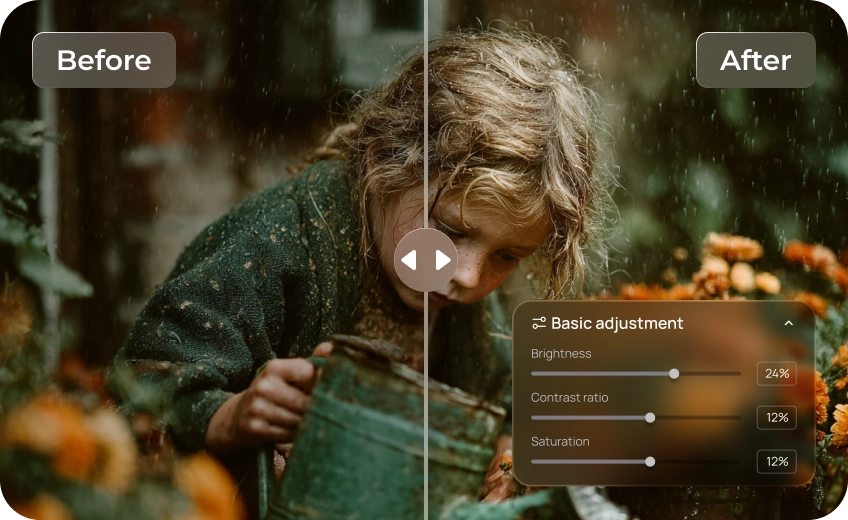
Creating consistent character sheets, storyboards, or social media carousels with Kling 4.0 generates dozens of assets at once. Rather than upscaling them one by one, drop your entire batch into HitPaw FotorPea. Upscale multiple images simultaneously to 8K while maintaining consistent lighting, color tone, and crisp detail across every frame.

Kling Image Upscaler

Multi-Format Support

Batch Processing

Local Perfomance
Take Every Creation Further with a Kling Image 4.0 Upscaler
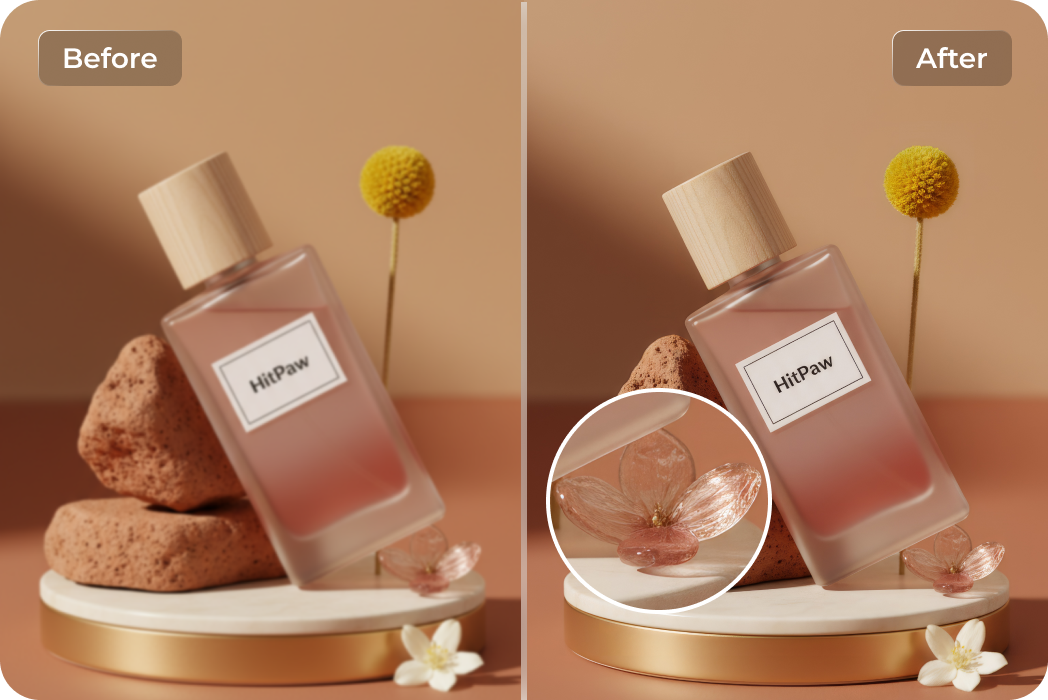
E-Commerce & Brand Marketers
Use a dedicated Kling AI image upscaler to enhance Kling AI images for high-converting ad campaigns. Boost color vibrancy, balance studio lighting, and keep packaging details razor-sharp across every aspect ratio.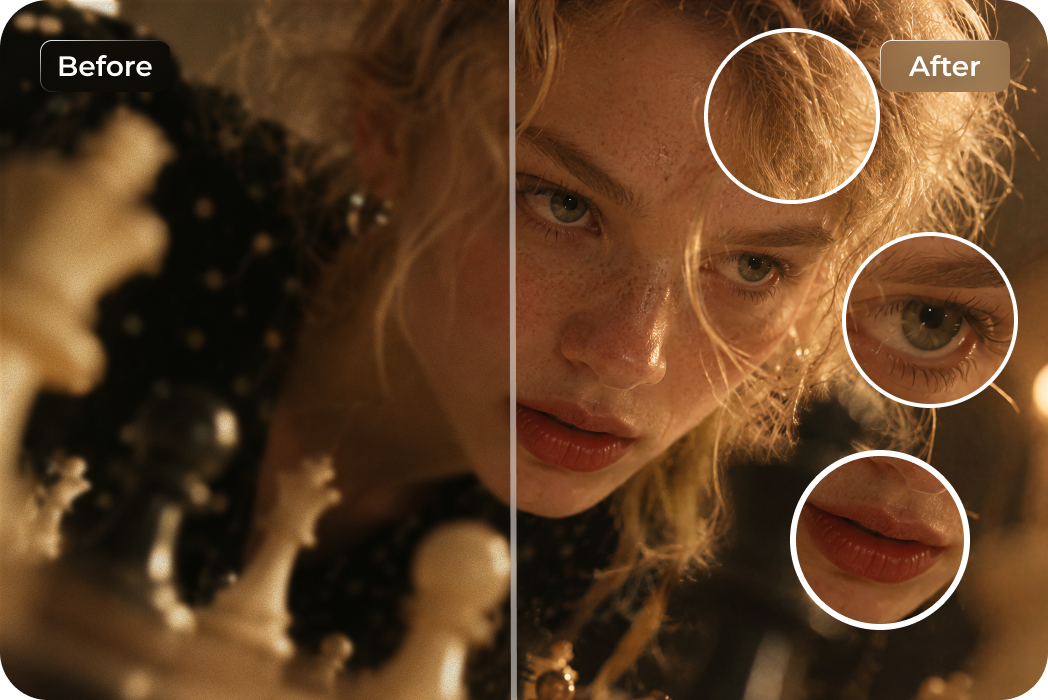
AI Filmmakers & Storyboard Artists
Need clean keyframes before animating? Use HitPaw FotorPea to upscale Kling Image 4.0 scenes, reduce low-light noise, and sharpen facial details and eye catchlights. Get crisp 8K images ready for your image-to-video workflow.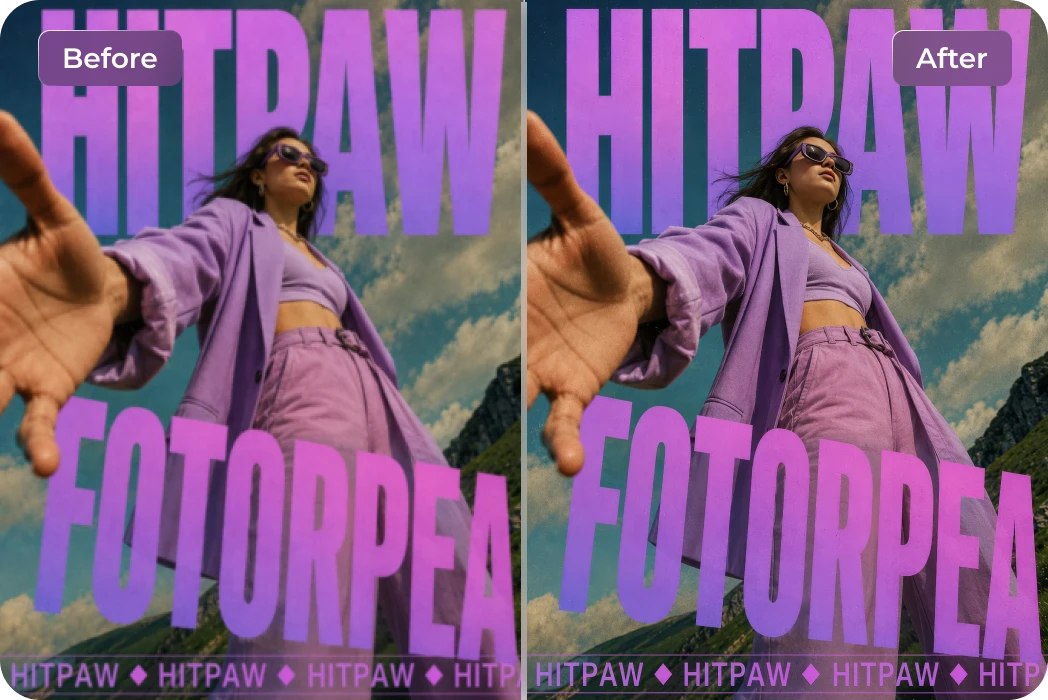
Graphic & Print Designers
Turn Kling Image 4.0 concepts into print-ready visuals with HitPaw FotorPea. Upscale images, reduce pixelation, and restore fine details for sharp, vibrant results on product packaging, magazine pages, and large-format displays.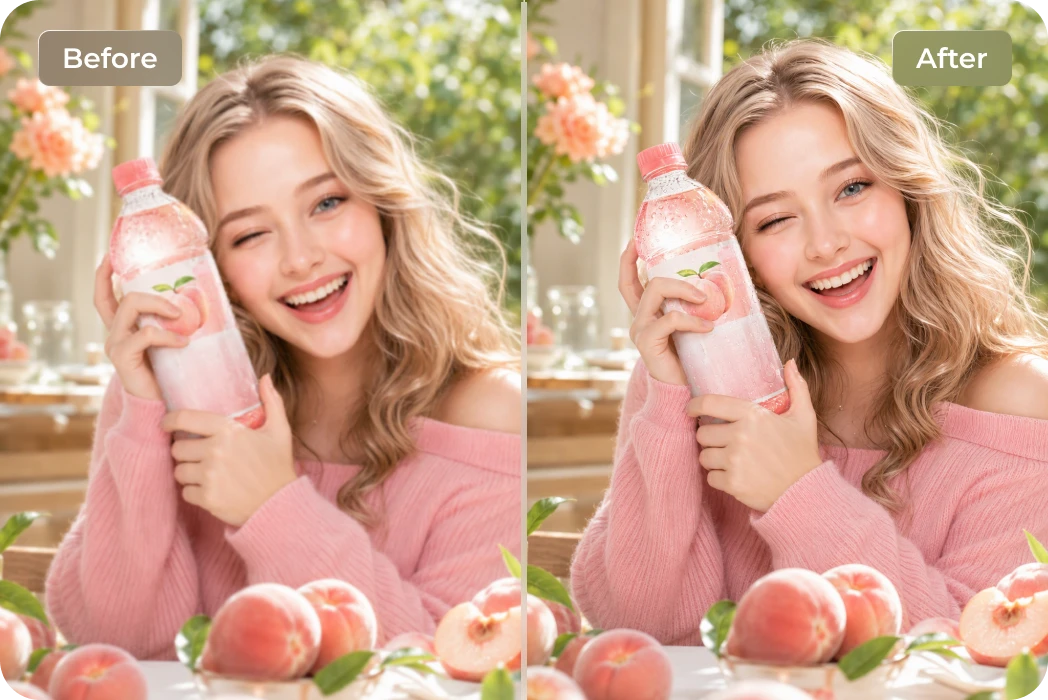
Creative Teams & Campaign Designers
Keep product colors, labels, and styles consistent across Kling Image 4.0 images. Once your 2K concepts are ready, enhance them with HitPaw FotorPea to make your product visuals stand out.Users Review: HitPaw FotorPea's Kling Image 4.0 Upscaler

AI Visual Creator @liam.renders

"Generating every test shot at 8K in Kling burns through credits way too fast. Now I draft at 2K and use HitPaw FotorPea’s Upscale Model to upscale Kling Image 4.0 portraits to 8K. It keeps natural skin pores intact without that waxy AI look—easily the smartest Kling Image 4.0 upscaler in my workflow."

E-Commerce Seller @nina.brandlab
"I loved the studio lighting on my Kling 4.0 product banners, but zooming in on individual items always looked soft. Running them through HitPaw FotorPea with the Denoise and Upscale models sharpened the packaging text and metallic textures right away. Best Kling AI image upscaler for clean store listings!"

Print & Brand Designer @marcus.grid
"Kling 4.0 nails poster layouts, yet small subheadings still turn slightly pixelated when prepped for large-format printing. I rely on HitPaw FotorPea to enhance Kling AI images at 400% scale—the edge sharpening cleans up blurry typography without introducing weird color artifacts around the letters."

AI Video Director @kenji.motion
"Using HitPaw FotorPea's Denoise and Face Models, I can clean up low-light noise while bringing out crisp eye details and natural facial features. It's a reliable way to enhance Kling Image 4.0 results without endless prompt re-rolling. And if I need to turn those visuals into videos, HitPaw VikPea's Kling AI Video Upscaler can help improve video clarity too."

Content Studio Lead @tara.visuals
"We generate 30-image character series in Kling 4.0 every week, and upscaling them one by one was a nightmare. HitPaw FotorPea’s batch processing lets me upscale Kling Image 4.0 sets to 4K in minutes while keeping lighting consistent across every frame—a must-have Kling AI image upscaler."
How to Upscale Kling Image 4.0 to 8K in 3 Simple Steps
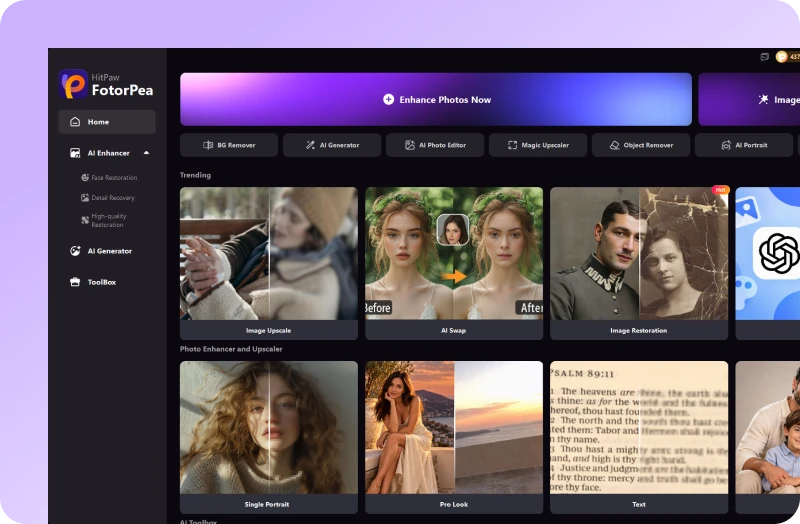
Upload Your Kling Image
Import your 2K or 4K image into the Kling Image 4.0 upscaler—single shots or batches.
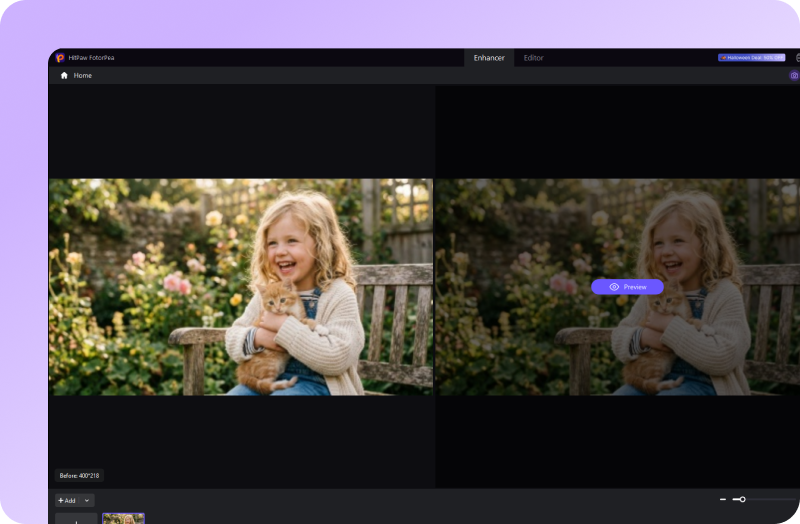
Preview AI Enhancement
Let the Kling AI image upscaler auto-select the best model, then preview the crisp 8K result.
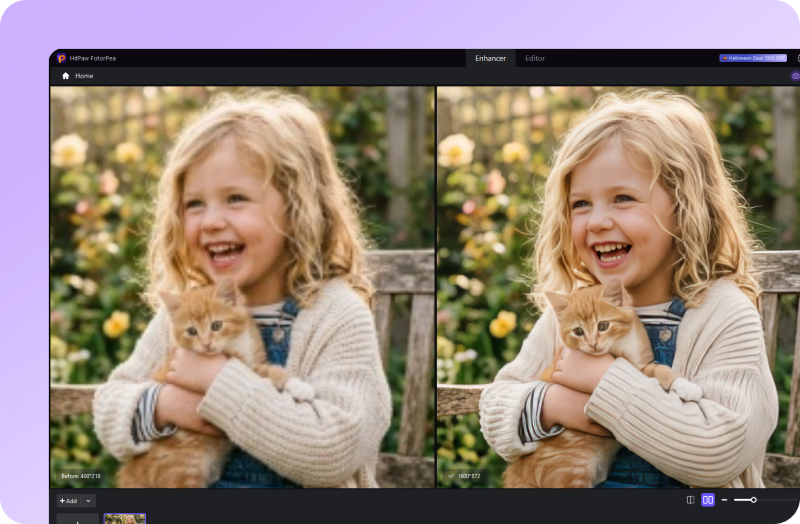
Download 8K Masterpiece
Export your high-resolution image, ready for print, ads, or social media.
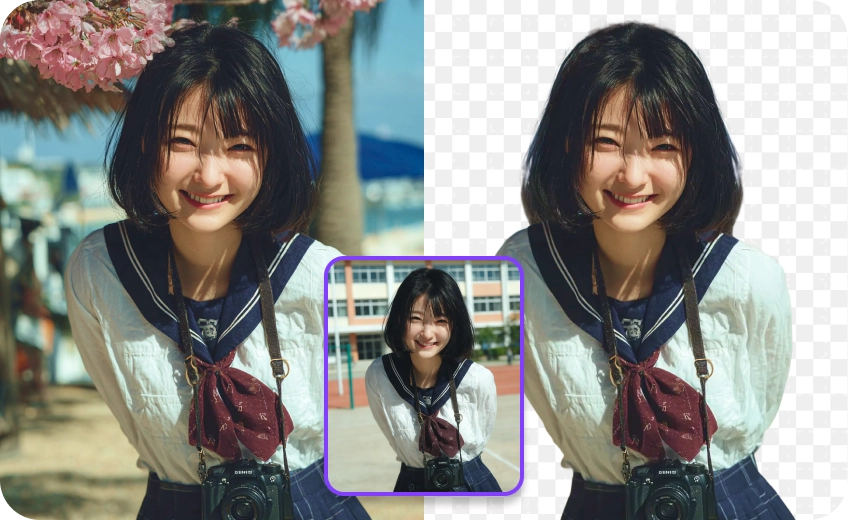
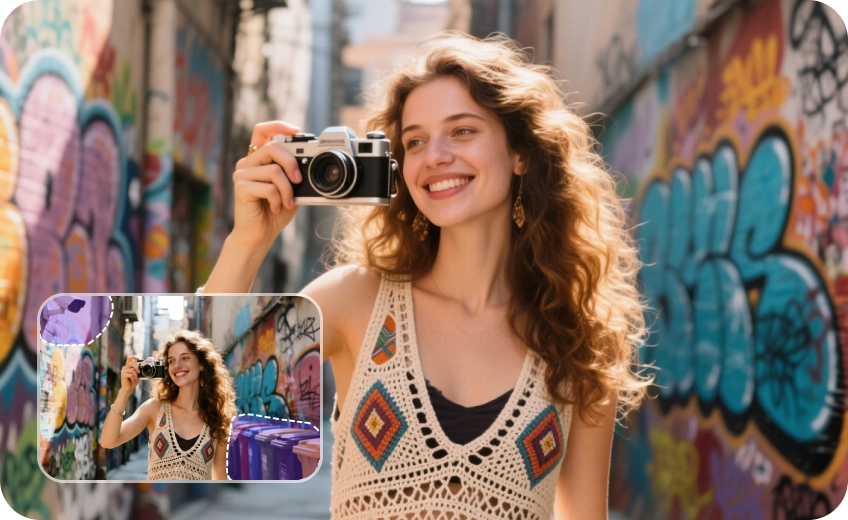
Discover More Photo Tools with HitPaw FotorPea
FAQs About HitPaw’s Kling Image 4.0 Upscaler
Kling Image 4.0 is Kuaishou's upgraded AI image generation model featuring native 2K/4K/8K output, realistic skin textures, cinematic lighting, and accurate text rendering. It is designed for commercial product banners, multi-image storyboards, and photorealistic portraits where fine visual consistency matters most.
Kling Image 4.0 availability depends on your account's free credits and subscription plan. You can check whether the model is available with your current credits after signing in to Kling AI. Paid plans provide additional credits and access to more generation features. The exact credit cost is displayed before you generate an image.
While Kling 4.0 handles overall composition well, small typography on posters or individual products cropped from wide banners can lose sharpness when zoomed in. To fix this, look for an AI image upscaler with dedicated sharpening and denoise models that restore edge clarity without over-smoothing textures.
For sharp commercial printing at 300 DPI, standard 2K outputs are usually only suitable for small formats. If you plan to print large-format posters, retail displays, or detailed packaging, upscaling your Kling 4.0 visuals to 4K or 8K is recommended to prevent pixelation.
Yes. If you create multi-image character sheets, storyboards, or social media carousels in Kling 4.0, desktop tools like HitPaw FotorPea support batch processing. You can import an entire folder and upscale all frames to 4K or 8K simultaneously with consistent color and sharpness.
Tips & Tricks for HitPaw’s Kling Image 4.0 Upscaler
 HitPaw FotorPea
Elevate Kling Image 4.0 Images to 8K in One Click
