



 HitPaw FotorPea
AI Image Text Enhancer: Enhance Blurry Text In Images
Enhance text in images and fix blurry text with HitPaw FotorPea. Instantly sharpen blurred words, restore lost details, and upscale resolution to make text crystal clear and easy to read — even from heavily blurred photos or scanned documents.



Unblur & Sharpen Text in Images with Advanced AI
Automatically Detect and Enhance Blurry Text for E-commerce
Our AI text enhancer automatically detects text on product labels in any image and sharpens it intelligently. Whether it’s a blurry word, scan, or blurry screenshot, HitPaw FotorPea's image text enhancer restores label clarity, making even blurry or faint text fully legible. Perfect for cataloging, inventory, or product archiving.
Unblur Hard-to-Read Text Without Losing Details
Stop struggling with blurry notes or faded handwriting. This text deblurrer goes beyond basic sharpening by analyzing character edges and reconstructing blurry words with precision. From blurry writing in notebooks to compressed screenshots, our photo text enhancer makes every word readable again.
Restore Documents & PDF Files with Smart Image Text Enhancer
Transform unreadable contracts and scans into files, PDFs and professional documents with HitPaw FotorPea. Powered by our proprietary Text Model, this AI text enhancer utilizes deep-learning reconstruction to refine stroke clarity and character edges with surgical precision. Moving beyond simple sharpening, it intelligently restores legibility compromised by motion blur, low resolution, or poor lighting—all while maintaining absolute layout integrity.
Enhance Blurry Text for Crystal-Clear Prints
It can unblur image text, fix blurry receipt photos, and sharpen blurry notes in one click. This AI photo text enhancer ensures that all blur fonts become instantly readable and professional-looking — perfect for capturing food recipes while enjoying delicious meals and sharing them clearly on social media like Instagram.

Instant HD Text Quality

Multi-Format Support

Batch Deblurring

Secure Text Enhancer
Use Cases for Image Text Enhancer
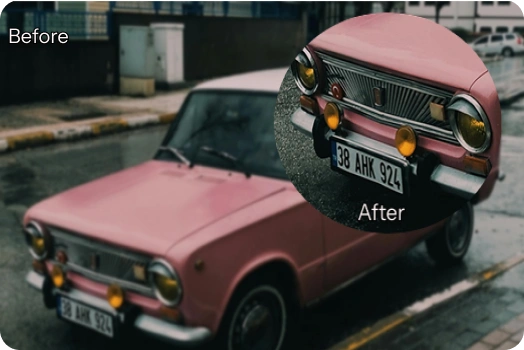
Clear License Plate Text
Instantly sharpen blurry license plates from photos or videos. AI enhancement restores fine details and improves contrast, making every number and letter easier to read with HitPaw FotorPea's image text enhancer.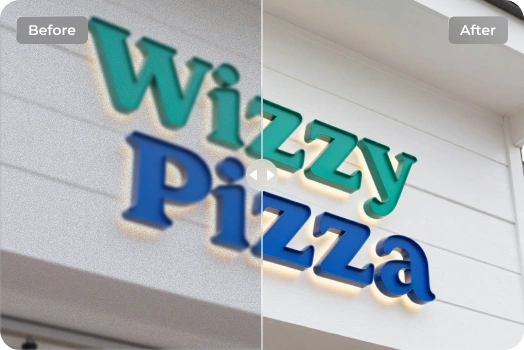
Fix Blurry Store Sign Texts Instantly
Turn messy, unreadable notes into crisp, easy-to-read text with just one click — everything becomes instantly legible.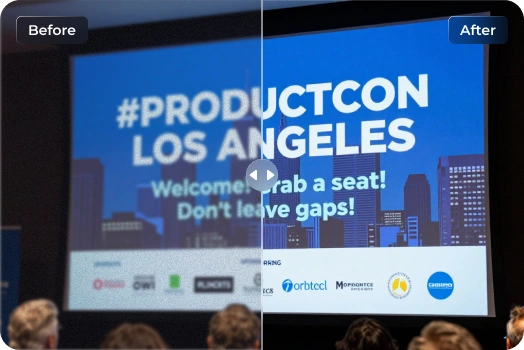
Restore Screenshots Text
Enhance blurry or low-resolution text on screens, monitors, or digital displays to make every word sharp, clear, and easy to read in just one click.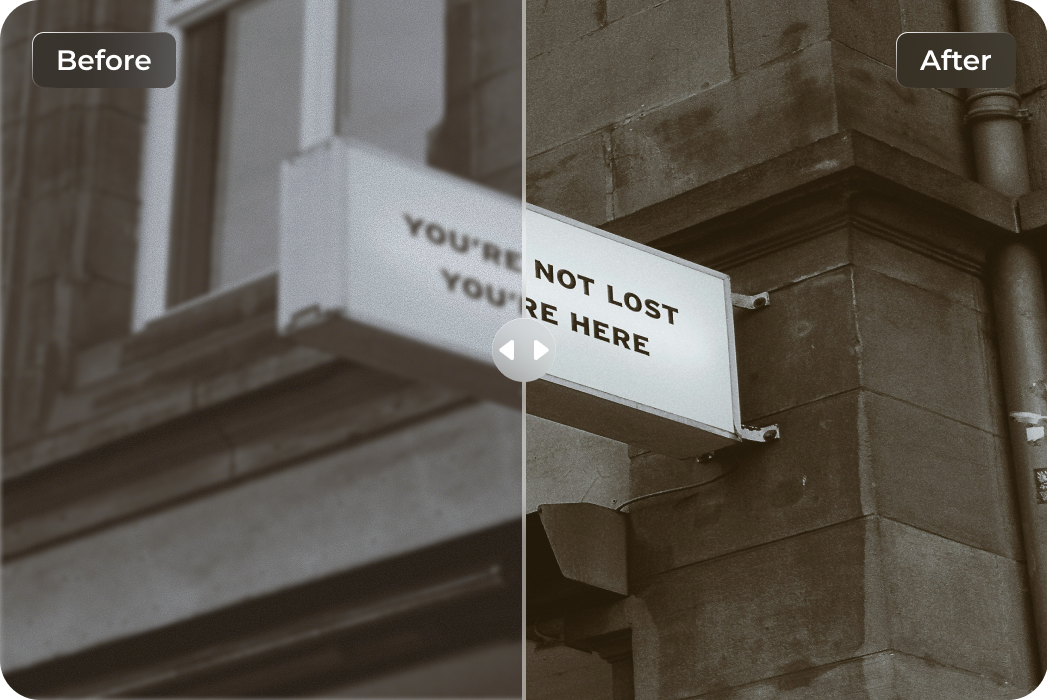
Enhance Travel Photos to Clarity
Struggling to read blurry text in your travel photos? This AI image text enhancer sharpens signboards, menus, and location names — making travel details clearer, easier to read, and perfect for saving or sharing.What Users Say about AI Image Text Enhancer

Graduate Student @University _ Emily R.

I had scanned notes from a lecture that were barely legible. This text image enhancer cleaned up the blur and made every word readable again. It felt like magic — especially before finals!

Small Business Owner @LocalBiz _ Michael T.
This tool helped me restore blurry receipts and invoices for my records. The AI text enhancer made the process effortless and the results were perfectly clear.

Freelance Designer @CreativeHub _ Sarah L.
I often take photos of client notes and sketches, but some were unreadable. All my text is now sharp and easy to work with by HitPaw FotorPea.

Field Researcher @NatureLab _ David K.
During fieldwork, many of my handwritten observations were too blurry to read. This AI image text enhancer saved me hours by making blurry writing clear.

Graphic Designer @ninja_studio
Pro tip: if a client sends you a tiny logo, use the batch convert HD images feature here first. HitPaw FotorPea is a solid AI image text enhancer to deblur text to HD that saves me so much tracing time.
How to Unblur Text in Image in 3 Easy Steps
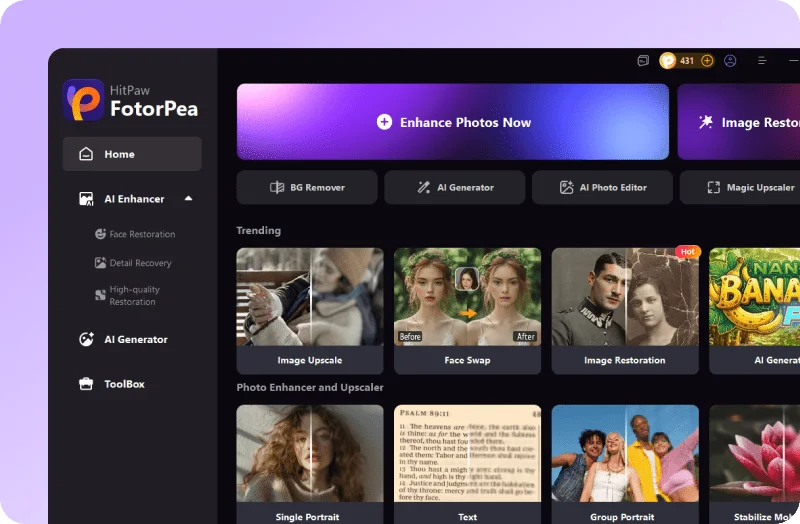
Upload Image with Blurry Text
Input your image with blurry text onto HitPaw FotorPea and click AI Enhancer. It works with common file types like JPG, PNG, and WEBP.
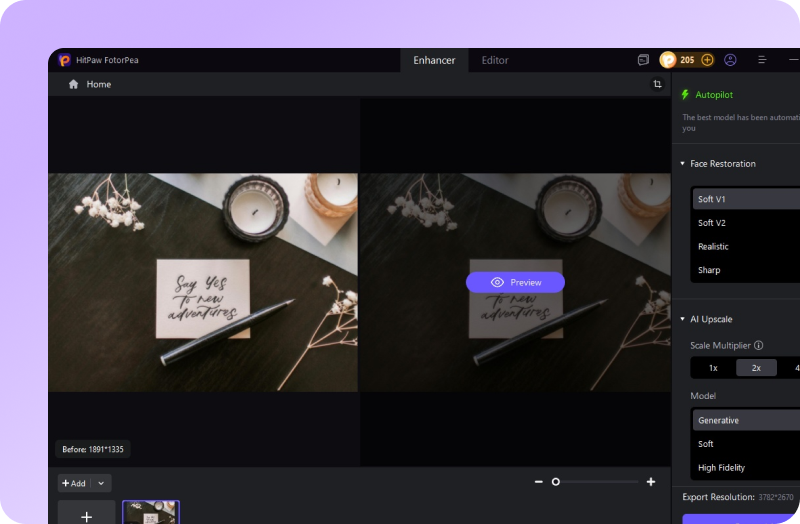
Deblur Text to HD Quality
Choose AI model of "Text" and let AI enhance your blurry text images to HD and make text readable.
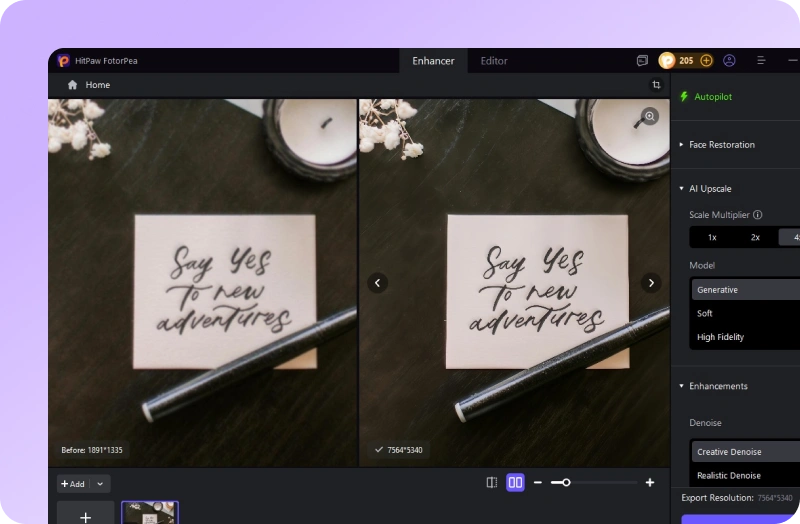
Preview the Unblur Text
Check the HD quality of unblur text. If you want to enhance more images, head to another AI models for advanced results.
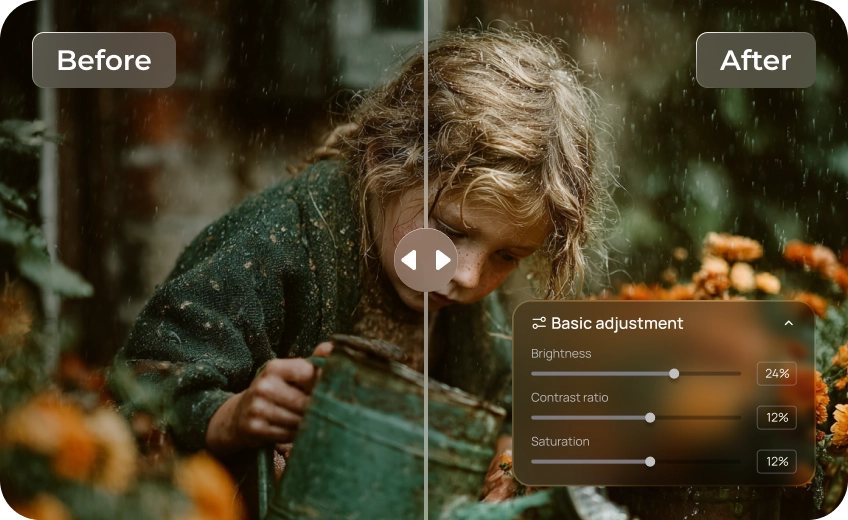
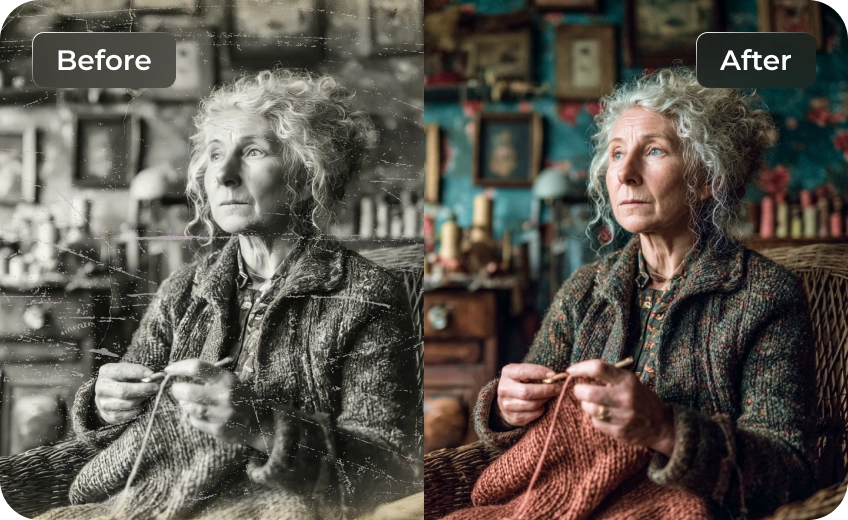
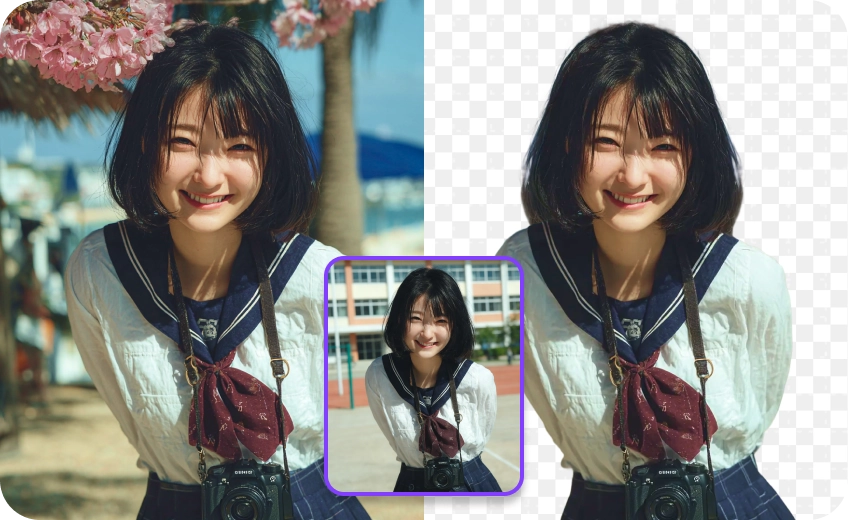
All-in-One Photo Editing & Enhancement with HitPaw FotorPea
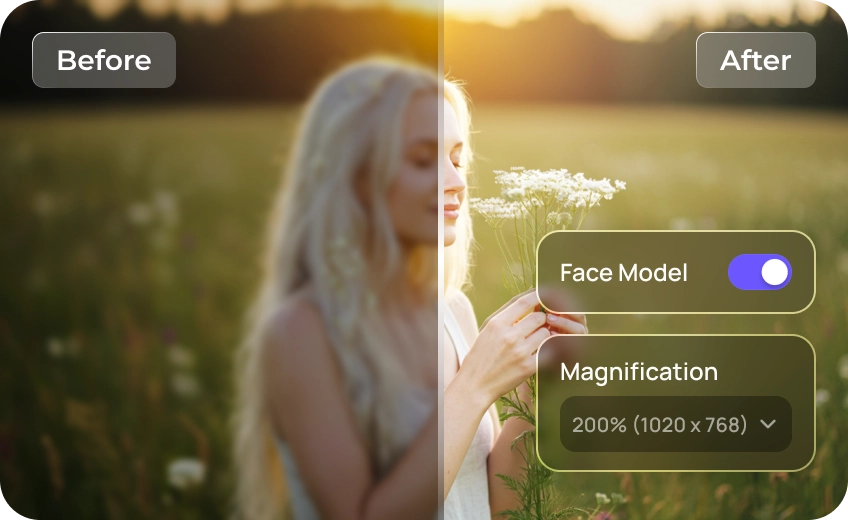
FAQs About HitPaw FotorPea Image Text Enhancer
For blurred text in photos, HitPaw FotorPea is a reliable choice. Upload your image, and its AI-powered algorithms enhance and restore text clarity, helping you read even the most unclear or pixelated words with ease.
The best photo text enhancers combine speed, clarity, and ease of use. HitPaw FotorPea stands out for its ability to quickly enhance text in photos, restore blurred or pixelated letters, and make documents instantly readable On PC. Its advanced algorithms ensure crisp, clear text with minimal effort, making it a reliable solution for anyone looking to improve photo text quality.
HitPaw FotorPea works on a wide range of blurred texts, including handwritten notes, small fonts, screenshots, faded scans, printed documents, product labels, and even whiteboard or presentation slides. Our AI text enhancer intelligently analyzes character edges to deblur text, making blurry words sharper, clearer, and easier to read—perfect for students, office workers, designers, and anyone dealing with unclear text in images.
Yes. Tools like HitPaw FotorPea can enhance handwritten text by improving contrast and sharpening strokes, making even slightly blurry or faint writing more legible. Results may vary depending on the clarity and style of the original handwriting.
Yes. You can enhance multiple blurred texts in a single image simultaneously with HitPaw FotorPea. Its AI text enhancer quickly restores clarity for all text areas, making every word sharp and readable.
There are many online AI tools like HitPaw Photo Enhancer Online that can help you unblur text image online free by sharpening blurry areas. It uses AI to automatically detect and enhance blurry text, making it clearer and more readable in just one click. No download is required, and it works on both desktop and mobile devices.
Tips & Tricks for HitPaw FotorPea Image Text Enhancer
- 2026 How to Use Image Text Enhancer Tools for Online & PC
- Top 7 Tools to Enhance Text in Image – Unblur & Sharpen Text
- [2026 Guide] Unblur Text from Images on PC, Mobile & Online
- Document Image Enhancement: Clearer Scans Made Easy
- A Step-by-Step Guide: How to Unblur Text on a Website
- 2026 Top 8 Photo Text Editor for Win/Mac/Mobile
- How to Unblur Screenshots: Unblur Text on iPhone & PC 2026I
- How to Unblur Text in an Image Online: A Detailed Guide
- [Solved] Best 3 Ways to Remove Blur from Photo in 2026
- Easy Steps on How to Unblur Text in an Image Fast in 2026
- How to Unblur Screenshots: Unblur Text on iPhone & PC 2026
- Top 5 Smart PNG Upscalers to Enhance Images in 2K/4K
 HitPaw FotorPea
