



AI Colorizer: Convert Black and White Photos to Vivid Color
Instantly convert your vintage black and white photos to vivid color with a single tap. Recolor pictures and details with our AI photo colorizer for self-portraits, family photos, or historical buildings—making every image look natural, vibrant, and lifelike.



Colorize Black and White Photos in One Click
Colorize Black and White Photos Without Photoshop Skills
Restoring old black and white photos traditionally requires Photoshop skills or costly photo studios. With an advanced AI photo colorizer, you can colorize black and white photos automatically in one click. HitPaw FotorPea analyzes facial features, lighting, and textures to restore old photos with natural, realistic colors—no experience required.
Bring Your Family's Memories Back to Life
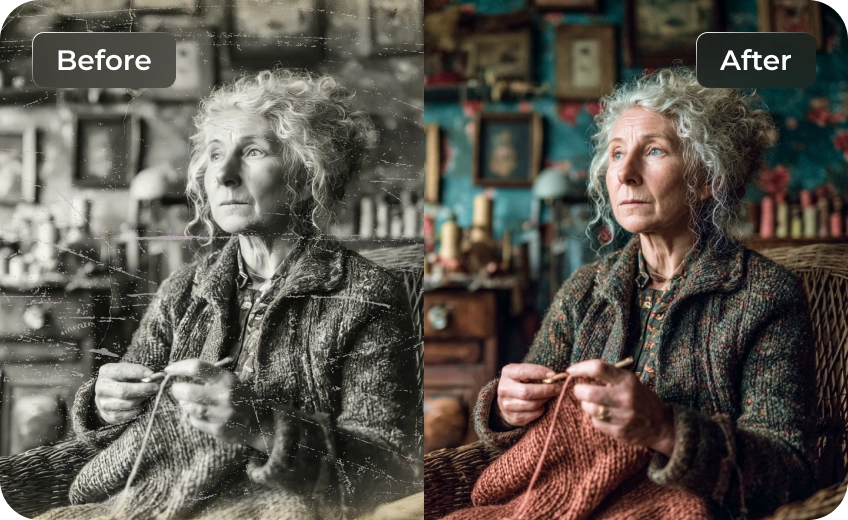
Don’t let your family’s old black and white photos collect dust in a box. Over time, vintage photos often develop folds, creases, scratches and visible damage. HitPaw FotorPea automatically removes scratches and repairs these imperfections while colorizing black and white photos, transforming old, worn images into clear, vibrant memories you can relive again.
Recolor Every Details for Important Moments
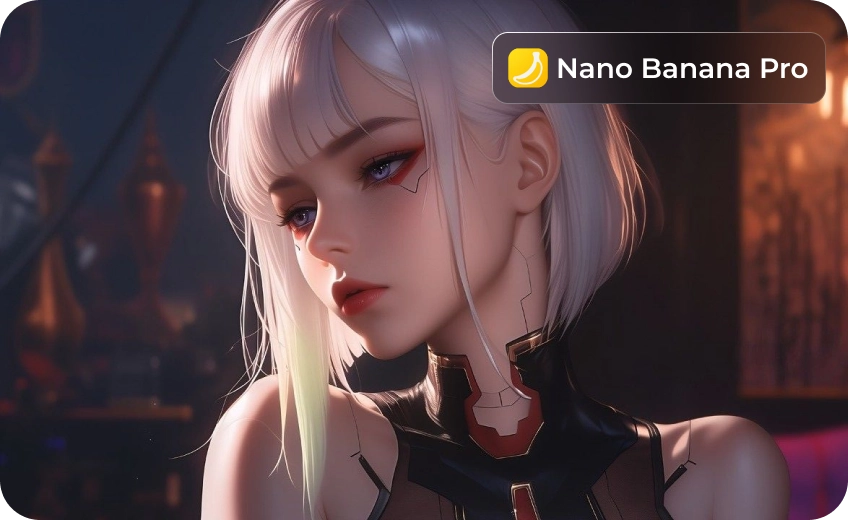
Important moments—family gatherings and milestones—often exist only in black and white. With AI prompts and advanced models like Nano Banana Pro, This colorize photo app delivers accurate black and white photo colorization and lets you export images in 4K or higher resolution with minimal effort.
Batch Processing Images at Once
Restoring old historical building photos no longer needs to take an entire day. This AI image colorizer removes scratches, restores faded details and sharpens images in batches, turning old photos into clear, high-definition pieces worthy of printing and framing.

Instant HD Quality

Multi-Format Support

Batch Processing

Local Perfomance
Use Cases for AI Image Colorizer
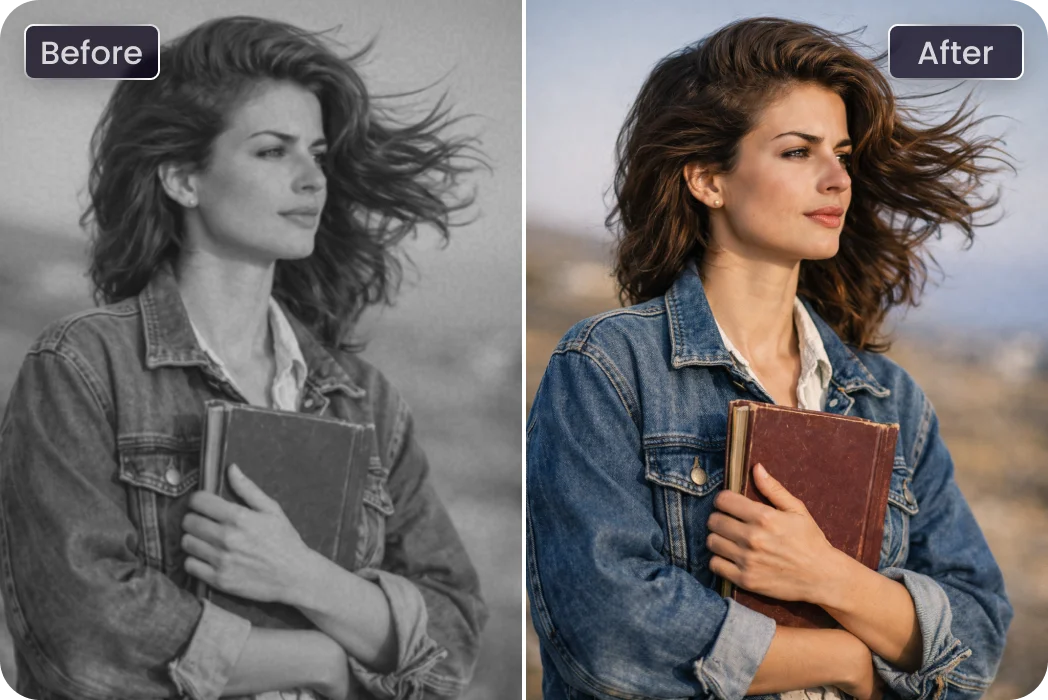
Classical Film for Instagram
Transform low-quality classical film photos to colorful images for Instagram. Recolorize picture quality, and details for social media sharing.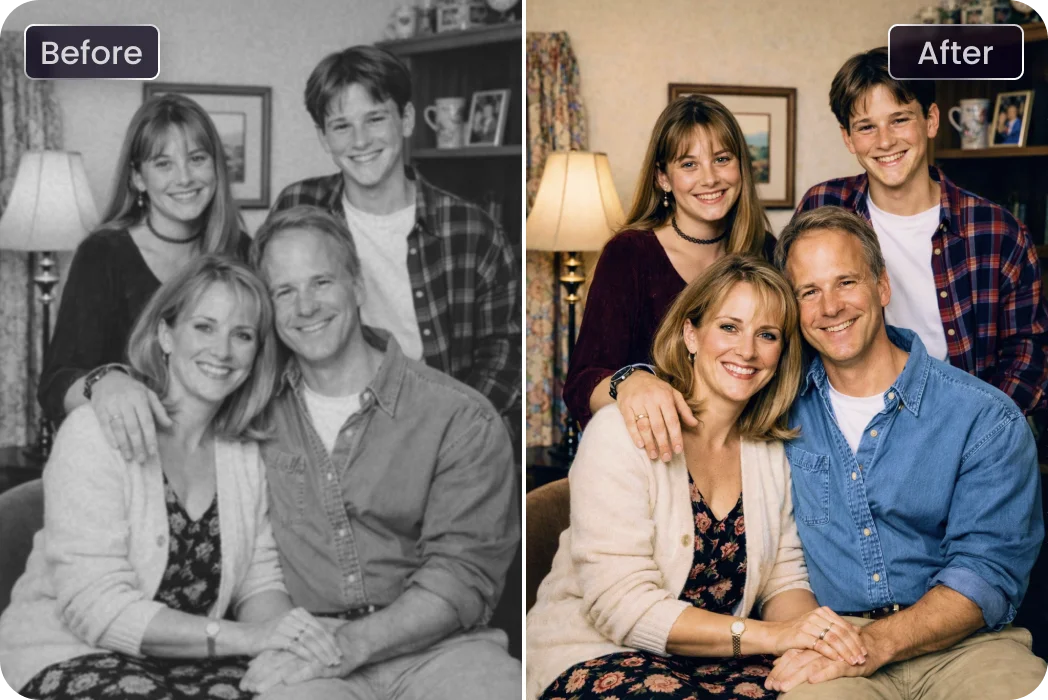
Families & Personal Memories
Preserve your family’s most meaningful moments by bringing faded photos back to life with natural, full-color results. Every smile, detail, and shared moment feels vivid again with colorize photo app.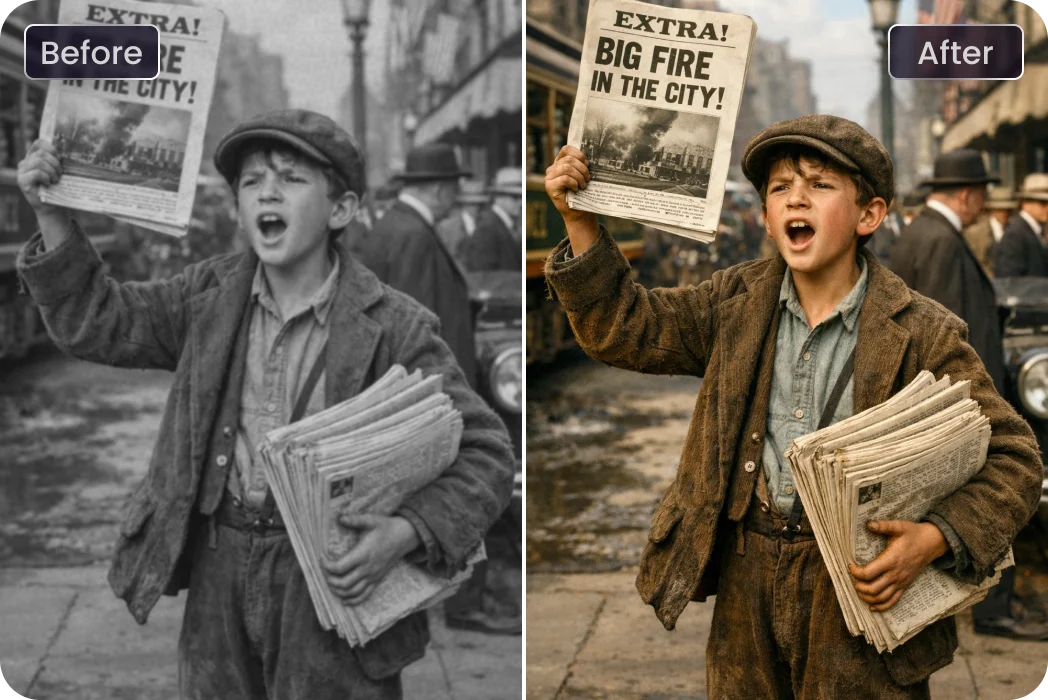
Historians & Archivists
Bring historical moments closer to the present with accurate photo restoration. Recreate realistic visual records while preserving historical integrity.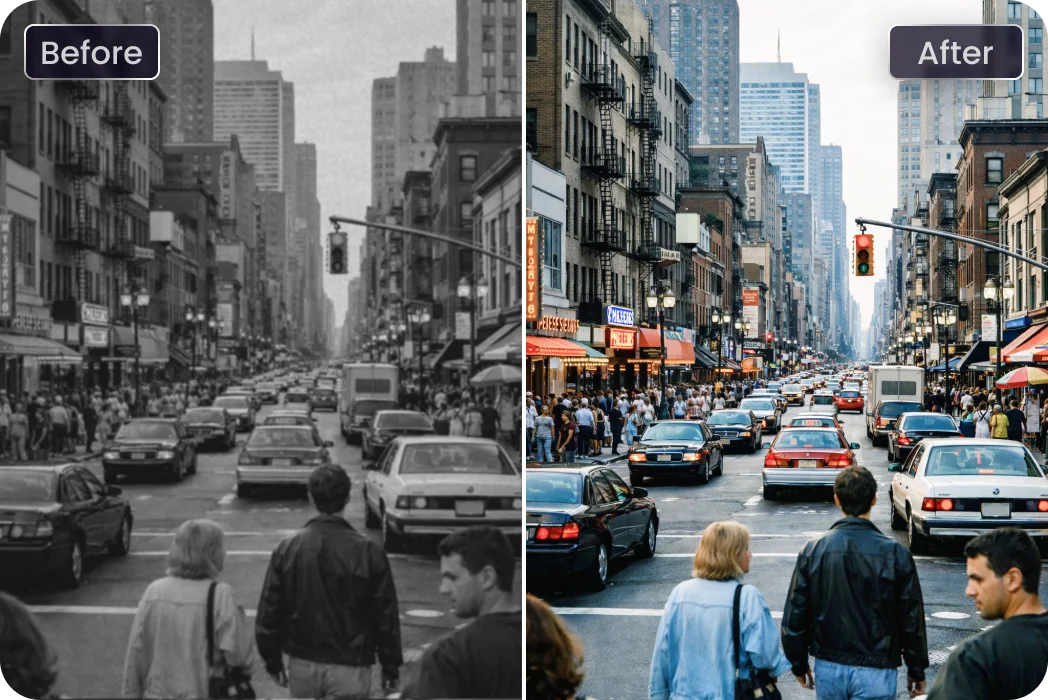
Documentary Photos
Documentary photos capture the raw essence of real-life moments, telling stories that resonate through time. By turning a black and white photo to color, making the history even more vivid and relatable.What Users Say about AI Image Colorizer

Family Photography @Sarah_Johnson

As a family photographer, I use HitPaw FotorPea to recolour pictures like old black and white family photos. The colors bring warmth and detail, like the texture of my grandmother’s sweater and the flowers in the background, making these memories feel alive again.

Documentary Photographer @Tom_Richards
As a documentary photographer, I rely on HitPaw FotorPea to colorize old black and white photos. It adds depth and authenticity, highlighting details like street scenes and weathered buildings, giving the images a new life.

Wedding Photography @Lily_Brown
I used this colorize photo app to colorize vintage wedding photos, and the results were stunning. It enhanced the wedding dress and bouquet, making the recolour photos look as vibrant as if they were taken today.

Historical Photos @John_Matthews
I’ve colorized black and white military photos with HitPaw FotorPea. The tool brought out the natural colors in uniforms and surroundings while removing scratches from images, making history feel more real and tangible.

Baby Photography @Jessica_Lee
HitPaw FotorPea transformed my old black and white baby photos into colorful memories. The soft colors and room details made these timeless moments feel vibrant and new.
How to Add Color to a Black and White Photo in 3 Easy Steps
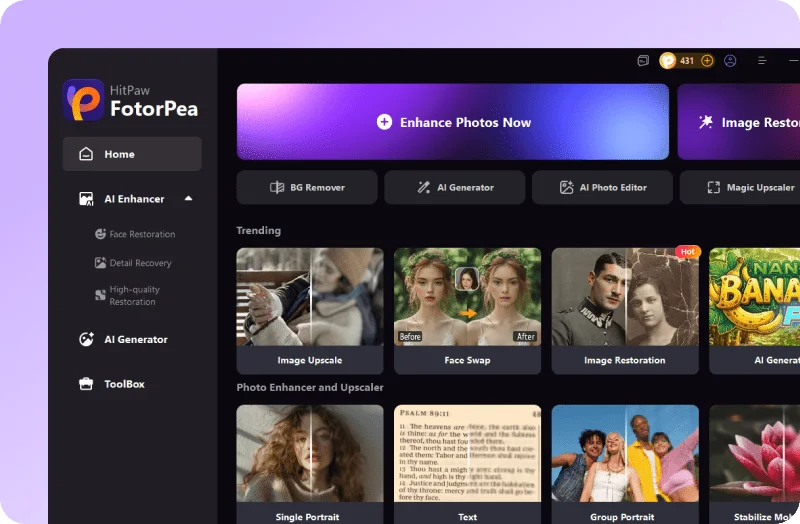
Upload the Old Black and White Photo
Upload a black and white photo from your device that you want to colorize.
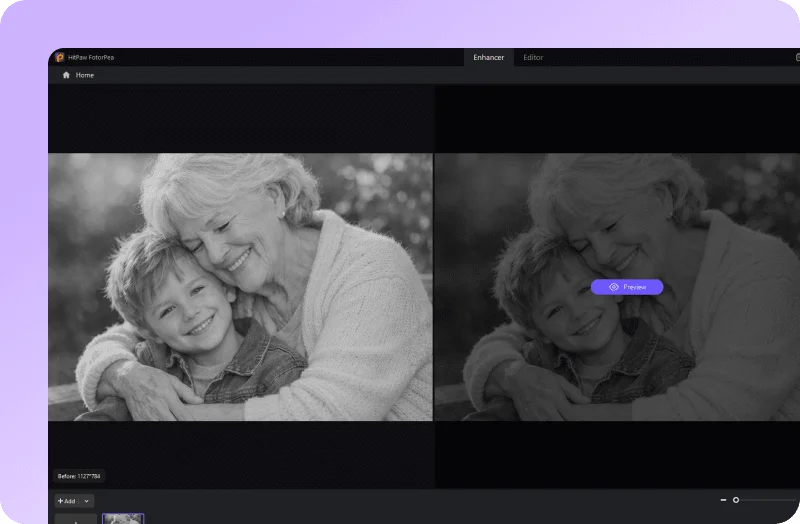
Automatically Colorize the Photo
The AI colorizer automatically analyzes your image and adds natural, realistic colors to the black and white photo.
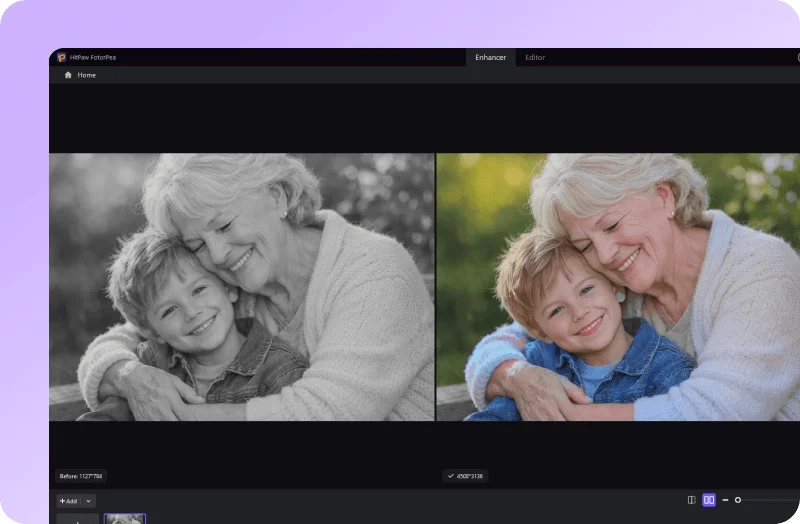
Preview the Colorized Photo
Preview the colorized photo instantly. If needed, continue editing in the editor to fine-tune details for better results.
Discover More AI Photo Tools with HitPaw FotorPea
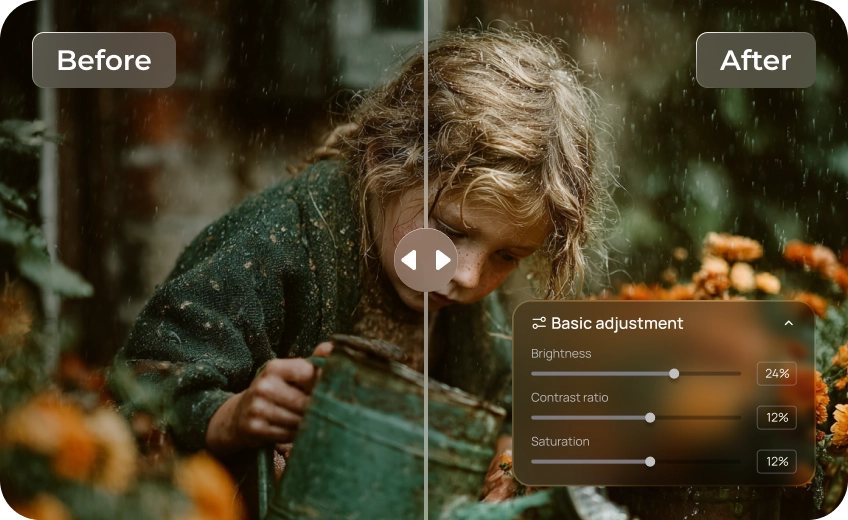
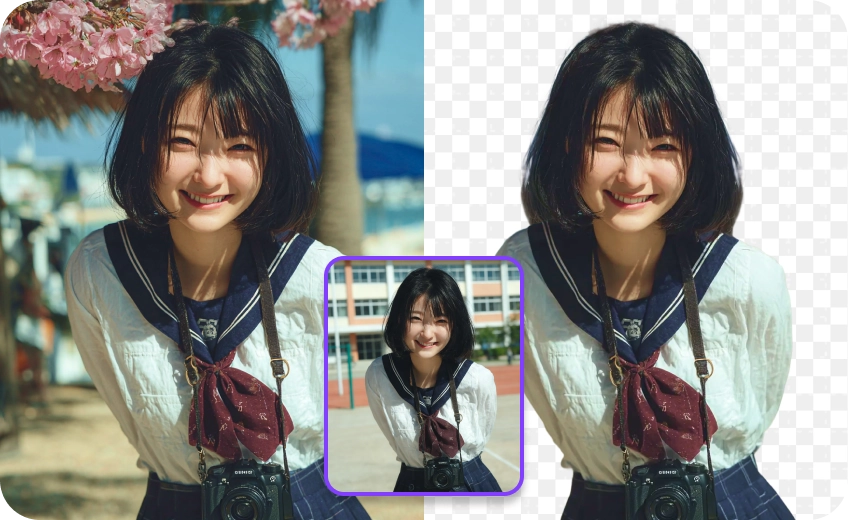
FAQs About AI Photo Colorizer
The simplest method is to use an AI colorizer tool, such as HitPaw FotorPea. Simply upload your black and white photo, and the colorize photo app will automatically add color to it. Then, you can download the image and make any final adjustments. This allows you to convert black and white photo to color while keeping it natural.
Anyone who wants to restore old photos can colorize black and white photos, from families and historians to photographers, educators, and creative users. AI-powered tools make the process simple for both professionals and everyday users.
Yes. You can turn a black-and-white photo to color online for free using AI-powered tools like HitPaw Online . It allows you to upload photos directly to your browser and colorize black and white images without installation.
Yes. Group photos and family gatherings can be colorized with AI tools that support face recognition. By accurately detecting multiple faces, advanced software like HitPaw FotorPea helps apply natural colors to each person, making it especially suitable for group and family photos.
Tips & Tricks for HitPaw FotorPea Photo Colorizer
- [2026 Updated] 8 Best Photo Colorizers to Make Photo Vivid
- [Step-by-step Guide] How to Add Color to Black and White Photo
- Top 6 Ways to Colorize Old Photos (Step-by-Step + Free Tools)
- Best 6 Photo Color Editors to Enhance Your Image
- 5 Tools with Cutting-edge Technology to Restore Old Photos
- Bring Old Time Photos to Life with AI Restoration
- Rediscover Black and White Vintage Photos with AI
- From Then and Now: Family Photo Recreations in 2026
- How to Restore and Enhance Old Graduation Pictures
- Bringing History to Life: Colorized Historical Photos
- Explore and Restore Civil War Photos Using AI Tools
- Easy Black and White Photo Restoration: Colorize and Fix Old Photos
 HitPaw FotorPea
