



Instagram Photo Enhancer: Make Your Instagram Photos Pop
Use HitPaw FotorPea as your AI Instagram photo enhancer to fix blurry images, sharpen fine details, and improve photo quality. Create clearer, more polished photos for your Instagram feed, slideshows, stories, and profile with fast batch enhancement.



AI-Powered Tool to Fix, Restore, and Enhance Instagram Photos

Sharpen Soft & Blurry Instagram Photos with AI
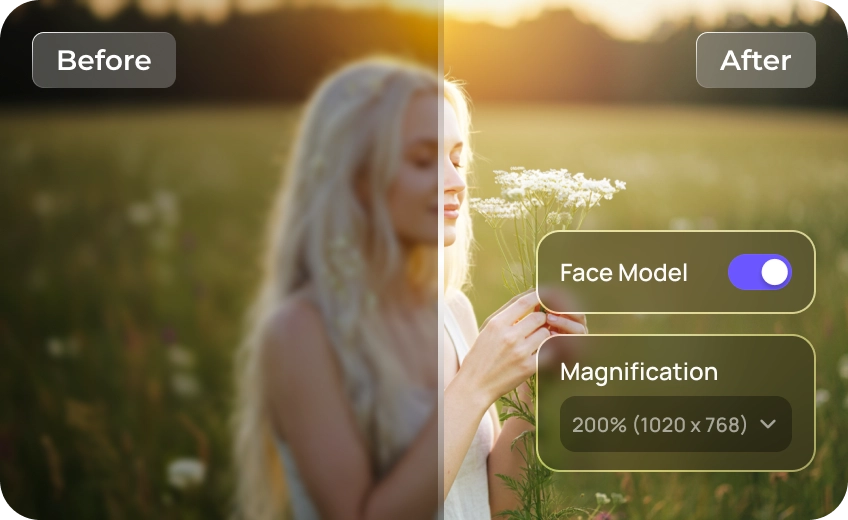
Blurry selfies don't always capture you at your best. Enhance Instagram photos with HitPaw FotorPea to sharpen eyes, define hair strands, and restore natural facial details with one click—no editing skills or complicated settings needed.
Brighten Dark Instagram Photos for a Clearer Look
Nighttime selfies can catch beautiful city lights but leave faces lost in the shadows. This Instagram photo enhancer tool helps you enhance Instagram photos by brightening dark areas and revealing facial details, without the hassle of manually adjusting exposure.
Make Every Photo Post-Ready with AI Denoising
Grainy photos ruining your favorite shots? Low light, high ISO, and compression can all cause noise. HitPaw FotorPea reduces noise while preserving natural details. Unlike many Instagram photo enhancer apps, this Instagram photo enhancer app supports batch processing to enhance multiple photos faster.
Bring Lost Details Back to Your Instagram Photos
Does your favorite pet photo look blurry after resizing or sharing? Restore fine details in fur, whiskers, and facial features while keeping your pet’s natural look with our Instagram photo enhancer app. Turn low-quality shots into clearer photos worth sharing again.
Fix Pixelated Art with Sharper Lines and Richer Colors
Whether it's anime art, digital illustrations, paintings, or graphic designs, pixelation can ruin fine details. HitPaw FotorPea helps unpixelate images, restore crisp lines and vibrant colors, and upscale artwork for 4K wallpapers or high-quality printing.
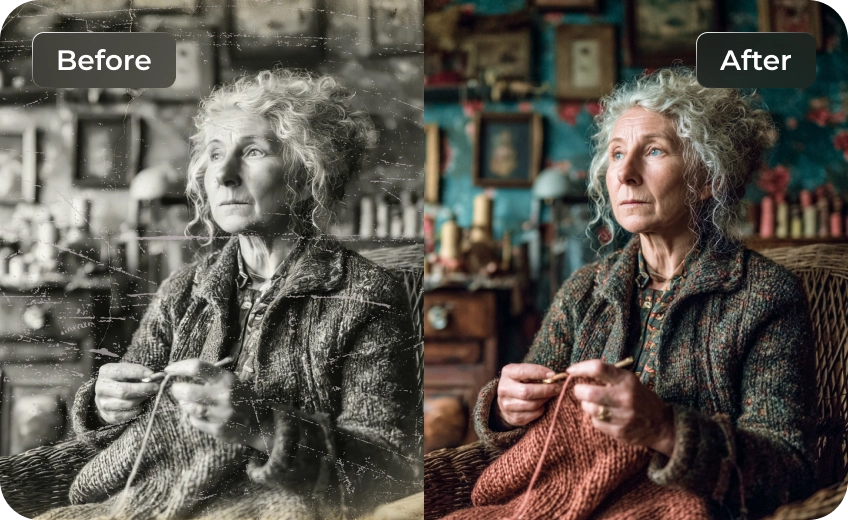
Revive Old Photos for Better Instagram Posts
Old childhood and travel photos can fade, develop scratches, or suffer water damage over time. This Instagram photo enhancer repairs damaged details and colorizes black-and-white images, perfect for refreshing cherished memories before sharing them on Instagram.

Instagram Photo Enhancer

Multi-Format Support

Batch Processing

Local Perfomance
Make Every Moment Better with an Instagram Photo Enhancer
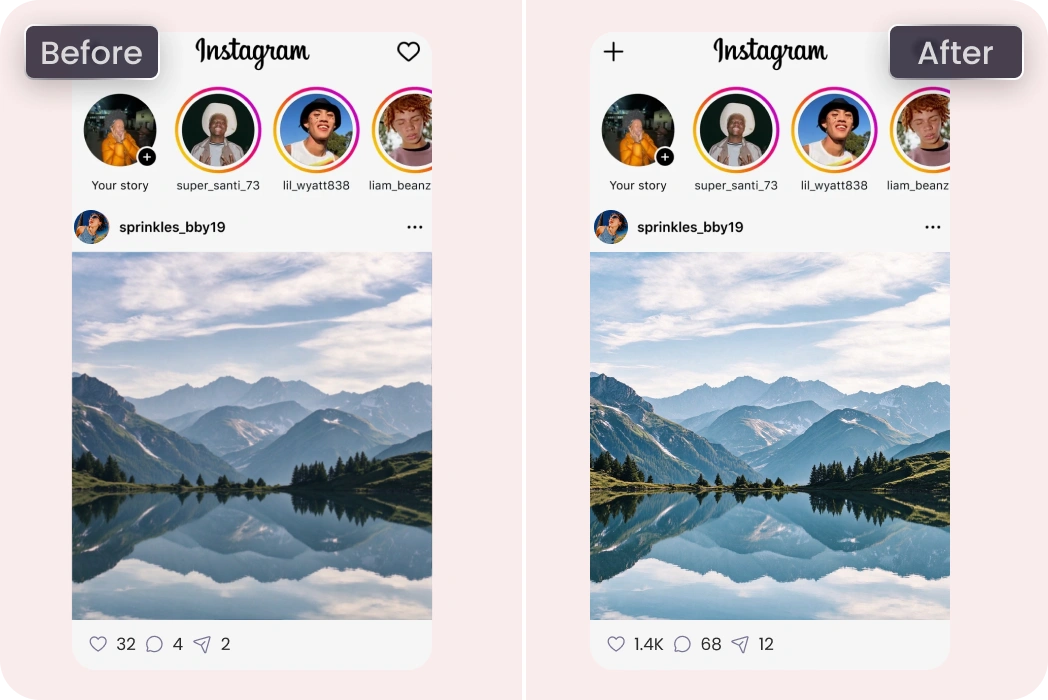
Travel Bloggers
Use an Instagram photo enhancer to enhance Instagram photos by sharpening scenery, brightening dark areas, and restoring lost details for stunning travel posts.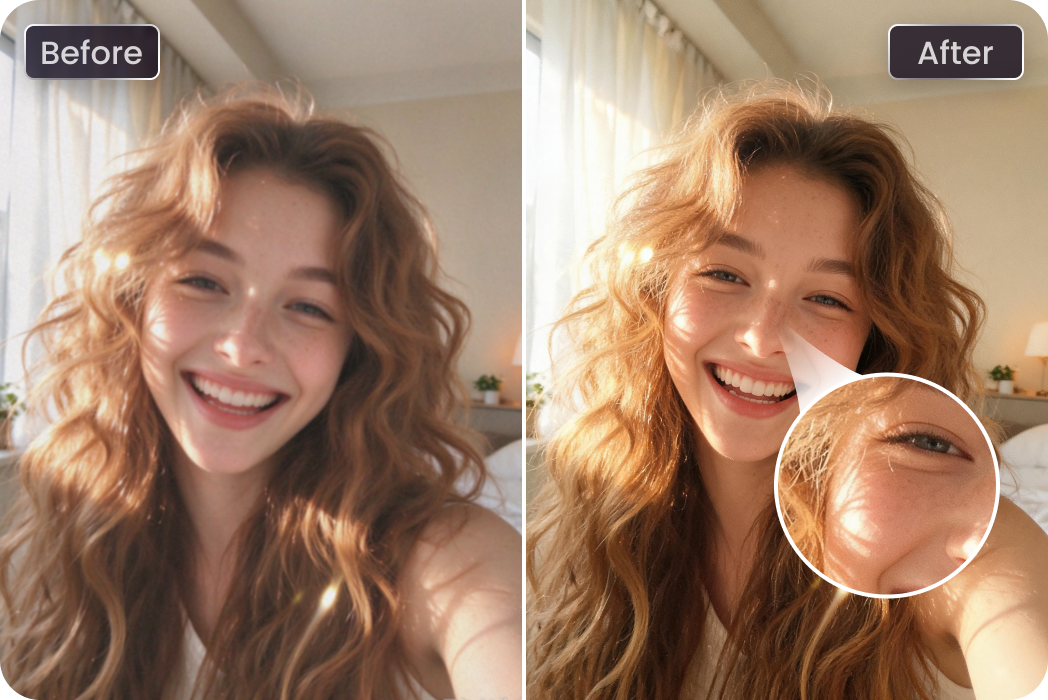
Lifestyle Influencers
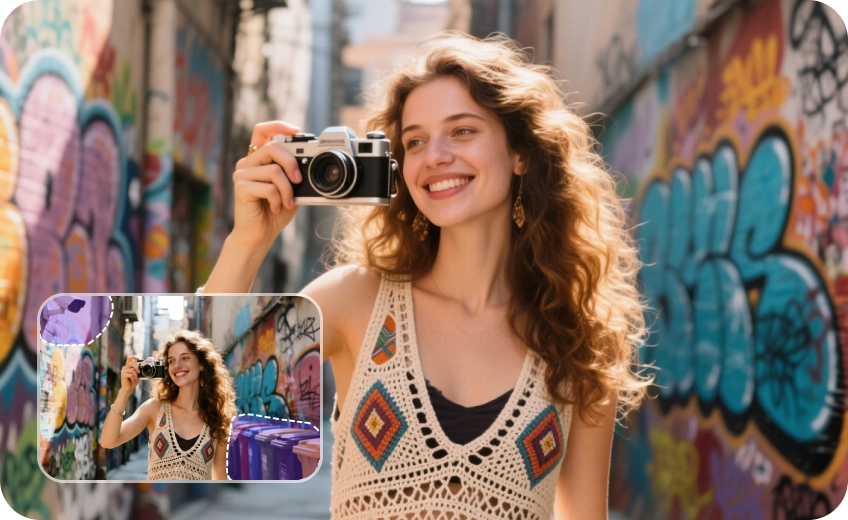
Want to know how to enhance Instagram photos? Sharpen eyes, define hair details, and reduce noise while keeping skin texture natural for polished selfies.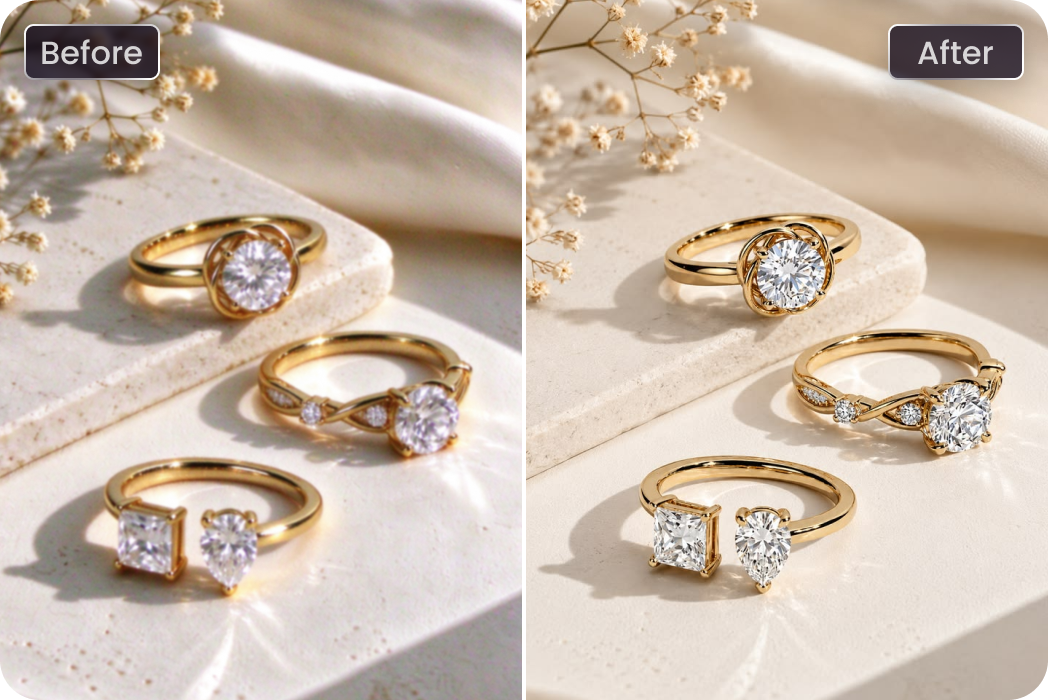
Small Business Owners
Enhance photo for Instagram by sharpening product textures, improving clarity, and boosting colors. A photo enhancer for Instagram helps your products stand out in every post.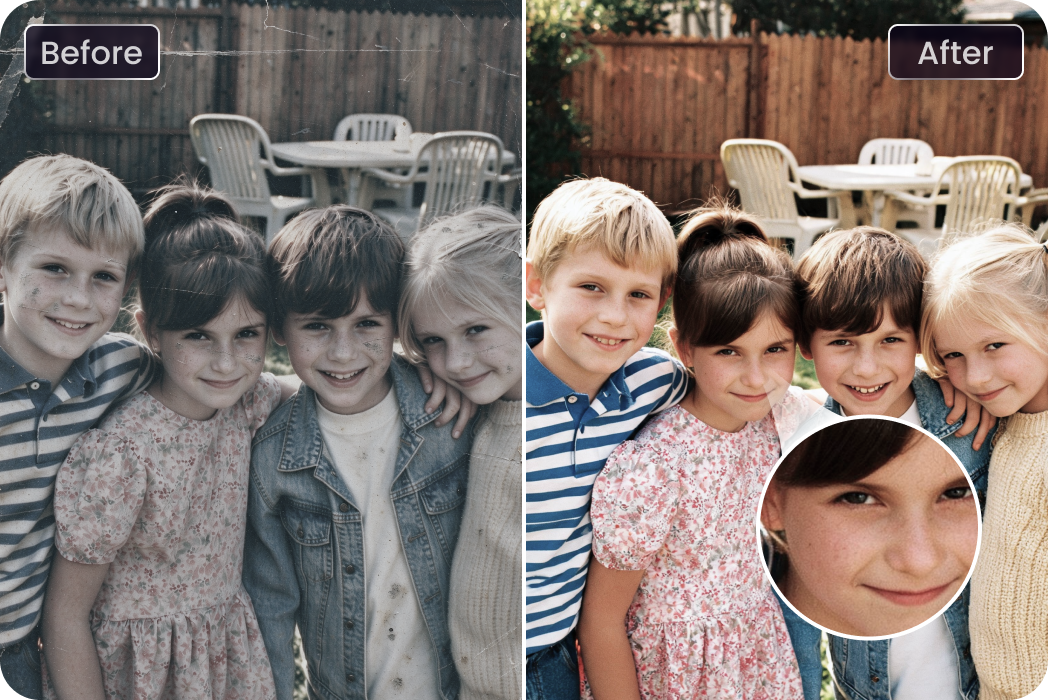
Memory Keepers
Restore faded colors, remove scratches, and bring black-and-white memories back to life. Enhance photo quality on Instagram with natural, full-color results that preserve your family’s most meaningful moments.Users Review: HitPaw FotorPea's Instagram Photo Enhancer

Travel Blogger @miaexplores

"Some of my favorite travel photos look dull after uploading, especially shots taken in low light. This Instagram photo enhancer helped me brighten dark scenery, sharpen distant details, and make my photos look more vibrant before sharing them with my followers."

Lifestyle Influencer @chloe.daily
"I love taking selfies, but slightly blurry eyes and messy hair details can ruin an otherwise great shot. Now I can enhance Instagram photos in seconds, bringing out facial details while keeping my skin looking natural instead of overly filtered."

Small Business Owner @thelittleatelier
"Product photos need to look clear enough for customers to notice every detail. I use this photo enhancer for Instagram to sharpen fabric textures, jewelry details, and product colors, so my posts look more professional without complicated editing."

Photography Enthusiast @alex.frames
"I used to wonder how to enhance photo quality on Instagram without making everything look oversaturated. This tool helps me recover fine details, reduce image noise, and improve sharpness before posting, especially when a photo looks softer than expected."

Family Memory Keeper @sarah.moments
"I wanted to share an old family birthday photo, but the colors had faded and scratches covered parts of the image. This tool helped restore the details and bring back natural colors, making it much easier to share those memories on Instagram."
How to Enhance Instagram Photos with HitPaw FotorPea
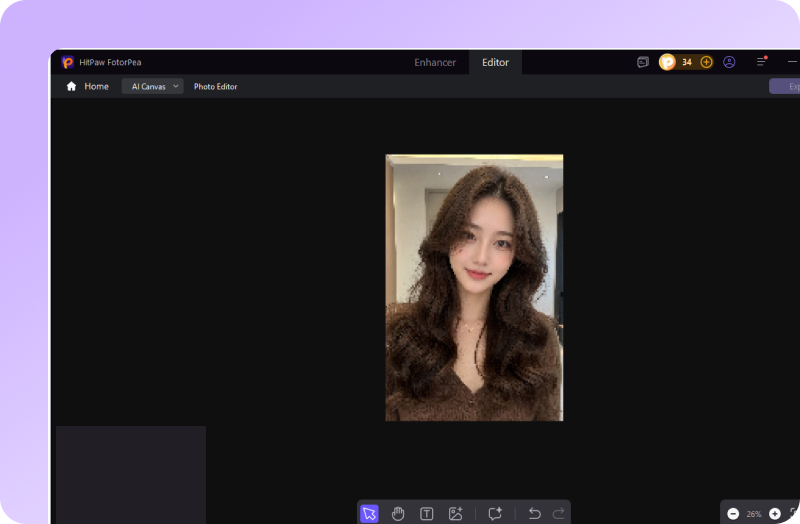
Upload Instagram Photo
Choose a photo from your device to enhance Instagram photos and improve image clarity in seconds.
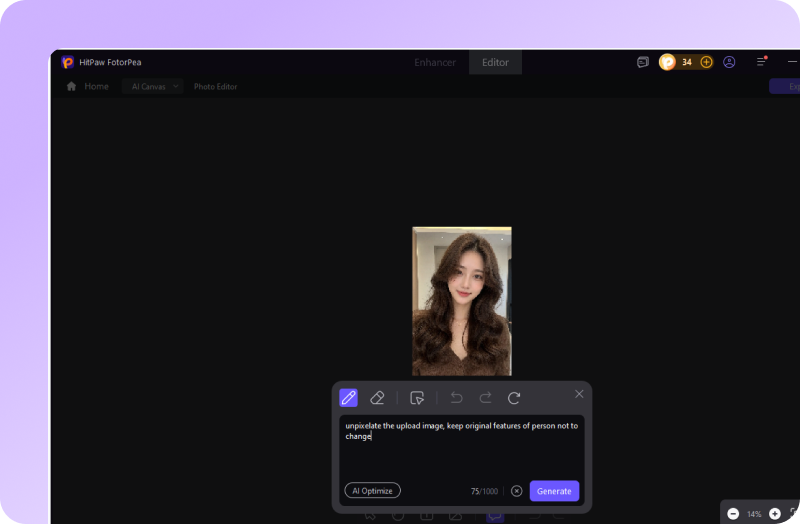
Preview AI Enhancement
Let AI automatically select the best model, then preview your enhanced Instagram photo.
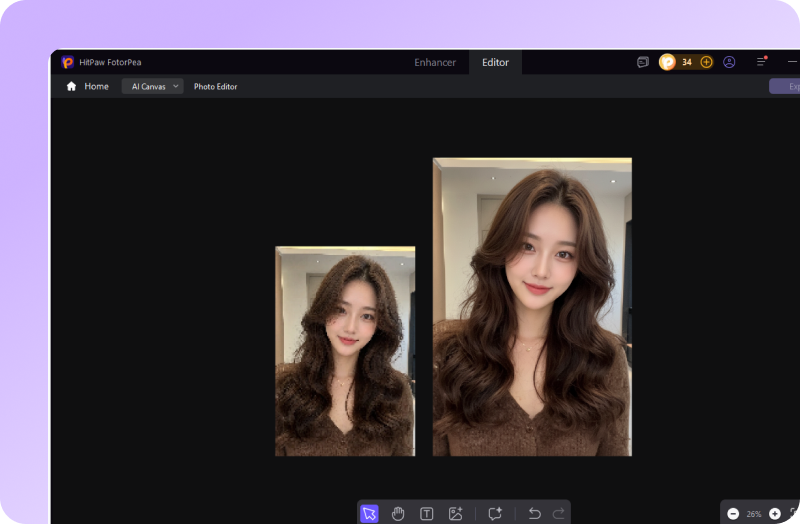
Download Enhanced Photo
Download your high-quality image, ready to share on Instagram.
Discover More Photo Tools with HitPaw FotorPea
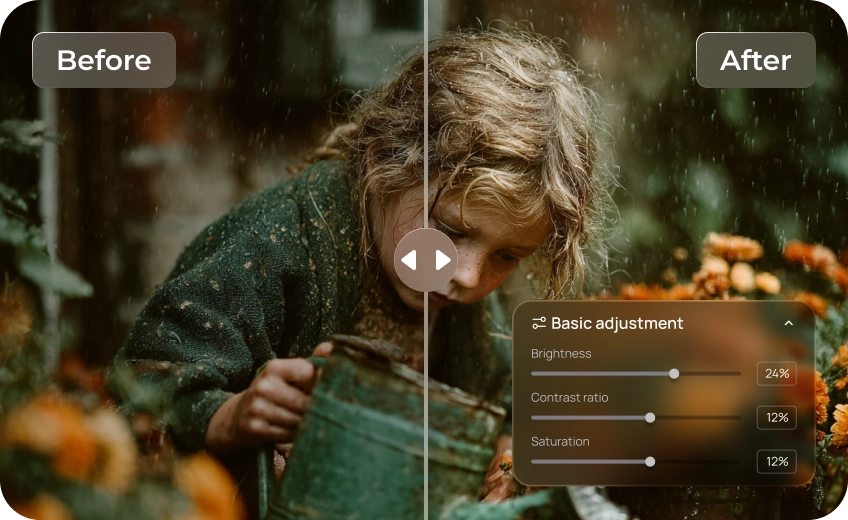
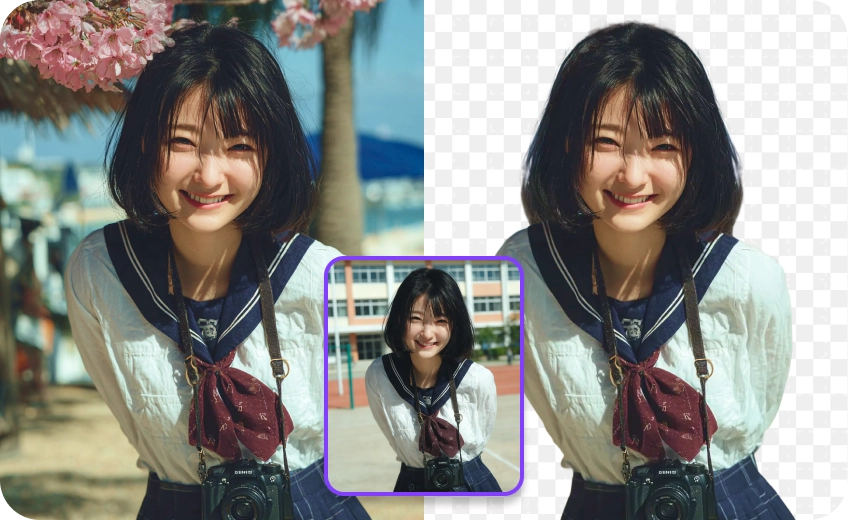
FAQs About HitPaw's Instagram Photo Enhancer App
Use an AI photo enhancer like HitPaw FotorPea to sharpen blurry details, reduce noise, and improve image clarity before posting. For more control over image quality, you can enhance your photo first and then upload it to Instagram.
Start with a high-resolution image, avoid repeated compression, and enable Instagram’s highest-quality upload setting. If your photo looks blurry or lacks detail, use an AI image enhancer before uploading.
The best photo enhancer for Instagram depends on your needs. Look for tools that sharpen details, reduce noise, and preserve natural textures. HitPaw FotorPea is one option for enhancing portraits, restoring old photos, and upscaling images in Instagram.
Instagram may process images during upload. To help preserve their original quality, enable Upload at highest quality in Instagram’s media quality settings and upload a clear, properly sized image. The exact settings may vary by app version.
Yes. You can choose from mobile photo editing apps and desktop AI enhancement tools. Look for features such as sharpening, noise reduction, and resolution upscaling based on the types of photos you share.
Tips & Tricks for HitPaw's Instagram Photo Enhancer
- Boost Instagram Photo Quality Using Smart Editing Tools
- Fix or Blur Instagram Photos Without Losing Quality
- Top Instagrammable Pictures Ideas You'll Love
- How To Upload High-Quality Photos to Instagram
- Add Text to Your Instagram Photos Effortlessly
- 2026 Best Instagram Photoshoot Ideas to Elevate Your Feed
- 2026 Full Guide on How to Take a Professional Headshot
- Why Is Instagram Making My Photos Blurry? Common Causes & Fixes
- Instagram HDR Video Guide: Upload, Fix, & Brighten Reels
- How to Add More Than One Photo to Instagram Story
- [Full Guide]How to Improve Instagram Story Quality Android and iPhone
- 200+ Best Attitude Captions for Instagram & AI Enhancer 2026
 HitPaw FotorPea
