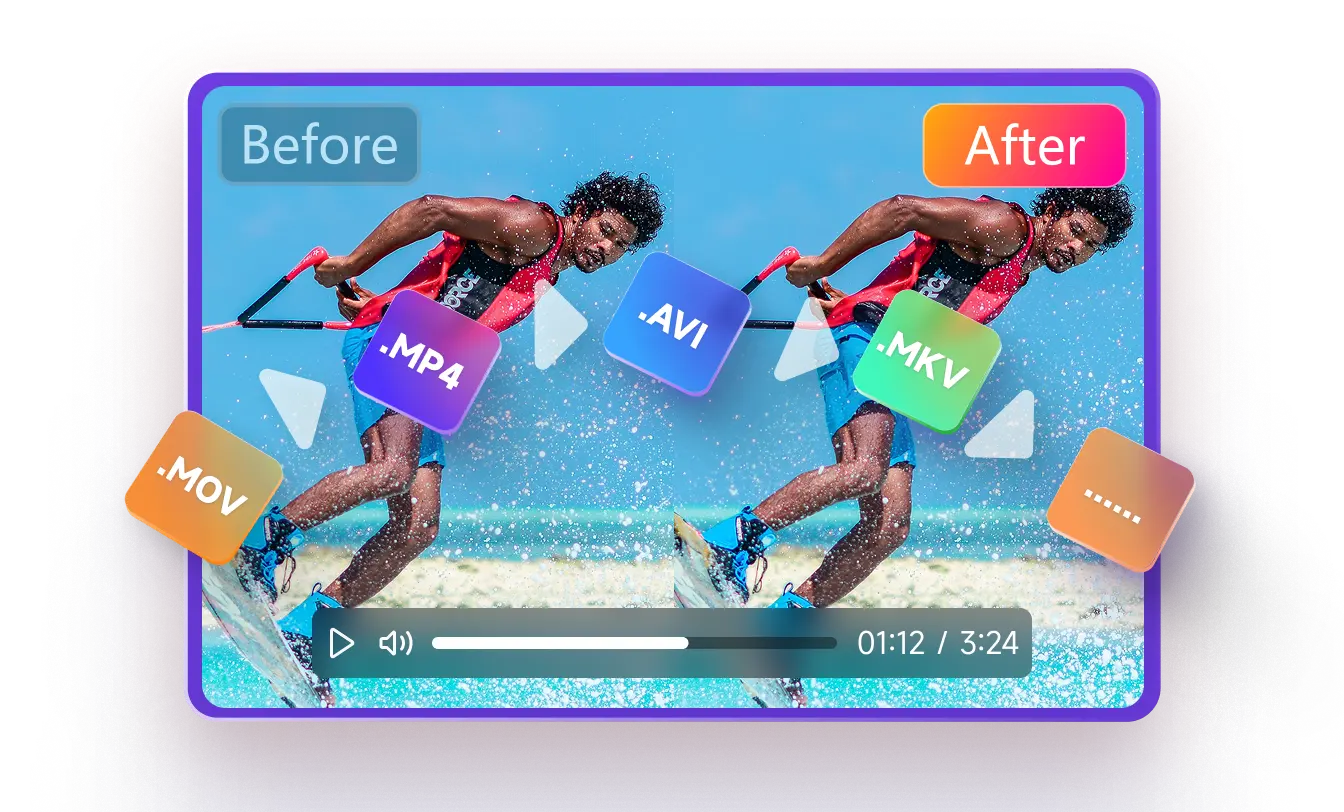
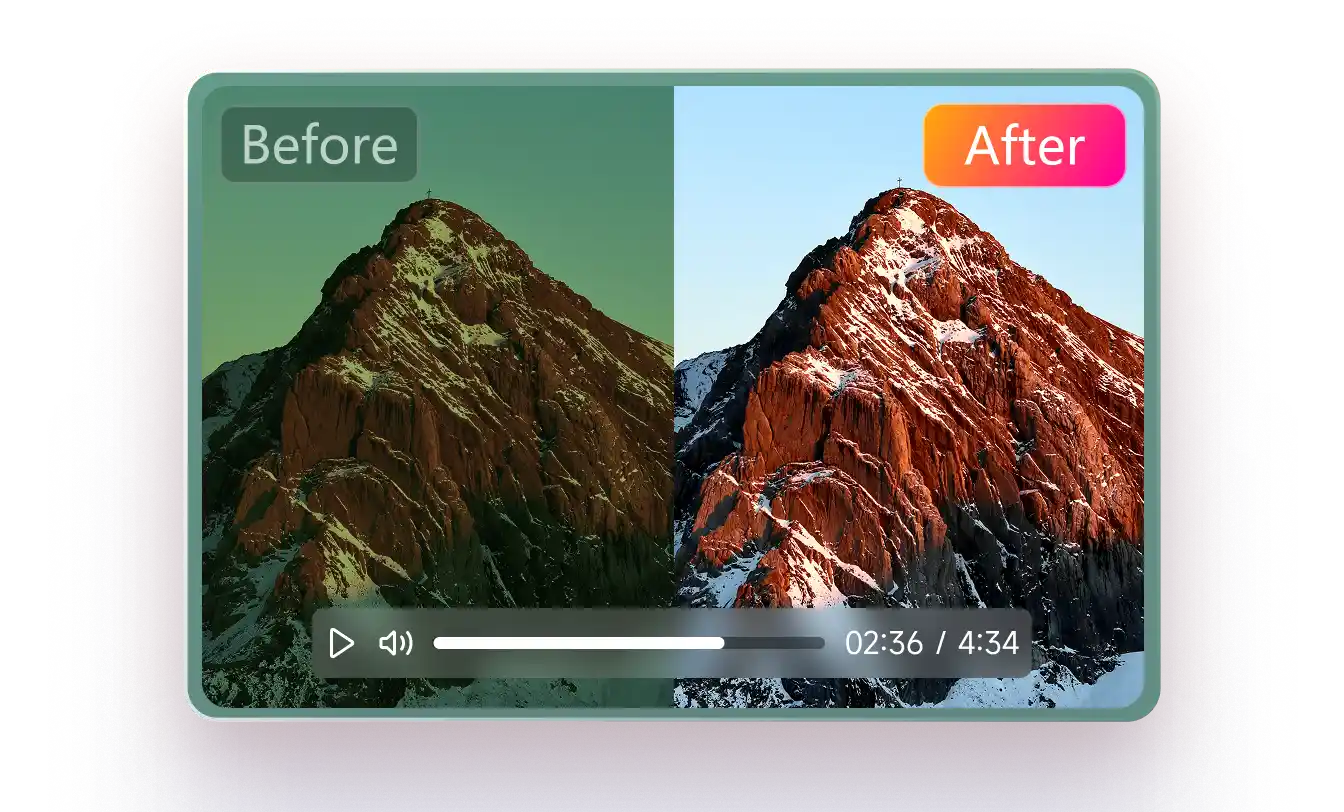
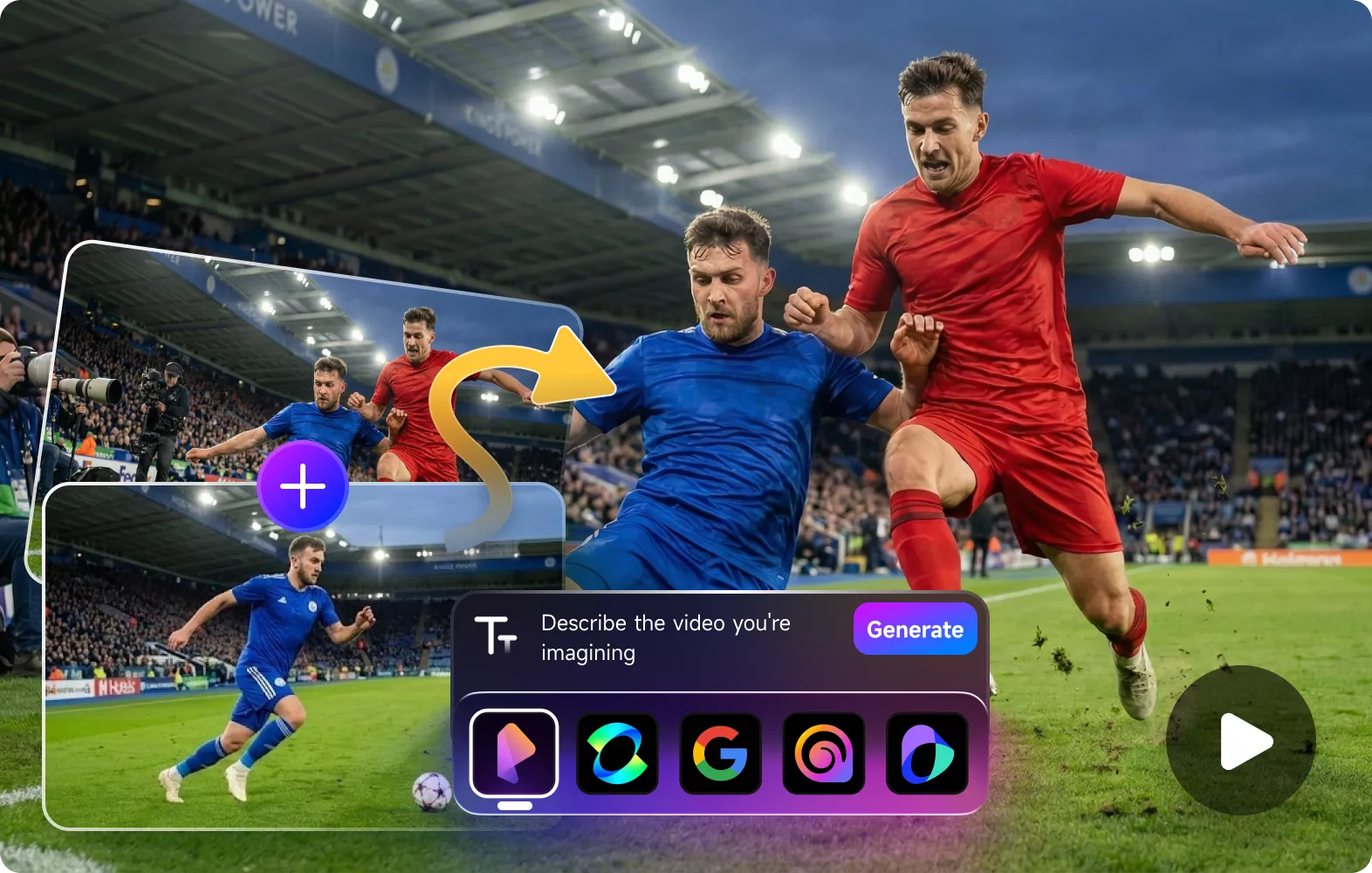
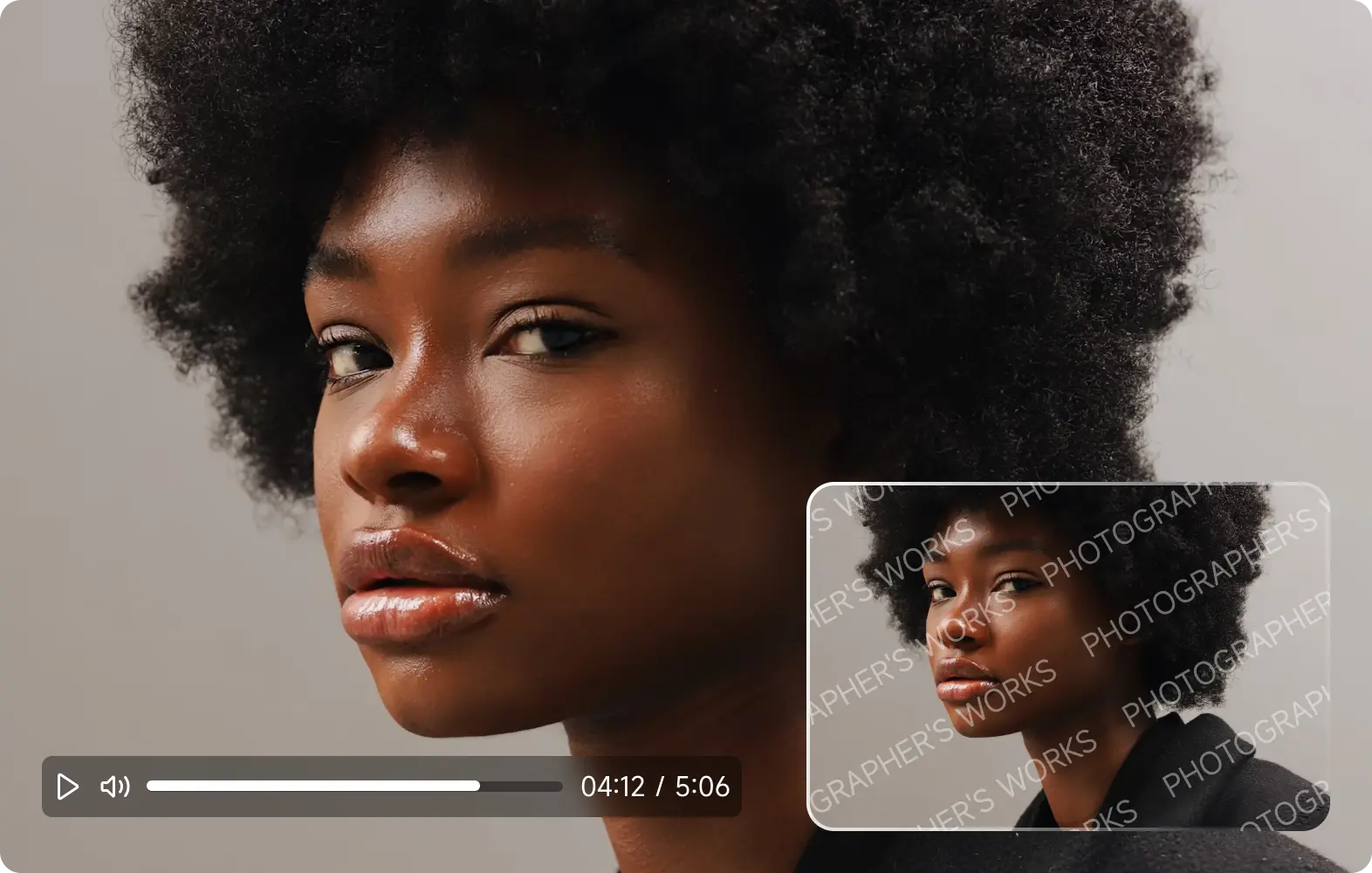
From specialized formats to intuitive simplicity, it engineered to deliver professional-grade results while remaining accessible to all users.
Seamlessly integrate video enhancer API to bring pro-level AI processing into your workflow. Advanced optimization models deliver superior clarity, restored details, and dramatically faster rendering, ideal for developers, editors, and creative platforms alike.
More about Video Enhancer APIExperience next-level speed with cloud-powered video enhancement. Process large files and batch tasks in minutes, not hours, maximizing both quality and efficiency for high-output teams.
Read MoreFrom quick fixes to flawless edits, handle complex tasks in seconds, not hours.
Over 5000M+ Reviews from Our Users
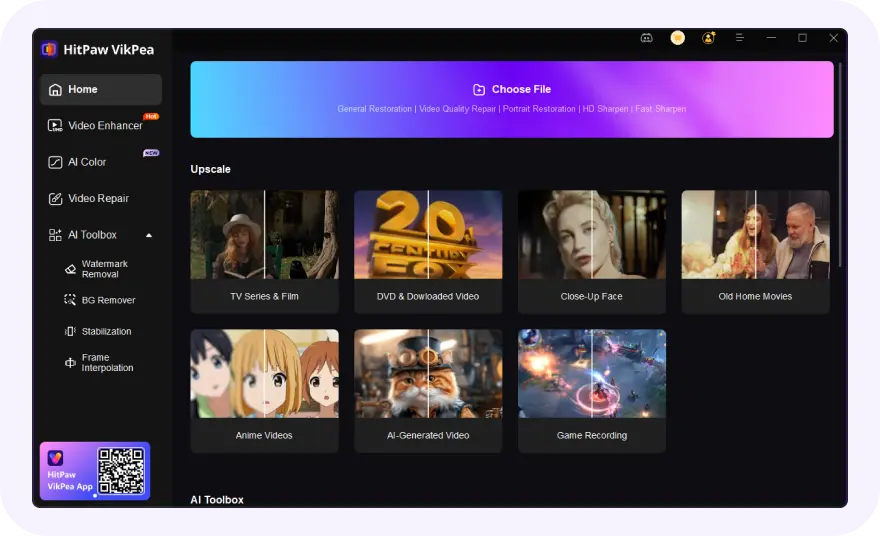
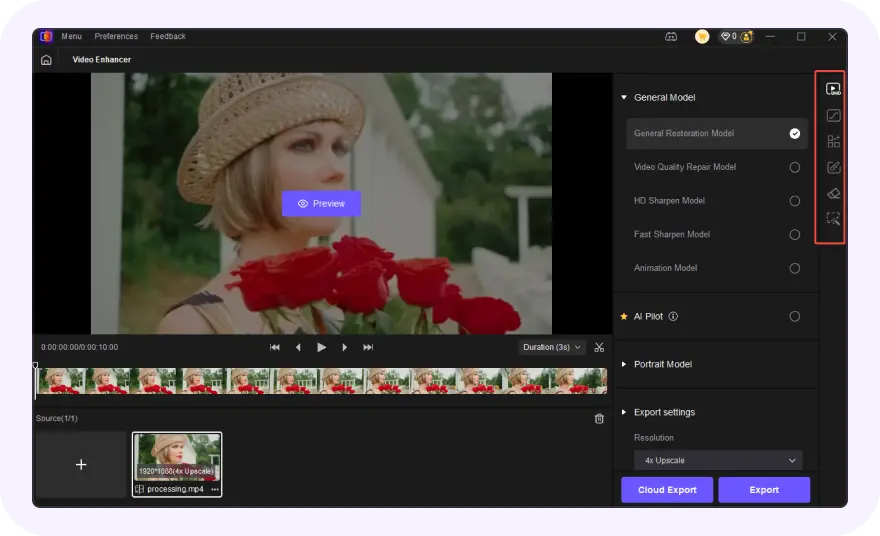
Launch the video quality enhancer software and upload your video(s).
Choose one AI model based on video type to get better effect to enhance videos.
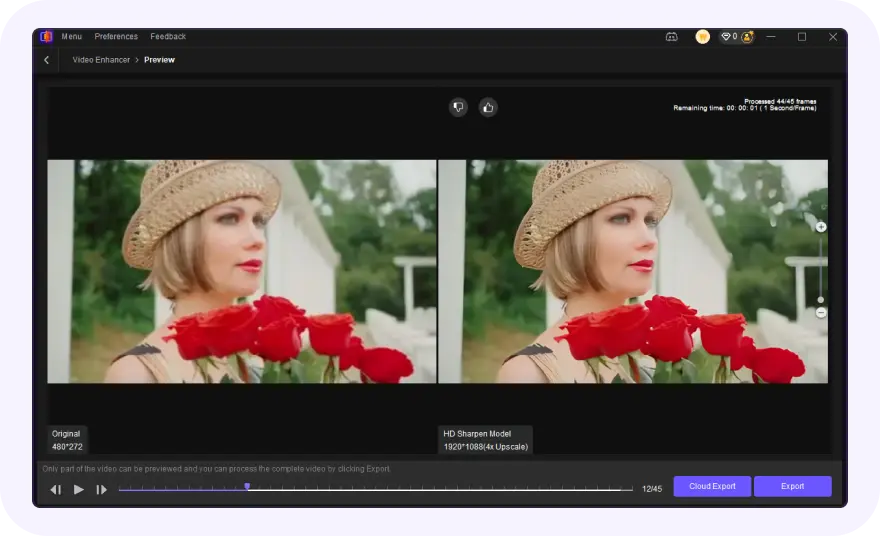
Preview the AI video enhance effect and export the upscaled video.
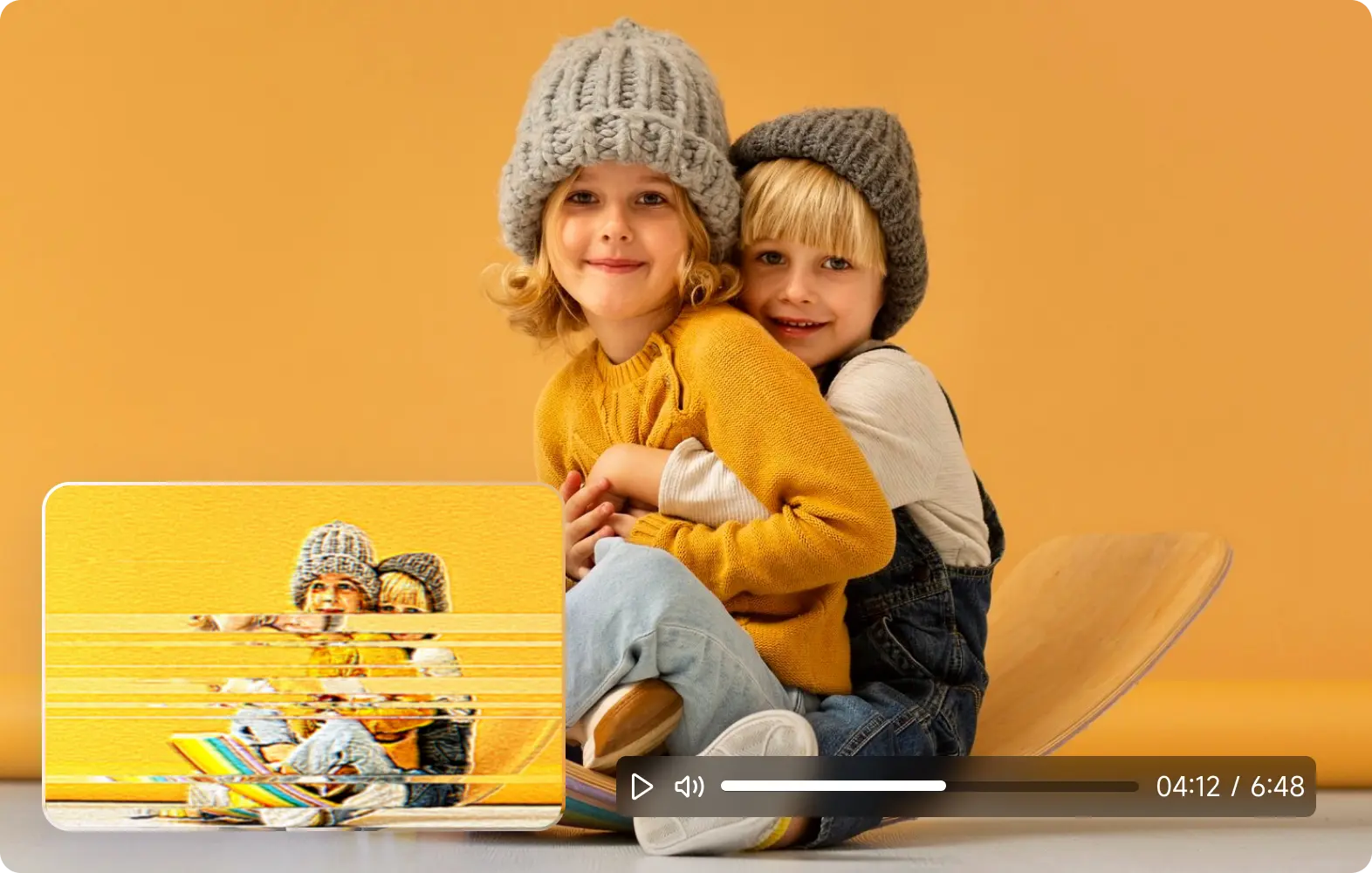
Videos often look blurry or pixelated due to low resolution, heavy compression, poor lighting, or digital zoom during recording. These issues reduce detail and create visible artifacts, especially when videos are enlarged or uploaded to social platforms. AI-powered video enhancement can help by rebuilding lost details, sharpening edges, and reducing noise, making blurry or pixelated footage appear clearer and more natural.
Yes, VikPea AI can effectively improve blurry or pixelated videos in many common situations. Blurriness and pixelation usually come from low resolution, compression, camera shake, or poor lighting, which cause detail loss and visual artifacts. AI video enhancement works by analyzing each frame, reconstructing missing details, sharpening edges, and reducing noise, making videos look clearer and more natural.
AI video enhancement works best on videos with blurry details, low resolution, poor lighting, compression artifacts, or faded colors, such as:
Yes, VikPea video upscaling can increase resolution up to 4K or 8K by intelligently generating missing details instead of simply stretching pixels. This results in sharper edges, clearer textures, and more realistic visuals compared to traditional upscaling methods.
Yes. VikPea's AI-based stabilization and frame interpolation can reduce camera shake and increase frame rates, turning unstable or choppy footage into smoother, more natural-looking videos.
Yes, VikPea can enhance videos before uploading to platforms like YouTube, Instagram, or TikTok, helping them retain better clarity after compression. Enhancing resolution, sharpness, and color beforehand often results in cleaner playback and more professional-looking content once the platform applies its own compression.
A video enhancer boosts overall visual appeal by refining key aspects: adjusting color balance, sharpening details, tuning brightness/contrast, and reducing noise for a polished look.
A video upscaler has one focused job: increasing resolution (e.g., 720p to 1080p/4K), using AI tools to keep details and avoid blurriness.
VikPea offers both: use its AI Video Enhancer for better overall quality, and the Video Upscaler to boost resolution without losing detail.
On 29 October 2024, HitPaw Video Enhancer was officially renamed to HitPaw VikPea. The new version introduced a video enhancement model for more precise 4K enhancement and video quality restoration. Additionally, HitPaw VikPea optimized its interface and added the AI Color Module, offering features like SDR to HDR conversion to meet advanced color enhancement needs.
Absolutely! It's totally feasible to sharpen a blurry video, and VikPea Video Enhancer excels at this task. It leverages sophisticated algorithms to target blurriness directly by refining edge details, enhancing texture clarity, and reducing fuzziness. Beyond sharpening, it also boosts overall visual quality, making your once-blurry footage look crisper and more polished.
HitPaw VikPea