





1080p to 4K Video Converter with AI Enhancement
Want your Full HD videos to look better on 4K displays? HitPaw VikPea helps convert 1080p footage into 4K output with AI-powered detail recovery, noise reduction, and color enhancement. Create cleaner-looking videos for 4K TVs, large displays, and online sharing.


Convert 1080p Videos to 4K with Better Visual Quality

Smart Resolution Conversion Beyond Simple Stretching
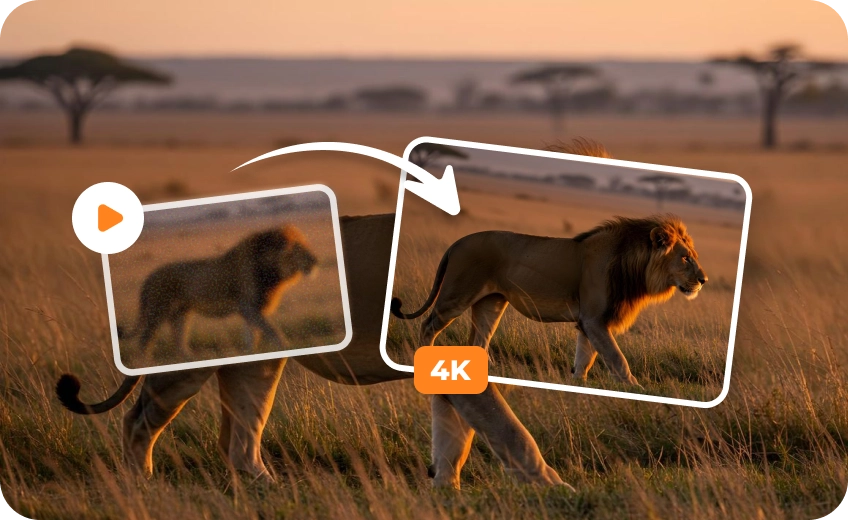
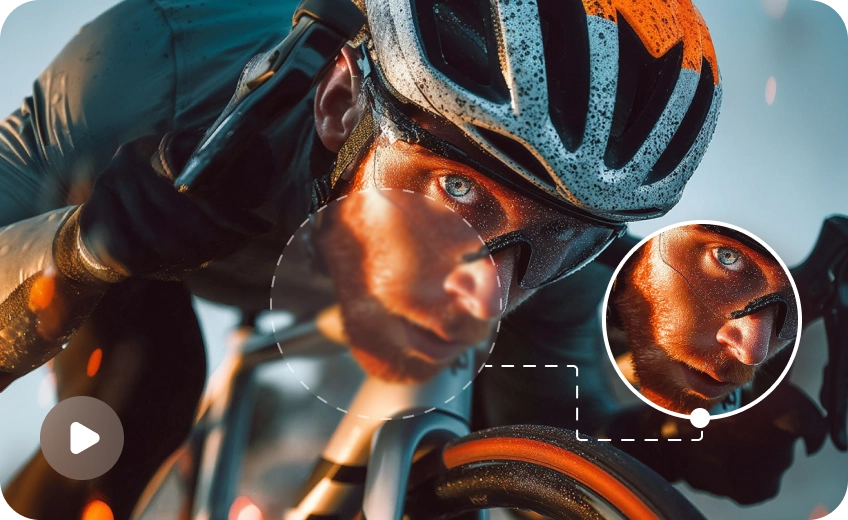
Traditional converters merely stretch 1080p pixels to fit a 4K frame, resulting in blurry and pixelated output. HitPaw VikPea uses deep-learning neural networks to generate genuine detail pixels frame by frame, transforming your Full HD videos into crisp, native-like 4K footage.
Comprehensive Quality Improvement & Noise Reduction
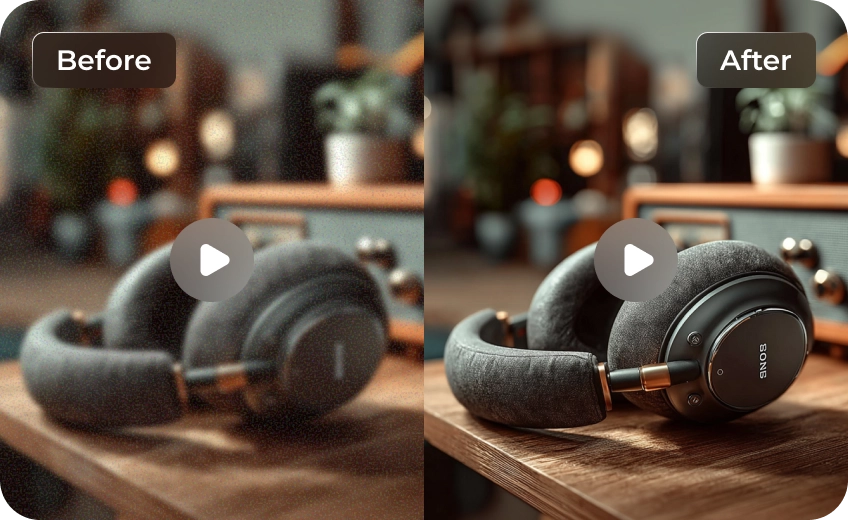
Upgrading 1080p footage to 4K often exposes hidden compression noise and blurred contours. The built-in AI enhancement engine automatically cleans up digital artifacts, sharpens soft edges, and optimizes color balance, ensuring your converted 4K videos remain crystal clear on large displays.
High-Bitrate 4K Exporting for Smart TVs & Social Streaming
Tailored for modern displays and content platforms, HitPaw VikPea optimizes output encoding parameters during conversion. By preserving color depth and high bitrates, your converted 4K MP4 or MOV files play smoothly on 4K Smart TVs, YouTube, and digital signage without playback lag.
Versatile AI Models Tailored for Diverse Video Types
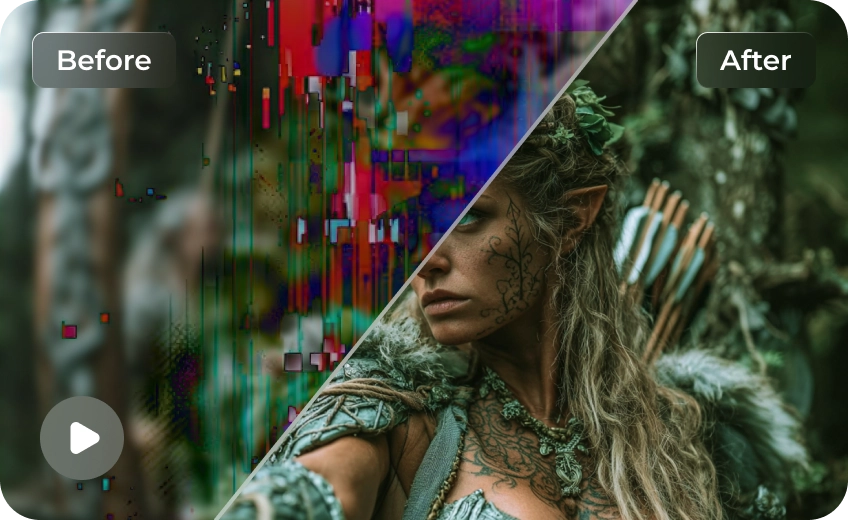
Achieve precision conversion with dedicated AI models designed for different content styles. Whether you are refining human portraits, fast-paced anime, legacy home videos, or low-light night scenes, you can select the perfect model to unlock optimal 4K rendering results.

Multi-Format Support

Batch Processing

Real-Time Preview

Local Perfomance
Who Needs a Dedicated 1080p to 4K Video Converter?
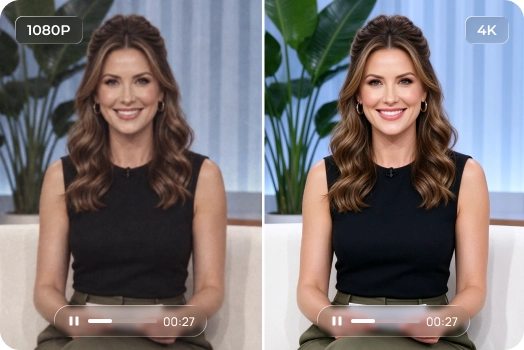
Content Creators & YouTubers
Prepare your existing 1080p vlogs and video library for 4K viewing. Improve visible details and reduce distracting noise to create cleaner-looking videos for YouTube uploads, large displays, and audiences.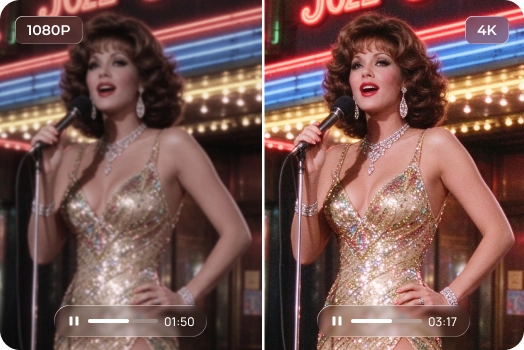
Film & Archival Restorers
Reuse older 1080p independent films, documentary footage, and personal video archives in new projects. Improve image clarity and reduce visible noise to prepare cleaner-looking 4K files for digital preservation.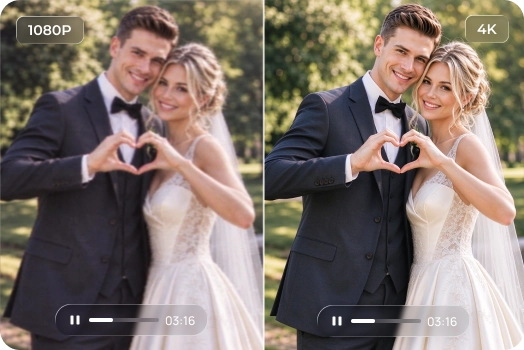
Social Media & Event Videographers
Give 1080p wedding films, event highlights, and commercial videos a cleaner finish before delivery. Enhance visible details and improve overall image quality to prepare 4K versions for presentations, displays, or online sharing.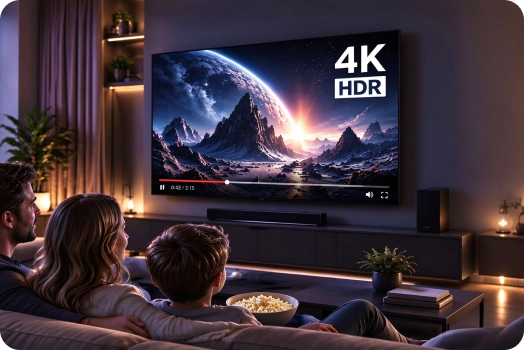
Home Theater Enthusiasts
Want your Full HD video collection to look better on a 4K television? Improve visible details, reduce distracting noise, and refine colors to create a cleaner viewing experience on large screens.What Users Say about VikPea 1080p to 4K Video Converter

Marcus Vance, Travel Vlogger

"I had hours of 1080p drone footage from 2019 that looked grainy on my new 4K monitor. HitPaw VikPea converted the files smoothly and brought out crisp leaf textures and sharp mountain lines."

Elena Rostova, Commercial Video Director
"A client requested a 4K promotional cut, but half our B-roll was filmed in standard 1080p. Using this converter saved us from expensive reshoots. The output merged seamlessly with our native 4K footage."

David L., Digital Content Creator
"I edit short anime AMVs and needed a reliable 1080p to 4K converter that doesn't ruin line art. The animation AI model sharpened lines clean without adding weird artifacts or over-saturation."

Sarah Jenkins, Personal User
"We wanted to showcase old family memories at my parents' anniversary on a large 4K TV. Converting our old 1080p MP4 files made everyone look sharp and clear on the big display instead of pixelated."
How to Convert 1080p Video to 4K in 3 Easy Steps
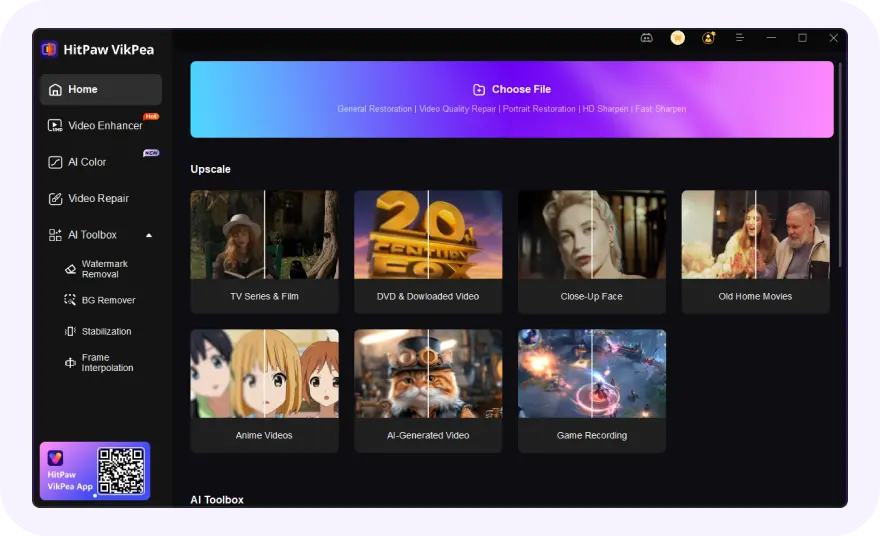
Import Your 1080p Video
Open HitPaw VikPea and import the Full HD video into the Video Enhancer workspace.
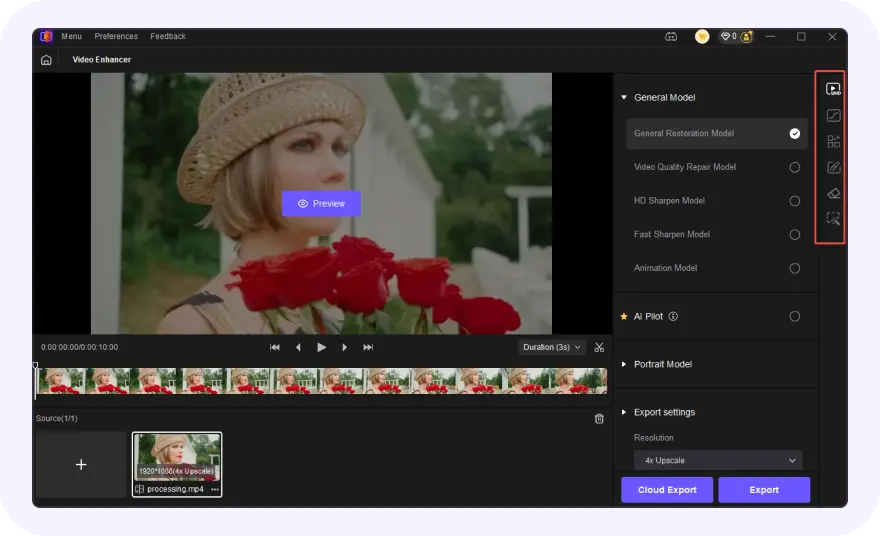
Choose an AI Enhancement Model
Choose a suitable AI model, then select 4K (3840x2160) under the export settings.
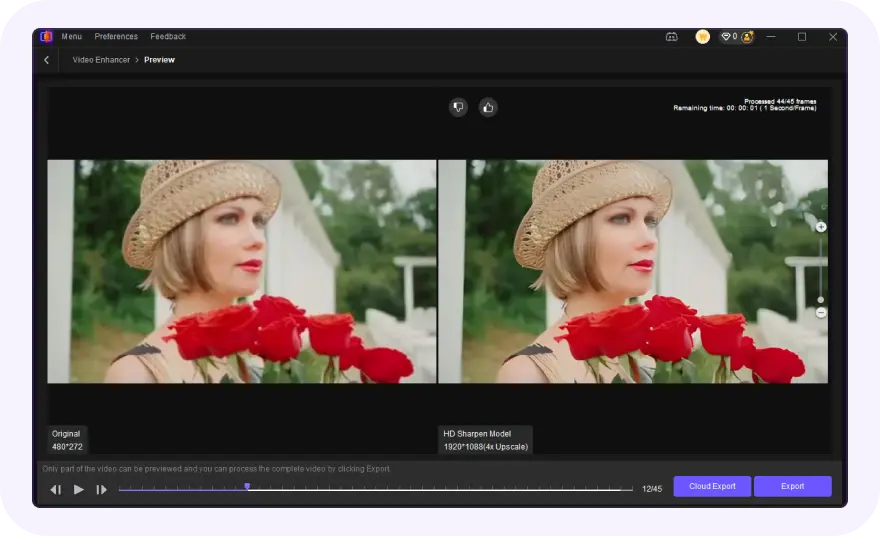
Preview and Export Your 4K Video
Click "Preview" for side by side comparison, then hit "Export" to save your 4K video.
Discover More Video Tools with HitPaw VikPea
FAQs About 1080p to 4K Video Conversion
Not necessarily. Converting a 1080p video to 4K increases its output resolution, but it cannot automatically recreate all the detail captured by a native 4K camera. AI video enhancement can help refine textures, improve visible details, and reduce noise, making suitable footage look clearer on 4K displays. The results depend on the original video's quality and the processing method.
Usually, yes, but the increase depends on the output format, bitrate, codec, and compression settings. A 4K video exported at a higher bitrate will generally require more storage than the original 1080p file. However, resolution alone does not determine file size; a well-compressed 4K video may be smaller than a less efficiently compressed 1080p video.
No, converting 1080p to 4K changes the video's spatial resolution (pixel count), not its frame rate (FPS). If your original Full HD footage was shot at 30fps or 60fps, the exported 4K file will remain at that same frame rate unless you explicitly apply frame interpolation or motion smoothing tools.
Traditional video converters use basic interpolation techniques (such as bilinear or bicubic stretching) to fill a 4K resolution canvas. This process simply enlarges existing pixels without adding new visual information, resulting in soft edges, blockiness, and a blurry appearance on large displays.
Tips & Tricks for HitPaw 1080p to 4K Converter
 HitPaw VikPea
