





AI Movie Upscaler to Enhance 720P Videos to 4K with AI
Bring your AI-generated films to life with HitPaw VikPea, an AI movie enhancer designed for better movie quality. Upscale blurry footage to 4K, restore missing details, and reduce visual noise to make your cinematic scenes clearer and more refined.
Whether you're creating AI movies or short films, VikPea works as an AI movie upscaler to transform low-resolution clips into sharper, more polished visuals while preserving your creative vision.


Enhance AI-Generated Films for Sharper, Smoother 4K Visuals

Upscale 720P AI Movies to 4K Without High Generation Costs
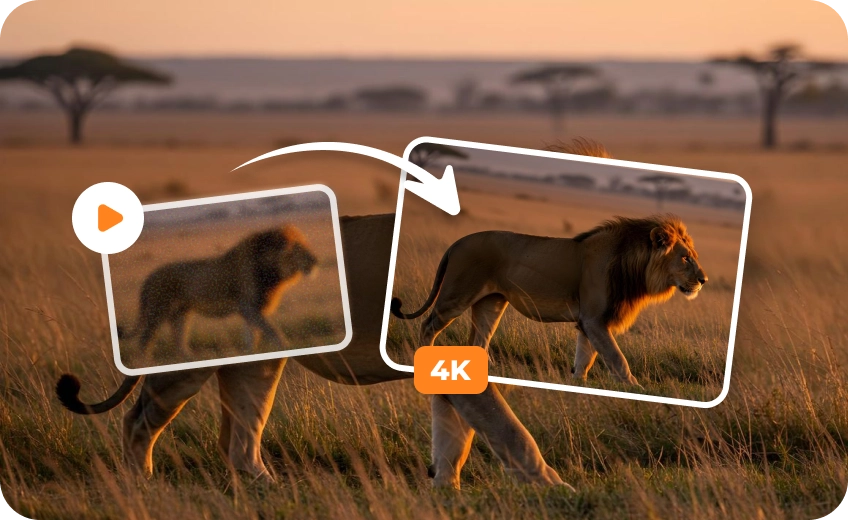
Generating AI movies in 4K can be costly, so creators often start with 720P previews. HitPaw VikPea AI Movie Upscaler's UHD Restoration Model enhances these clips to 4K with sharper details, saving generation costs.
Restore Realistic Skin and Textures in AI Movies or Short Films
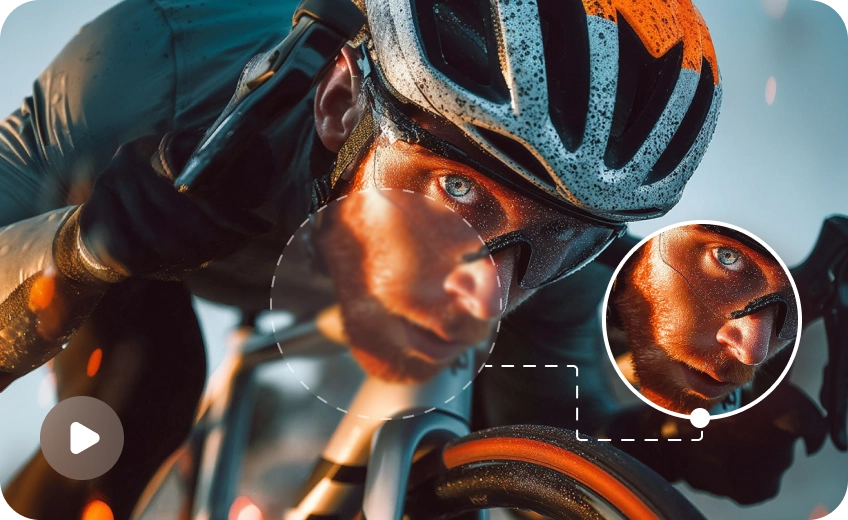
AI-generated movies or short films often show waxy skin, plastic-like faces, and missing fine textures. VikPea's cloud-based AI Generative Model reconstructs visual details, making low-resolution footage look more natural and realistic.
Remove Noise from AI-Generated Movies for Cleaner Dark Scenes
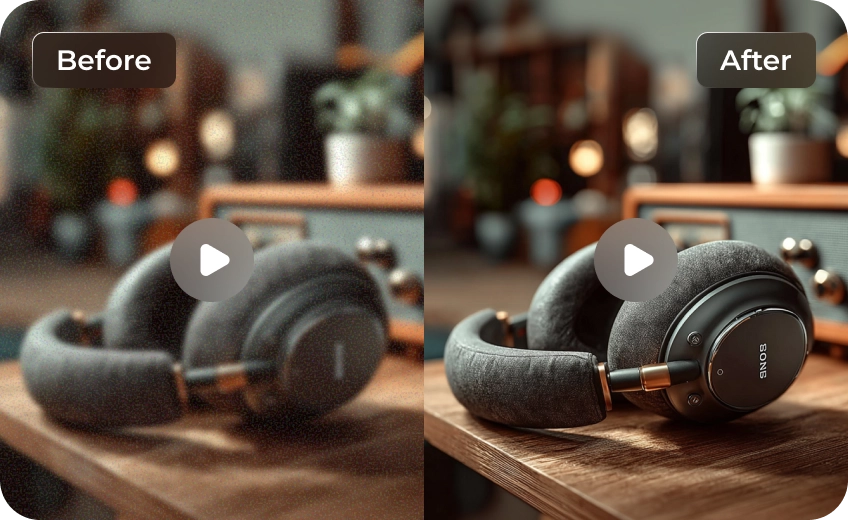
AI-generated night scenes can show distracting grain and speckles in dark areas. HitPaw VikPea's Professional Denoise Model reduces unwanted noise while preserving natural textures, helping shadows and cinematic lighting look cleaner.
Reduce Motion Blur in AI Movies with AI Frame Interpolation
Fast movements and chaotic camera motion can make Al-generated short films look blurry and unstable. VikPea's AI Frame Interpolation creates intermediate frames to smooth motion and improve visual continuity, with frame rates up to 60 FPS.

Multi-Format Support

Batch Processing

Real-Time Preview

Local Perfomance
Explore the Practical Cases of AI Movie Upscaling
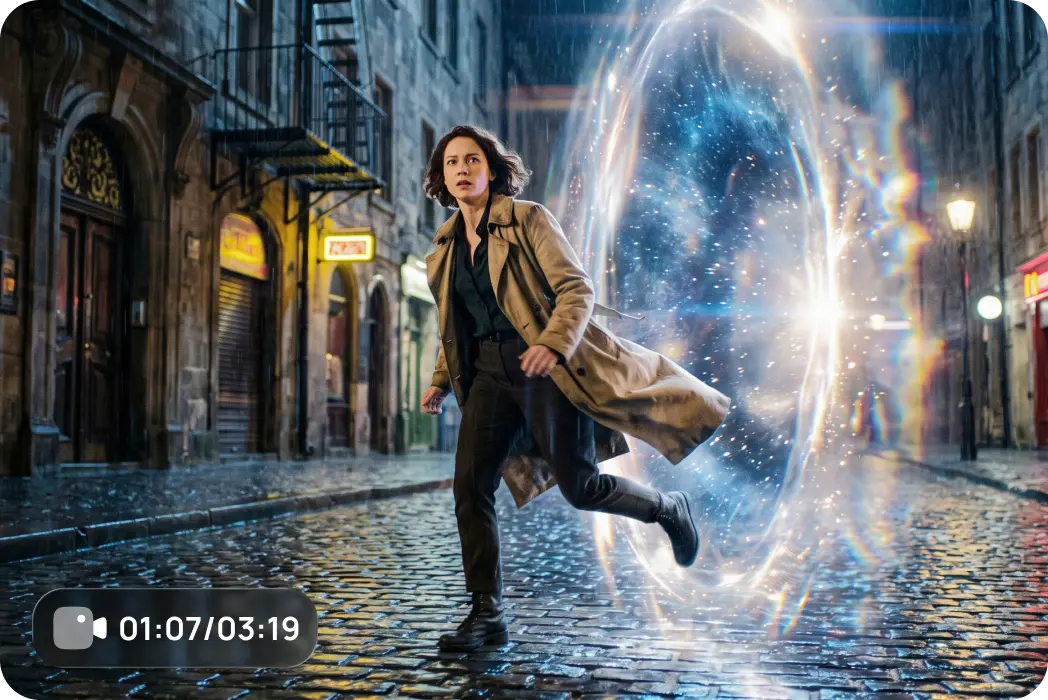
AI Movie Creators
Bring your AI-generated movies to life with sharper 4K visuals, richer scene details, and cleaner cinematic textures. Enhance every frame to create more immersive stories.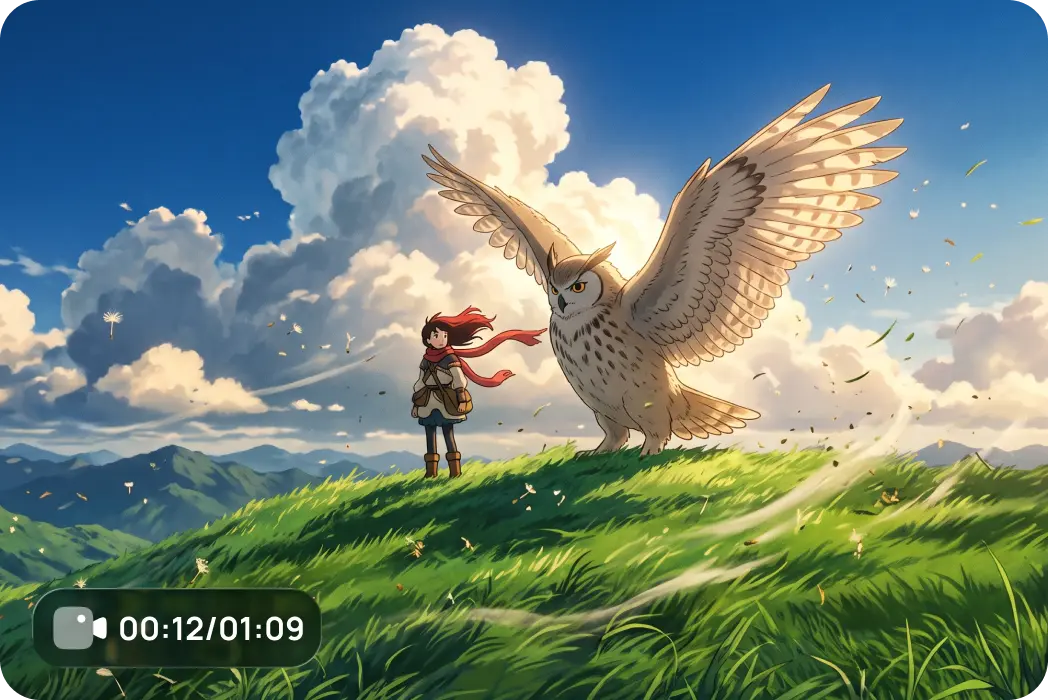
Short Film Makers
Polish AI short films with improved clarity, reduced visual noise, and smoother motion. Make action sequences and emotional close-ups look more refined and engaging.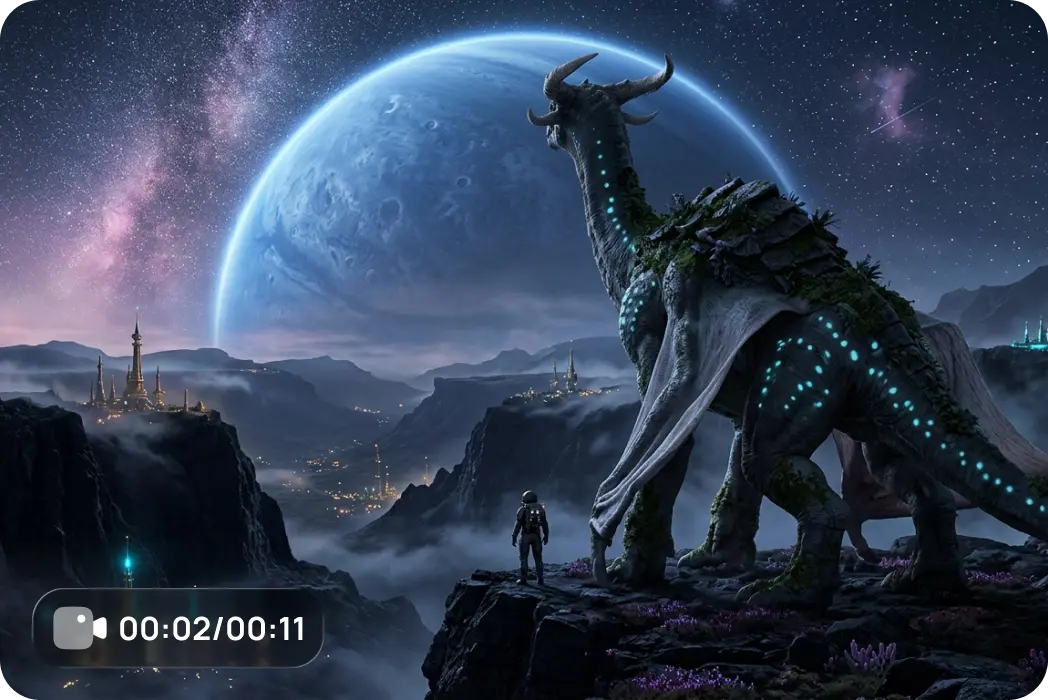
Independent Filmmakers
Refine AI-assisted film projects with enhanced resolution and restored details. Turn low-resolution generated clips into clearer footage ready for editing, presentation, and sharing.Cost Breakdown: Native 4K vs. Low-Res + HitPaw Upscaling
Want to save up to 75% on 4K video costs? Instead of rendering resource-heavy footage directly in 4K, smart creators are shifting to a high-efficiency workflow: generating content at a lower resolution and upscaling it using the HitPaw VikPea. Here is how the two approaches stack up in terms of cost, speed, and efficiency.
| Model Name | 720p/min($) | 1080p/min($) | 4k/min($) |
|---|---|---|---|
| Kling 3.0 Omni | $7.56 | $10.08 | $25.20 |
| Seedance 2.5 | $13.56 | $33.55 | Not Supported |
| Veo 3.1 Standard | $24.00 | $24.00 | $36.00 |
| Runway Gen-4.5 | $7.20 | Not Supported | Not Supported |
| Vidu Q4 Preview | $5.70 | $7.20 | $23.40 |
| Wan 3.0 Video | $4.95 | $9.90 | Not Supported |
| Grok Imagine Video 1.5 | $8.40 | $15.00 | Not Supported |
| PixVerse V6 | $3.60 | $6.90 | Not Supported |
| Luma Ray3.2 | $5.40 | $21.60 | Not Supported |
| VikPea Plan | Monthly Plan | Yearly Plan | Perpetual Plan |
|---|---|---|---|
| Cost of 4K Upscaling | about $1.43/Day | about $0.27/Day | <$0.02/Day |
What Users Say About HitPaw VikPea AI Movie Enhancer

AI Film Director

"I often generate several versions of a scene before choosing the one that works best. Most of my previews are in 720P, and VikPea makes it easy to upscale the selected AI short films to 4K. The final footage looks much sharper, without having to regenerate everything."

Independent AI Animation Producer
"AI-generated characters sometimes have that waxy skin and plastic-like look, which can really take away from the story. HitPaw VikPea AI Movie Enhancer helps restore finer facial details and textures. My characters look much more natural, especially in close-up shots."

AI Filmmaking Enthusiast
"I love experimenting with different AI video models and creating my own little AI movie scenes. The problem is that some clips come out blurry or full of noise. VikPea helps clean them up and bring out more details. It's great seeing my ideas look closer to what I imagined."

AI Movie Investor
"I've been following a few AI movie projects, and visual quality makes a big difference when presenting an idea to potential partners. One team I worked with used HitPaw VikPea to enhance their footage, and the improvement was impressive. Their final presentation looked much more polished and professional."
How to Enhance AI Movie Quality in 3 Steps
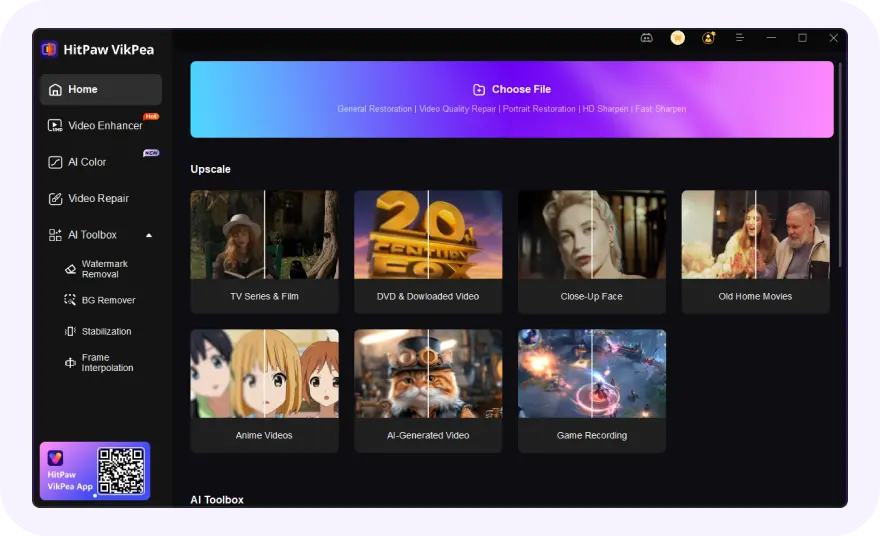
Import Your AI Movies
Launch VikPea and drag-and-drop your AI movies into the workspace.
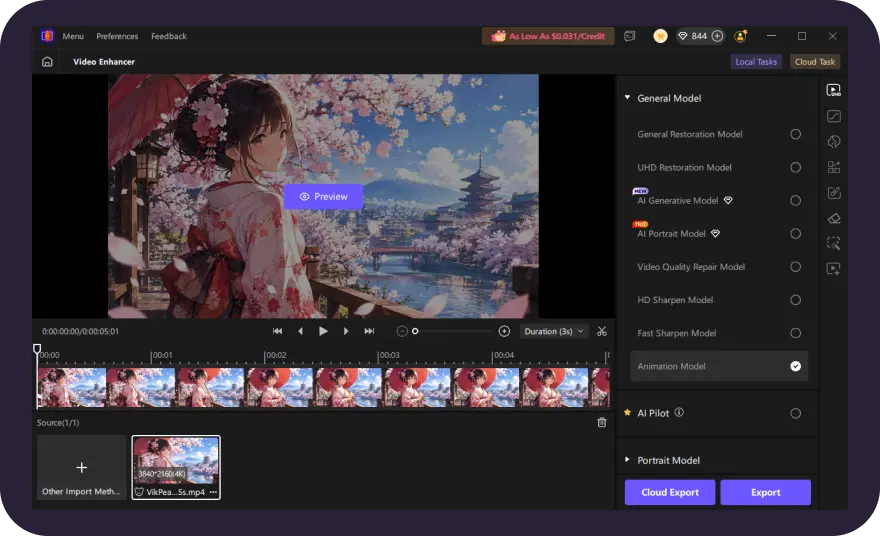
Select the Most Suitable AI Model
Select the most suitable enhancement model from VikPea’s list of AI models, set resolution and upscale AI movies to 4K/8K.
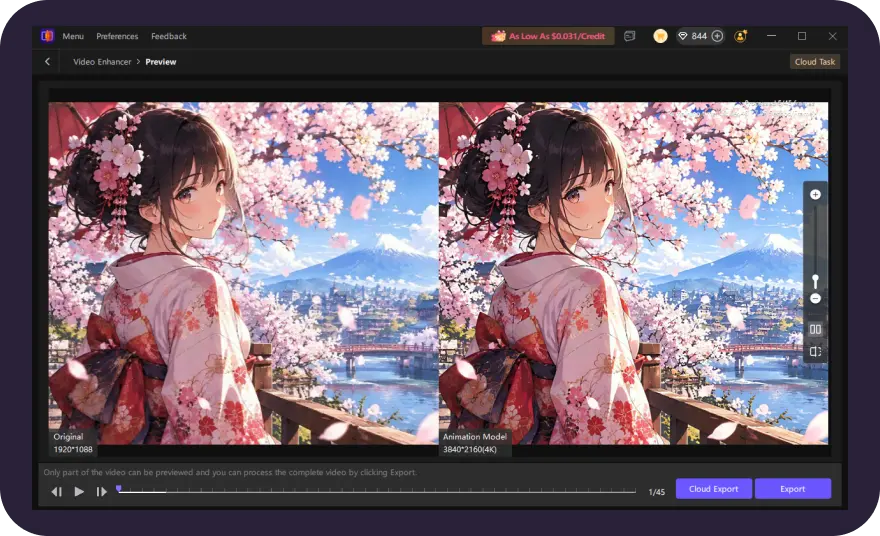
Preview and Export Enhanced Video
Preview the enhanced result in real time. Once satisfied, export your upgraded AI movies in high quality instantly.
Discover More Video Tools with HitPaw VikPea
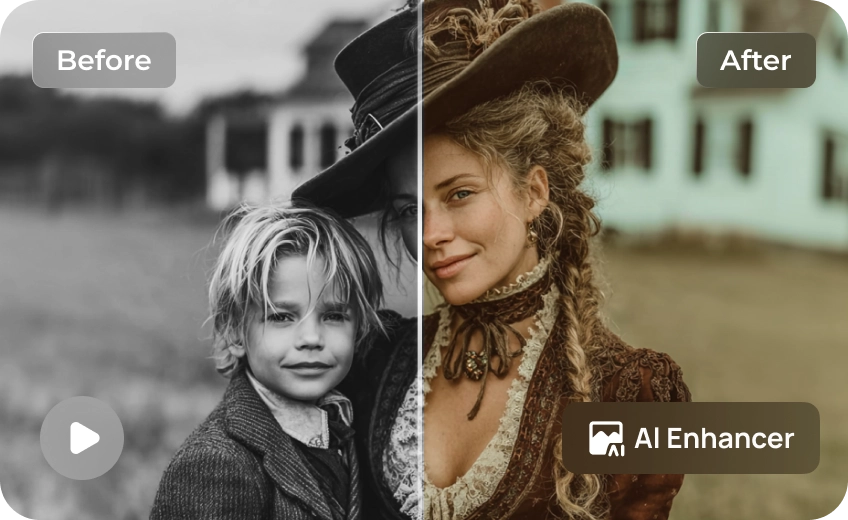
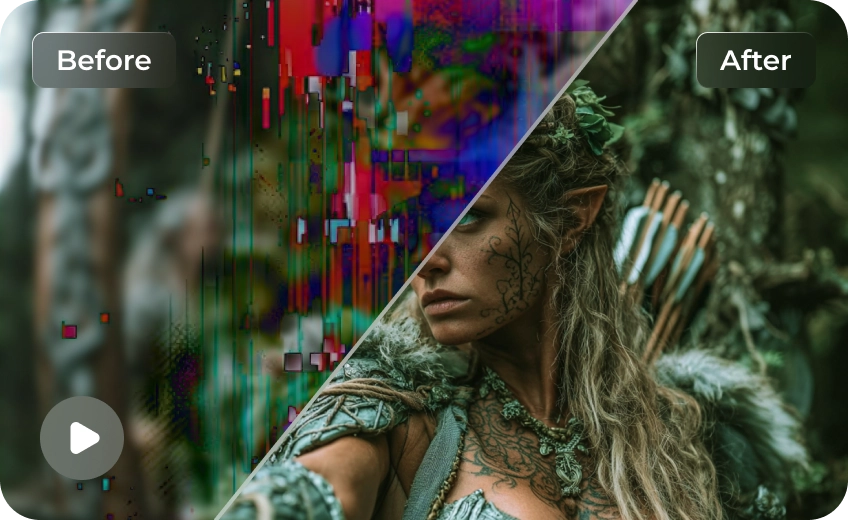
FAQs About AI Movie Upscaler
The best AI movie upscaler should improve resolution, restore fine details, and reduce visual noise while keeping footage natural. HitPaw VikPea offers AI enhancement models for upscaling AI-generated movies to 4K and refining video quality.
Import your 720P AI movie into HitPaw VikPea, select the UHD Restoration Model, and set the output resolution to 4K. Preview the enhanced result, then export your video with sharper details and improved clarity.
Yes. HitPaw Online AI Video Enhancer lets you enhance video quality online without installing software. It's a convenient option for improving low-resolution AI movie clips and making them clearer.
Tips & Tricks for AI Movie Upscaler
 HitPaw VikPea
