



Upscale Nano Banana Images Without Quality Loss
Google’s latest Nano Banana 2 (Gemini 3 Flash Image) model creates incredible visuals, but the output is often resolution-limited. With HitPaw FotorPea, not only can you generate exactly what you want using the Nano Banana model, but you can also further enhance your creations instantly.



Perfect Your Nano Banana Creations: High-Fidelity AI Upscaling
Restore Macro Textures in Tropical Still Life
Easily turn your Nano Banana fruit renders into 8K masterpieces. HitPaw FotorPea restores every organic detail and texture, making your AI art look as realistic as a high-end photograph.
Refine High-End Interior & Decor Renders
Sharpen the clean lines of your modern interior designs except using Nano Banana upscaler prompt. HitPaw FotorPea removes blur and refines 3D renders, making your portfolio ready for professional presentation in just a few clicks.
Reveal Details in Creative Miniature Scenes
Transform low-res Nano Banana photo into high-quality art. Using HitPaw FotorPea, you can reveal hidden details and maintain a beautiful depth-of-field, ensuring every tiny scene looks sharp for printing or display.
Sharpen Vivid Colors for Social Media Showcases
Make your Nano Banana creations stand out on Instagram or X. HitPaw FotorPea cleans up AI artifacts and boosts color clarity, creating crisp, eye-catching posts that look great on any screen.

Lossless Enlargement

Multi-Format Support

Batch Processing

Local Perfomance
Use Cases: AI Enlarger Tailored for Every Scenario
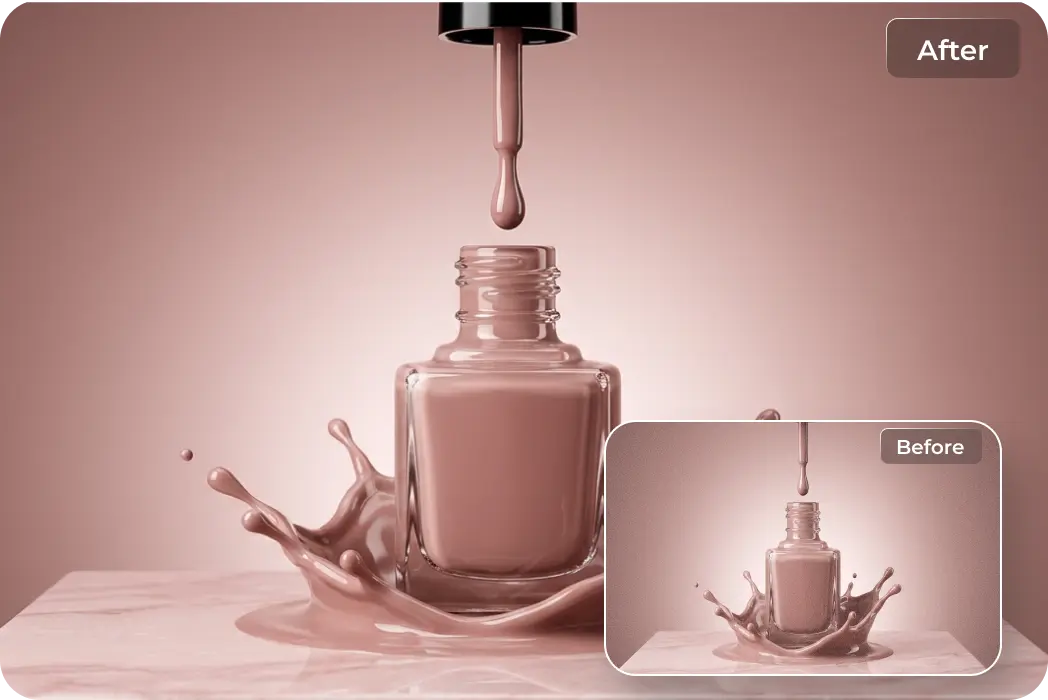
Upscale AI-Generated Brand Graphics
Upscale Nano Banana concepts into high-resolution marketing materials. Enhance brand textures and fine details for professional, print-ready quality.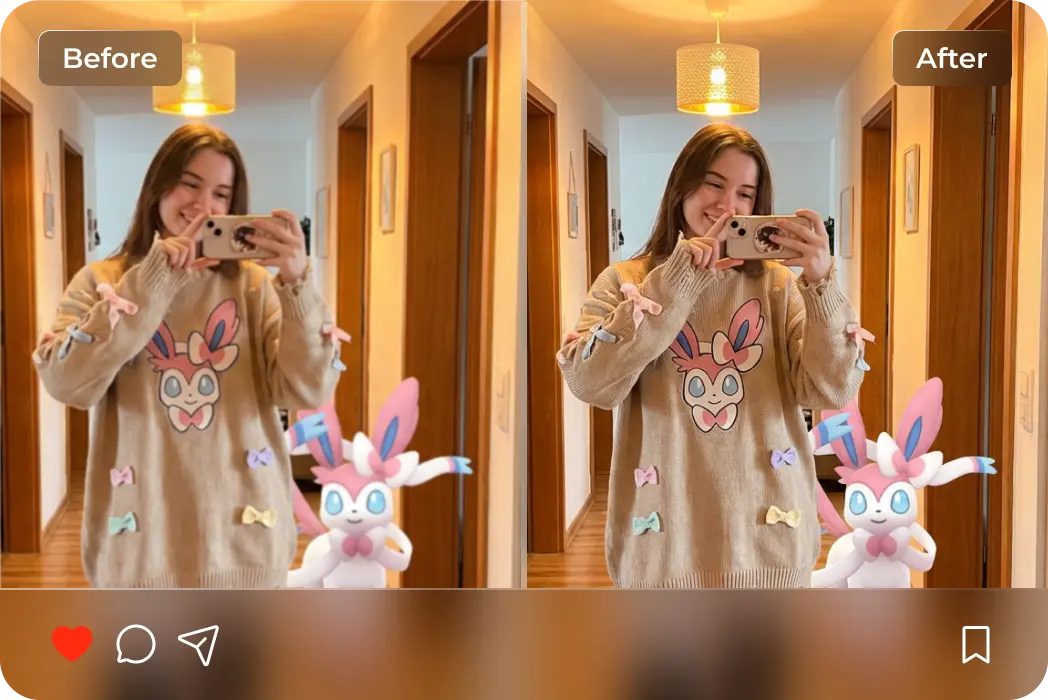
Polish AI Mirror Selfie Realism
Turn low-res Nano Banana outputs into high-res lifestyle shots. Fix subtle facial imperfections and enhance reflections for natural results.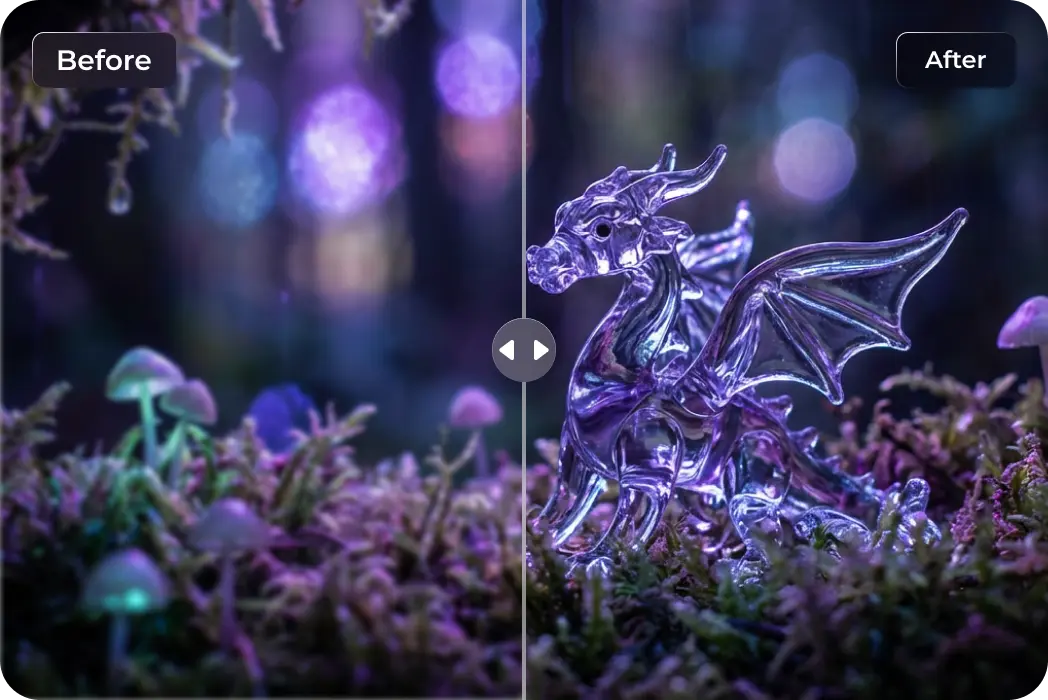
Sharpen Surreal Artistic Visions
Upscale complex surrealist elements. Ensure every dreamlike detail and lighting nuance from Nano Banana is vividly captured.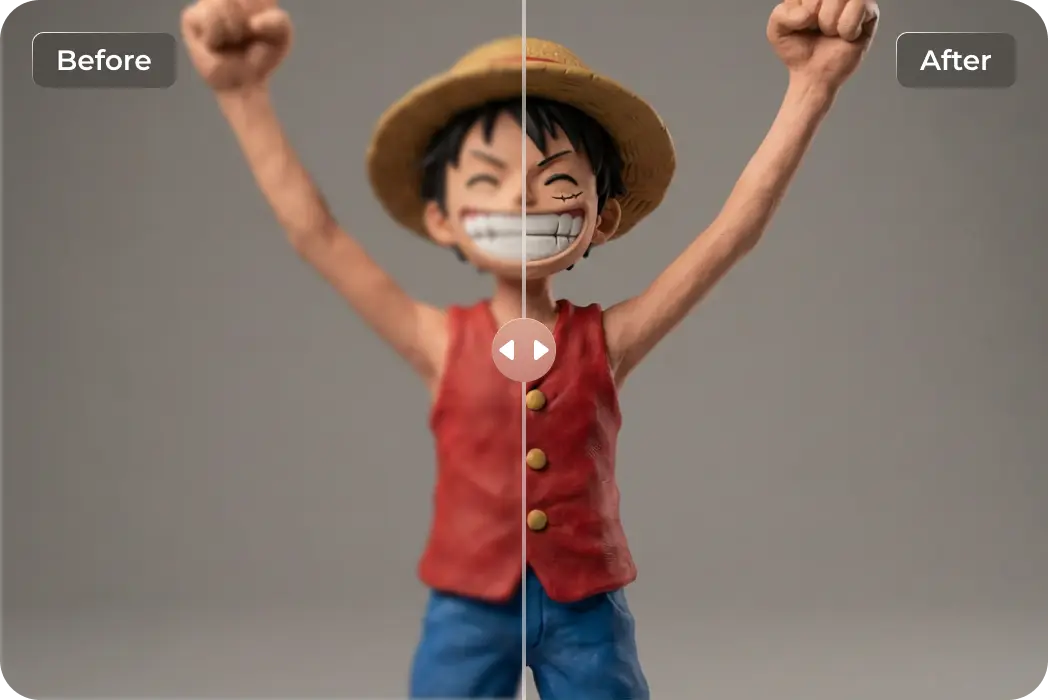
Perfect Stylized Clay Art Details
Bring out the unique tactile textures of clay-style characters. Smooth out AI noise while preserving the handcrafted feel and vibrant, playful colors.What Users Say about HitPaw AI Image Enlarger

Portrait @Creative_Alex

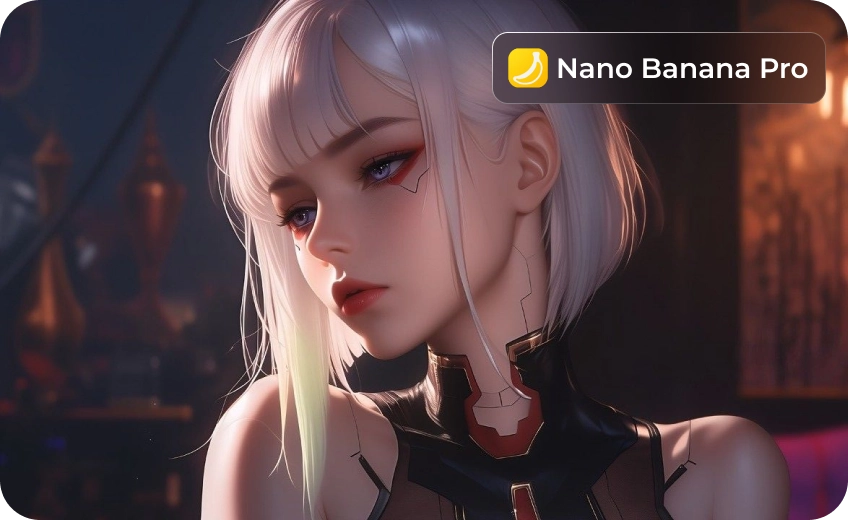
My Nano Banana character portraits looked a bit blurry around the eyes. HitPaw FotorPea sharpened the facial details perfectly without making them look "fake."

Brand Poster @DesignByLiam
I loved the composition from Nano Banana, but the file was too small for my poster. HitPaw FotorPea boosted the resolution so cleanly I could finally print it at a large scale.

Macro Art @NaturePixels_
Nano Banana is great for concepts, but HitPaw FotorPea is what adds that professional "finish." It turned my flat AI textures into something that looks like a real photo.

Marketing @Social_Mark
To be honest, Nano Banana outputs can be a bit noisy. HitPaw FotorPea cleaned up all the artifacts, making my AI-generated ads look crisp and premium for my feed.

Game Player @GameDev_Pro
I used Nano Banana to generate tileable grass textures for my game world, but they looked too soft. HitPaw FotorPea sharpened them up perfectly for our final high-res environmental assets.
How to Enhance Nano Banana Images in 3 Easy Steps
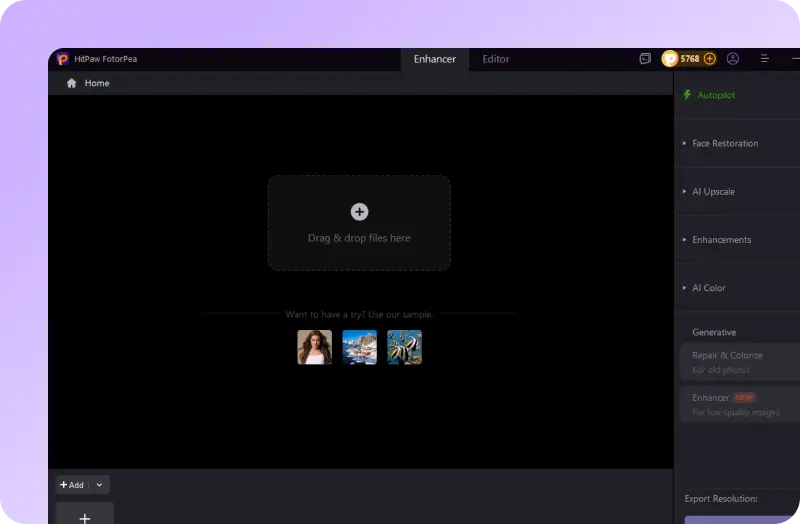
Upload the Nano Banana photo
Generate the image with Nano Banana Model and upload it here.
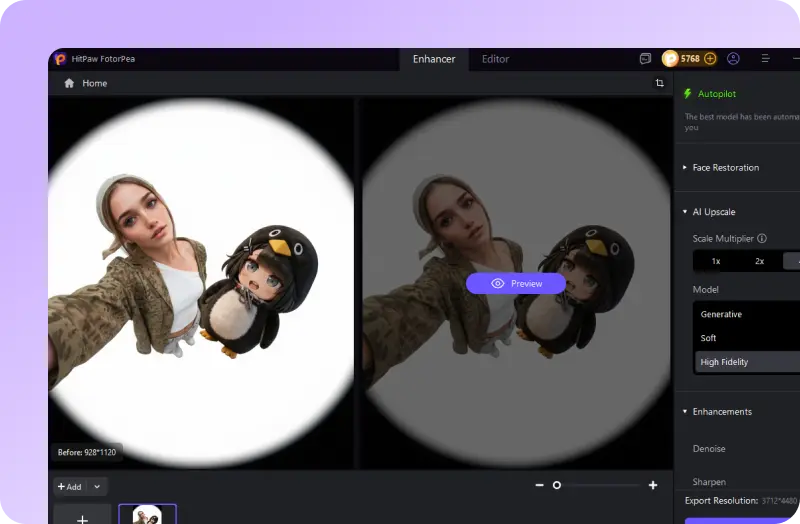
Choose the Upscale model
Choose an AI model that could upgrade your AI image quality while preserving details.
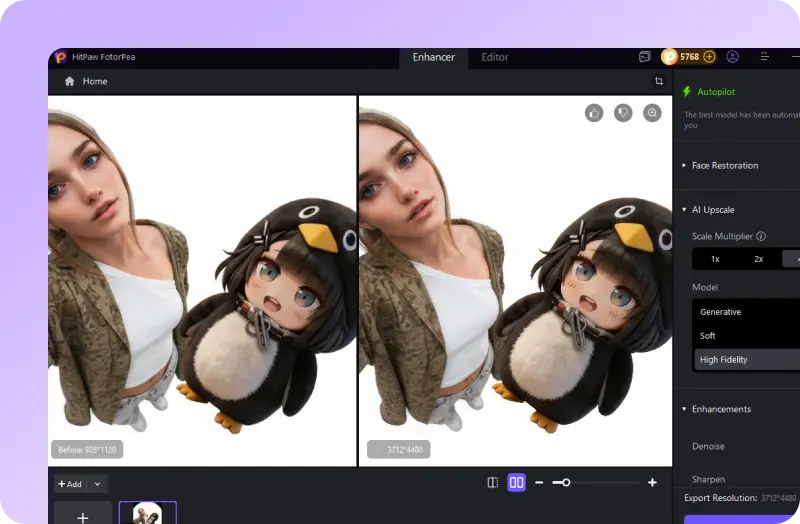
Preview and download
Download the high-res result. If you want to edit more, head to the Editing part for smart results.
Discover More Photo Tools with HitPaw FotorPea
FAQ About HitPaw FotorPea Nano Banana Upscaler
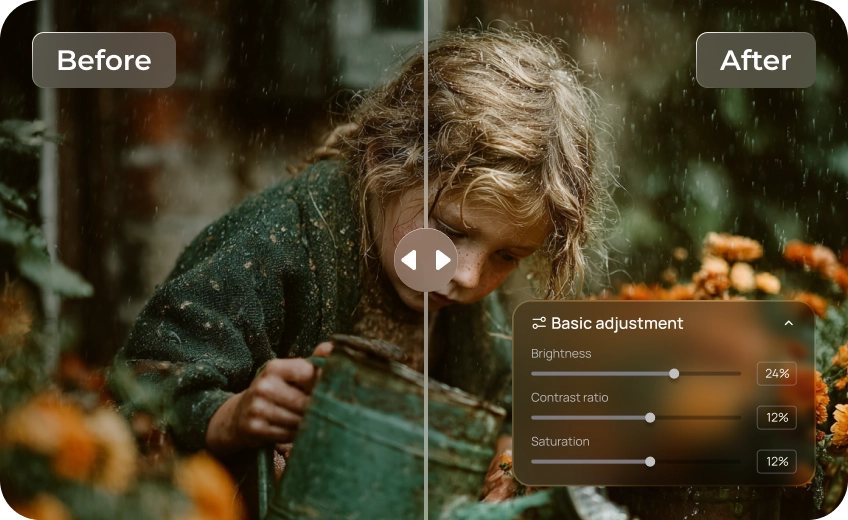
To fix blurry AI images, enhance your Nano Banana prompt with technical terms like "sharp focus" or "8K textures," then use FotorPea's AI Image Enlarger to upscale the resolution by up to 8x. This combination ensures high-fidelity clarity and professional-grade detail that standard AI generation might miss.
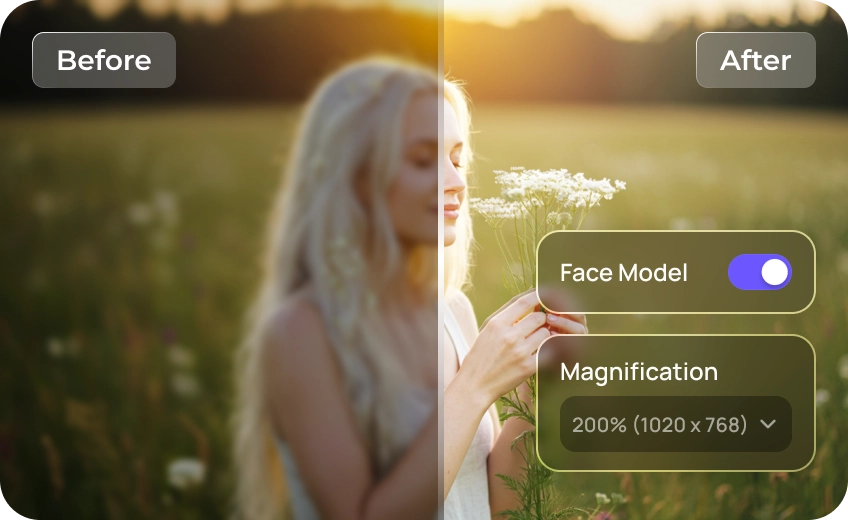
Yes. By using our specialized generative upscale and sharpen tools, HitPaw FotorPea identifies and removes typical AI noise and blur. It's the smartest way to upscale AI images while actually improving the overall clarity and realism.
Absolutely. The high-fidelity processing in HitPaw FotorPea is designed to preserve the original color profile and lighting of your Nano Banana art. When you upscale, the vibrant yellows and tropical tones of your render will remain as vivid as intended.
To achieve a "movie-like" feel, add technical prompt keywords such as "cinematic lighting," "anamorphic lens," and "8k anamorphic wide-shot." For the final touch, use FotorPea to apply professional color grading and a subtle film grain, instantly giving your images a high-end, silver-screen aesthetic.
Tips & Tricks for HitPaw FotorPea Photo Enlarger
 HitPaw FotorPea
Nano Banana Image Upscaler for Quality Needs
