


Add Files
Launch HitPaw Video Converter, add or drag media files to the program.

Enhance Videos with AI on Windows

Enhance Videos Up to 8K on Mac
Convert, Edit and Compress Videos on Windows
Convert, Edit and Compress Videos on Mac
All-in-one Video Editing Suite on Windows & Mac
Remove Unwanted Object from Videos on Windows & Mac

Edit, Convert, Record - All in One Video Toolkit
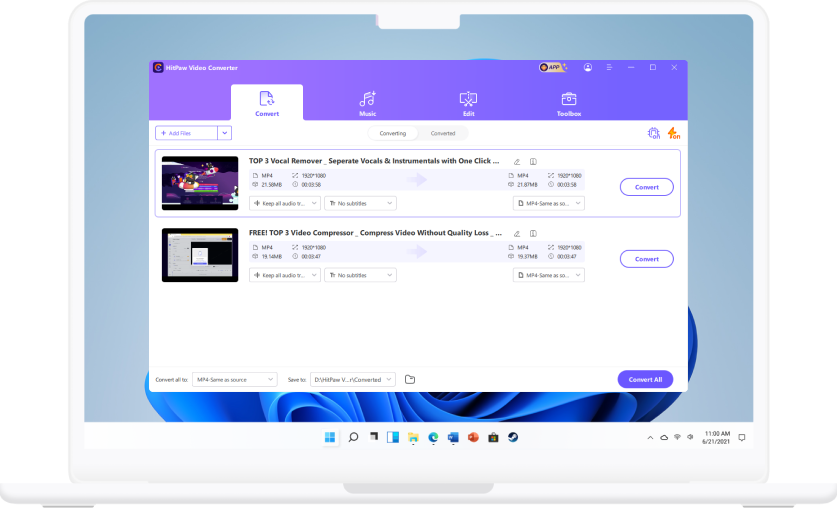
Launch HitPaw Video Converter, add or drag media files to the program.
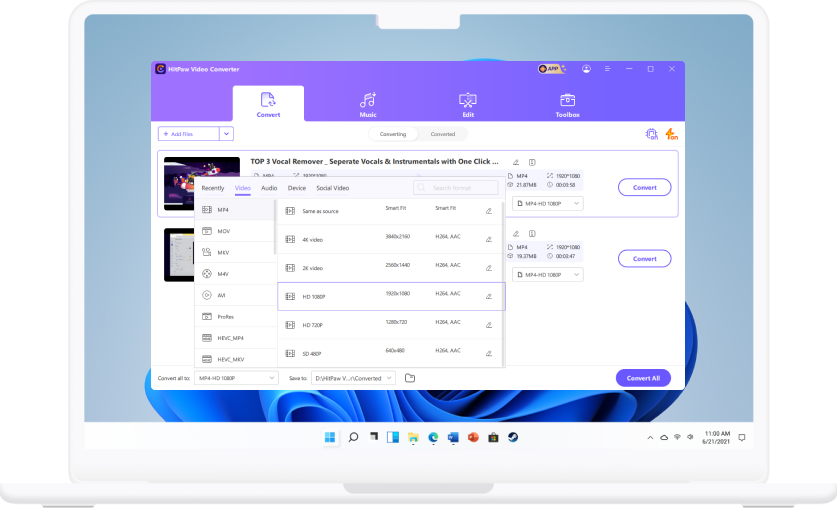
Select an output format or profile you need, and choose output folder.
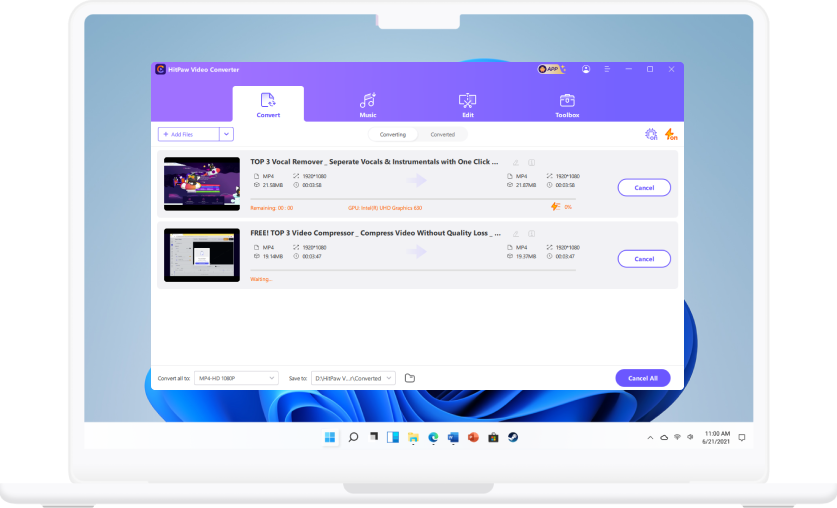
on Click Convert to convert a single file or Convert All to convert files in bulk.
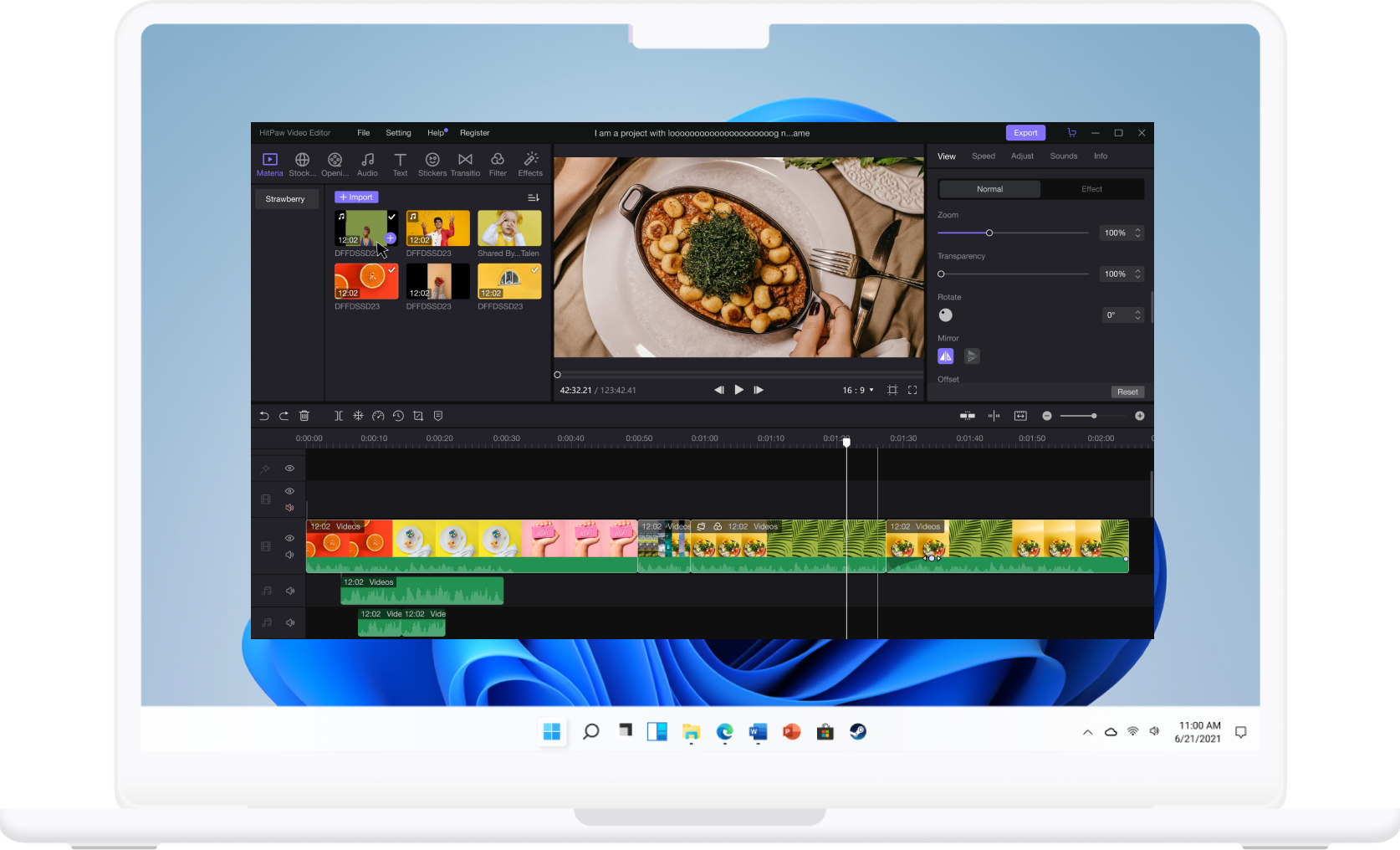
Click the “+” button to select media files or drag and drop files to upload to the program.
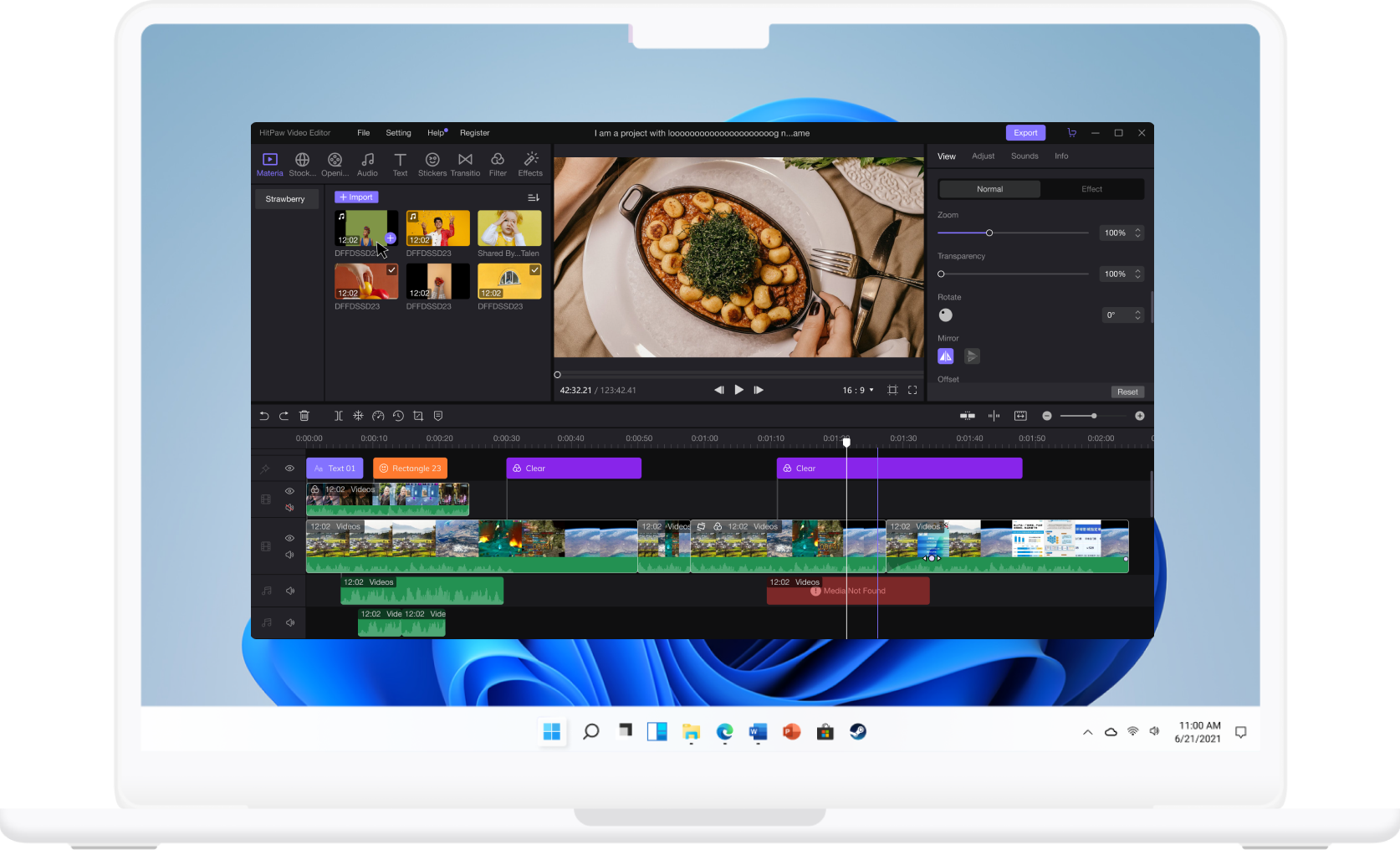
Choose video and sound effects in media library and apply them to the videos, and adjust parameters at the property panel.
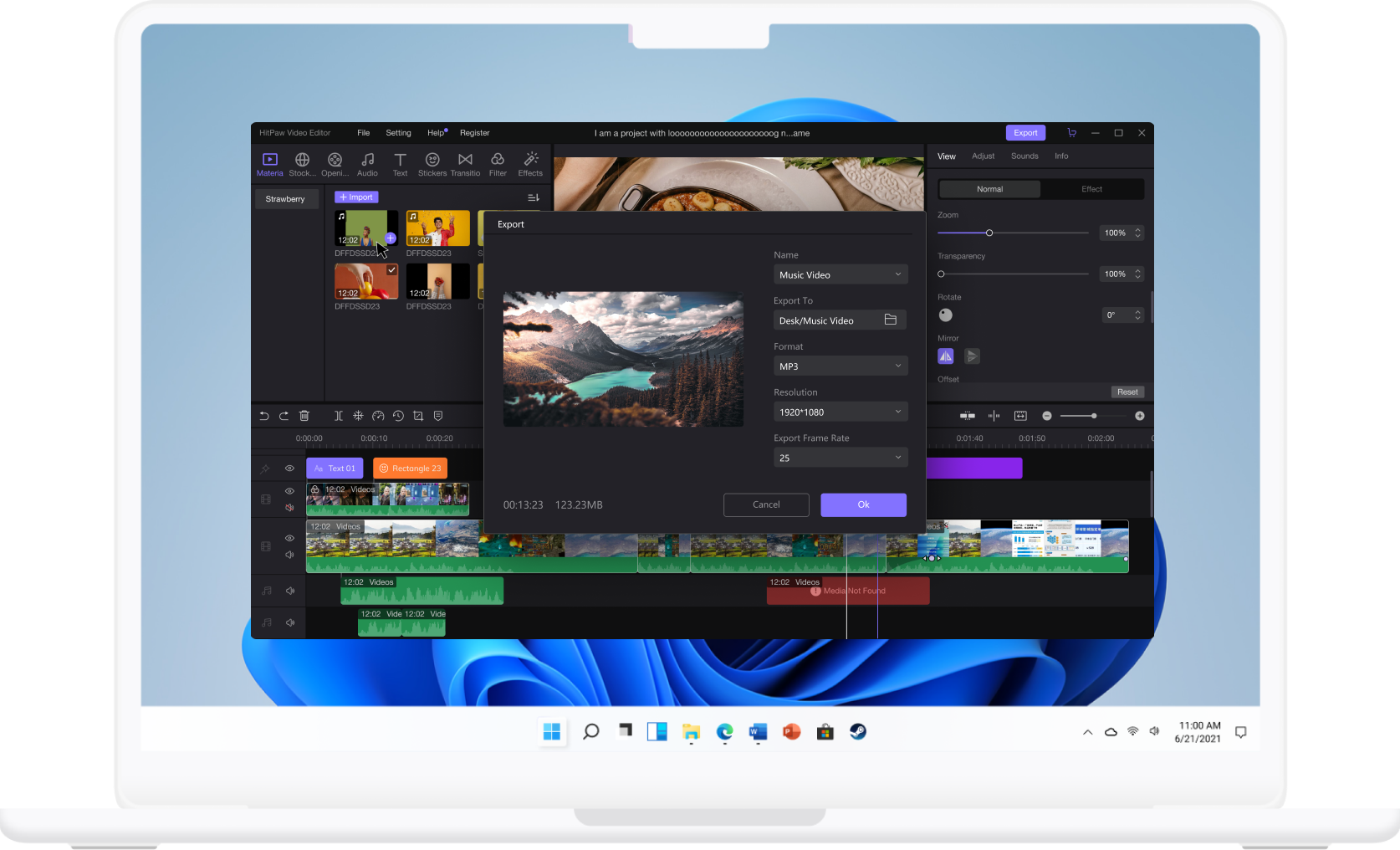
Click the export button to change some settings before final exporting.
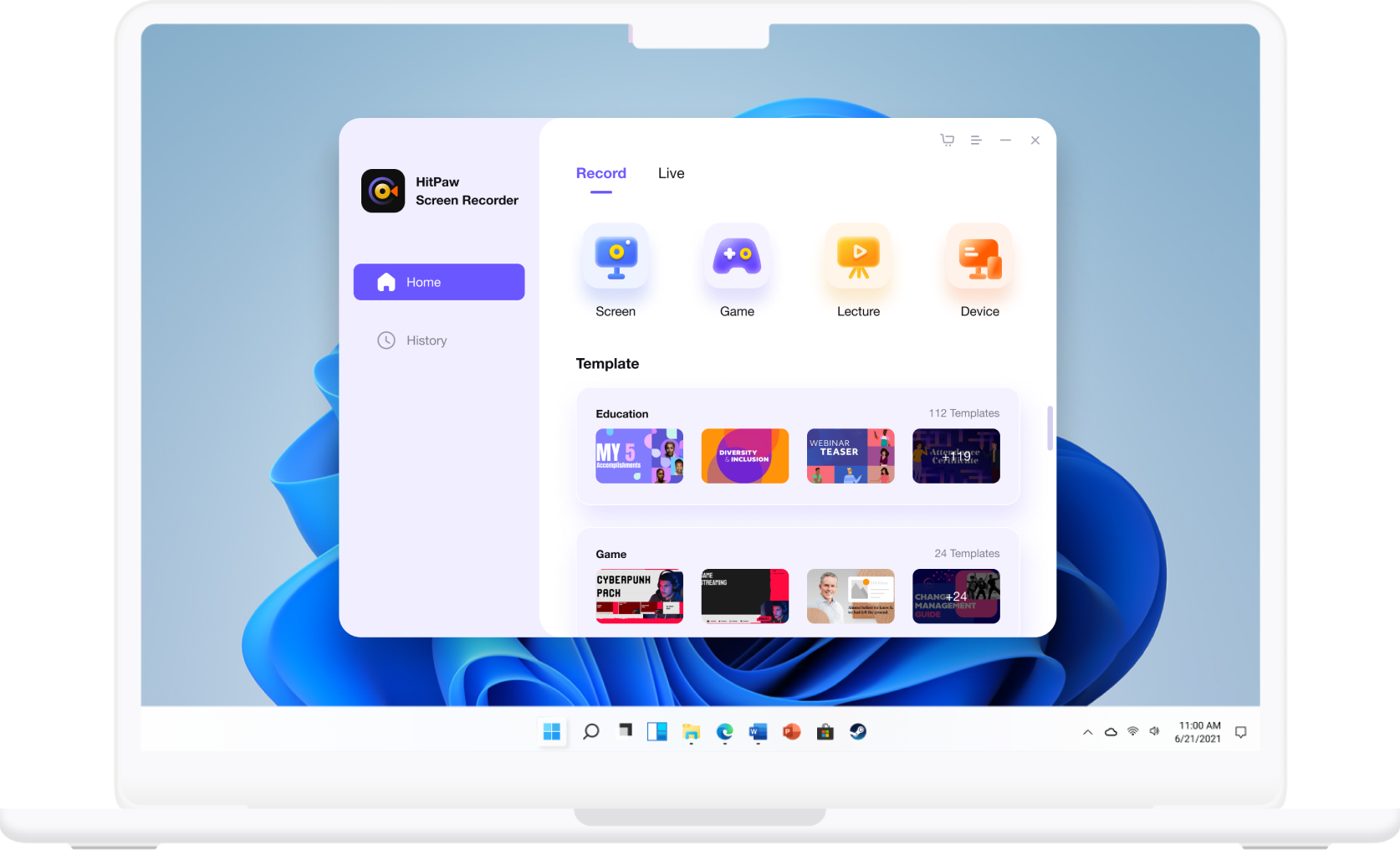
Choose "Record" or "Live" according to whether you need to record the video or want to start live streaming or join a video meeting.
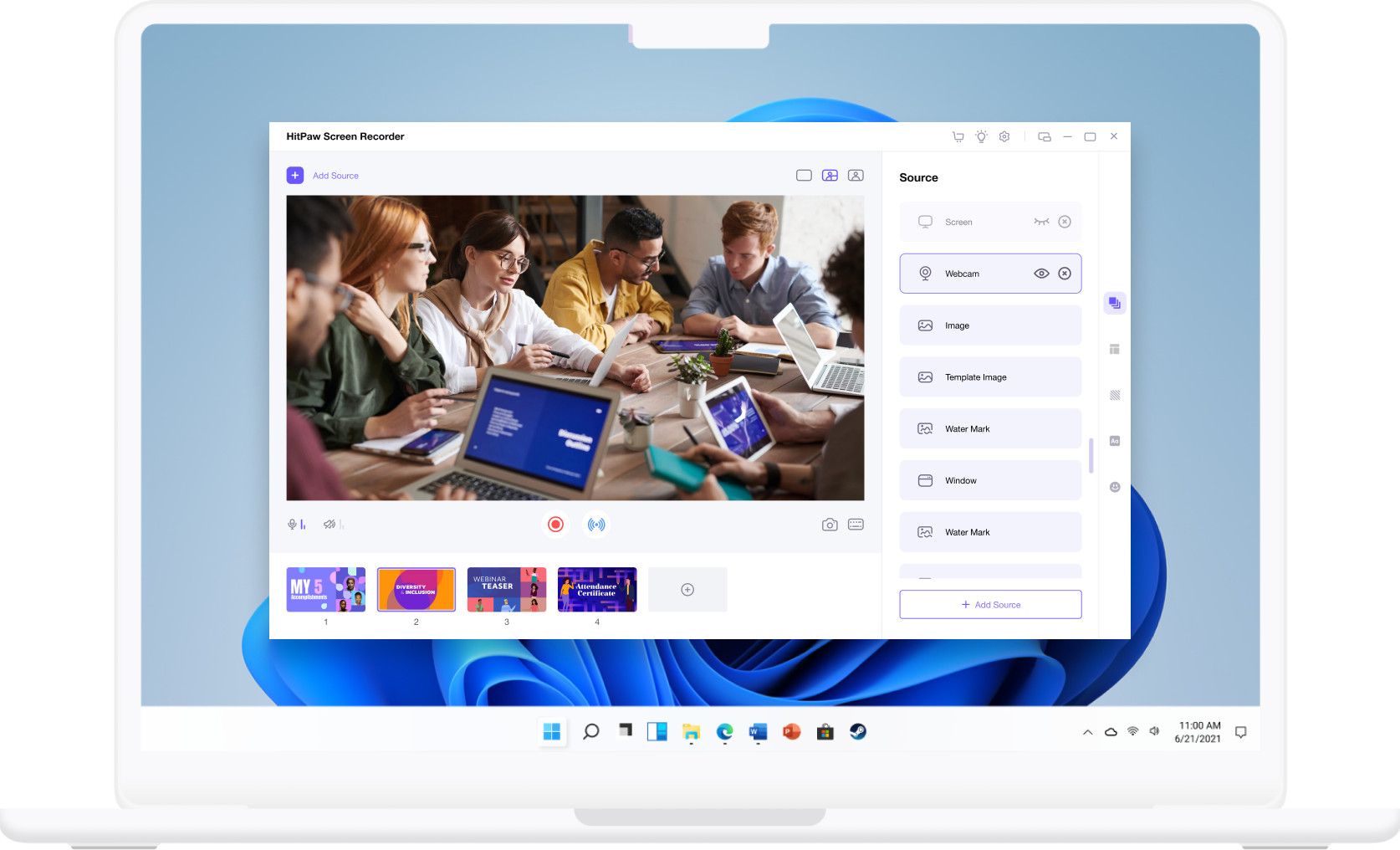
You can add any sources you need, templates you want to apply, stickers or texts you prefer. Just set and edit to get the satisfying effects you need.
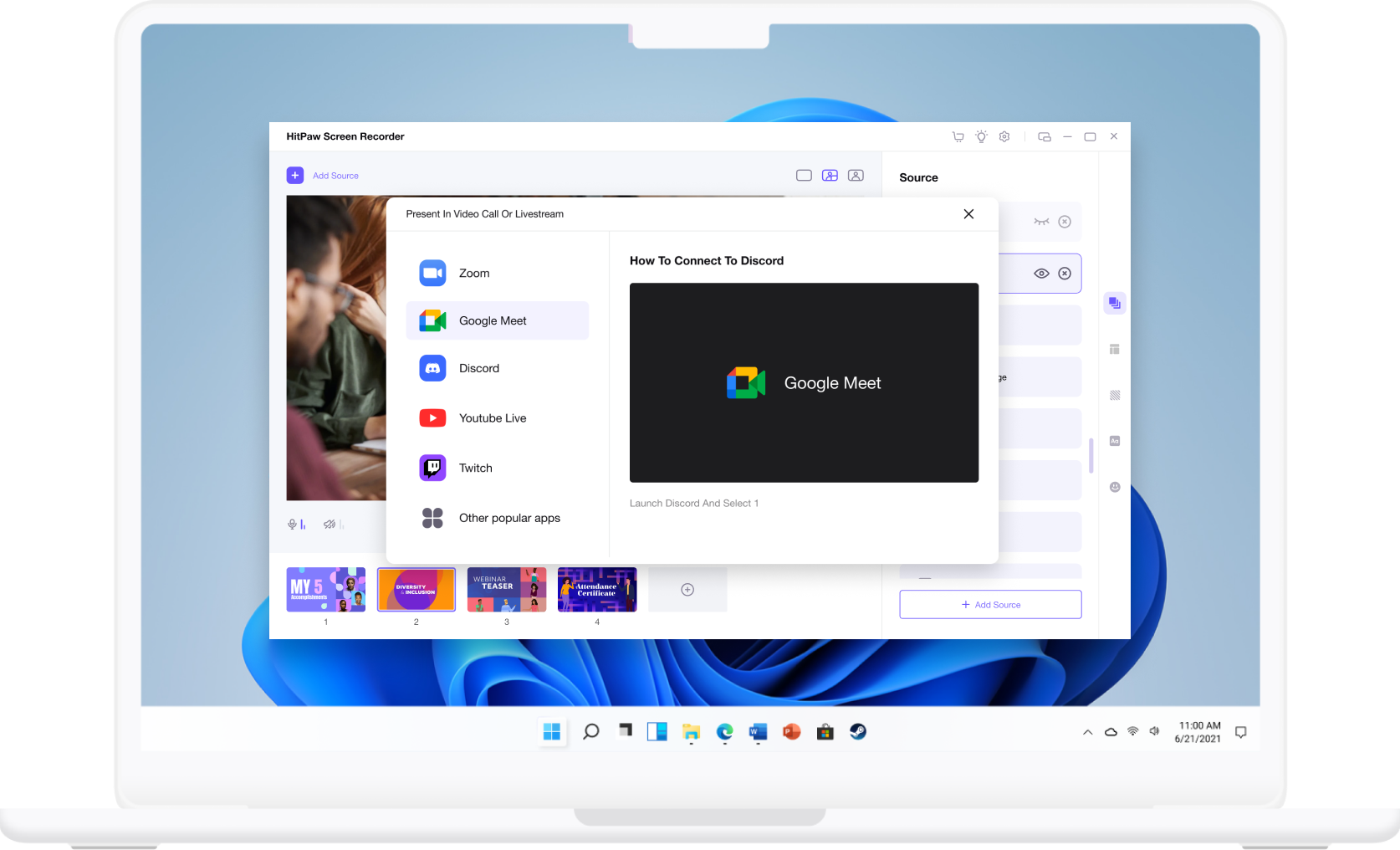
Record or present your contents to streaming platforms or video meeting applications. And now, you can record or stream you want to show.
Get the latest big sales, tips and tricks, update, new release, etc.
Powerd by trained-AI, it can easily increase video resolution up to 8K
An easy-to-use but powerful video editor to bring unlimited creativity